Brief Overview
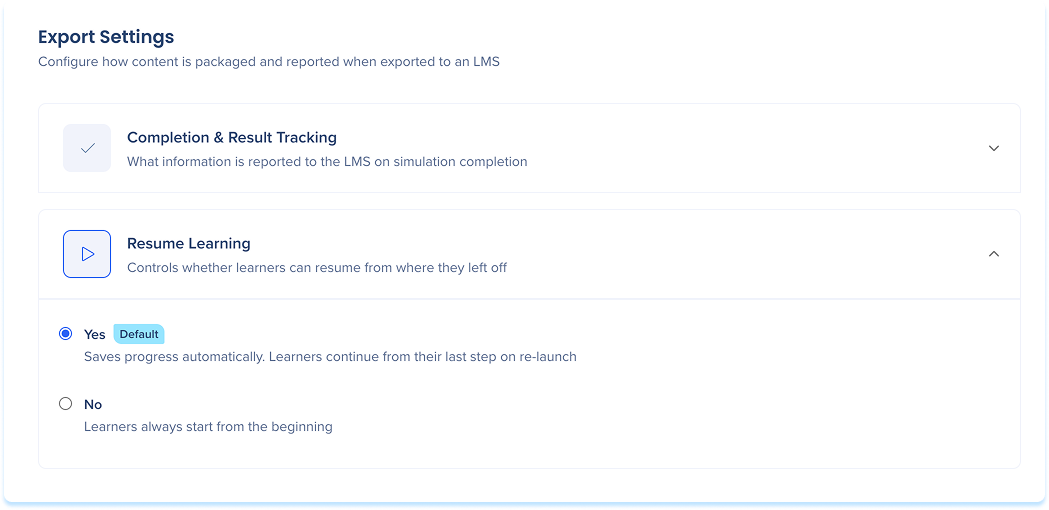
Export Settings controls how your learning and simulation content is packaged and reported when exported to an LMS. These are global settings that apply to all exported content. Use them to define what data gets sent to the LMS on completion, how scores are formatted, and whether learners can resume from where they left off.
Completion and Result Tracking
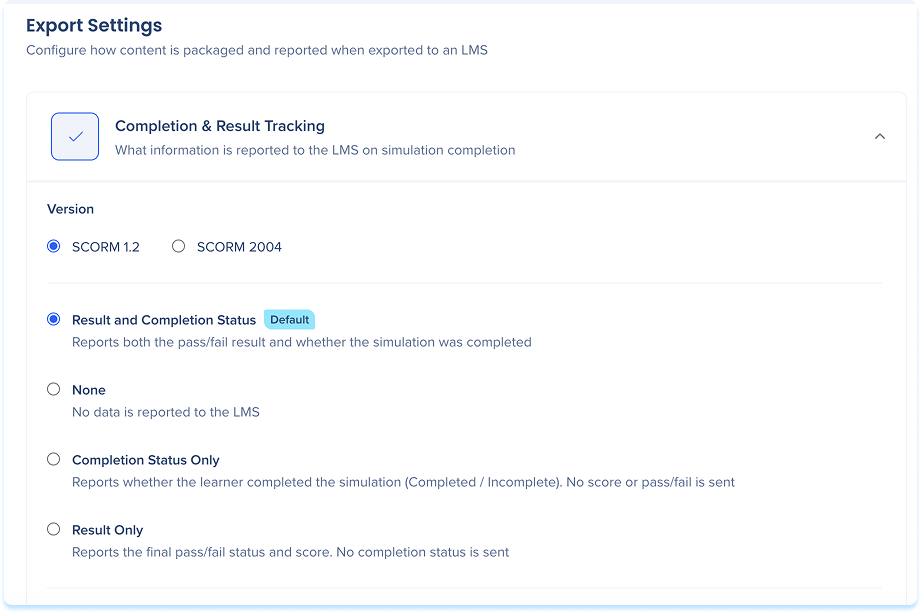
Controls what information is reported to the LMS when a learner finishes a course or simulation. Choose one of the following options:
- Version: Choose the default version for SCORM exports, SCORM 1.2 or SCORM 2004
-
Result and completion status: Reports both the pass/fail result and whether the content was completed
-
None: Sends no tracking data to the LMS
-
Completion status only: Tracks whether the learner finished the course without recording assessment scores
-
Result only: Tracks assessment scores without completion status
Result Type
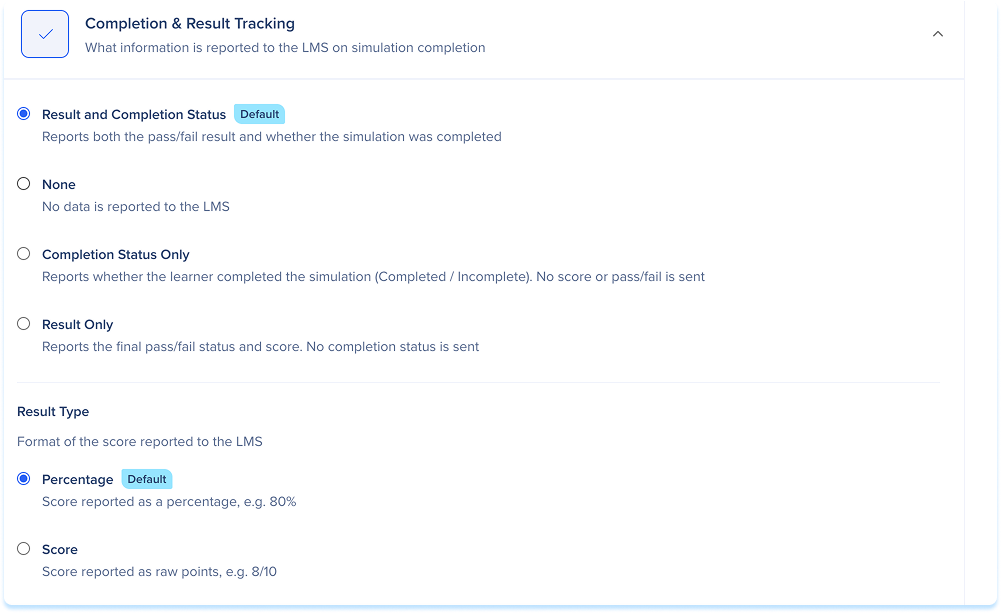
Controls the format of the score reported to the LMS. Choose one of the following options:
-
Percentage (default): Score is reported as a percentage, for example 80%
-
Score: Score is reported as raw points, for example 8/10
Resume Learning
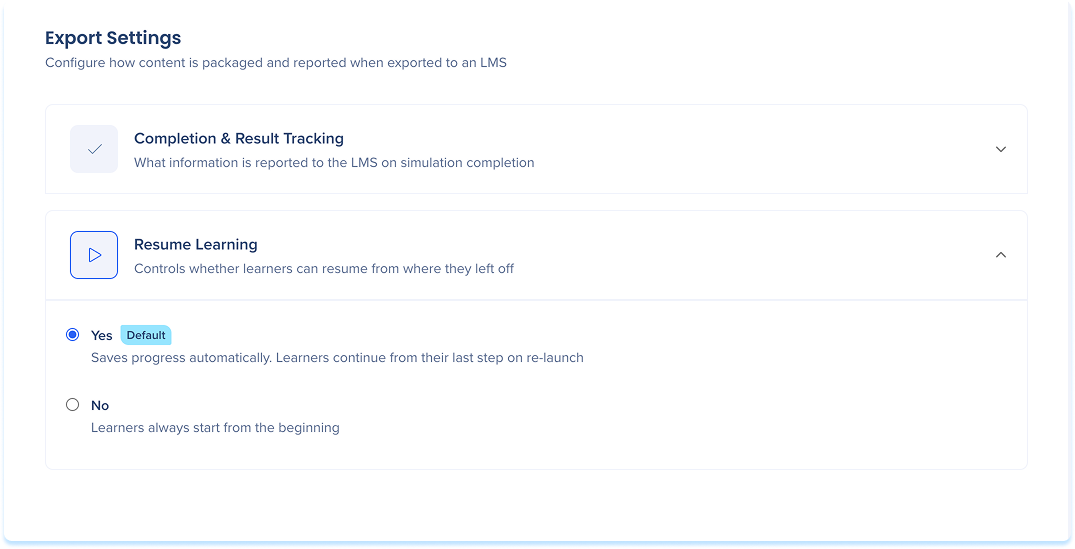
Controls whether learners can pick up where they left off when they relaunch content. Choose one of the following options:
-
Yes (default): Saves progress automatically, learners continue from their last step on re-launch
-
No: Learners always start from the beginning