Brief Overview
A microlearning is a single, focused lesson designed for short learning moments. Use a microlearning when you want to deliver one concept or skill quickly, without the structure of a full course.
Create a Microlearning
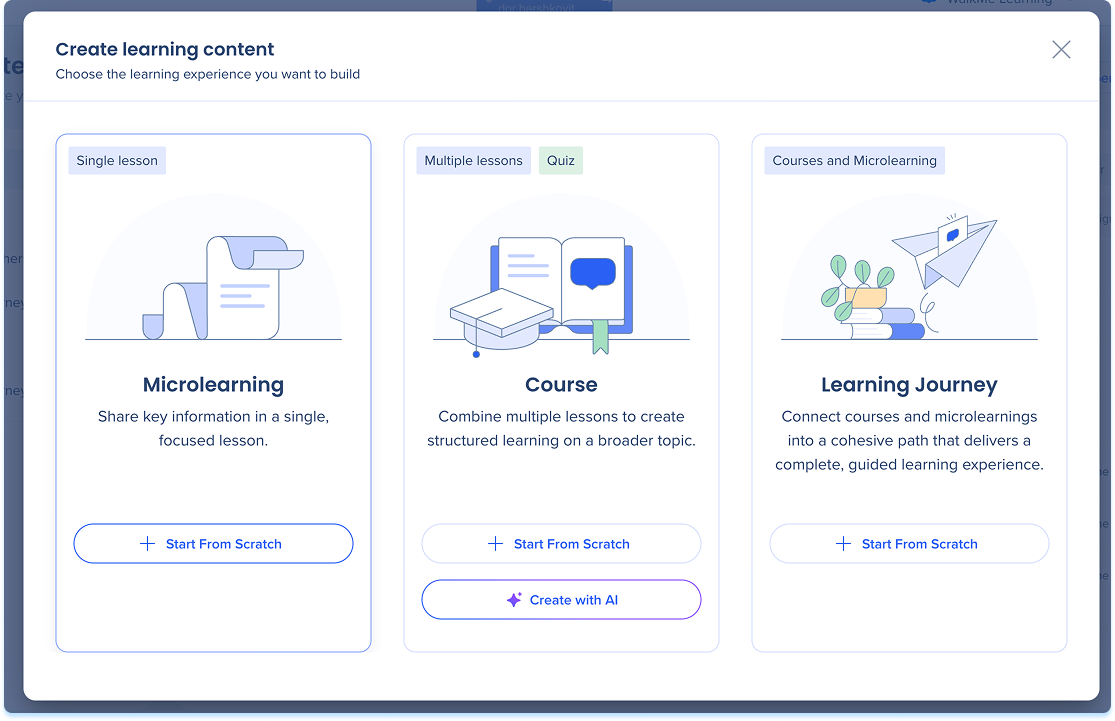
- Go to Learning Content
- Select + Learning Content
- Select Start from Scratch
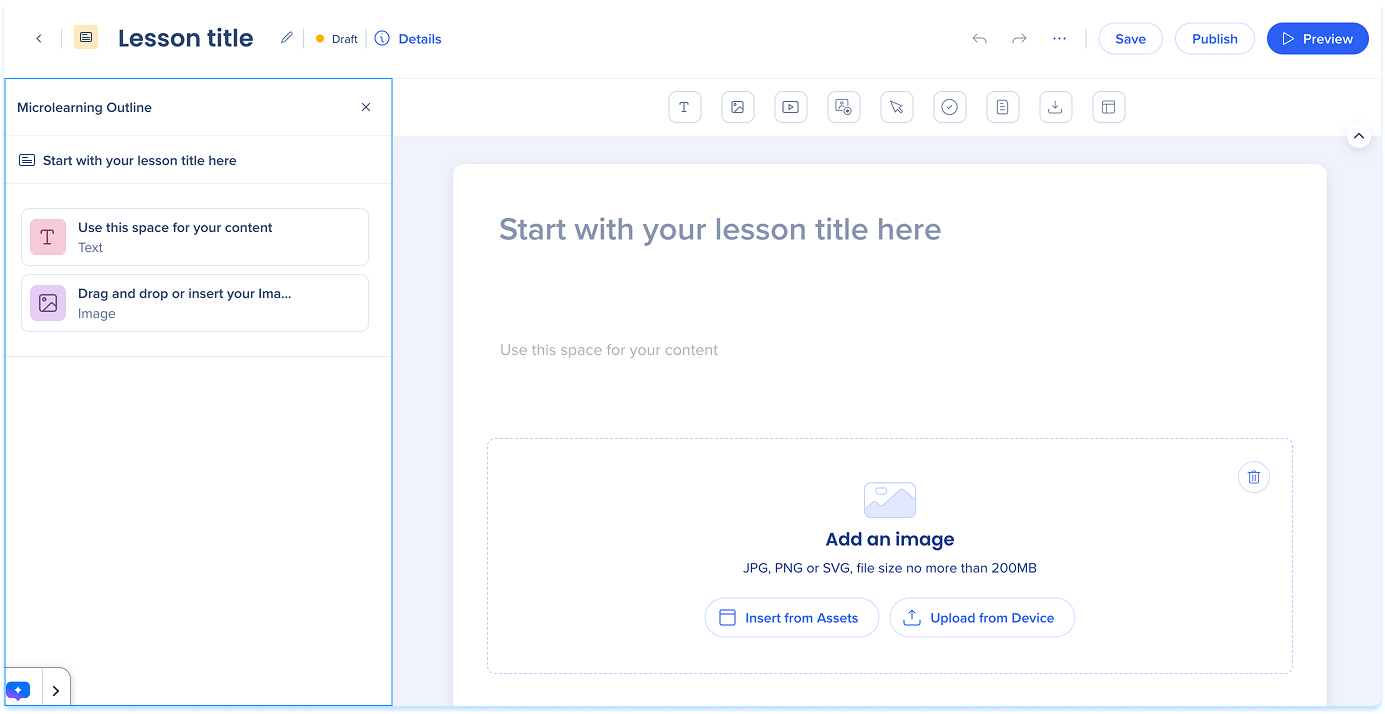
The microlearning opens in the builder with a single lesson ready to edit.
Microlearning Builder Layout
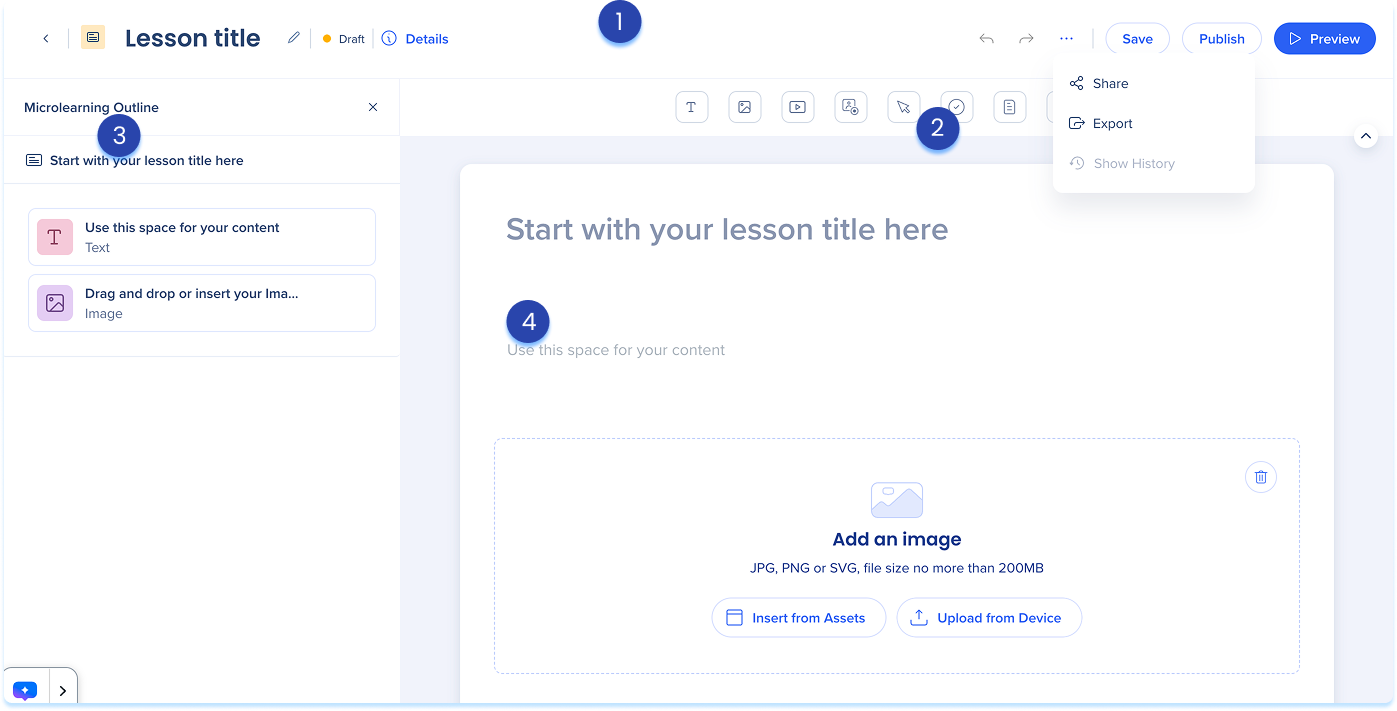
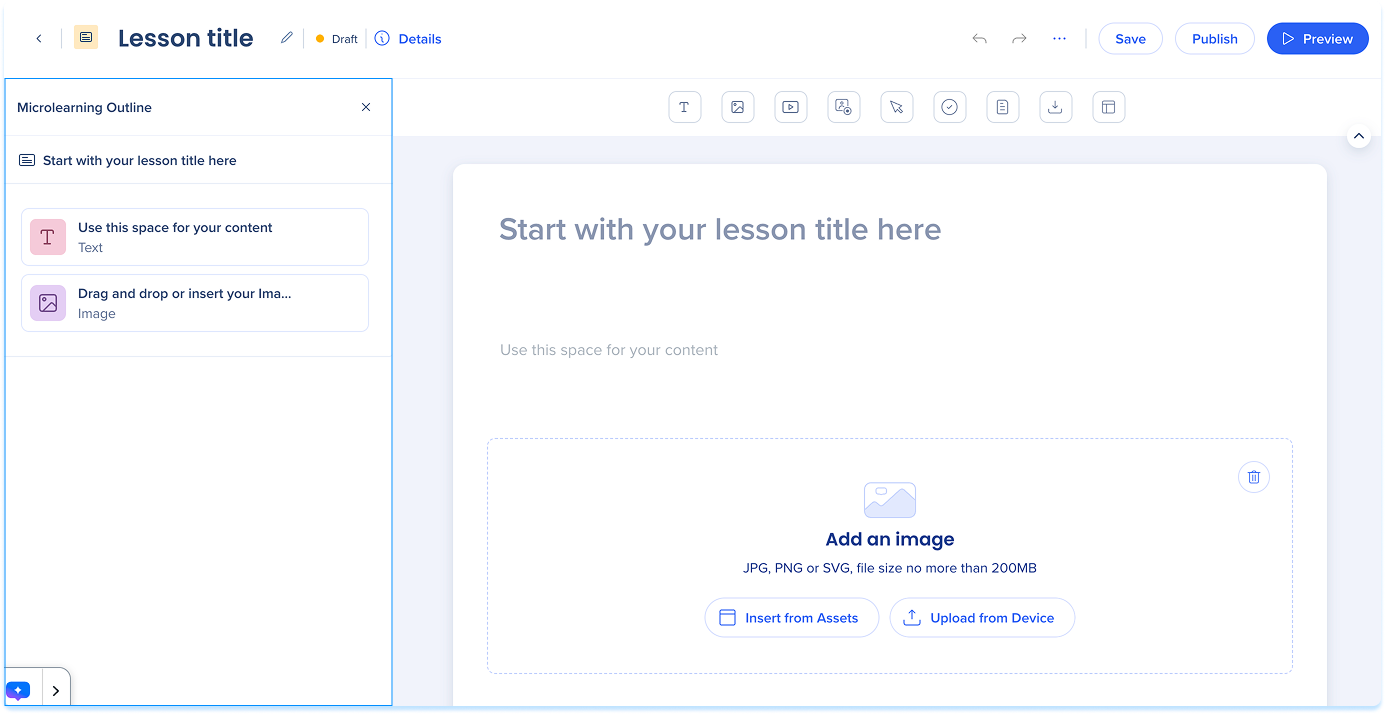
The microlearning builder is divided into four main areas:
- Top panel: Main controls for managing and publishing your microlearning
- Details: View and edit your course information
- Options menu: Access sharing, export, and history
- Elements panel: Toolbar containing all available learning elements you can add to your lesson
- Layers panel: Side panel showing the full structure of your microlearning, including the cover, lesson, and elements
- Main canvas: The area where you build and edit your microlearning content
Microlearning Structure
A microlearning is made up of:
- Lesson: A single learning unit
- Elements: The content blocks inside the lesson, such as Text, Image, or Video
Manage Elements
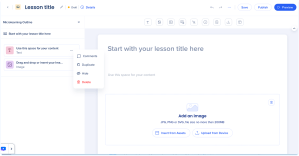
A microlearning supports one lesson, which can include multiple elements. Open the lesson and use the element toolbar or the main canvas to add content.
Elements: Getting Started Guide
Use a Microlearning in a Course
You can add a microlearning to a course from the course builder. In the Course Outline pane, select +, then select Import Microlearning.
In the course, the microlearning appears as a read-only lesson that stays synced with the source microlearning.
Add Microlearning to a Course