Welcome to the
WalkMe Help Center
Please log in to continue
WalkMe stores your data in the region chosen during account setup.
We have data centers in the US and EU that follow local privacy and compliance laws. If you're not sure which region to select, check with your admin.
Lançamento de Produto
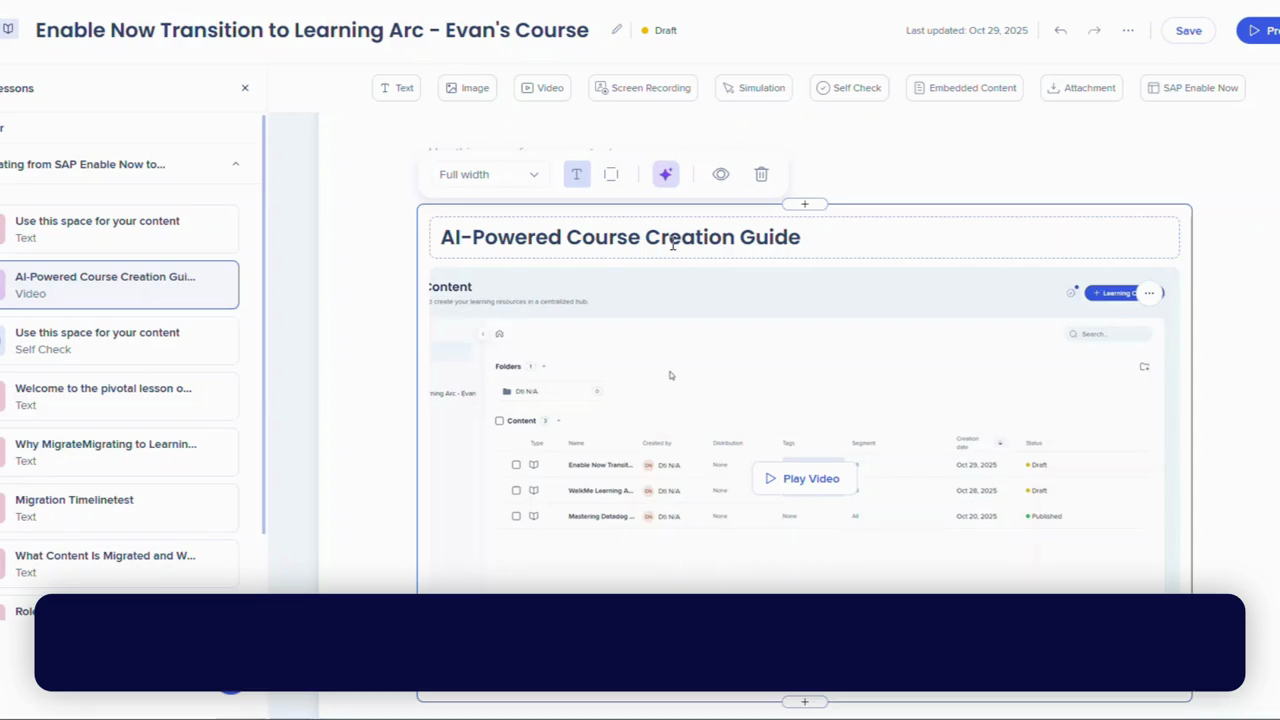
Authoring Learning Content in WalkMe Learning Arc
Create and manage courses and microlearning content using WalkMe Learning Arc
Melhores Práticas
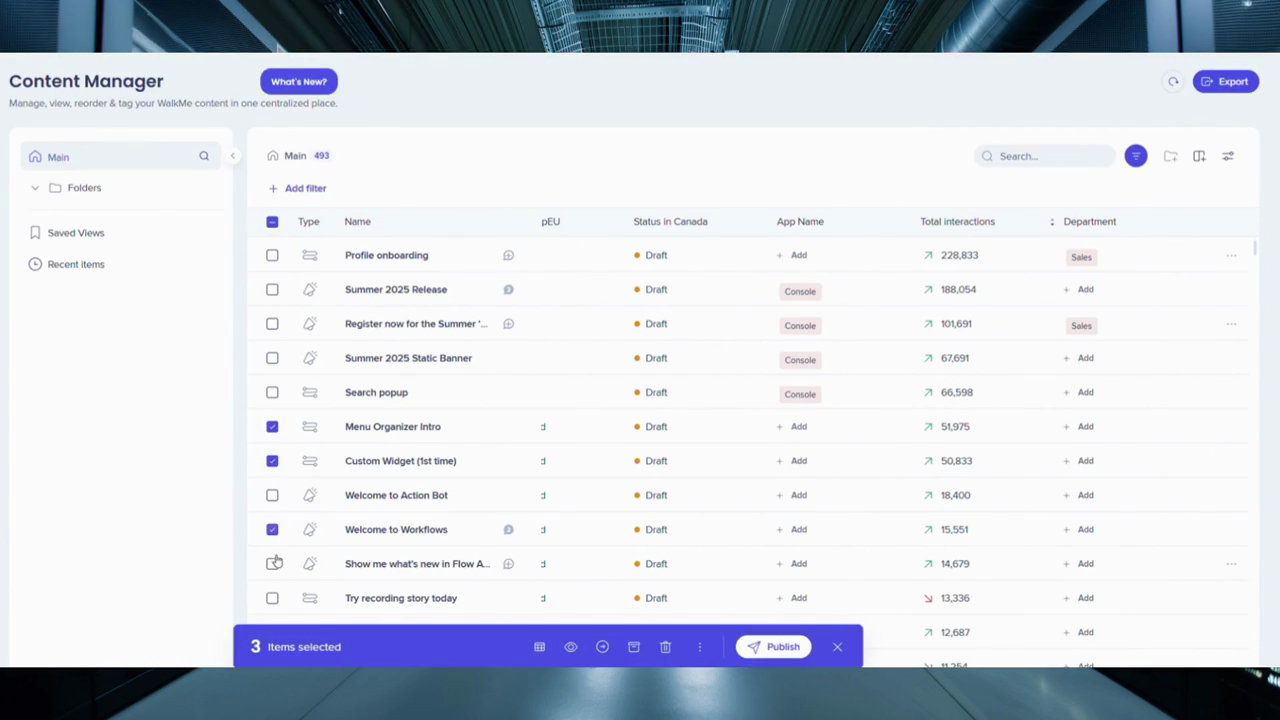
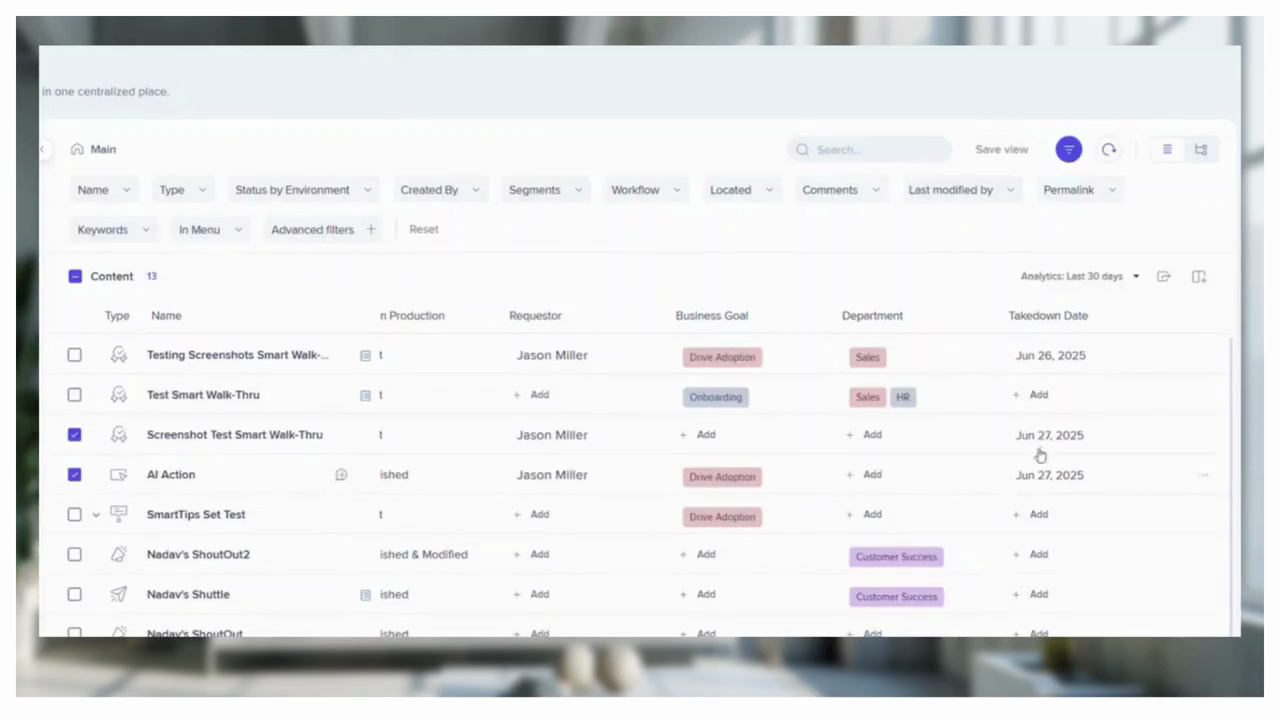
Managing Content in the WalkMe Content Manager
Organize, filter, and track WalkMe content performance from a single workspace
Dicas Avançadas
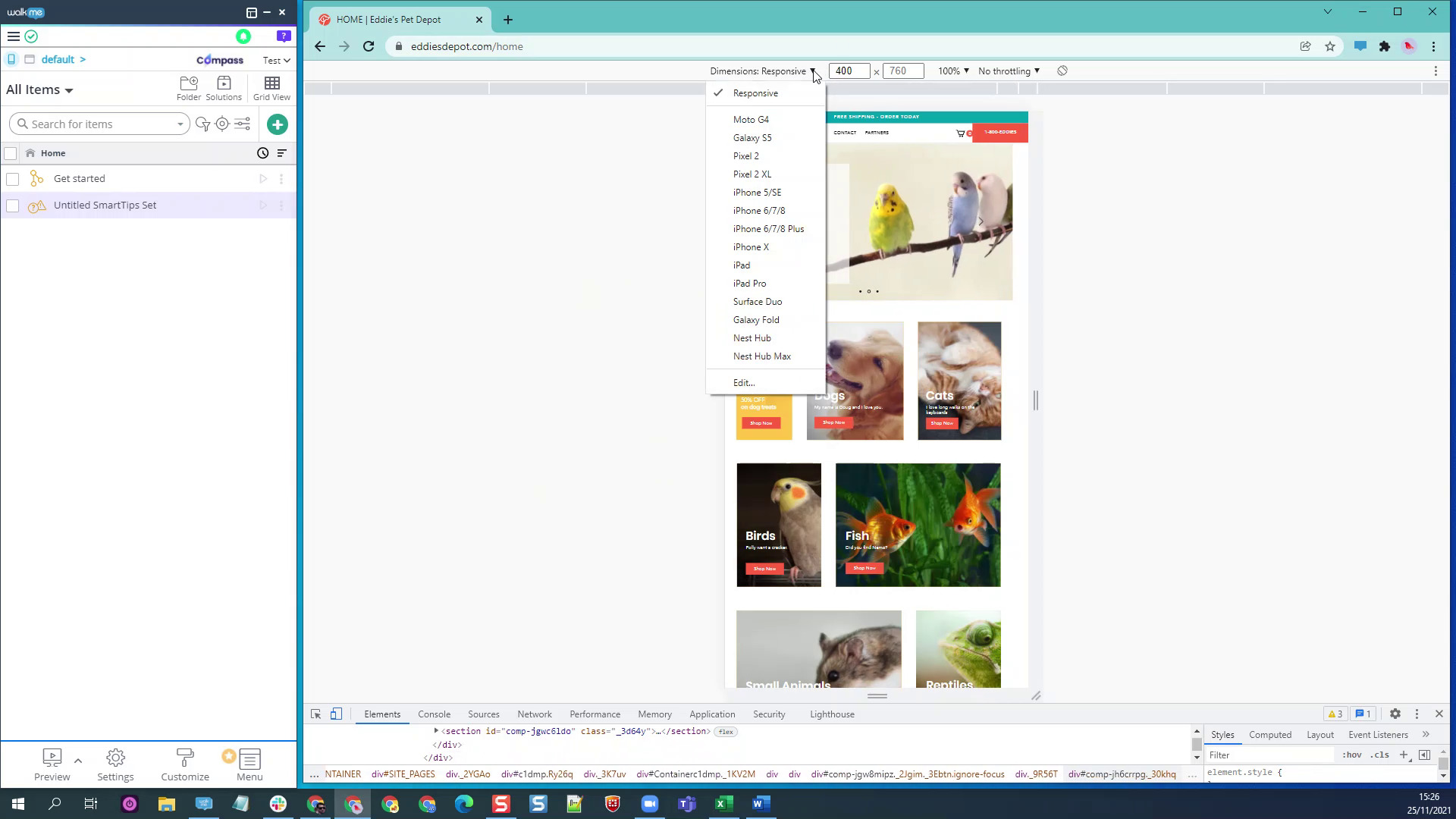
Generate Pre-Written Emails with WalkMe
Create prewritten emails using on-screen data to speed up user support workflows
Lançamento de Produto
Enabling Theming for Existing WalkMe Systems
Enable theming and convert existing content to create a consistent branded experience
Dicas Avançadas
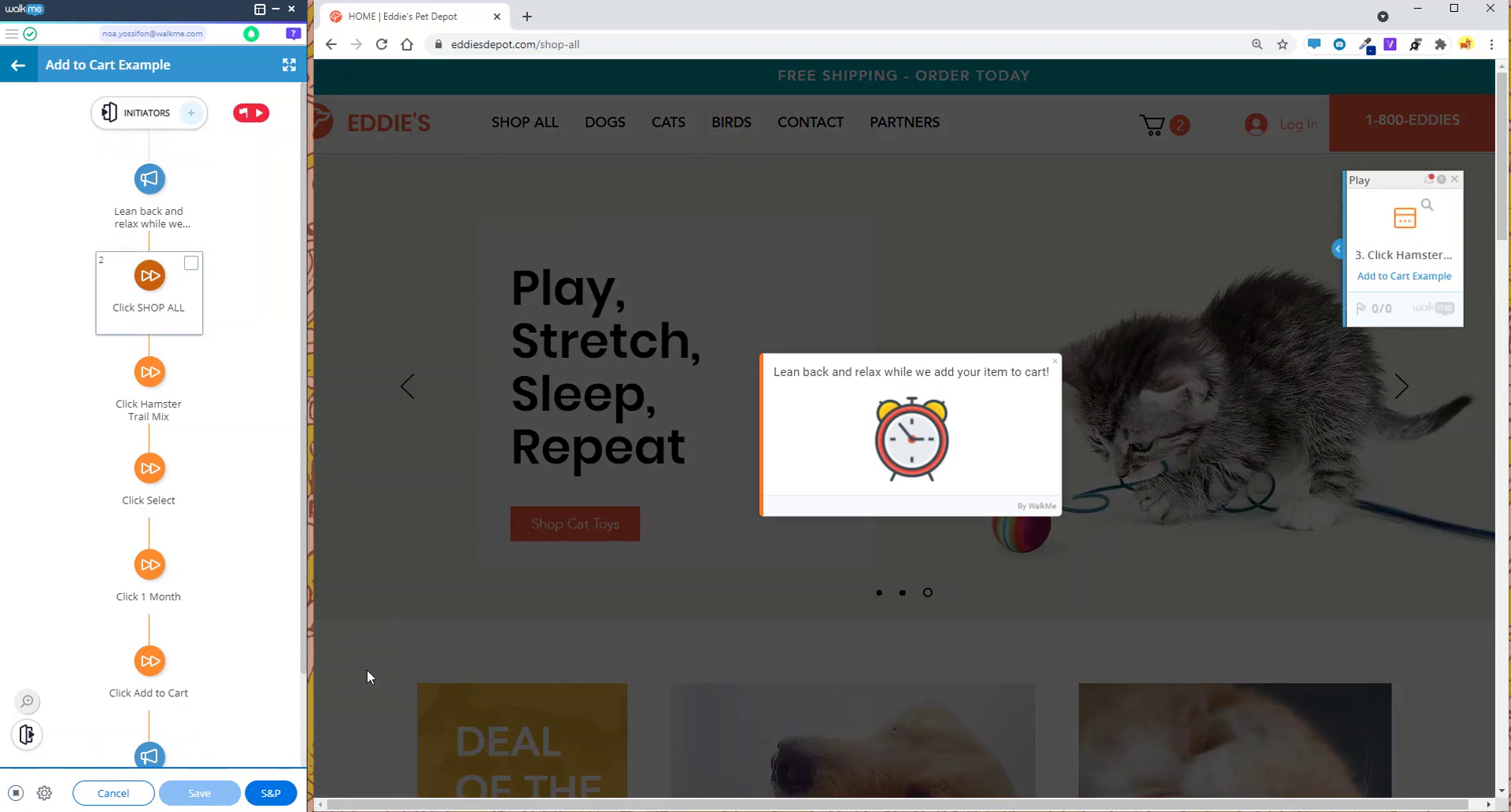
Speeding Up Workflow Testing with Automation
Use a launcher and Smart Walk-Thru to automate test data entry and save time
Dicas Avançadas
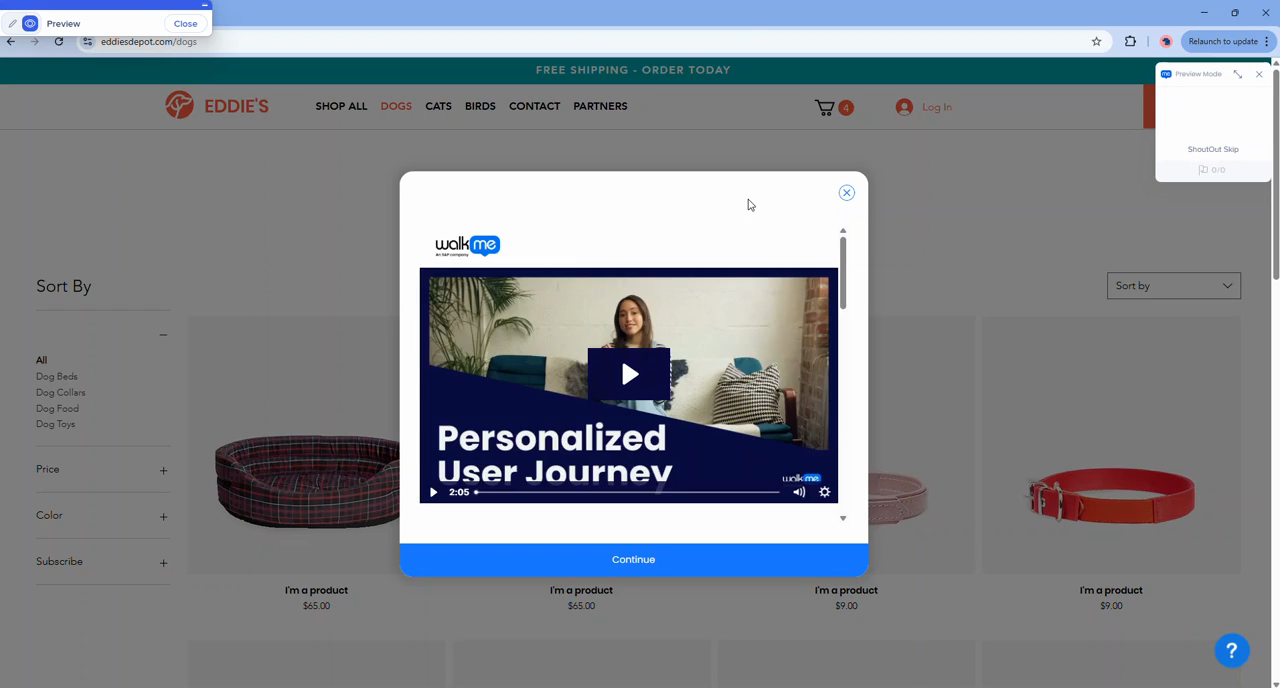
Replaying ShoutOuts After Launching Video Resources
Use a Smart Walk-Thru to relaunch a ShoutOut after a video resource opens for a seamless experience
Melhores Práticas
Choosing Between Splits and Custom Triggers
Learn when to use splits or custom triggers to handle different user paths in Smart Walk-Thrus
Melhores Práticas
Using Advanced Filters in Content Manager
Identify underperforming, inactive, and high-performing content with enhanced advanced filters
Dicas Avançadas
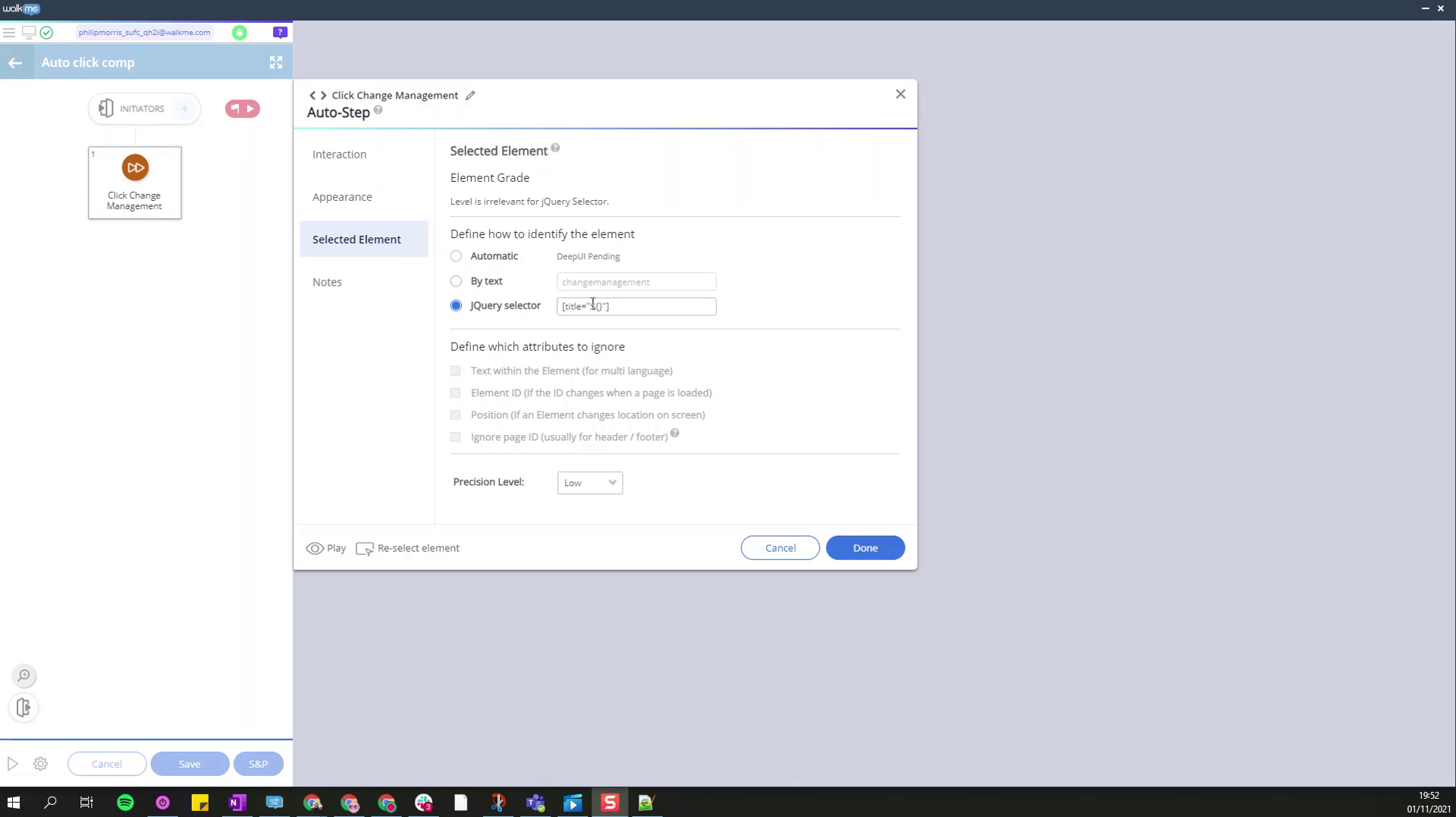
Automating Form Completion with Smart Walk-Thrus
Use a single Smart Walk-Thru to launch multiple automated form completion flows
Dicas Avançadas
Restart a Smart Walk-Thru at a Specific Step
Use WalkMe data and start points to restart a Smart Walk-Thru at a targeted step
Dicas Avançadas
Using Custom Metadata Fields in Content Manager
Tag and organize WalkMe content using custom metadata fields in the Content Manager
Dados e Análises
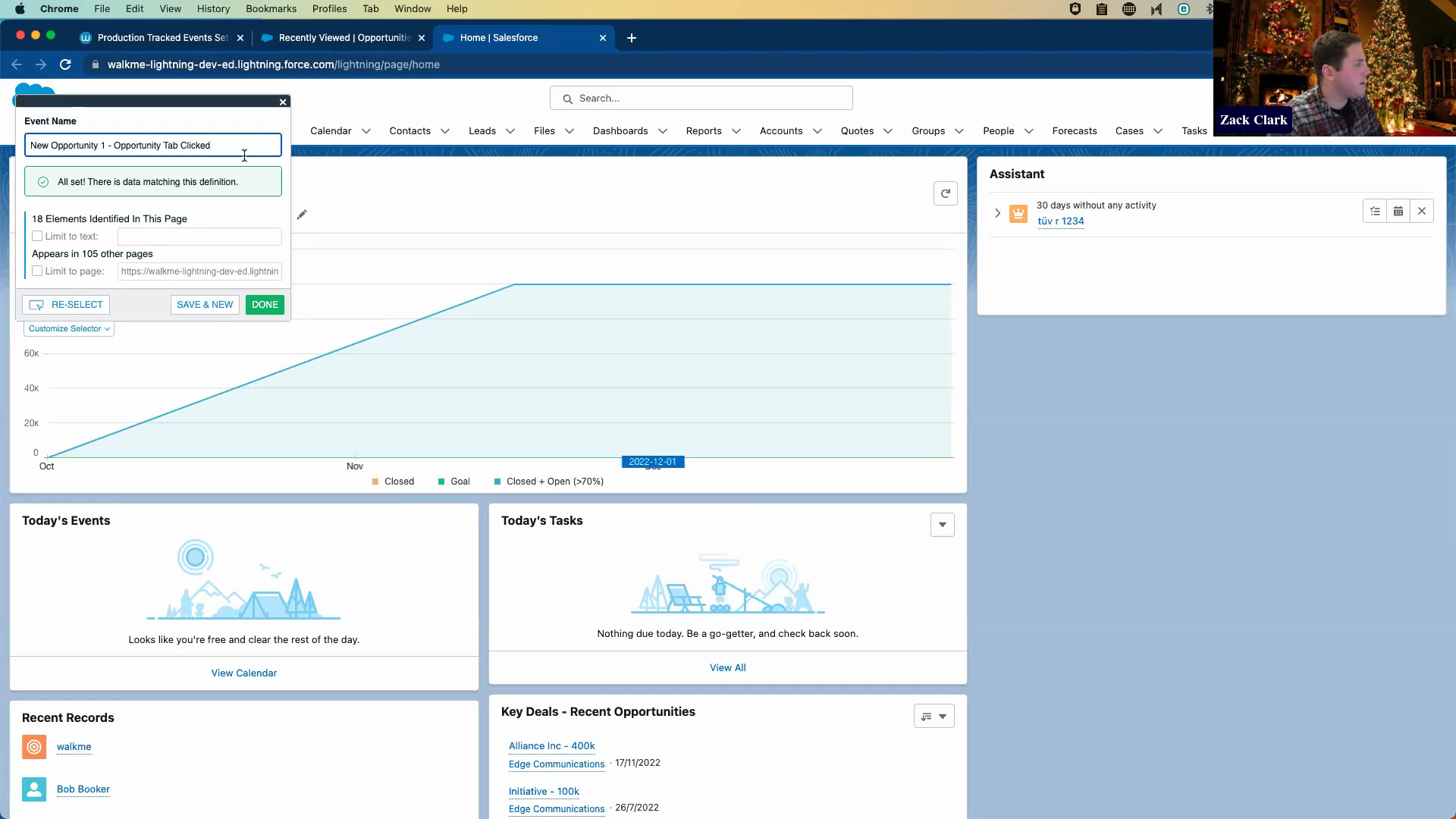
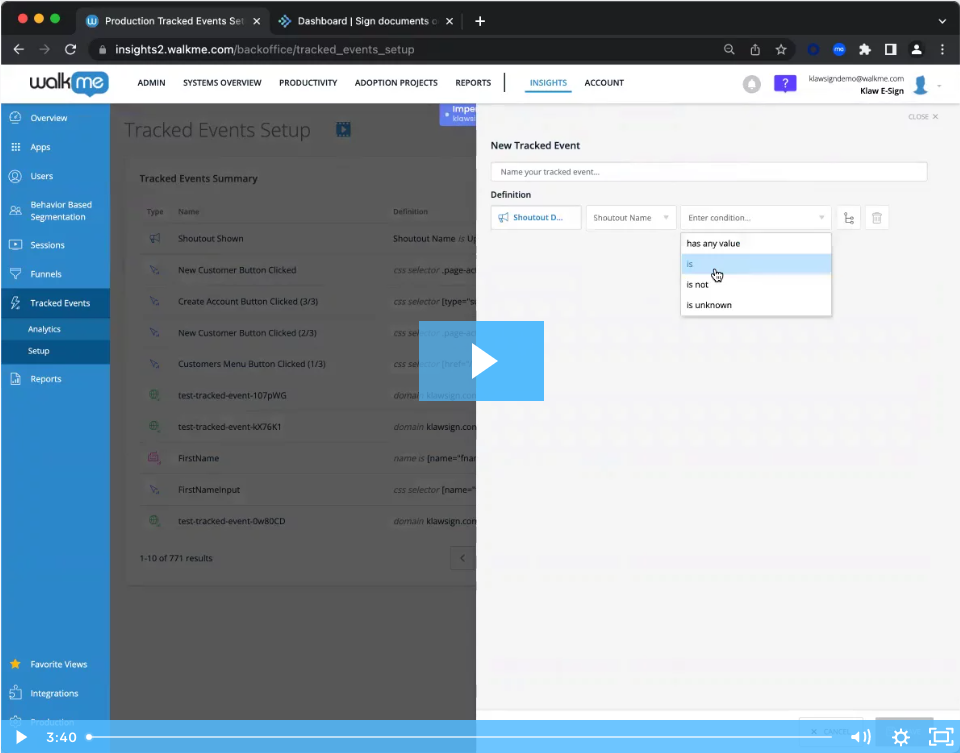
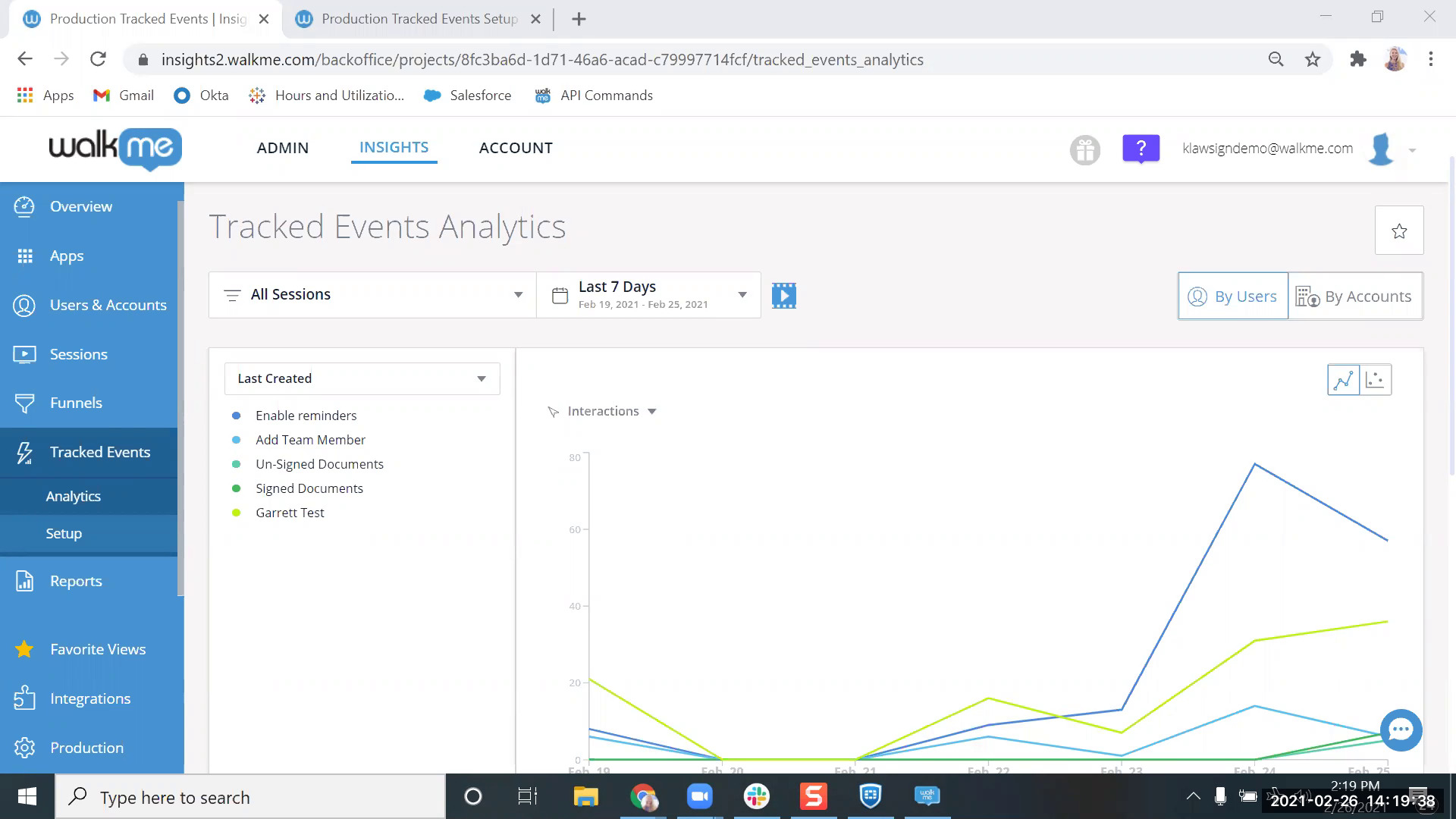
Creating Tracked Events to Measure Adoption
Create tracked events to collect baseline data and analyze user behavior in WalkMe
Personalização
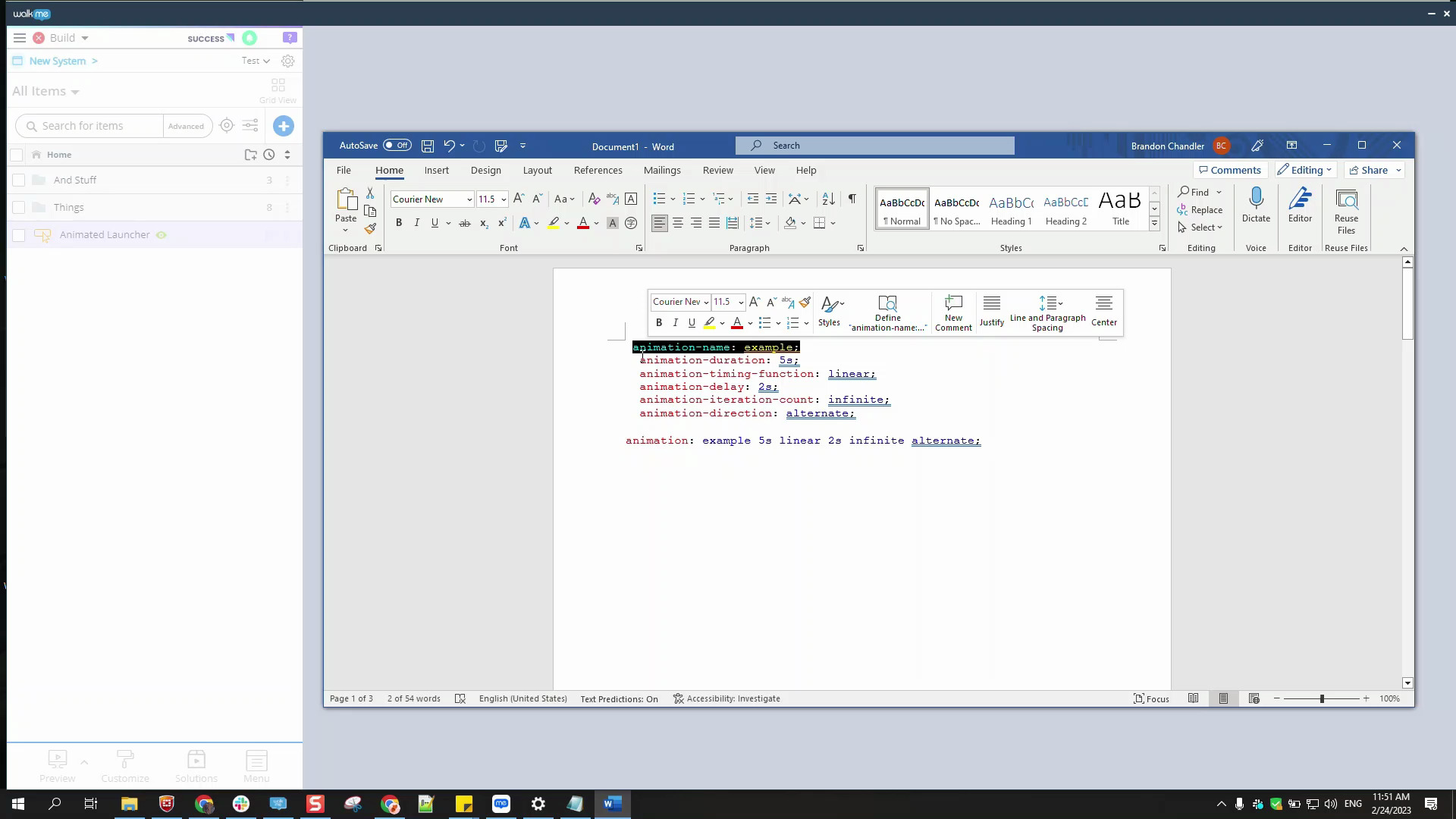
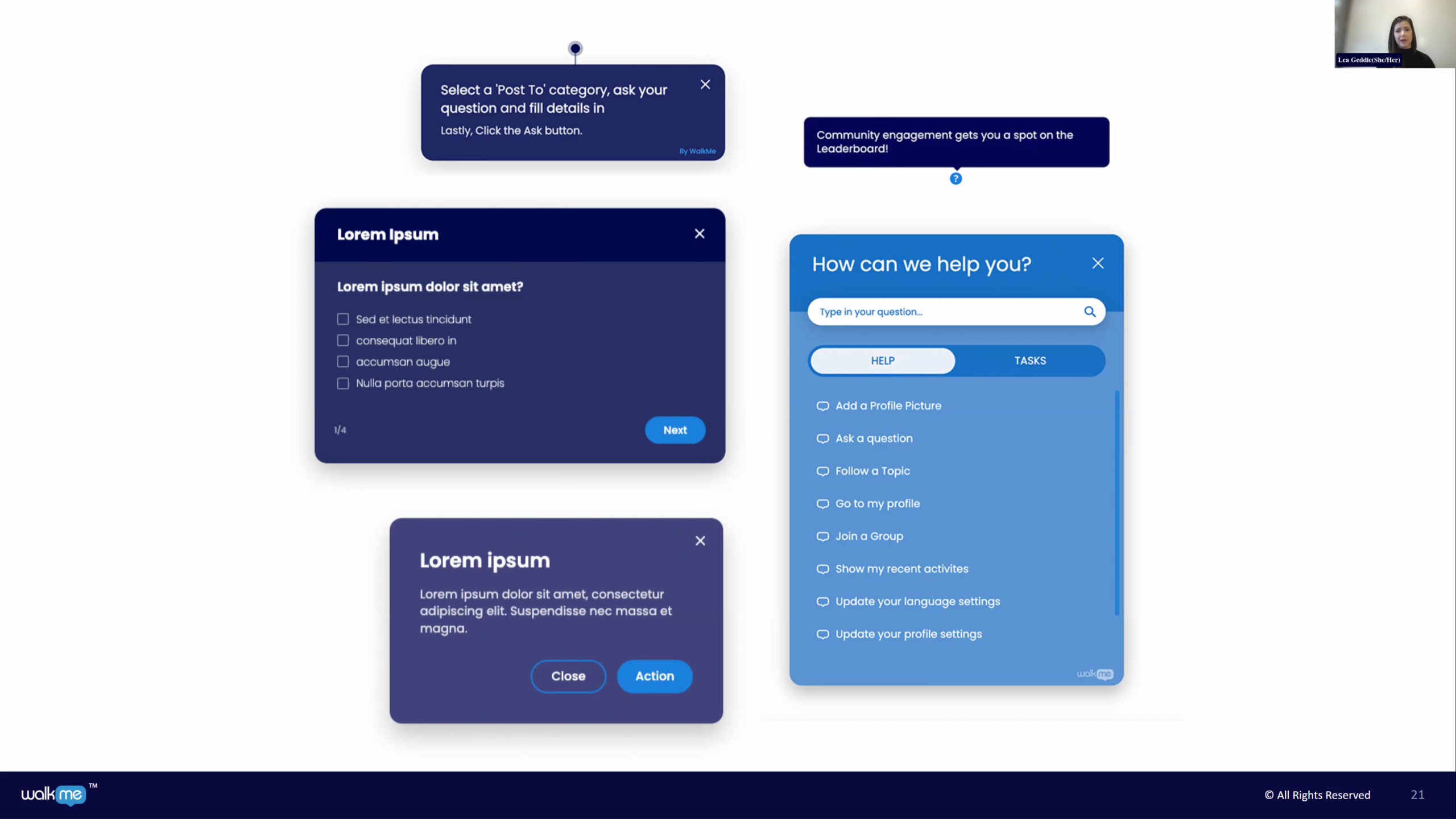
Using Lottie Animations in WalkMe Content
Add lightweight Lottie animations to SmartTips, ShoutOuts, and launchers to boost engagement
Melhores Práticas
Using Skippable Steps in Smart Walk-Thrus
Prevent Smart Walk-Thru interruptions by skipping steps when elements aren’t found
Lançamento de Produto
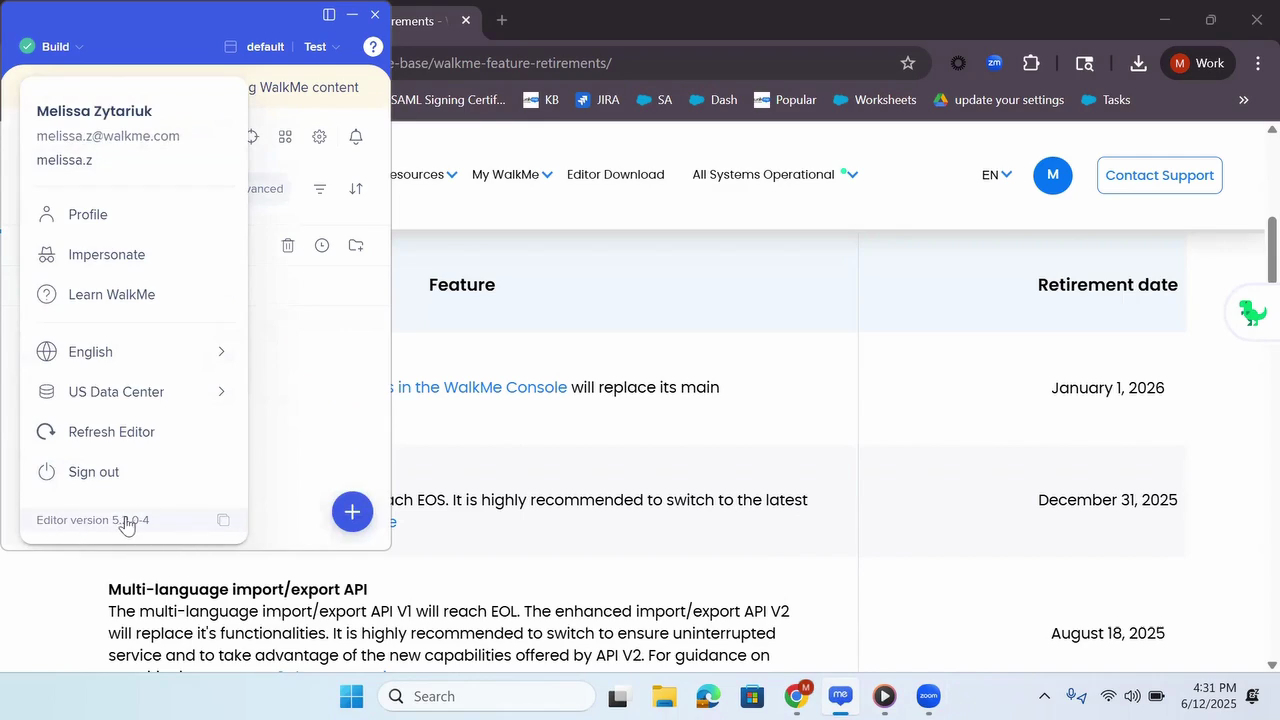
Preparing for the Editor End of Support Update
Confirm your Editor version and upgrade ahead of the planned end of support for versions below 5.0
Melhores Práticas
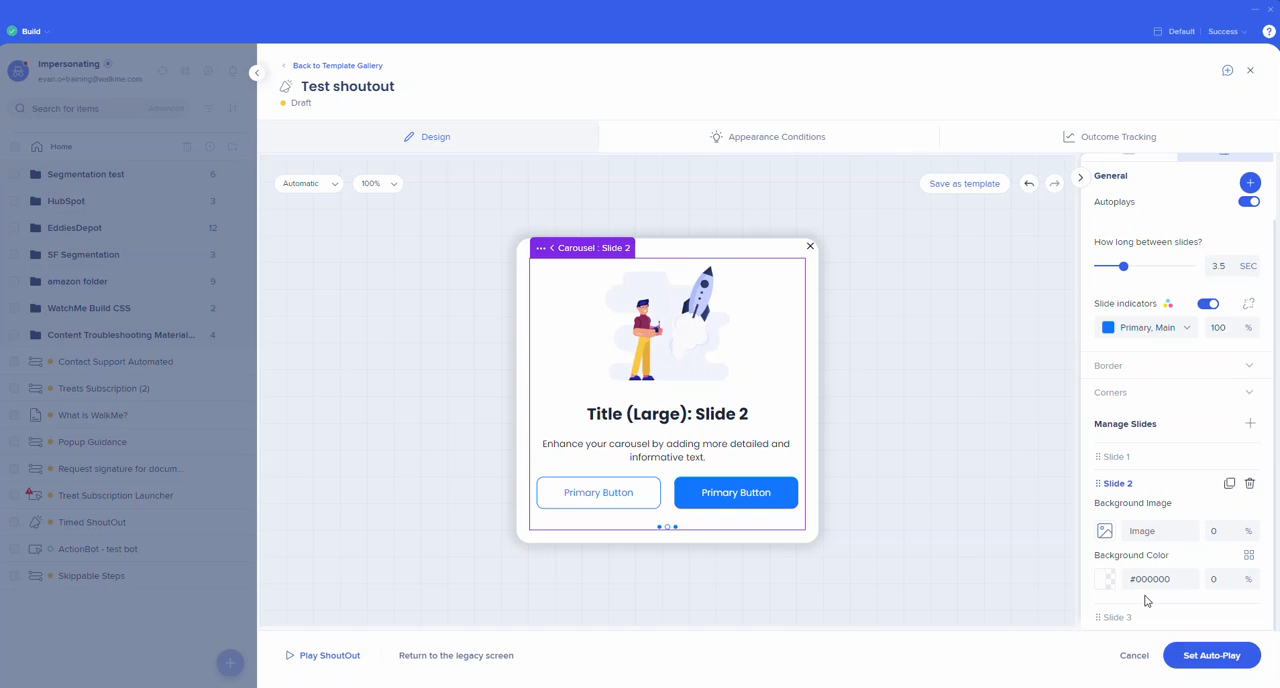
Using Carousels and Delays in ShoutOuts
Create engaging ShoutOuts with carousel layouts, background images, and timed display options
Lançamento de Produto
Using the New Launcher and SmartTip Editor UI
Explore the updated editor layout for launchers and SmartTips and learn how to opt in
Melhores Práticas
Using Action Steps in Smart Walk-Thrus
Use action steps to combine guidance, ShoutOuts, menus, and surveys in one flow
Melhores Práticas
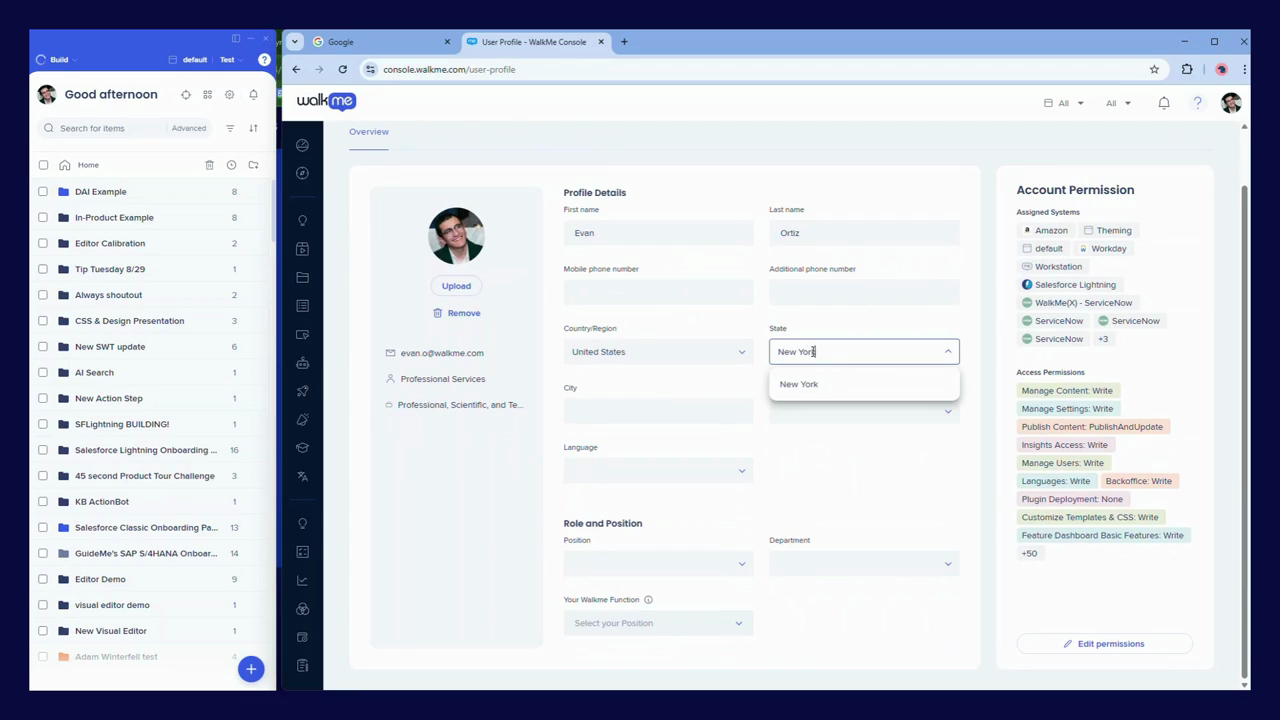
Managing Your WalkMe Profile Preferences
Update your profile settings to ensure accurate roles, permissions, and personalization
Personalização
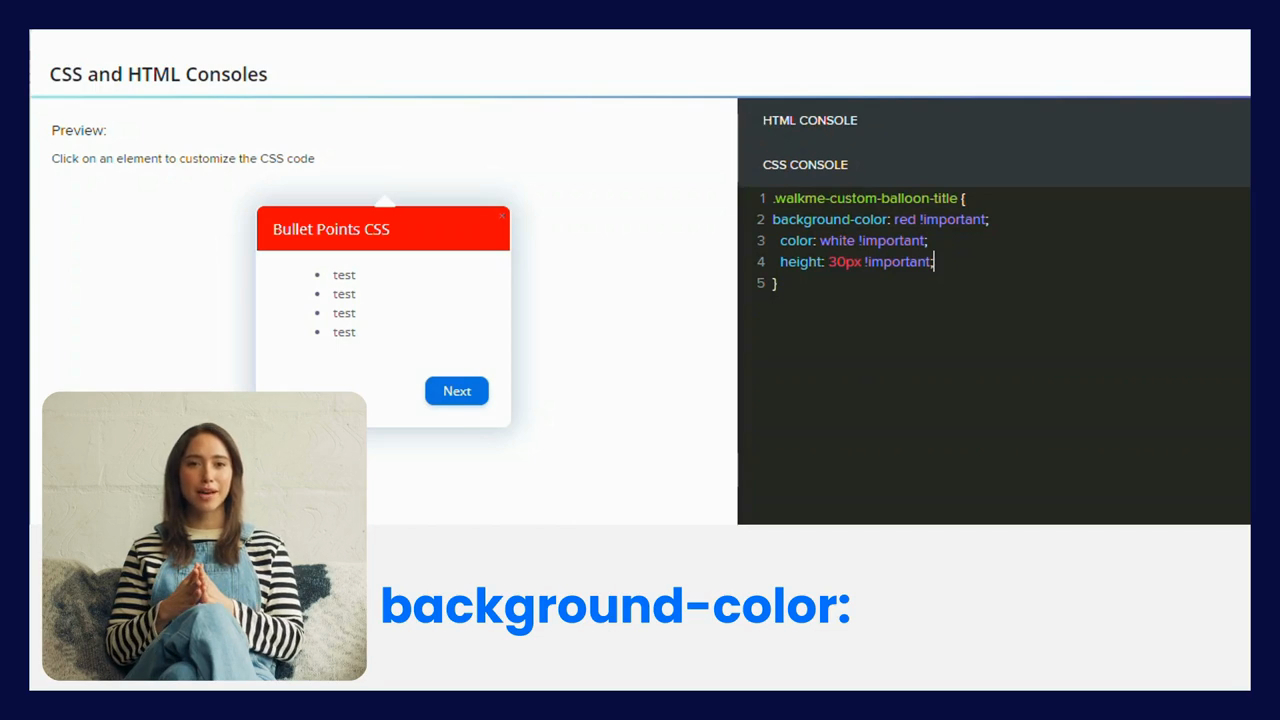
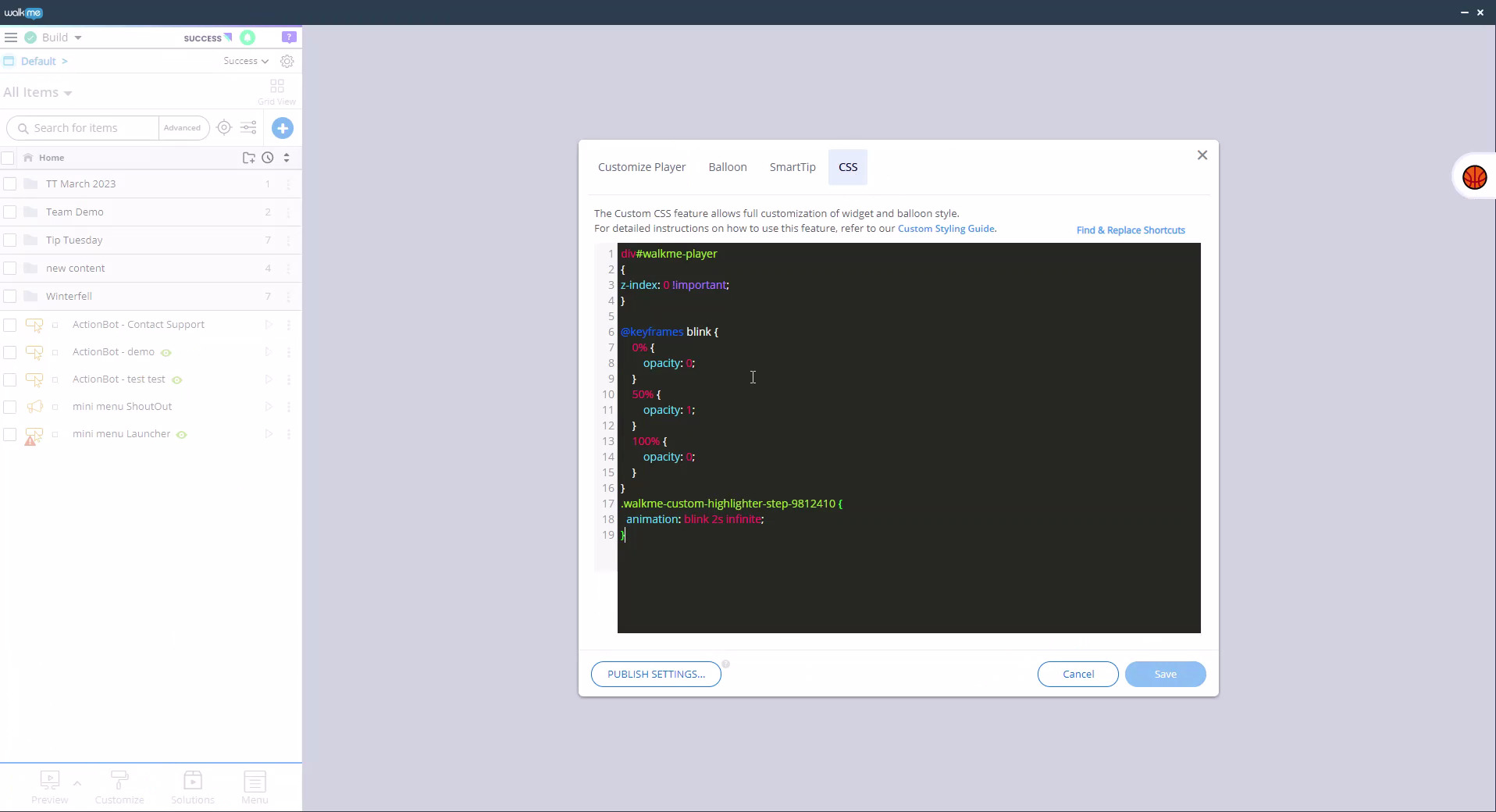
Getting Started with CSS Customization
Learn CSS basics to customize the look and behavior of WalkMe content
Personalização
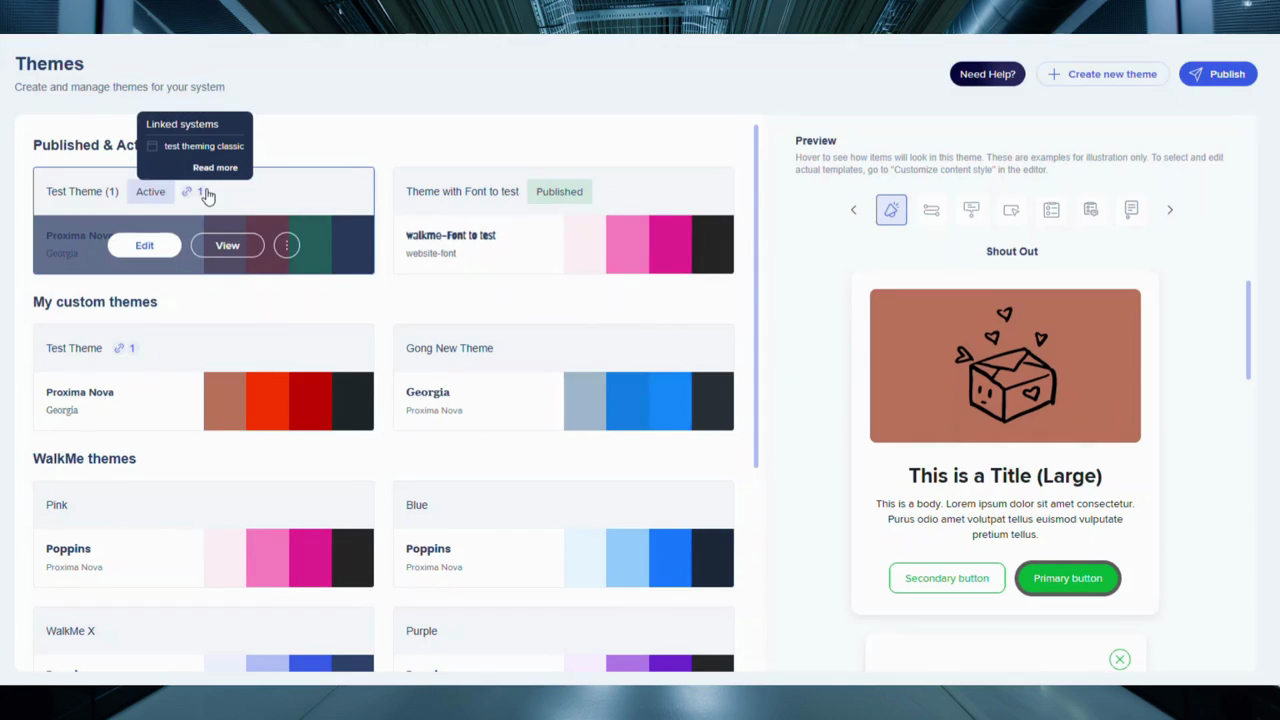
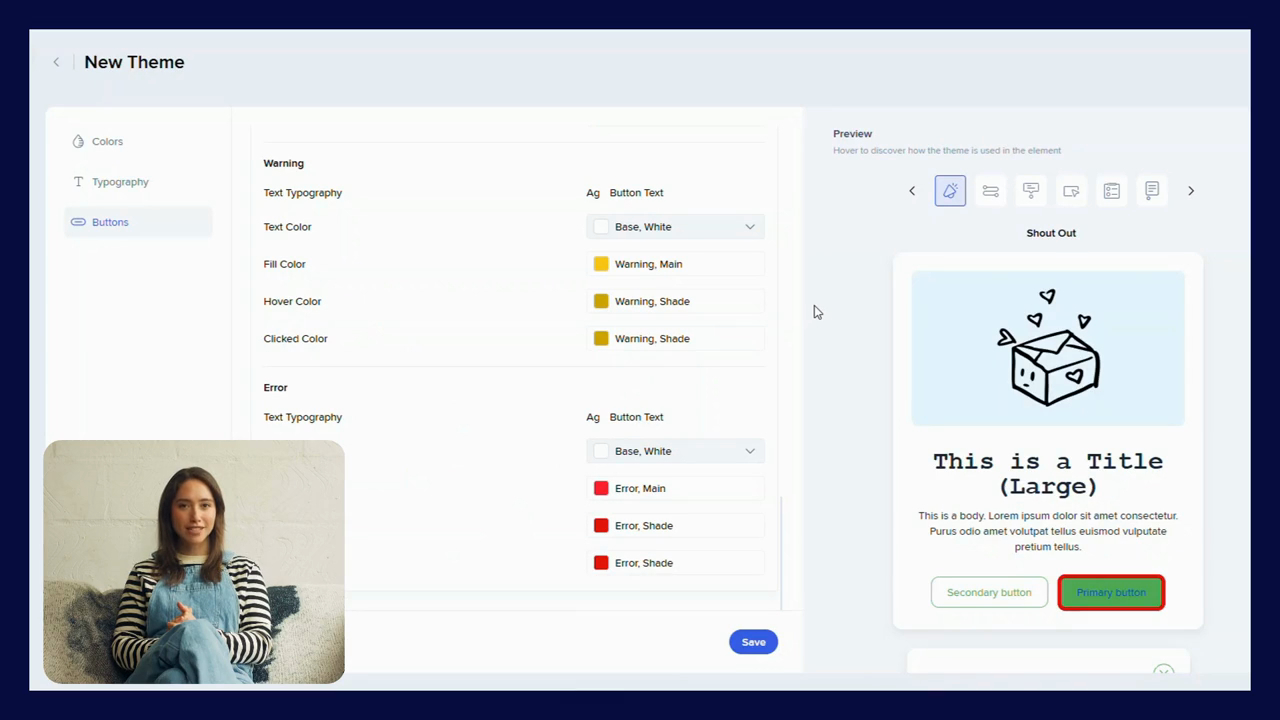
Creating and Managing Themes
Create and apply themes to unify design across WalkMe applications
QA e Manutenção
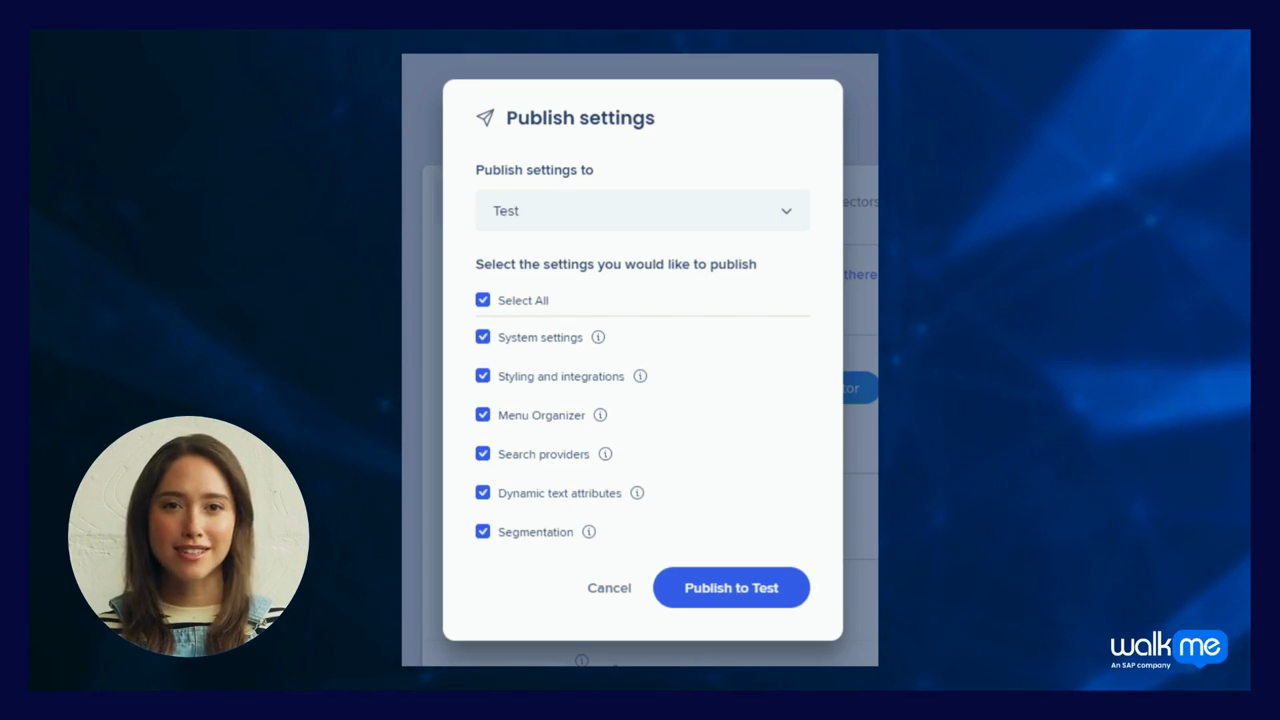
Publishing Global Settings Selectively
Publish specific global settings to test and troubleshoot with more control
Melhores Práticas
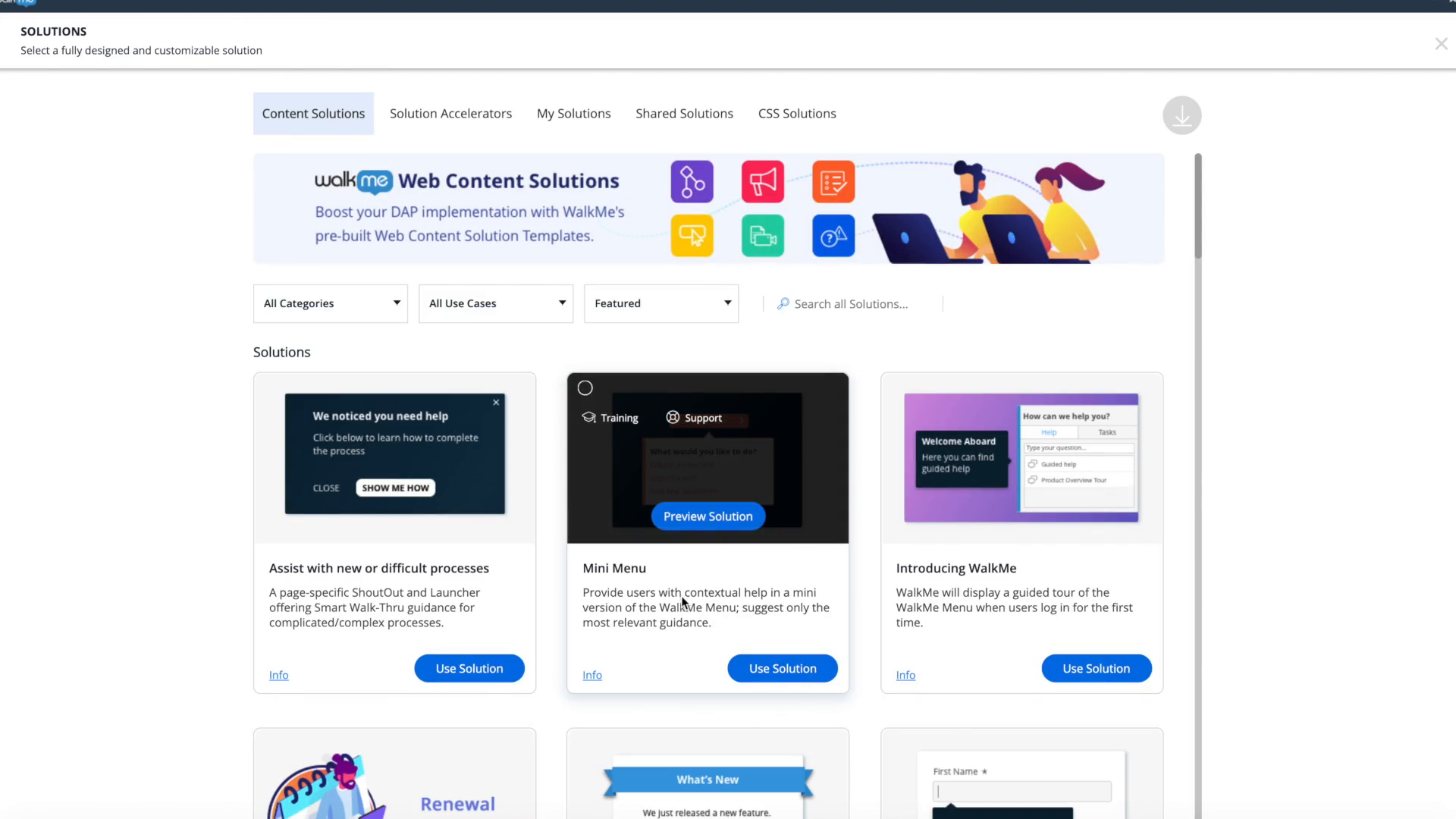
Managing Solutions in the Console Solutions Gallery
Create, edit, version, and share WalkMe solutions from the My Solutions page
Dados e Análises
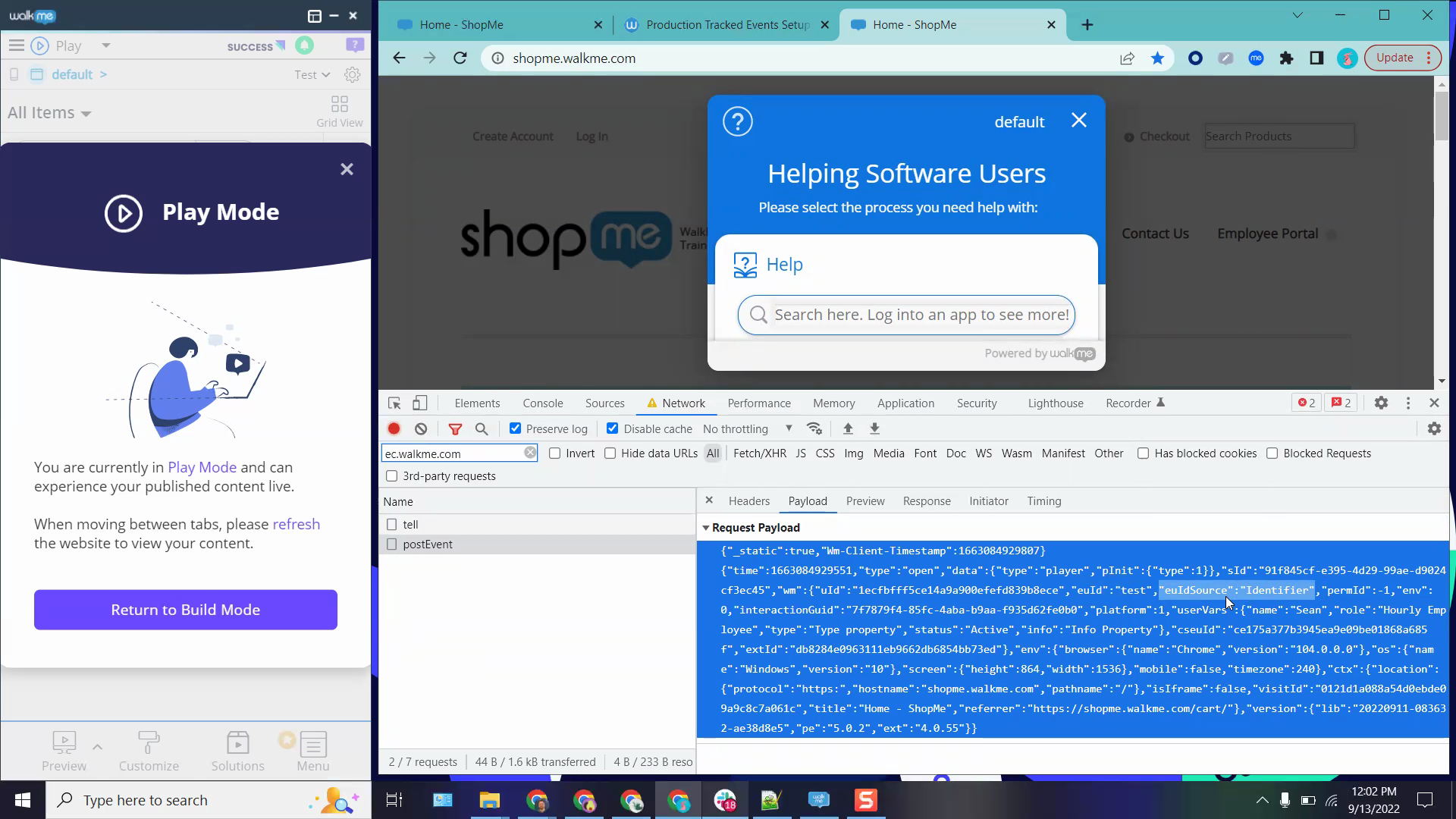
Setting Up Unique User Identifiers
Learn how to identify users accurately for analytics and personalization
Melhores Práticas
Using WalkMe Stories Across the Platform
See how WalkMe Stories connect workflows, content, and analytics during implementation
Personalização
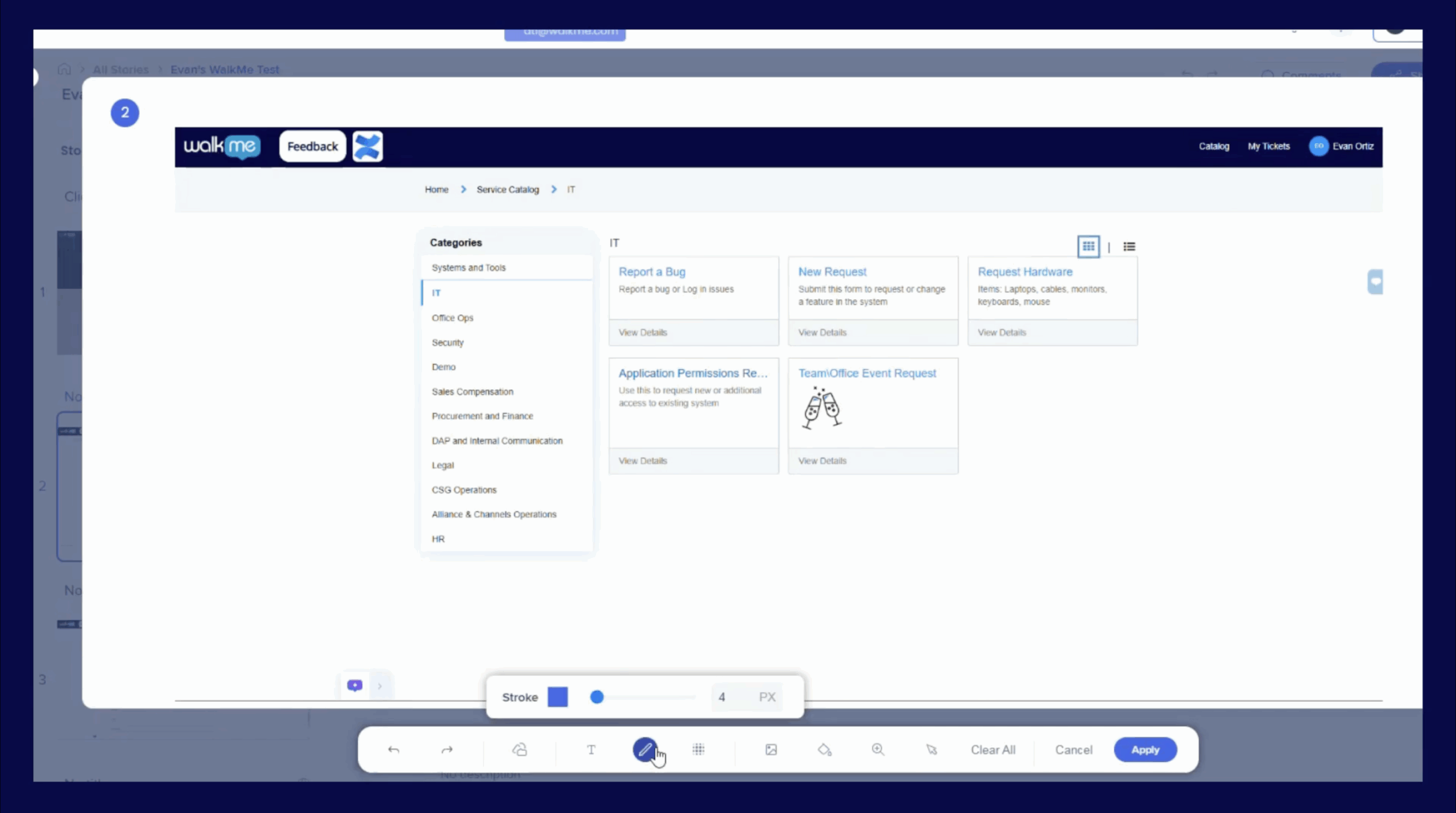
Customizing a WalkMe Story
Customize a WalkMe Story by adding slides and annotations for team collaboration
Personalização
Customizing the Player Menu
Customize the WalkMe widget or menu style to fit your needs
QA e Manutenção
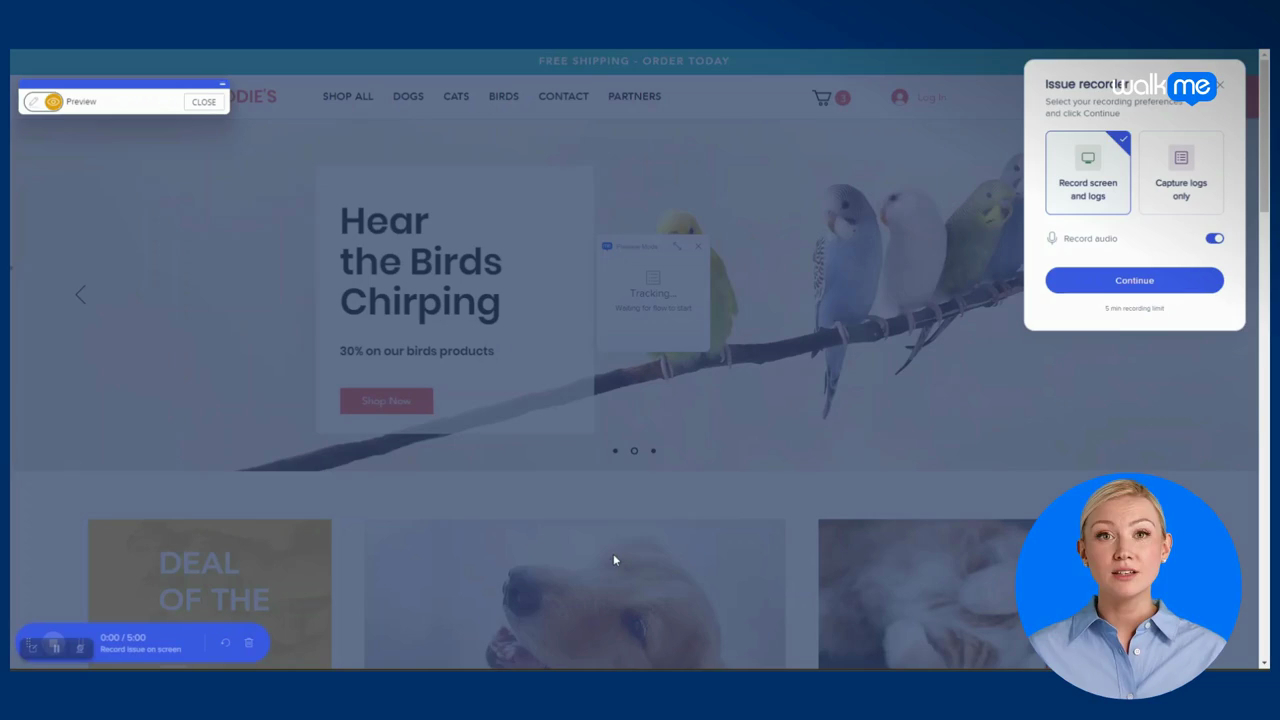
Using the Issue Recorder for Support Tickets
Record screen activity and logs to create detailed WalkMe support tickets
Lançamento de Produto
Get help inside the Console!
Access support and educational resources in one place inside the Console
Lançamento de Produto
Introducing the Content Manager
Learn how to manage your content in the Console
Dicas Avançadas
Create a Launcher on all Pages
Add a Launcher that appears on all your site pages for feedback
Dicas Avançadas
Add SmartTips to a “Mini Menu”
Learn how to add a hover tip on top of a custom mini menu
Dados e Análises
Use Tagged Content to Create a Dashboard
Create a great dashboard Insights experience with tagged content
Lançamento de Produto
Tag WalkMe Content into Workflows
Tag your non-Workflows WalkMe content to a Workflow
Lançamento de Produto
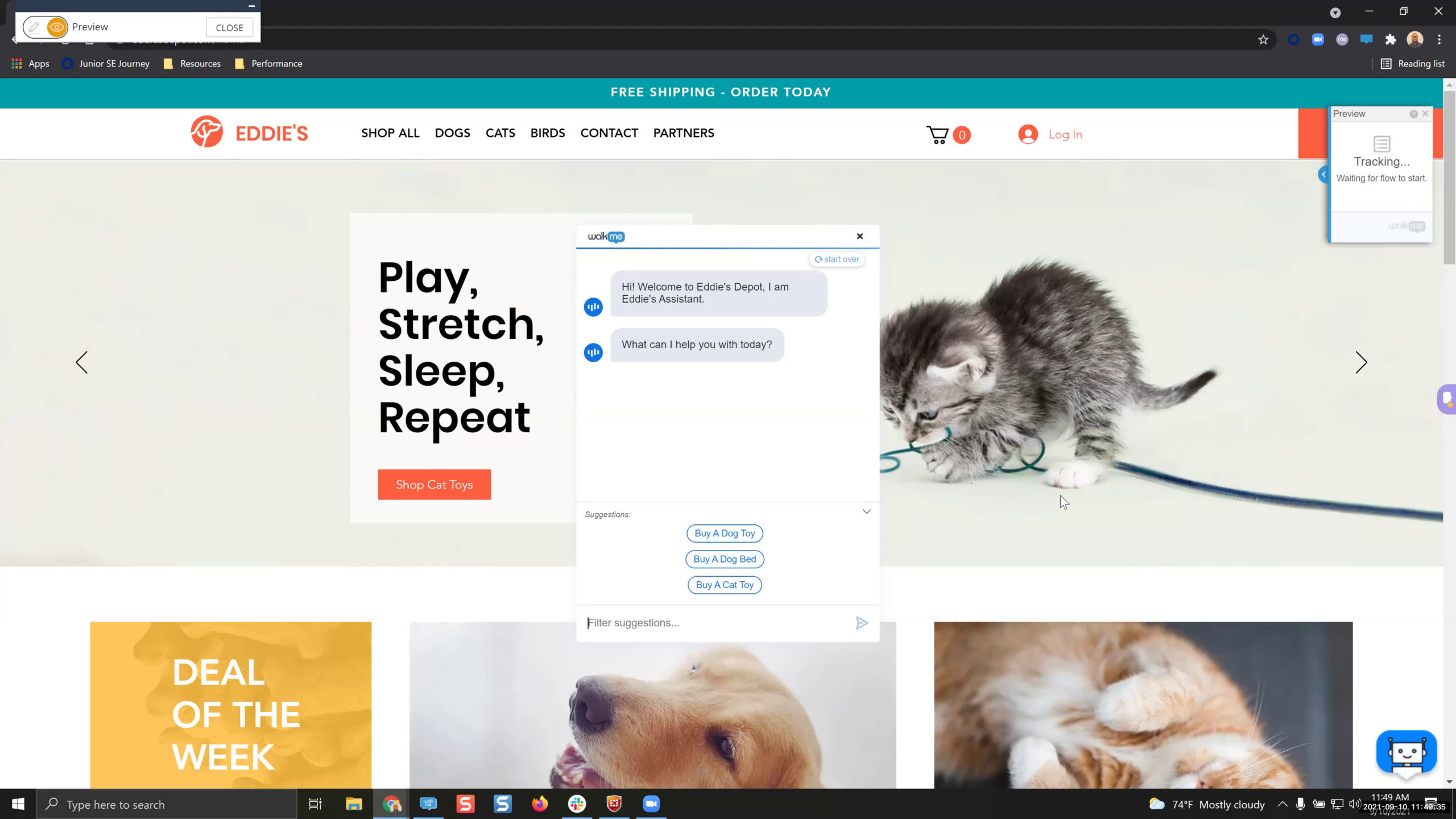
Explore ActionBot in the Console
Try out building ActionBot in the WalkMe Console
Dados e Análises
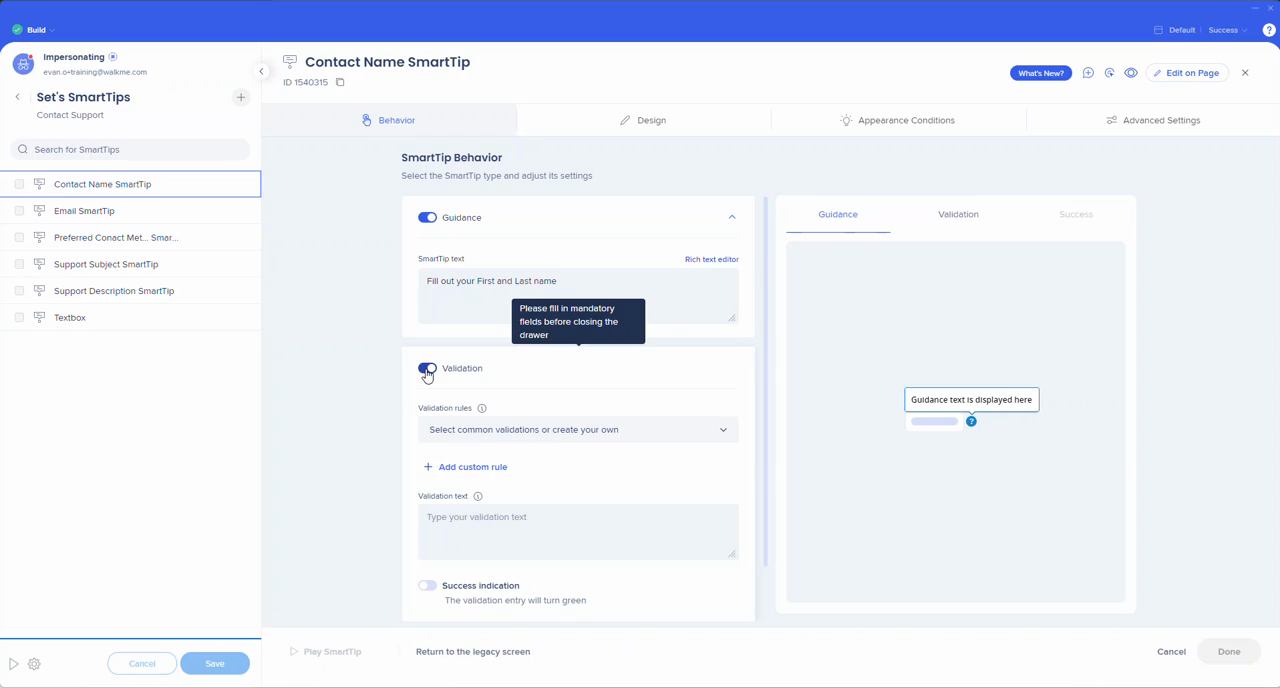
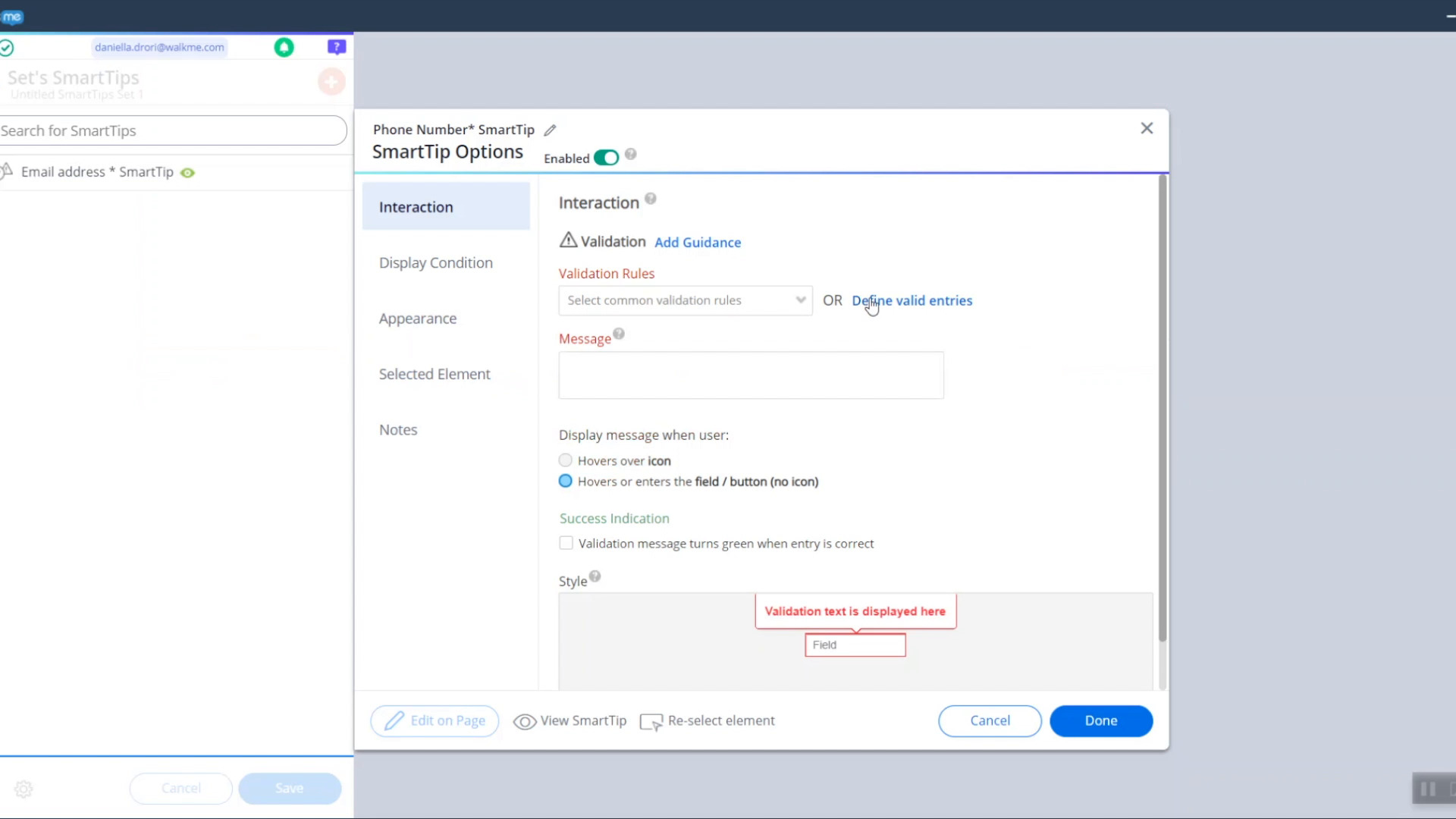
Optimize Text Input Fields in Real-Time
AI SmartTips with input validation aren't just a tool, they're a part of a larger digital transformation
Melhores Práticas
Building Invisible Launchers
Learn why these launchers are effective and how you can use them
Melhores Práticas
Standard Process for Intake and Prioritization
See the first steps to take to formalize a process to handle increased demand
Personalização
Translate Your ActionBot
Learn how to translate your bot into multiple languages for users
Melhores Práticas
Content Maintenance Effort Estimation Calculator
Learn how to find and use the content maintenance effort estimation calculator
QA e Manutenção
Content Maintenance Strategy
Learn strategies to keep your content fresh after you go live
Lançamento de Produto
What are Workflows?
Discover how Workflow Accelerators can fix the digital friction hiding in your workflows
Personalização
Visual Designer 2.0
See the latest updates to the Visual Designer
Dicas Avançadas
User Data Comparison
Learn how to compare two dynamic text variables
Dados e Análises
New Insights in Console
Explore the new Insights in the Console
Dicas Avançadas
User Permissions
Reduce administration time and accelerate your time to value with your WalkMe lead projects
Melhores Práticas
Prioritization Strategy
Maximize your resources and achieve better alignment over time with a solid framework
Melhores Práticas
Condition Builder Basics
Learn what functionality the Condition Builder brings to the editor
Melhores Práticas
SWOT Analysis
Increase awareness of what your Digital Adoption Program is doing well, what it can improve and how it's positioned within the larger company
QA e Manutenção
Troubleshooting 101
Start troubleshooting from the upper level and then drill down
Personalização
Ripple Effect CSS
Enhance your user experience with on-brand colors
QA e Manutenção
New and Improved Flow Tracker
Test and evaluate your WalkMe content with the new Flow Tracker
Melhores Práticas
Stakeholder Management
Learn about the significance of stakeholder management in digital adoption projects
Dicas Avançadas
Best Practices for Testing CSS
Use the Flow Tracker and DevTools to track your CSS solutions
Melhores Práticas
What is Governance?
Learn how to scale across the business with project governance
Dicas Avançadas
Use jQuery with ActionBot
Insert a user's ActionBot selection into a piece of jQuery
Dicas Avançadas
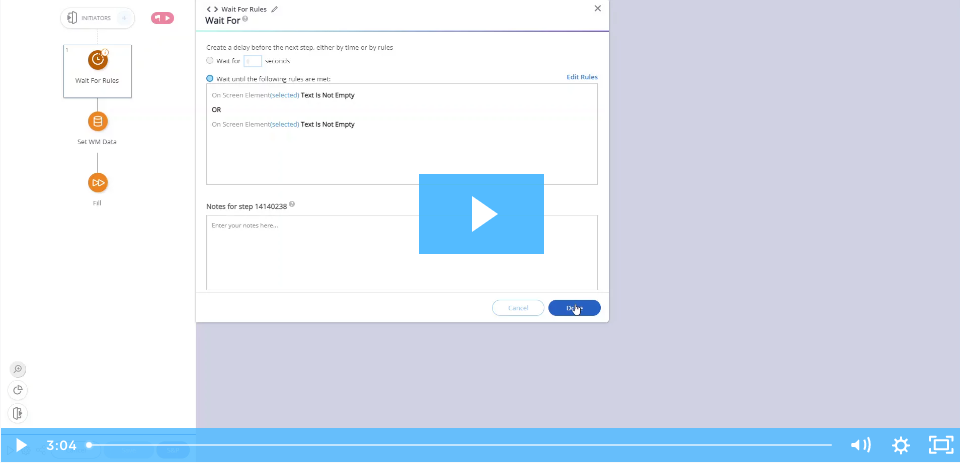
Prevent a Pop Up with Wait For Conditions
Use a Wait for Condition in Smart Walk-Thrus to delay a pop up or Launcher
Melhores Práticas
Positive vs. Negative WalkMe Experiences
Create WalkMe content with impactful solutions
Personalização
Use Automation Loops to Create an Automated Video
Create an automated video using jQuery, Error Handling, and Auto Steps
Lançamento de Produto
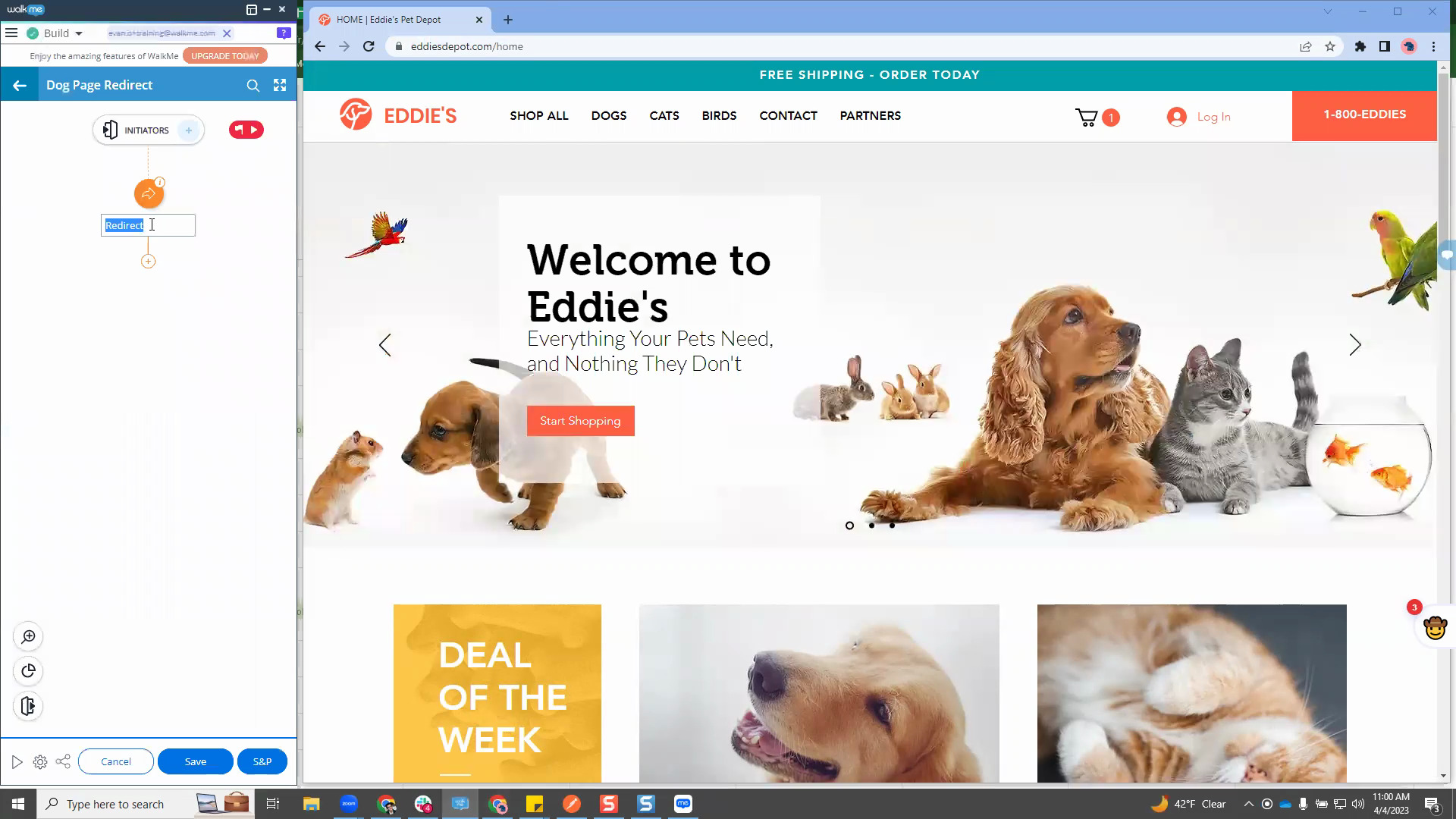
See the New WalkMe Editor UI
Compare the old and new WalkMe Editor design
Dicas Avançadas
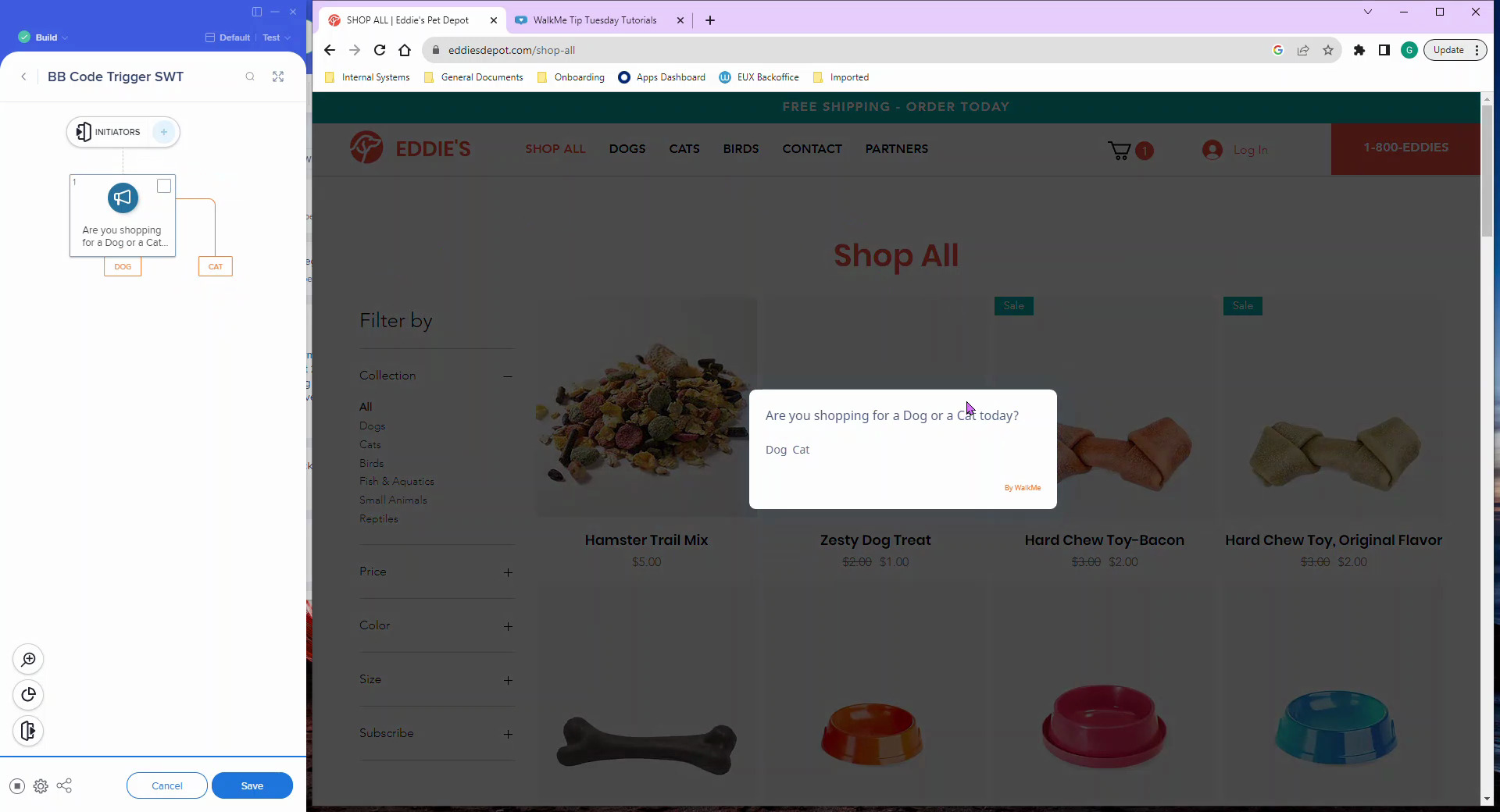
BBCoded Splits for Smart Walk-Thrus
Create splits in your Smart Walk-Thrus using BBCode
Melhores Práticas
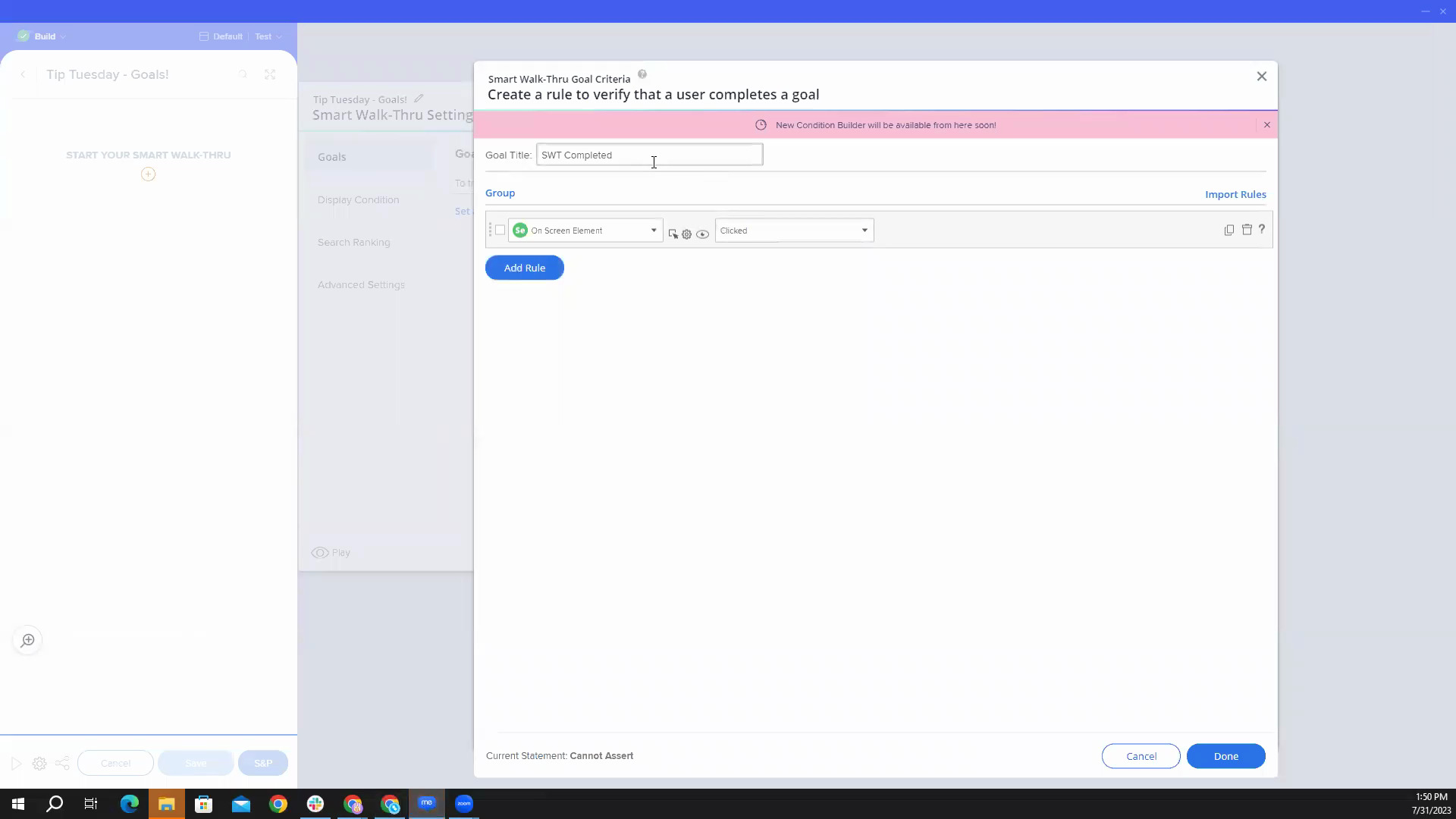
Goals! Goals! Goals!
What are goals, how to create them, and why and when to use them
Melhores Práticas
Guide Users Back to a Smart Walk-Thru
Remind users to finish a Smart Walk-Thru by guiding them to your WalkMe Menu
QA e Manutenção
Add Safe Start to Smart Walk-Thrus
Use Safe Start to avoid the error “Hmm… Looks like we can’t find the element for the following step.”
Dicas Avançadas
Setup a Dynamic URL Link
Learn how to use WalkMe Data to create dynamic links to redirect users
Personalização
Change Button Text in the Console
Learn how to change the button text for Smart Walk-Thrus
Personalização
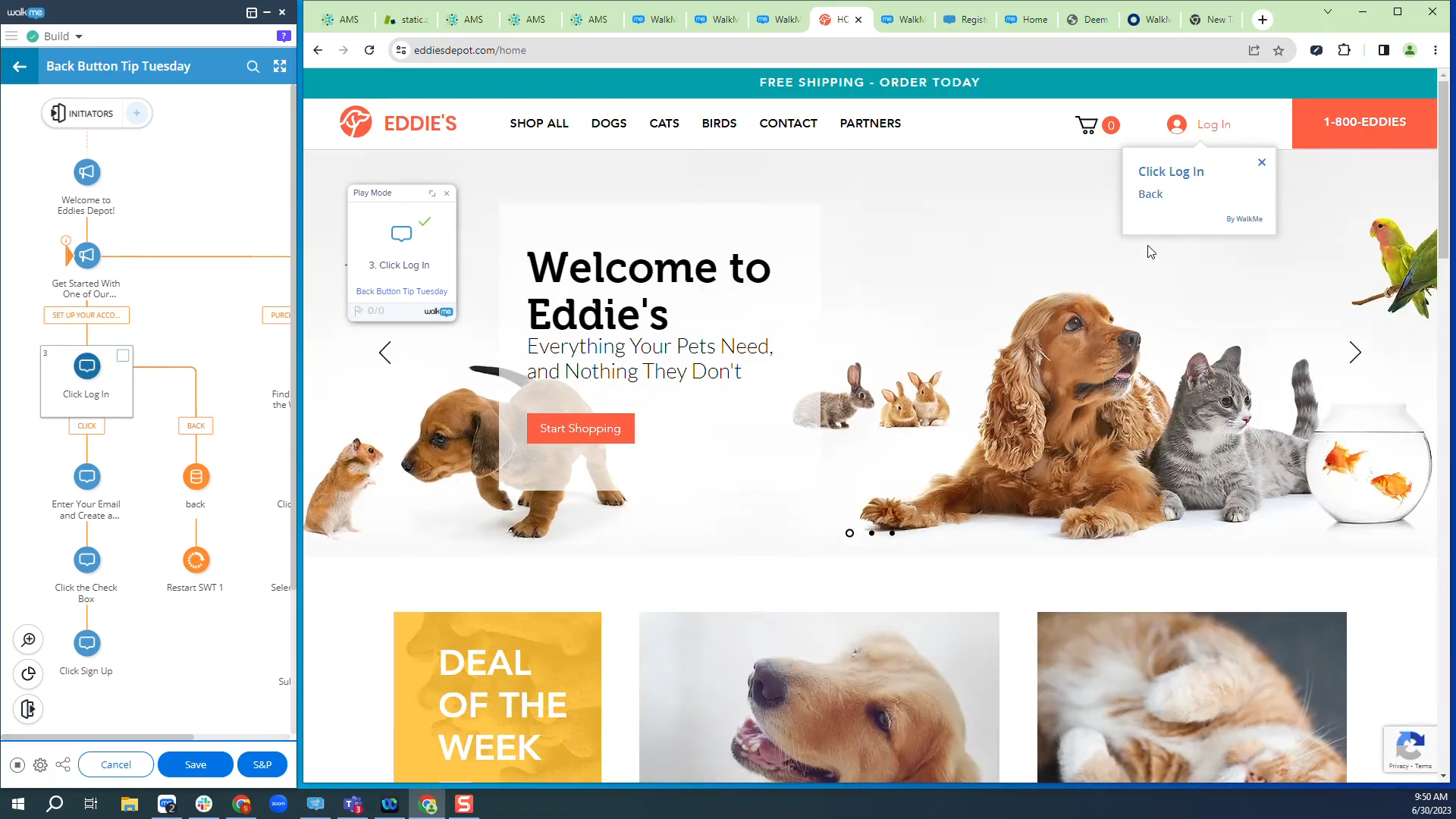
Manually Create Back Buttons
Learn how to add back buttons to Smart Walk-Thrus using BBcode
Melhores Práticas
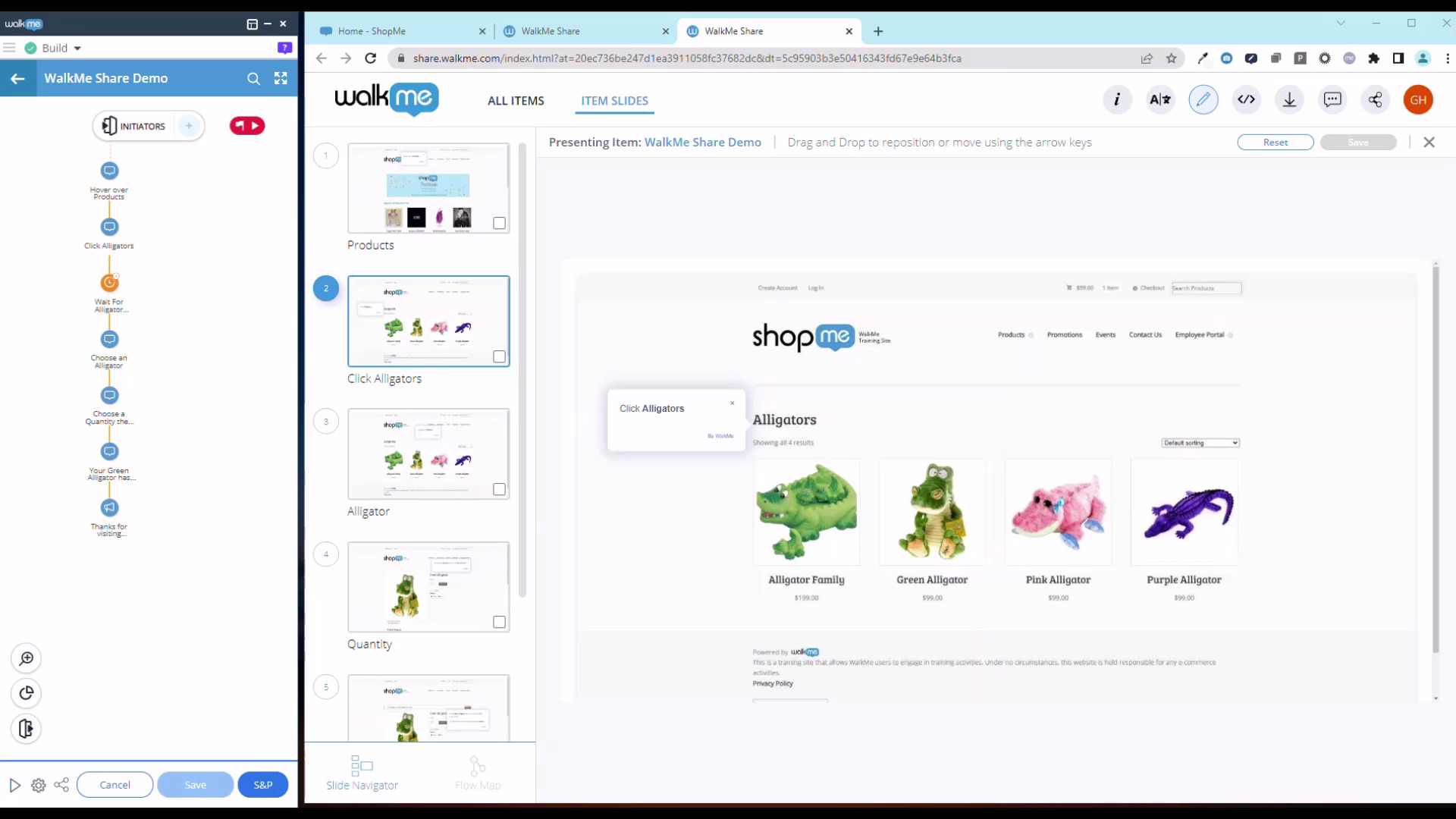
Exploring WalkMe Share
Explore the top features of WalkMe Share
Melhores Práticas
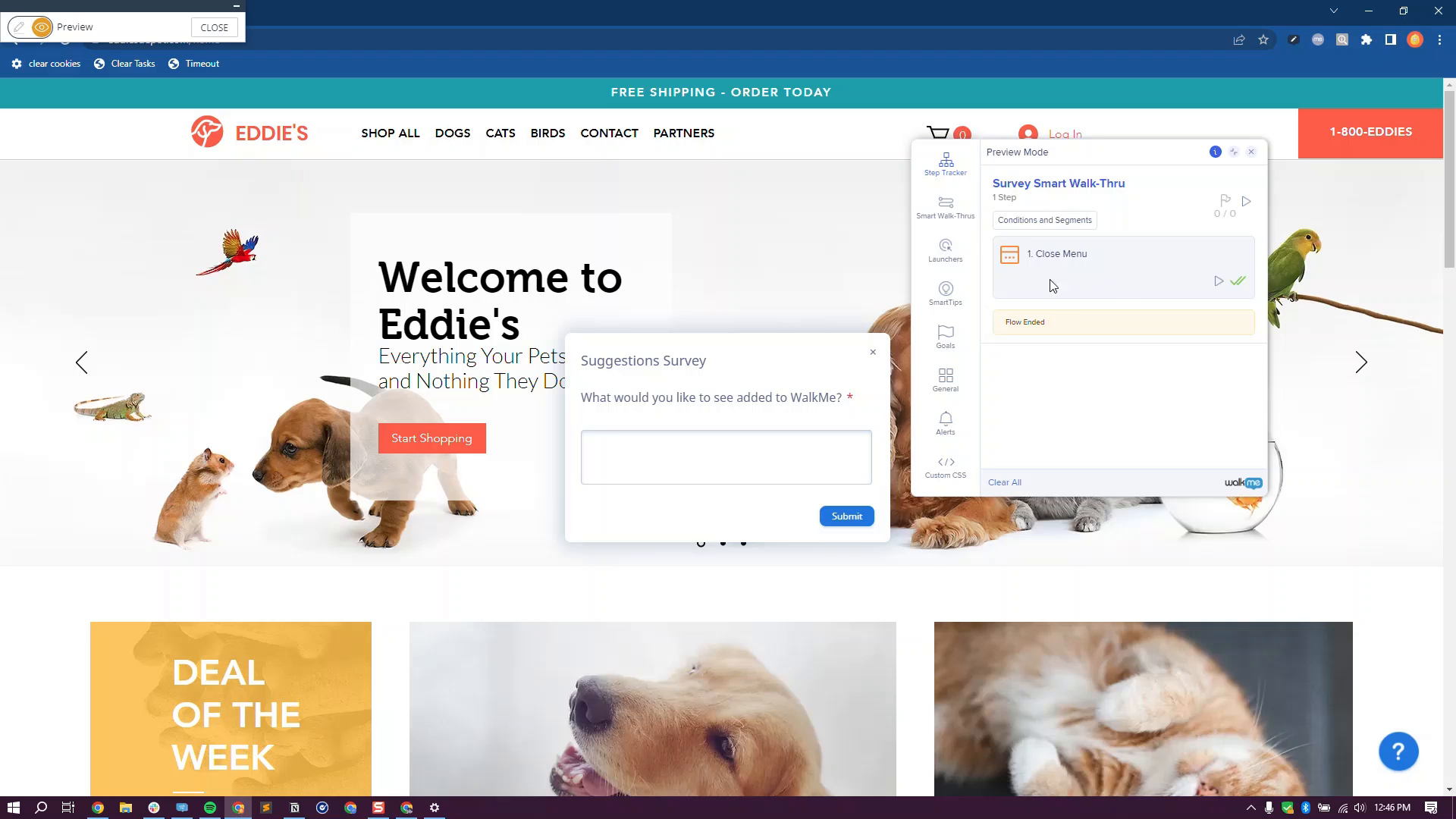
Launch a Survey from the Menu
Add a launcher to a survey in the WalkMe menu to get feedback
Dicas Avançadas
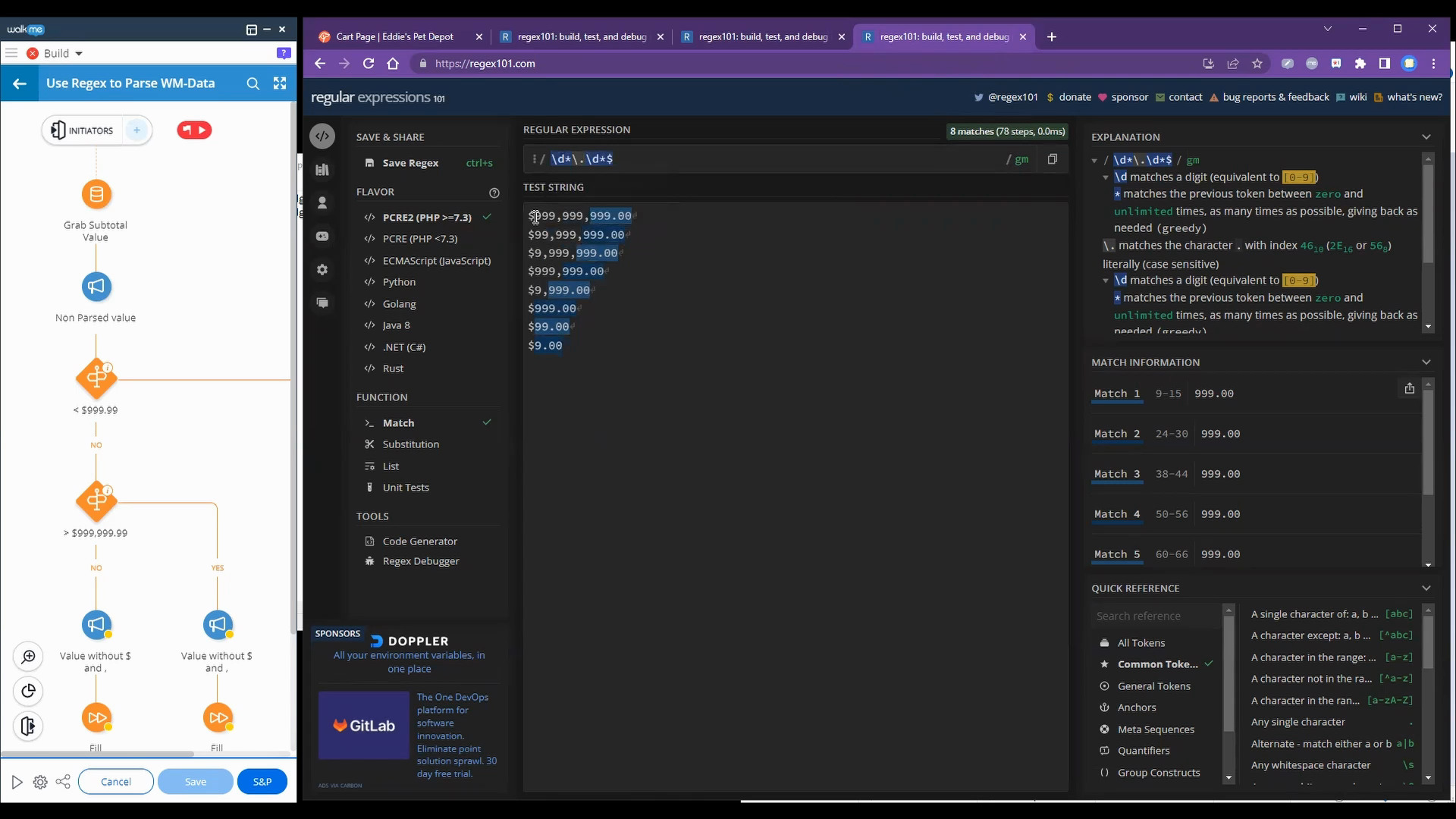
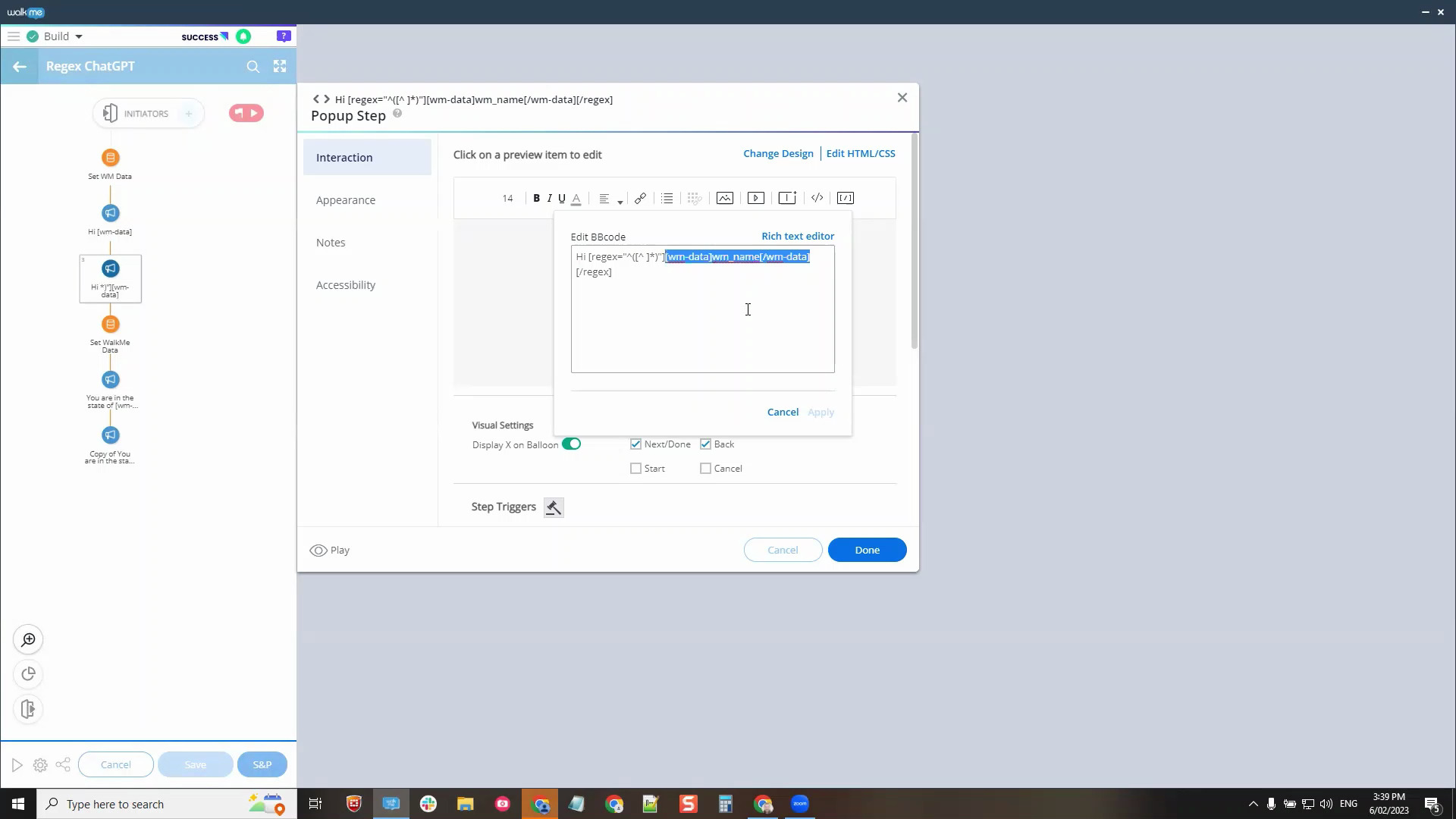
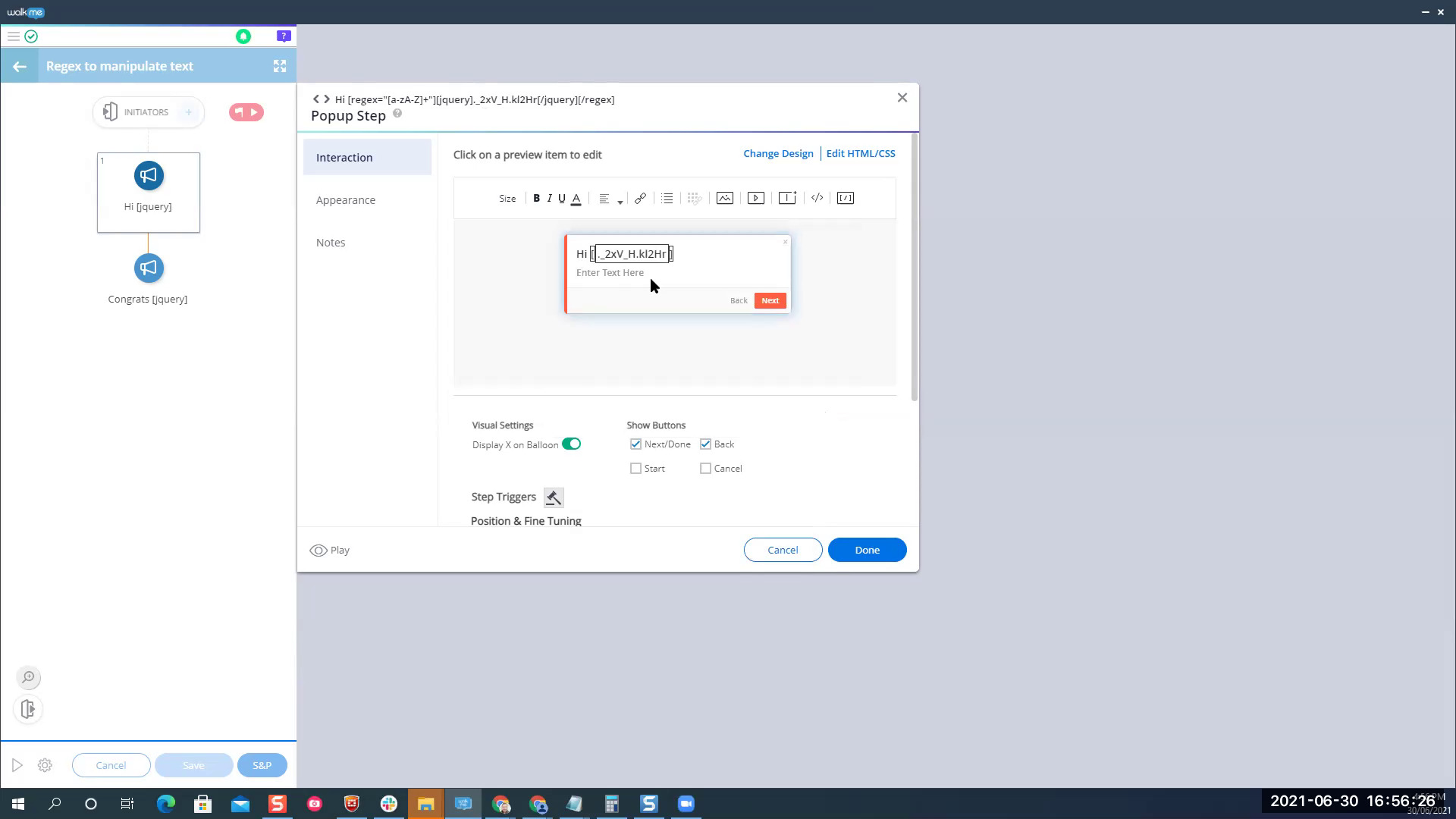
Use Regex to Parse WalkMe Data
See how to extract part of a user variable and then display with dynamic text
Melhores Práticas
Use Page Action Steps
Redirect users back to a previous page with a dynamic URL
QA e Manutenção
Test Content in Workstation
Explore different methods to test content in Workstation
Melhores Práticas
Segment Content in the WalkMe Menu
Segment content to only show up when and where you want
Personalização
Block a Mouse Cursor with CSS
Create an invisible launcher with CSS to hide a cursor
Personalização
Create a Launcher that looks like a button
Learn how to create a Launcher that matches a native button on the site
Dicas Avançadas
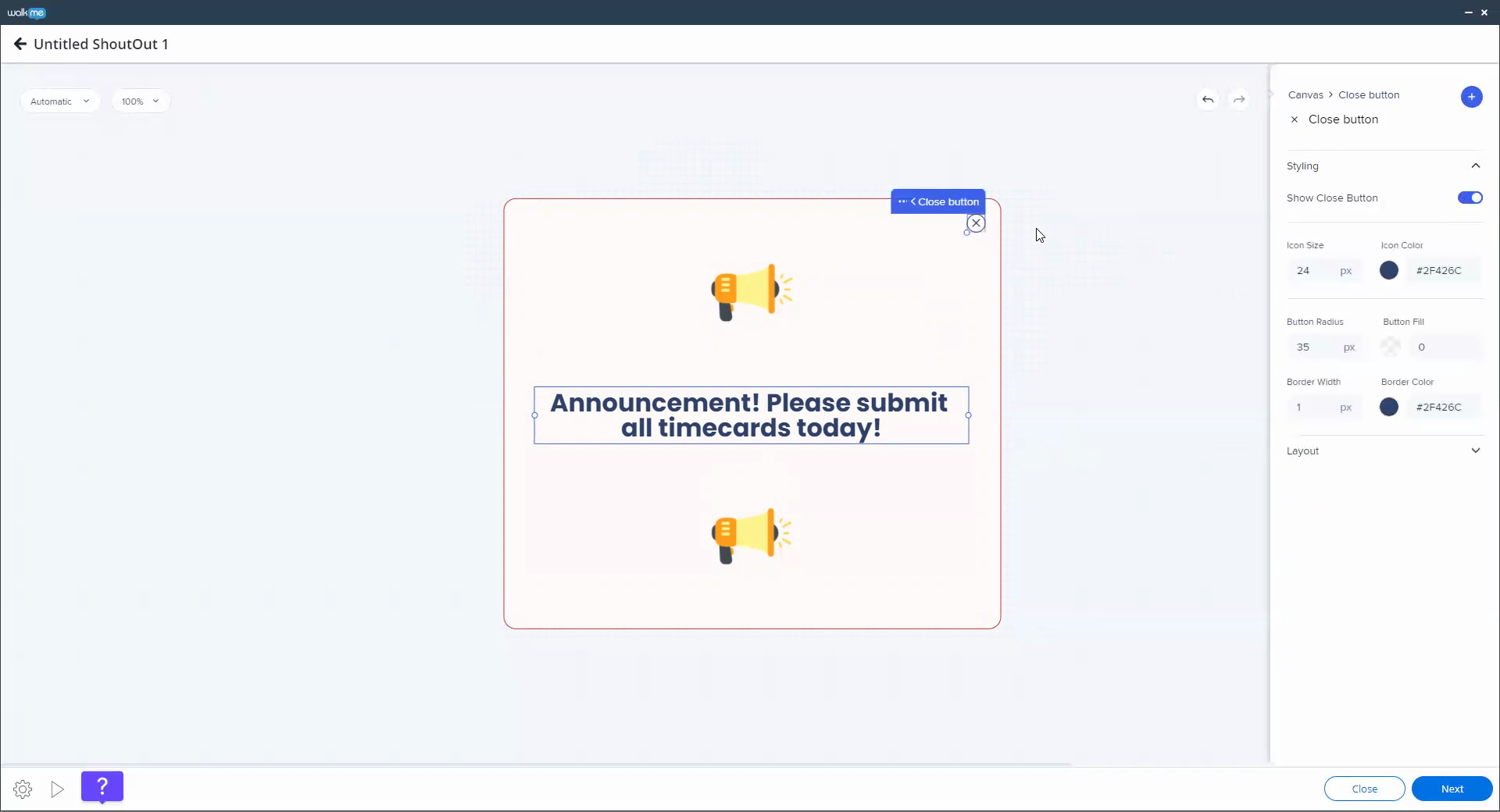
Build Page Blockers using ShoutOuts
Learn how to use a ShoutOut and Smart Walk-Thru to create a Page Blocker
Personalização
Building with the Visual Designer
See the end-to-end building process using the Visual Designer
Dicas Avançadas
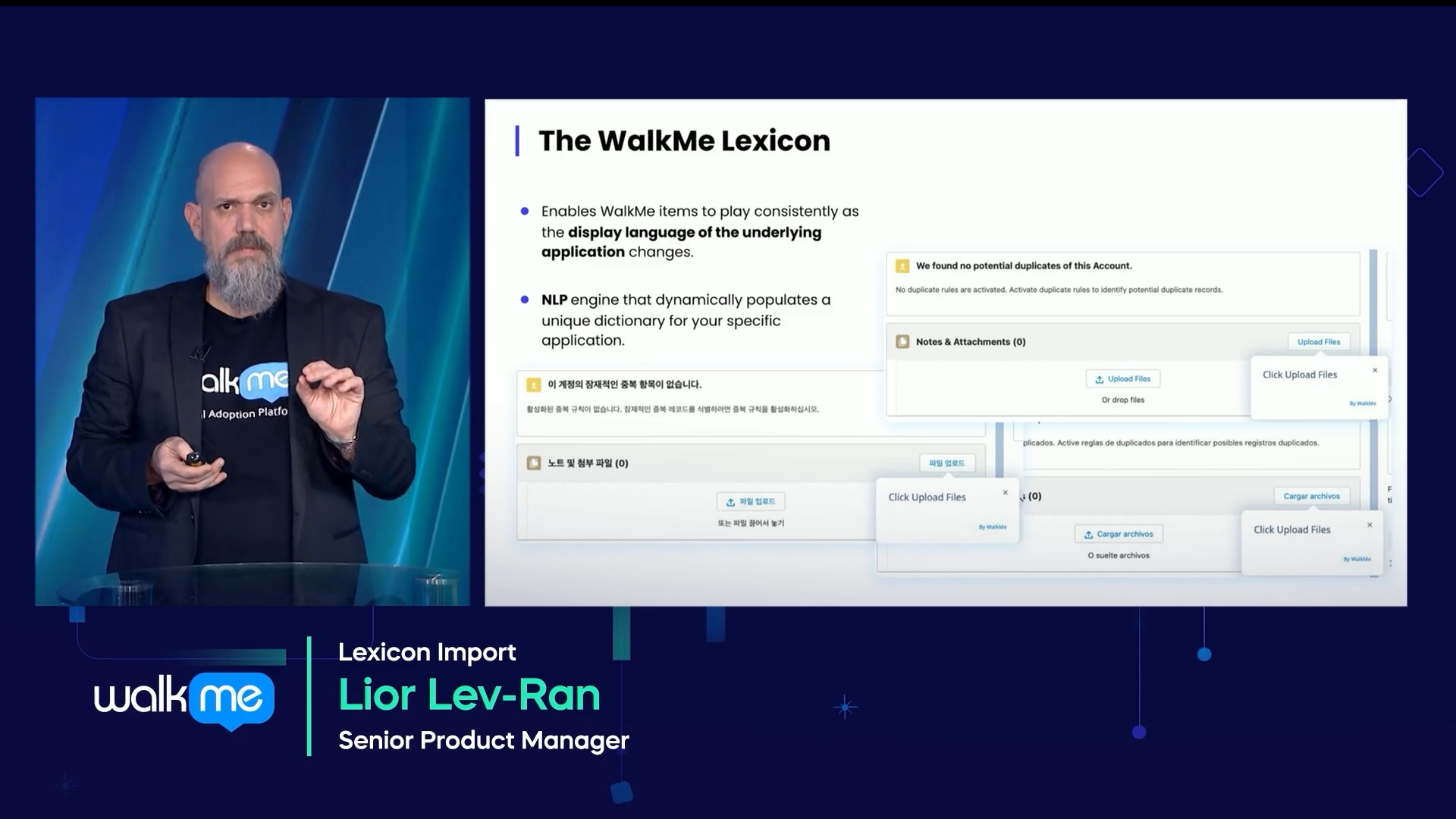
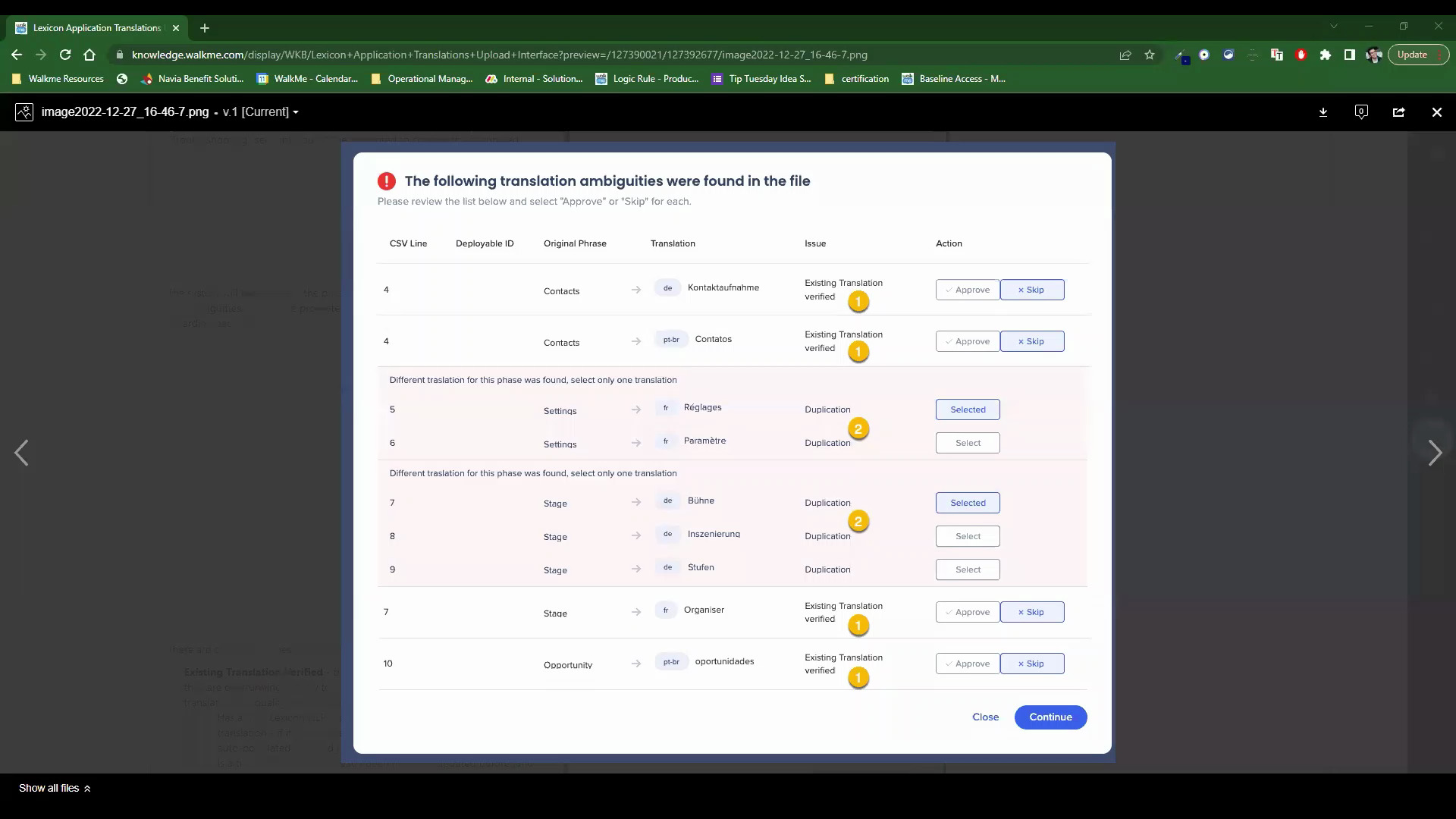
Lexicon Import
Translating your WalkMe content just got even easier
QA e Manutenção
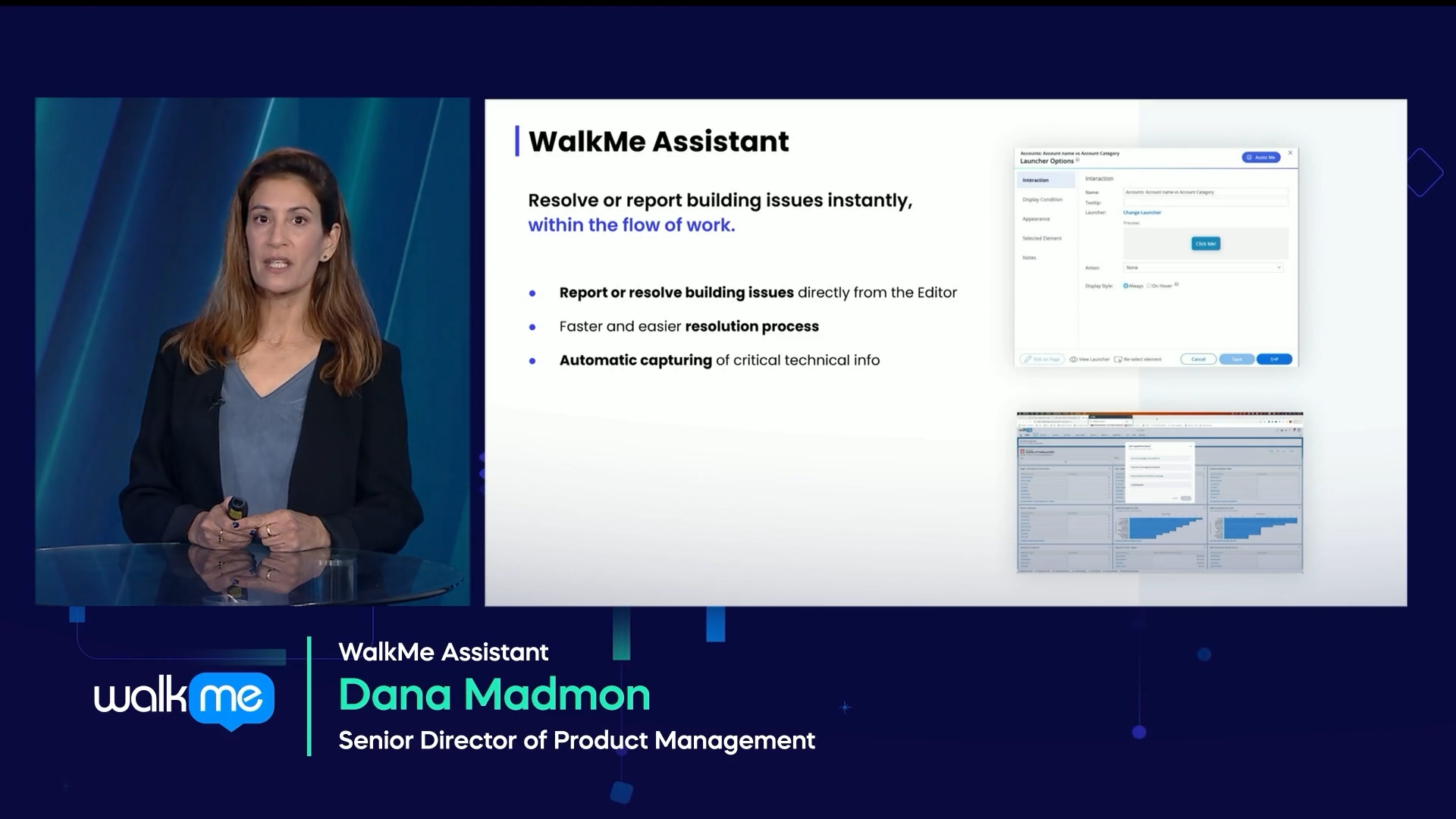
WalkMe Assistant
Discover WalkMe's in-app problem solver
Lançamento de Produto
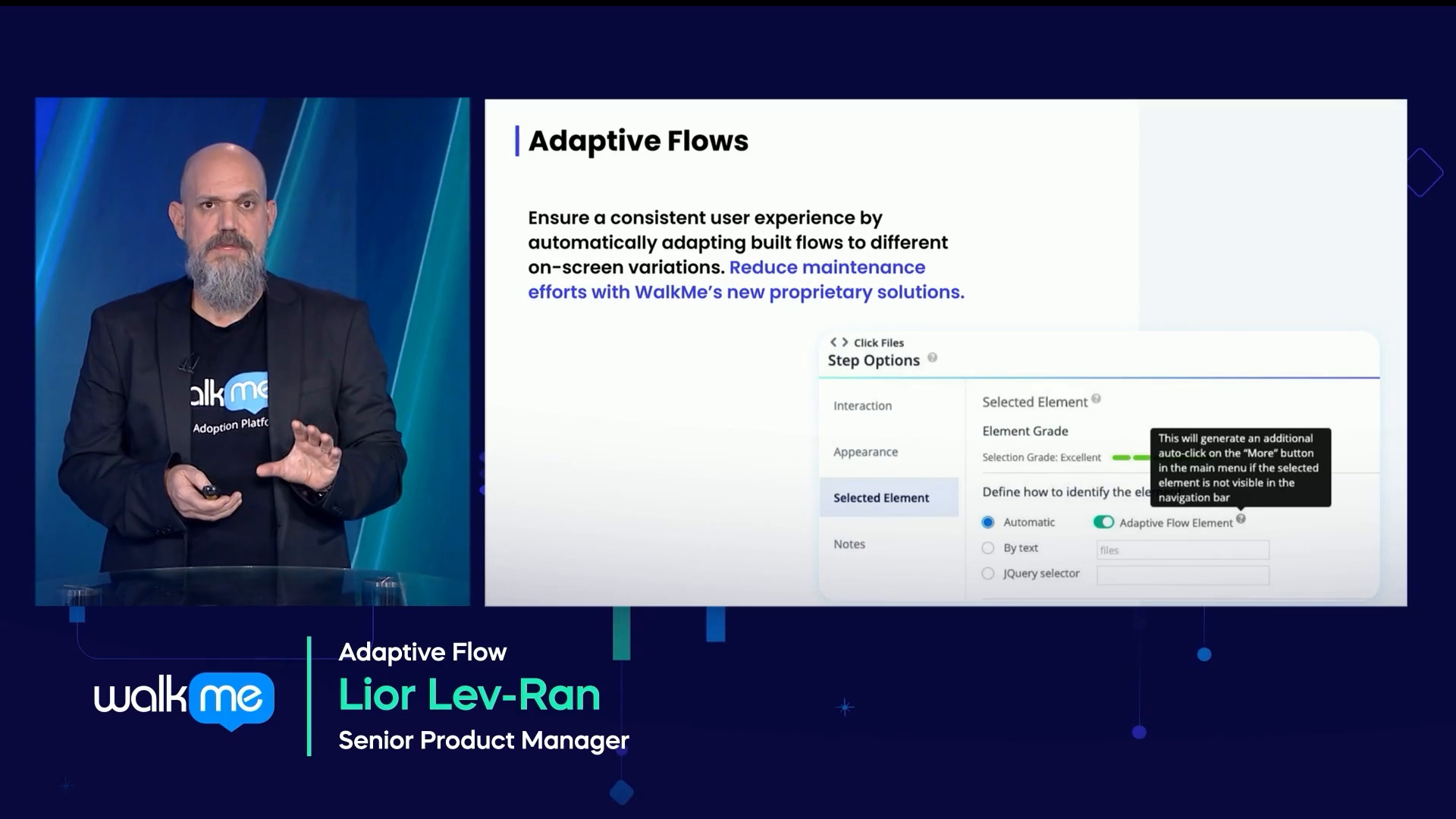
Adaptive Flows
Learn how Adaptive Flows can help your Smart Walk-Thru builds
Personalização
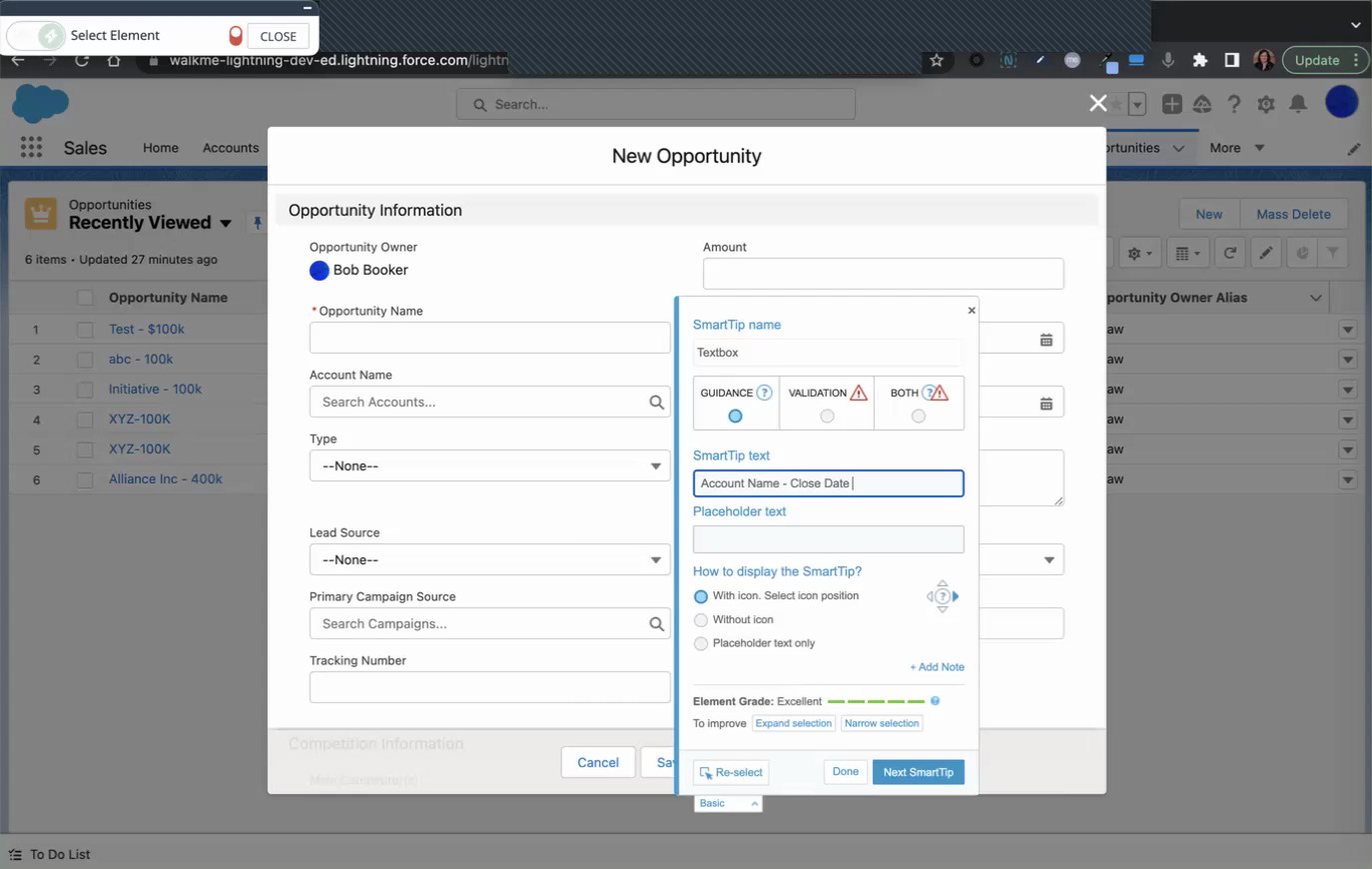
Add Placeholder Text to Fields
Automate text fields using the placeholder feature
Personalização
Use the Highlighting Tool to Bring Attention
Learn how to bring attention to elements by highlighting elements
Personalização
Visual Designer Dynamic Layout
Take building to the next level with the new Dynamic Layout in the Visual Designer
Melhores Práticas
Launchers
Unsure how to use a Launcher? See this quick intro
Lançamento de Produto
AI Search
See the 45 second video challenge: AI Search
Lançamento de Produto
Smart Walk-Thru Challenge
See a 45 second recap to find and connect Smart Walk-Thrus faster
Dados e Análises
Activity Board Challenge
See a 45 second recap of the latest greatest WalkMe tech: Activity Board
Personalização
Adding Animations and Special Effects to Launchers
Upgrade your Launchers with animations and more special effects
Dicas Avançadas
Lexicon Translation Upload
Learn how Lexicon can enhance your translation uploads
Melhores Práticas
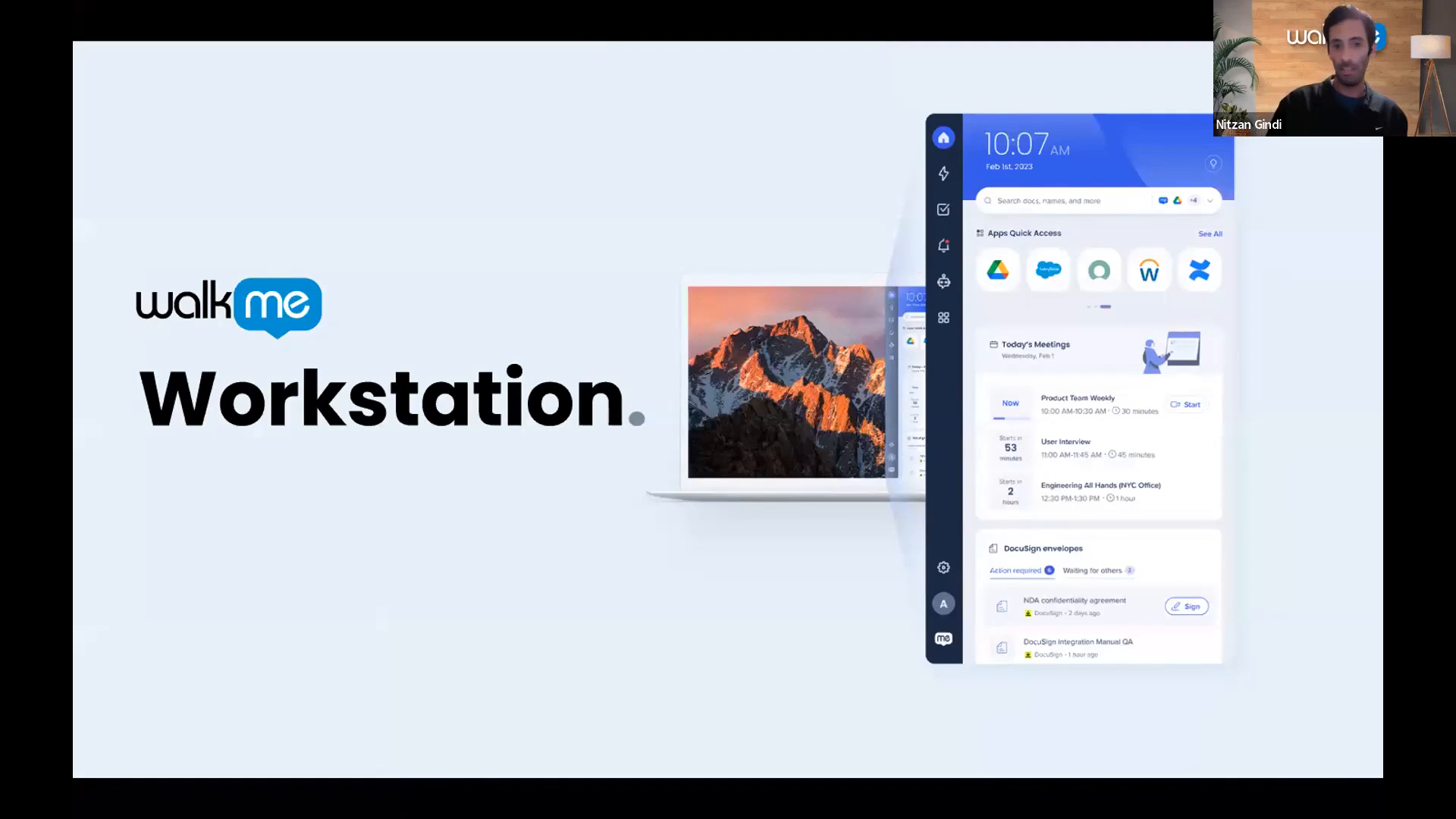
Workstation Webinar
Join product experts to learn about Workstation in this Community webinar
Dados e Análises
Analytics Webinar
Take a deep dive into analytics with this Community webinar
Dados e Análises
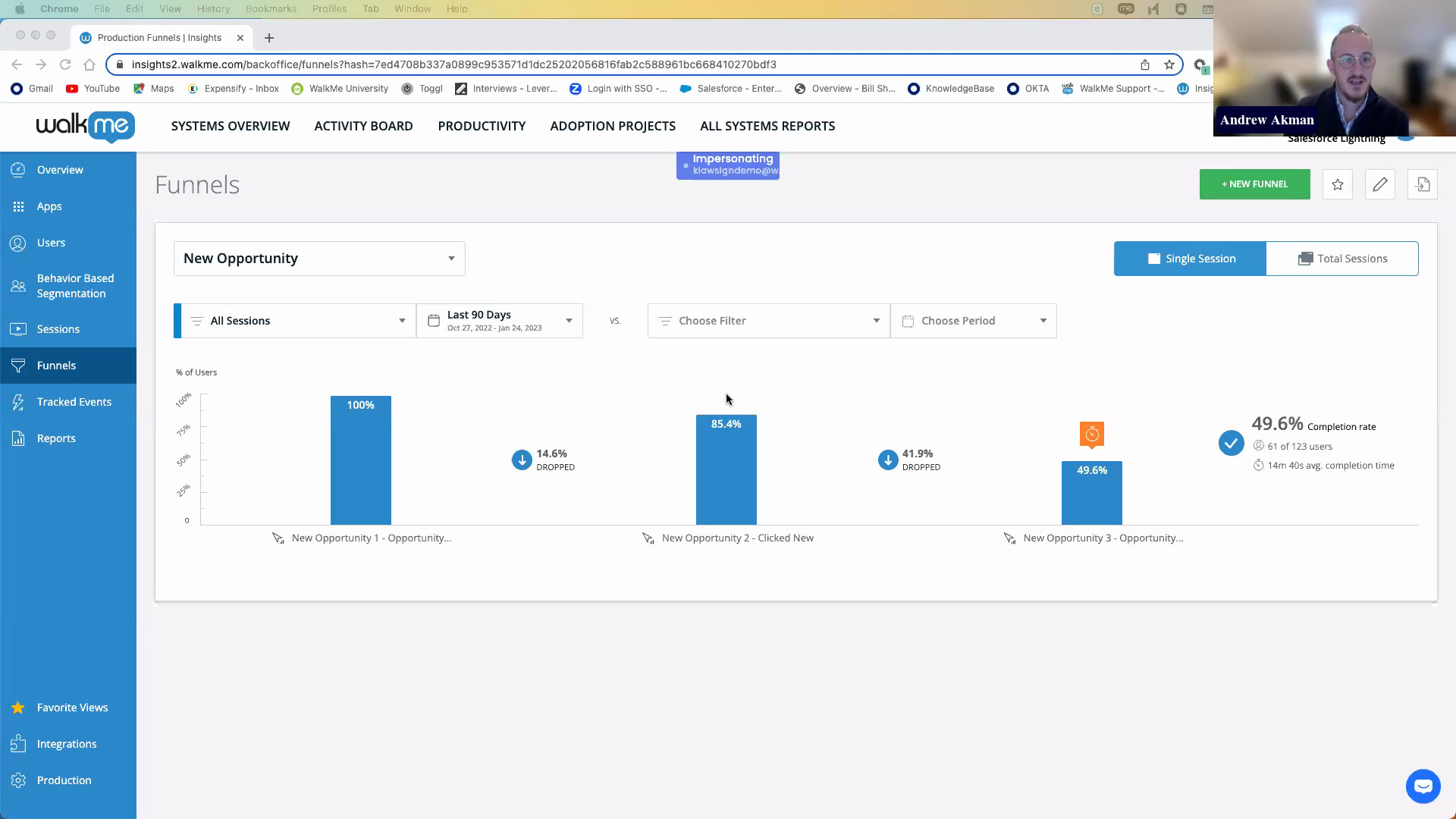
Tracked Events and Funnels Webinar
Become an Insights expert with Tracked Events and Funnels
Personalização
Get Stylin’ with CSS Webinar
Learn how to use CSS to customize your WalkMe builds
Dicas Avançadas
Using ChatGPT with Regex
Learn how to leverage ChatGPT to help you create your Regex
Personalização
Introduction to the Visual Designer Dynamic Layouts
Learn how you can leverage the new dynamic layouts feature for your ShoutOuts
Dicas Avançadas
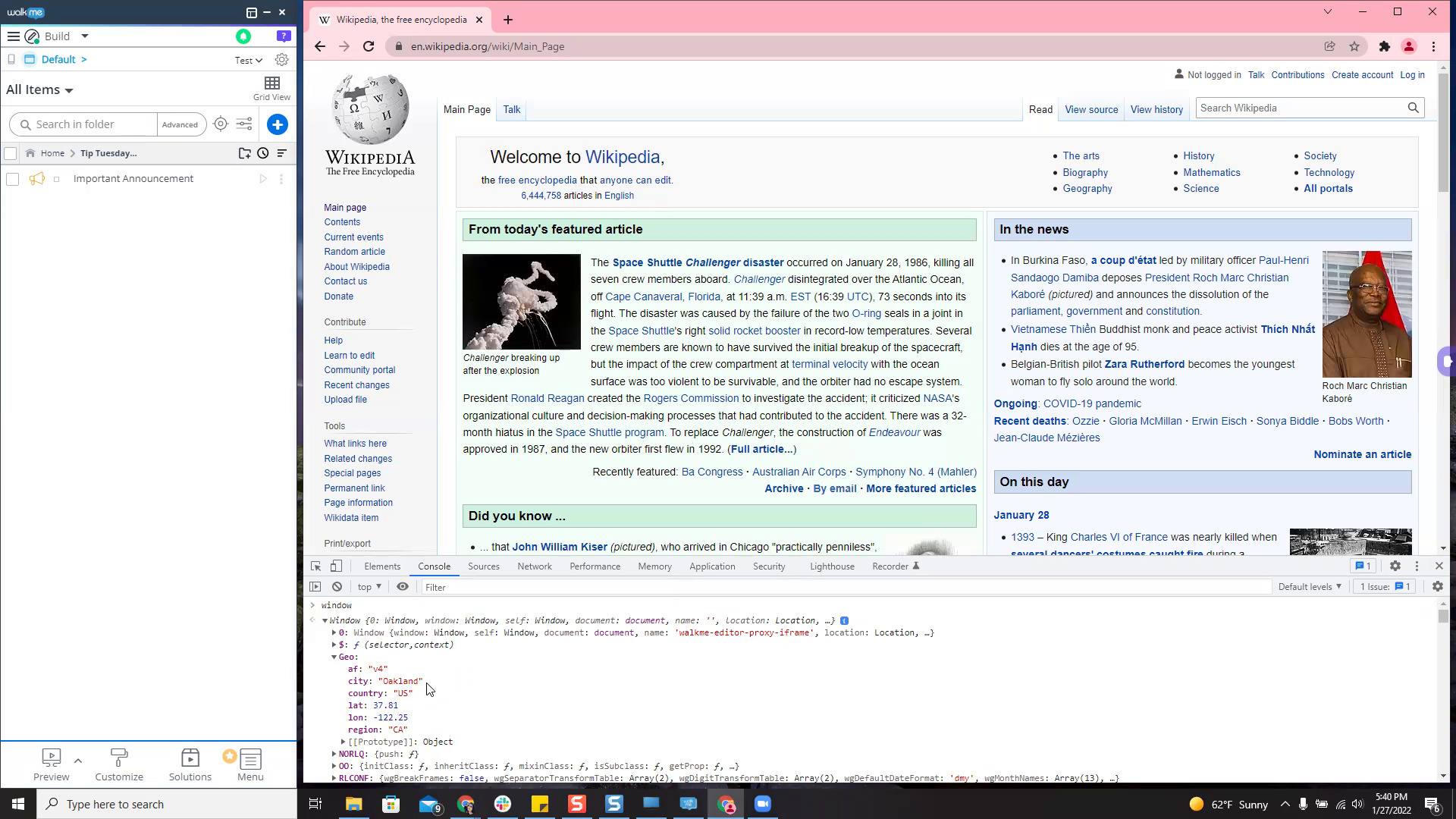
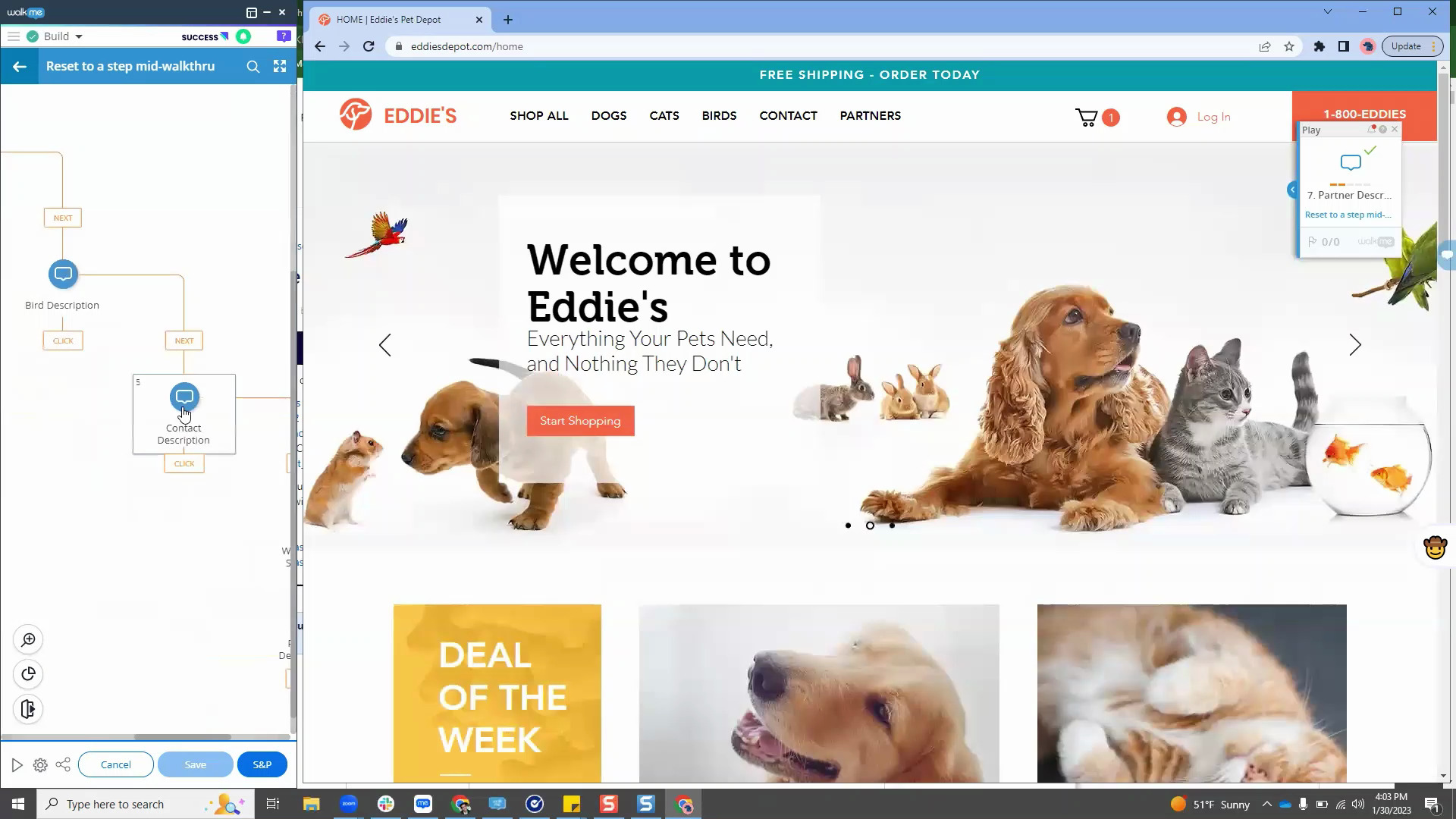
Resetting to a Specific Smart Walk-Thru Step via WMData
Reset a Smart Walk-Thru to a specific step using WalkMe Data. This is a straightforward introduction into WalkMe Data, if you've never used it before.
Lançamento de Produto
January 2023 Product Release Recap
Updates to the reports builder, UI improvements, new Workstation settings and more.
Melhores Práticas
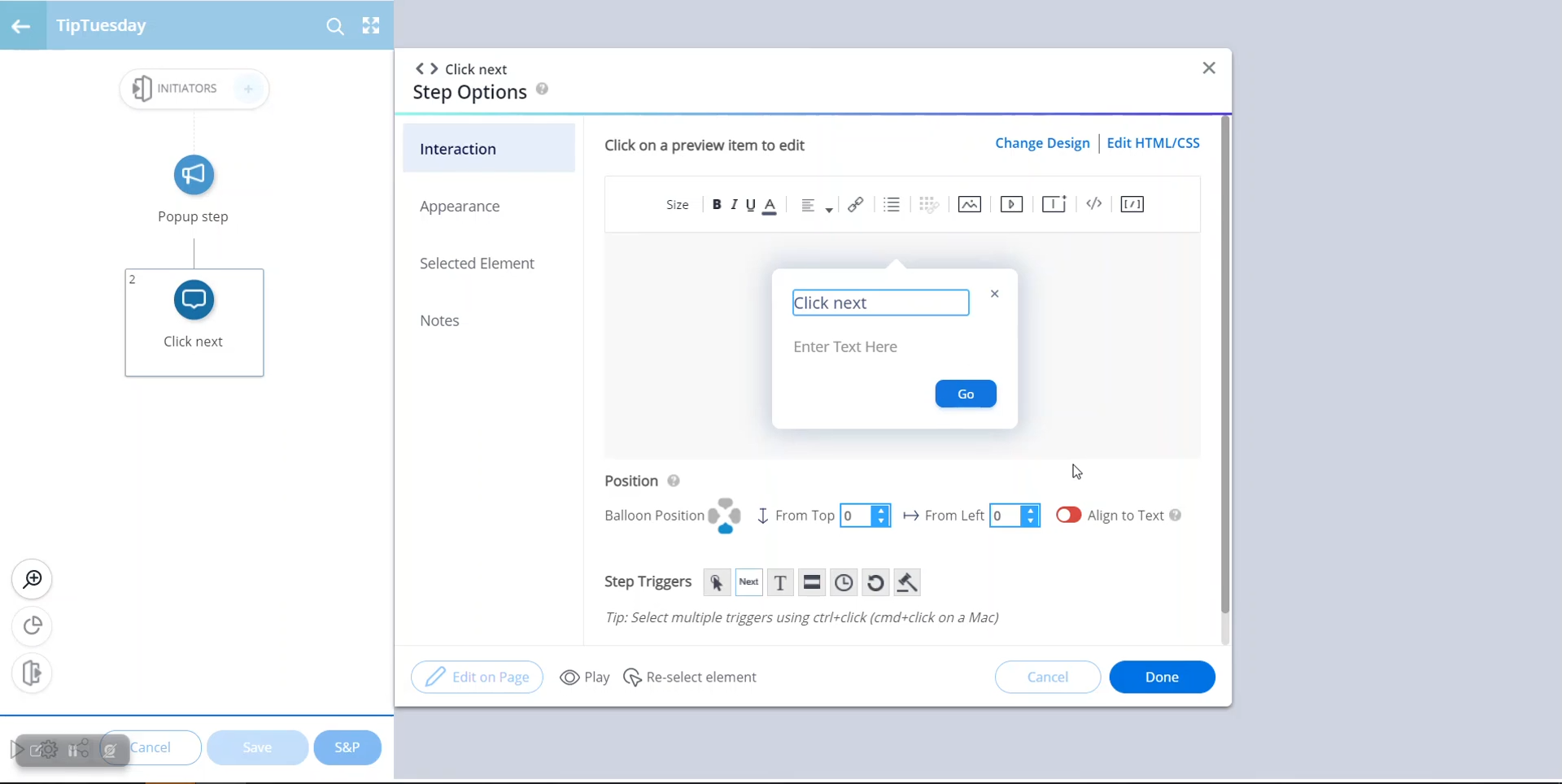
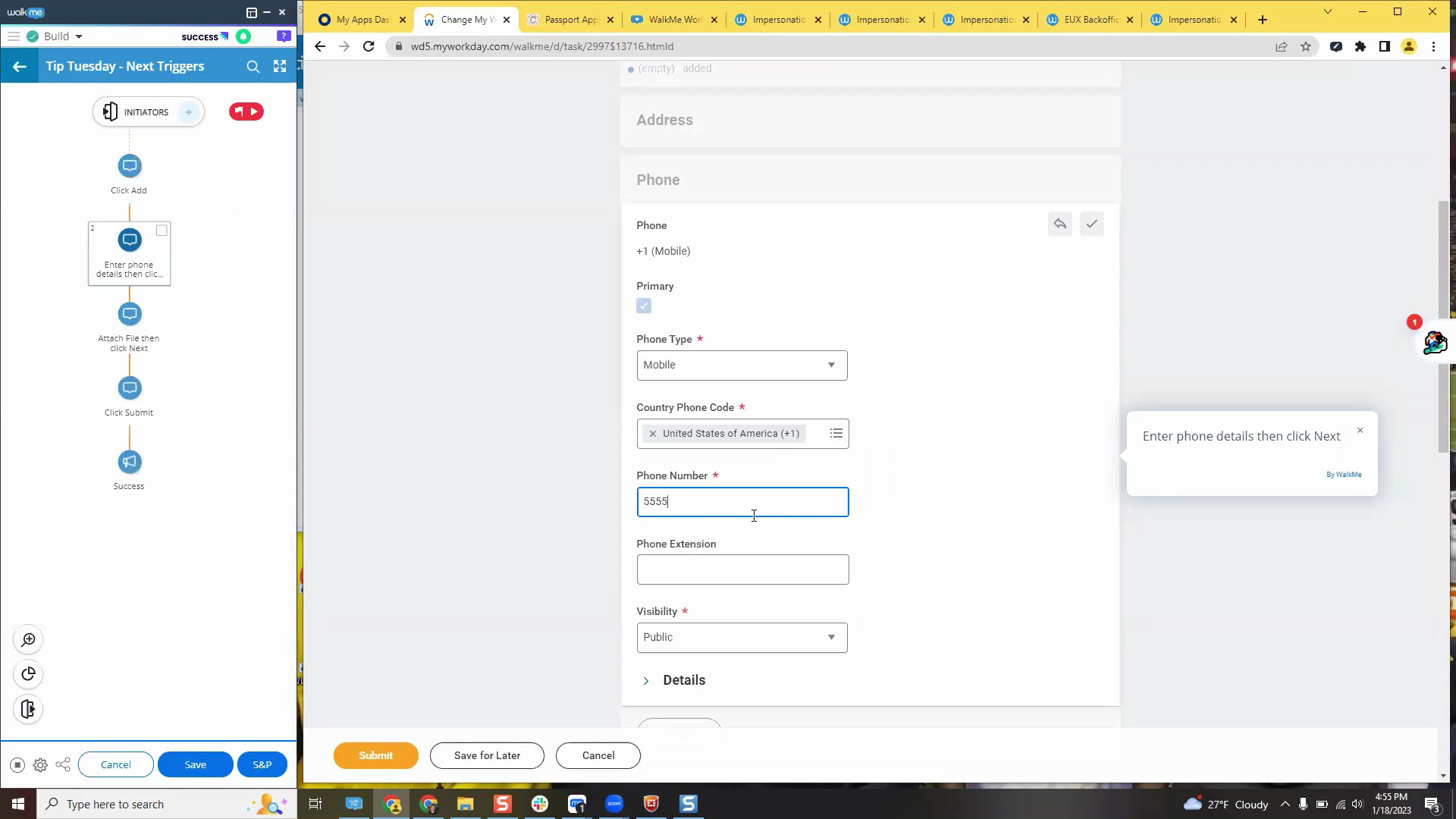
When to Use (Or Avoid) Next Triggers
Next trigger, SmartTip, or popup step? Find out when to use them!
Melhores Práticas
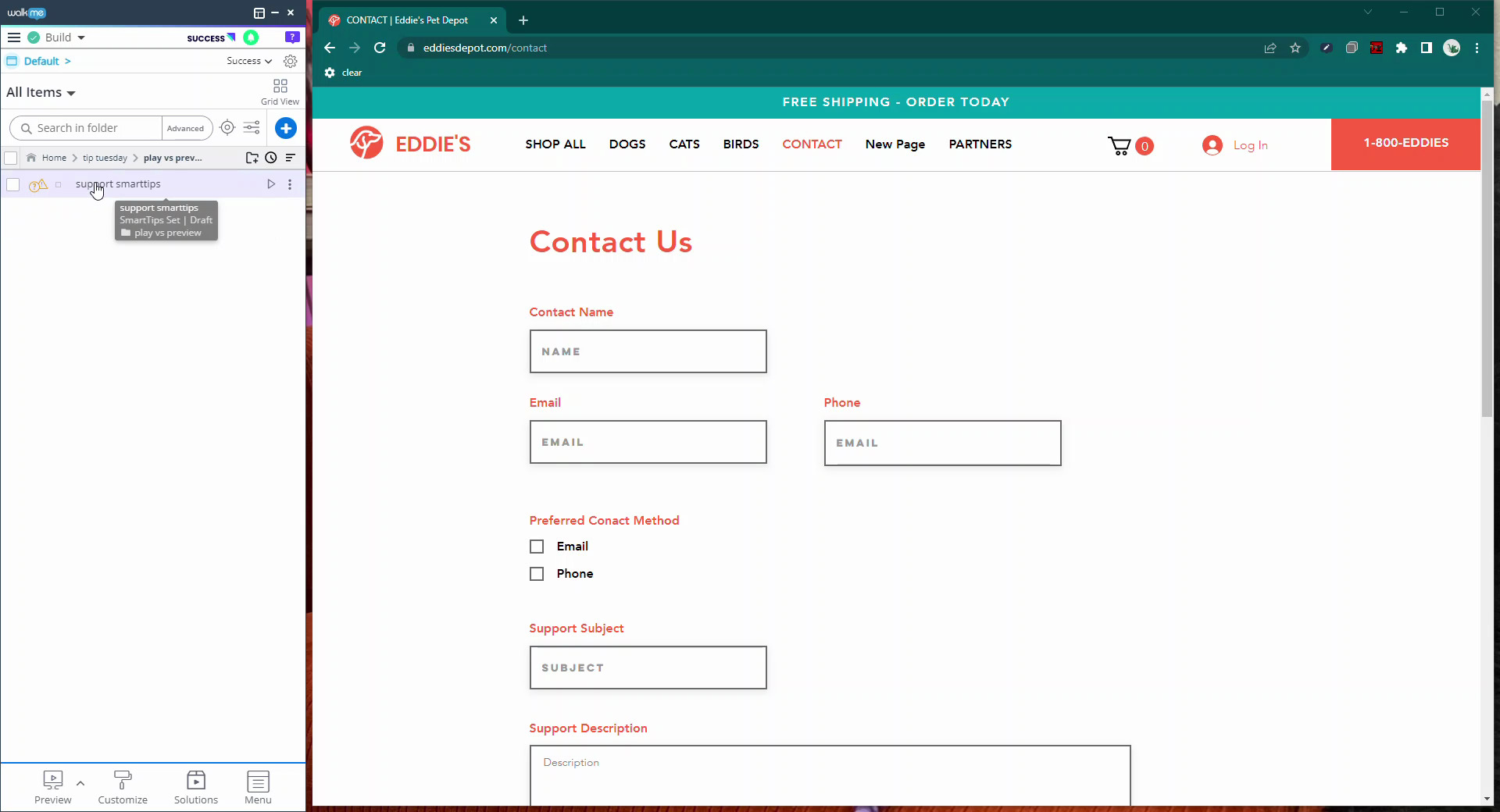
Preview vs Play
Learn how and why to use preview vs play while you build
Melhores Práticas
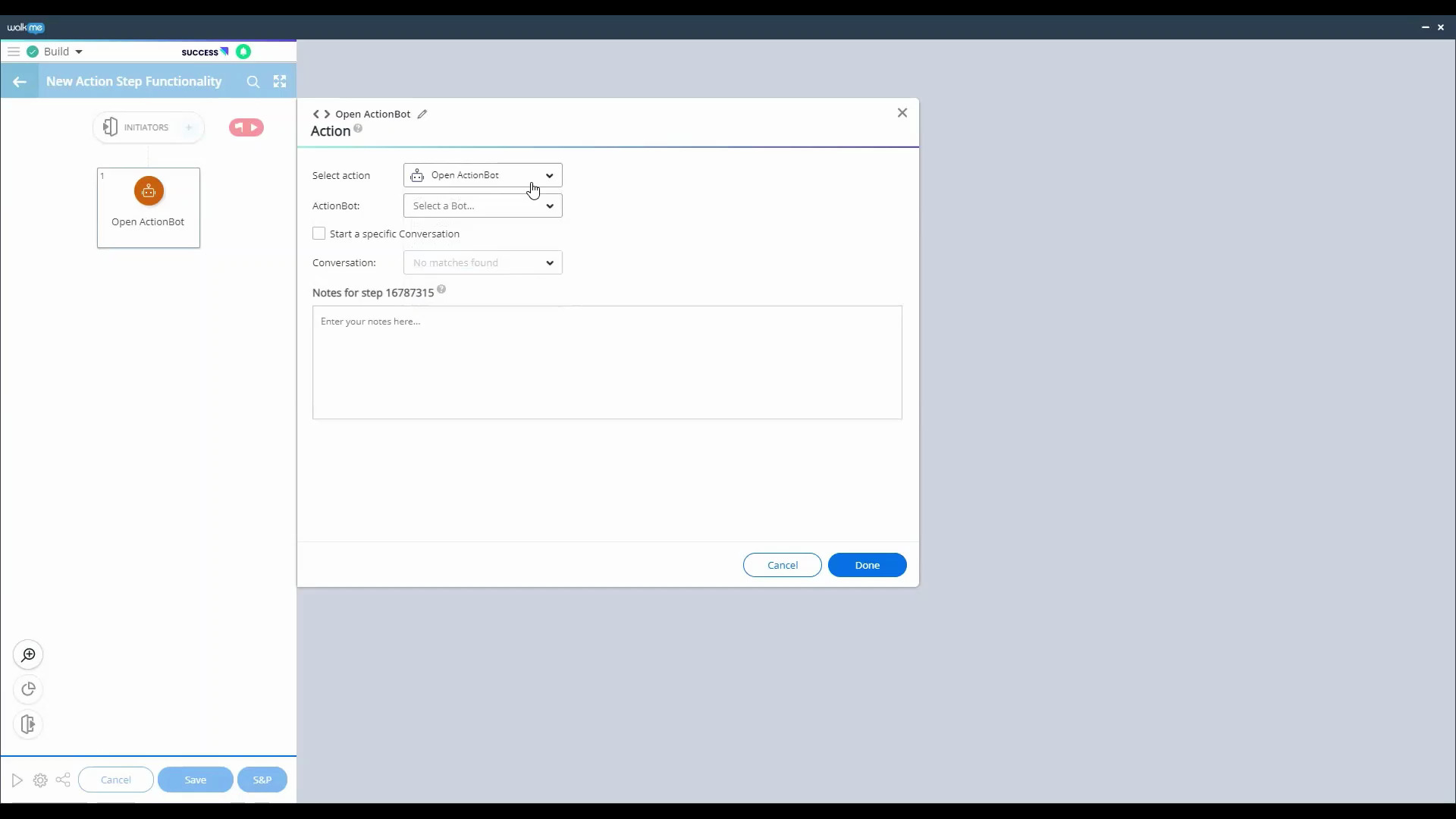
Action Step Overview
What are the types of actions in an Action Step and how can you use them? Find out here!
Melhores Práticas
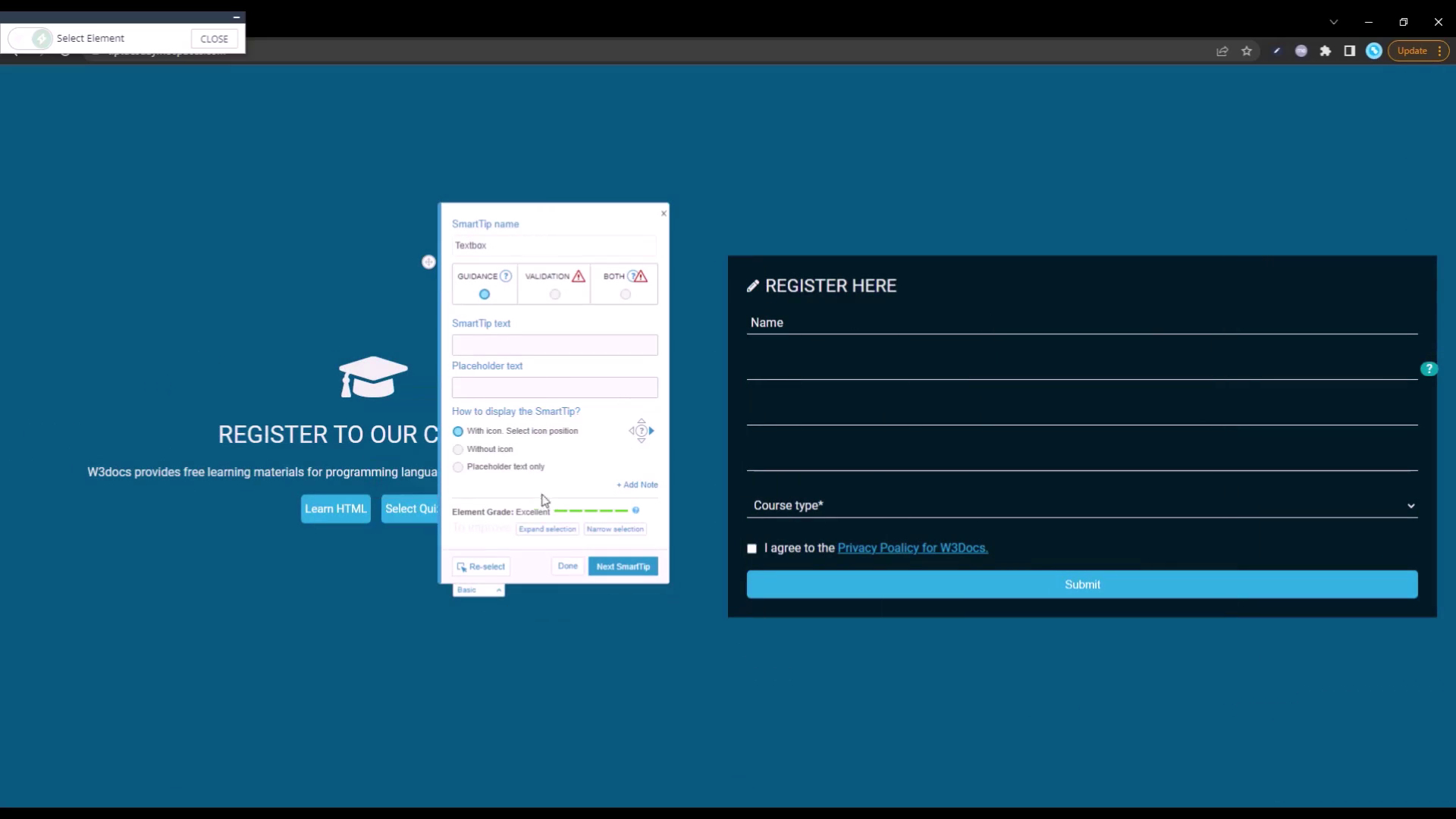
Quick Guide to Placeholder SmartTips
Did you know that Placeholder SmartTips replace existing placeholders? Learn about how to create a Placeholder in this short video!
Lançamento de Produto
November 2022 Product Release Recap
Updates to Insights Funnels, Logic Rules, Workstation and more!
Personalização
Remove text from a Launcher using CSS
Use an invisible Launcher with a CSS trick to hide elements on your site
Personalização
Build a Carousel with this Community Solution
Use this brilliant Community Solution carousel to highlight more than one update without crowding the page
Melhores Práticas
Selected Element Best Practices
When should you use the appears and disappears as a result of user action? Here's some best practices for the element behavior tab.
Lançamento de Produto
Smart Walk-Thru features you don’t want to miss
In this Tip Tuesday, we review Smart Walk-Thru features that will help your building experience.
Lançamento de Produto
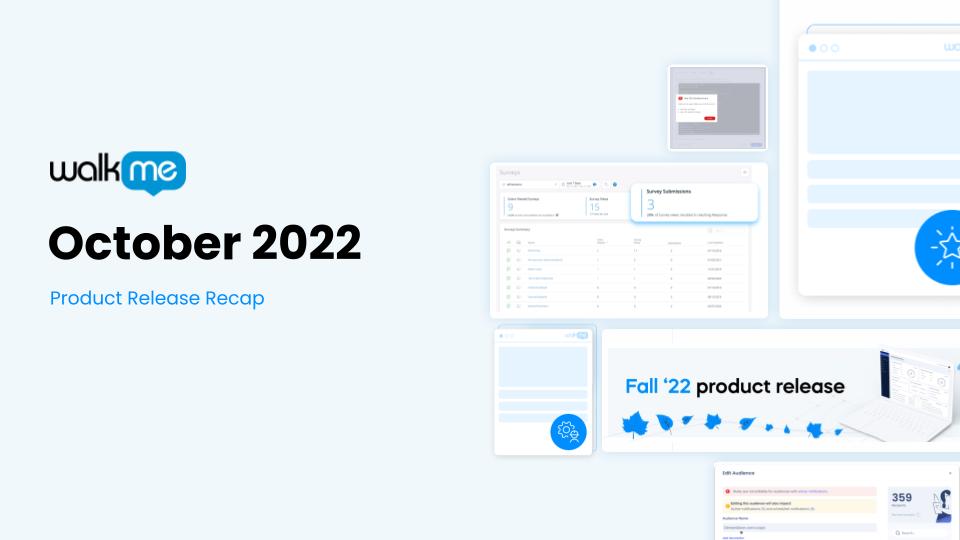
October 2022 Product Release Recap
Activity Board updates, new CSS validation, new Workstation integrations and more
Lançamento de Produto
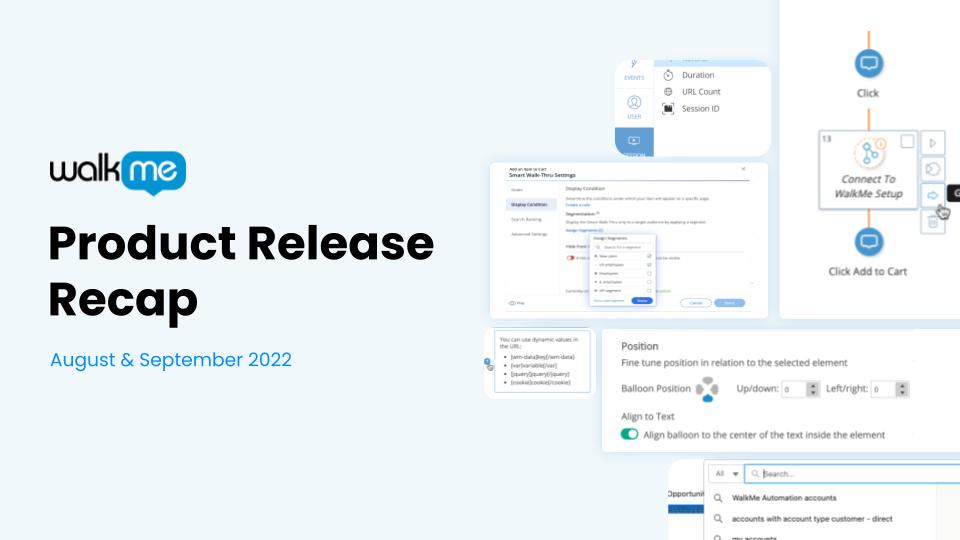
August & September 2022 Product Release Recap
Product updates including new Insights filtering abilities, Smart Walk-Thru improvements and more
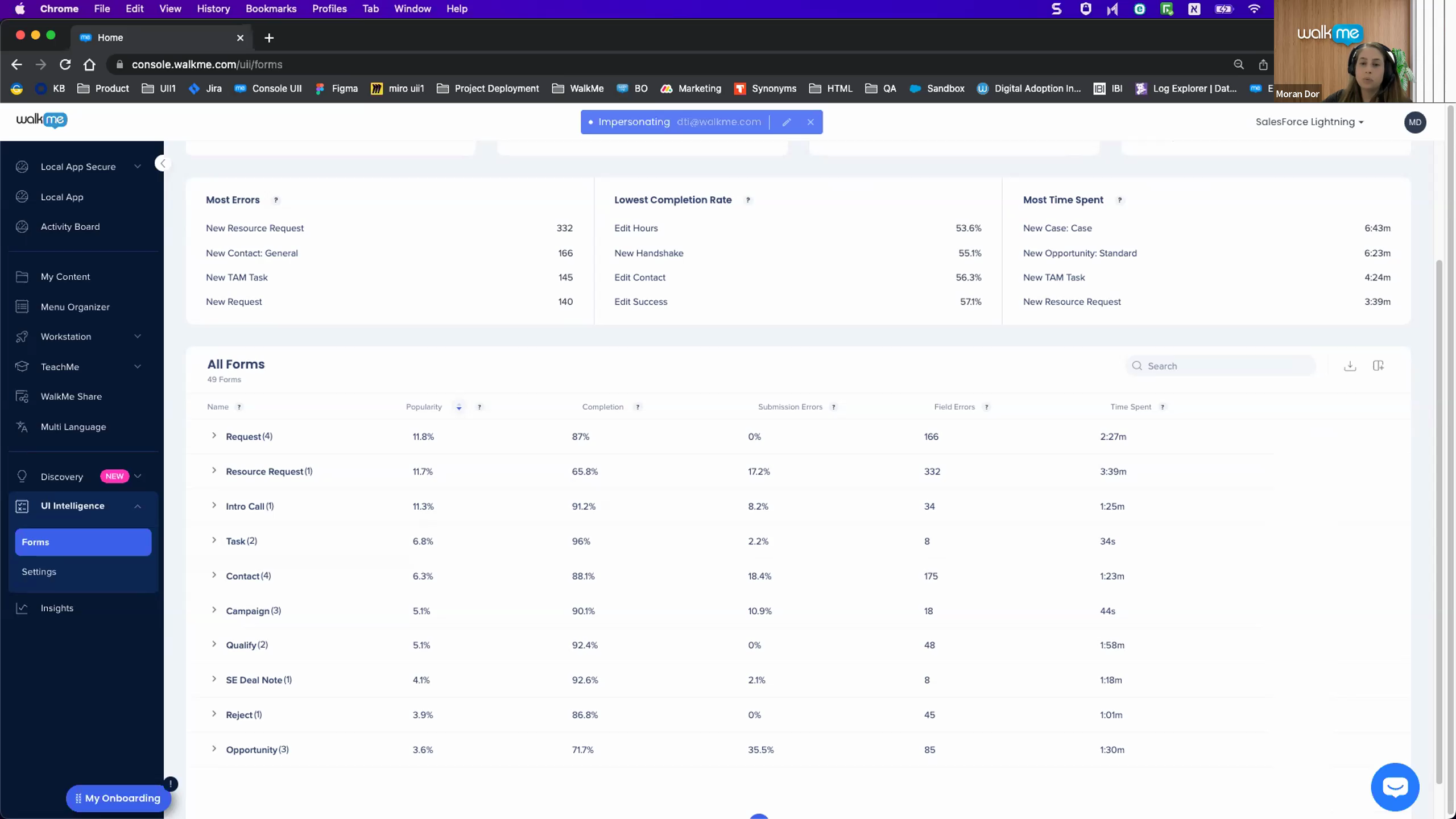
Introduction to UI Intelligence – August 2022 Webinar
Find out how UI Intelligence can boost efficiency with your forms in this webinar with the UII product manager and developers
Dicas Avançadas
Understanding jQuery – Webinar July 2022
In this hour long webinar, we discuss when, where, and how to use jQuery in your WalkMe builds
Dados e Análises
Understanding WalkMe Insights – Webinar June 2022
Get the insight on Insights! In this 1 hour webinar, we review all things data and tracking.
Melhores Práticas
Introduction to the Editor – Webinar May 2022
This webinar is a great introduction to the WalkMe Editor. Check out the timestamps to skip to parts relevant to you!
Lançamento de Produto
Smart Walk-Thru Challenge
What's new with Smart Walk-Thrus? Find out in less than 45 seconds!
Melhores Práticas
Introduction to Peer Steps
In this Tip Tuesday, we help our users fill out a form using peer steps
Melhores Práticas
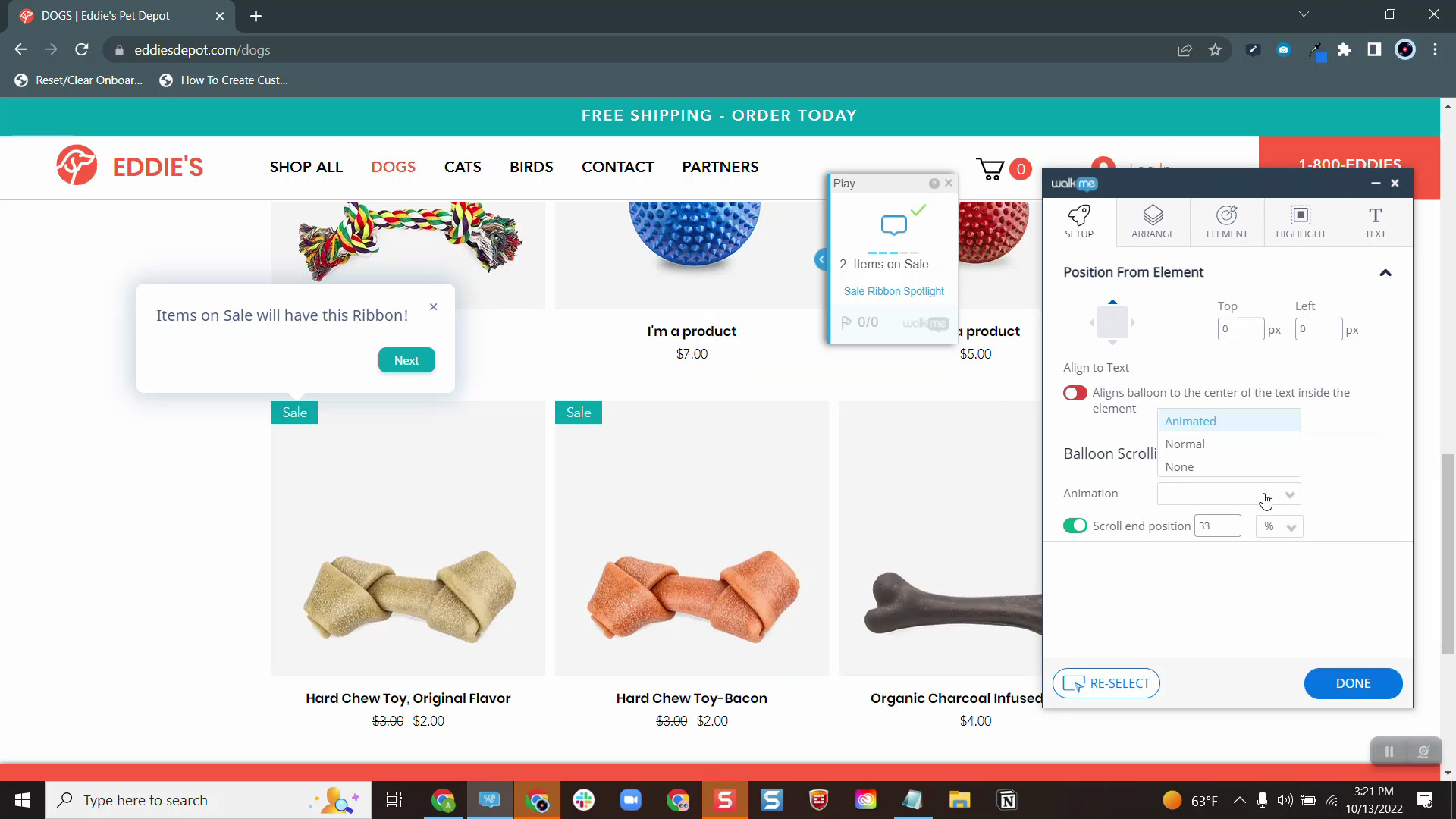
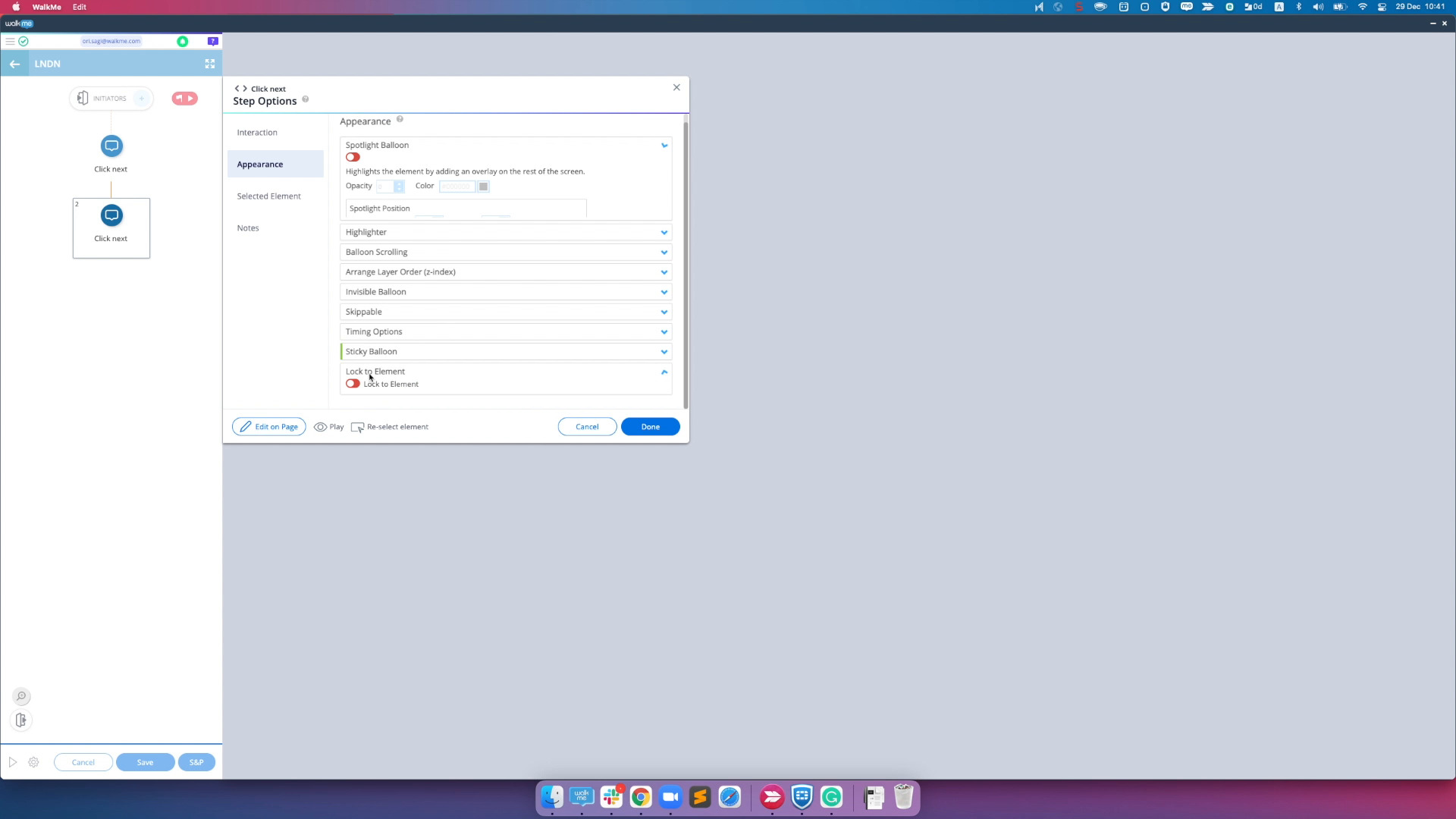
Balloon Scrolling
Here's a common use case on when to use the balloon scrolling feature for your Smart Walk-Thru
Melhores Práticas
Smart Walk-Thru or SmartTip?
Find out when to guide users with a Smart Walk-Thru or a SmartTip
Dicas Avançadas
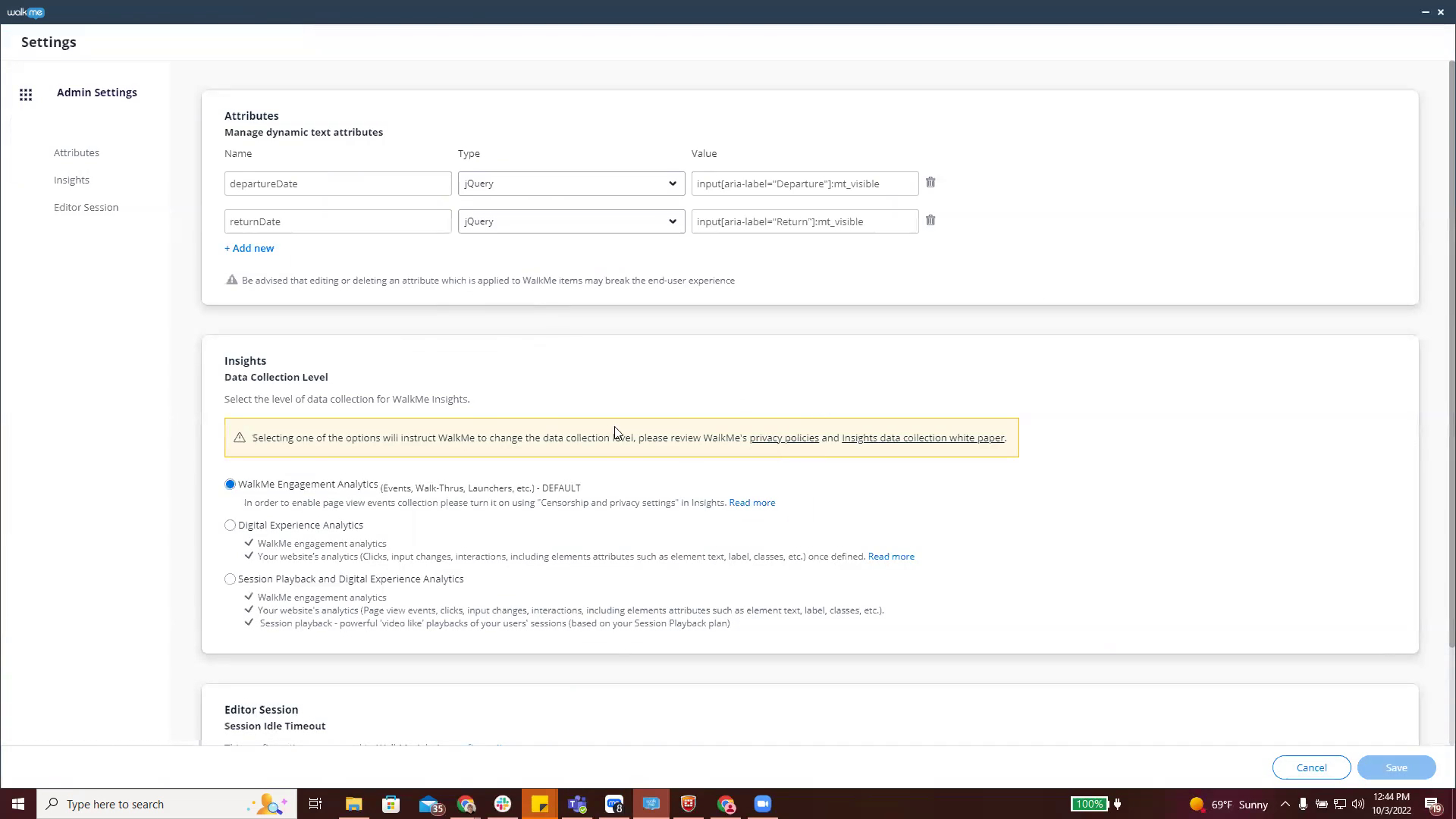
Use Attributes for Date Calculation
In this example, we use attributes and error handling to flag if the end date is less than 7 days from the start date when booking a flight
Dicas Avançadas
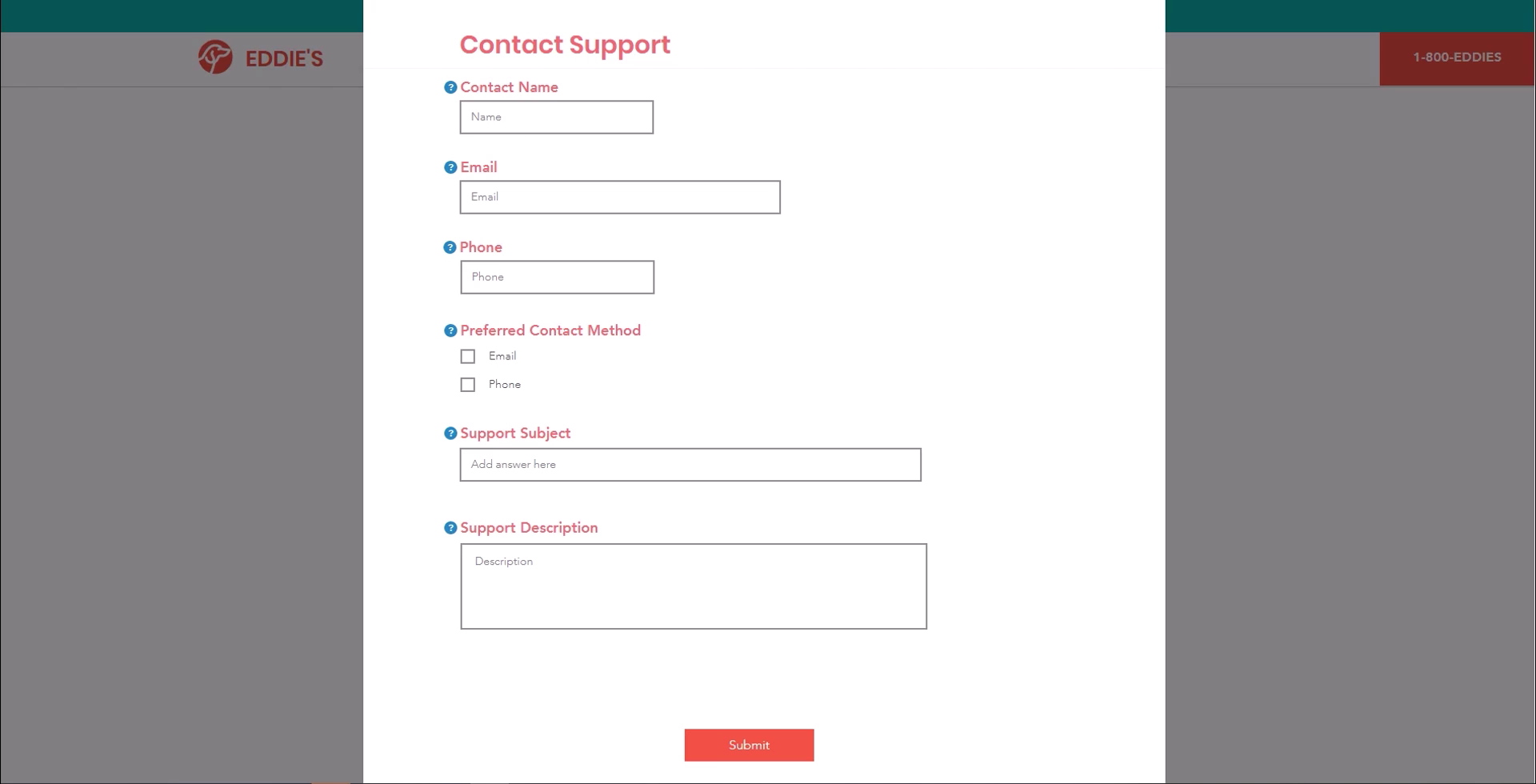
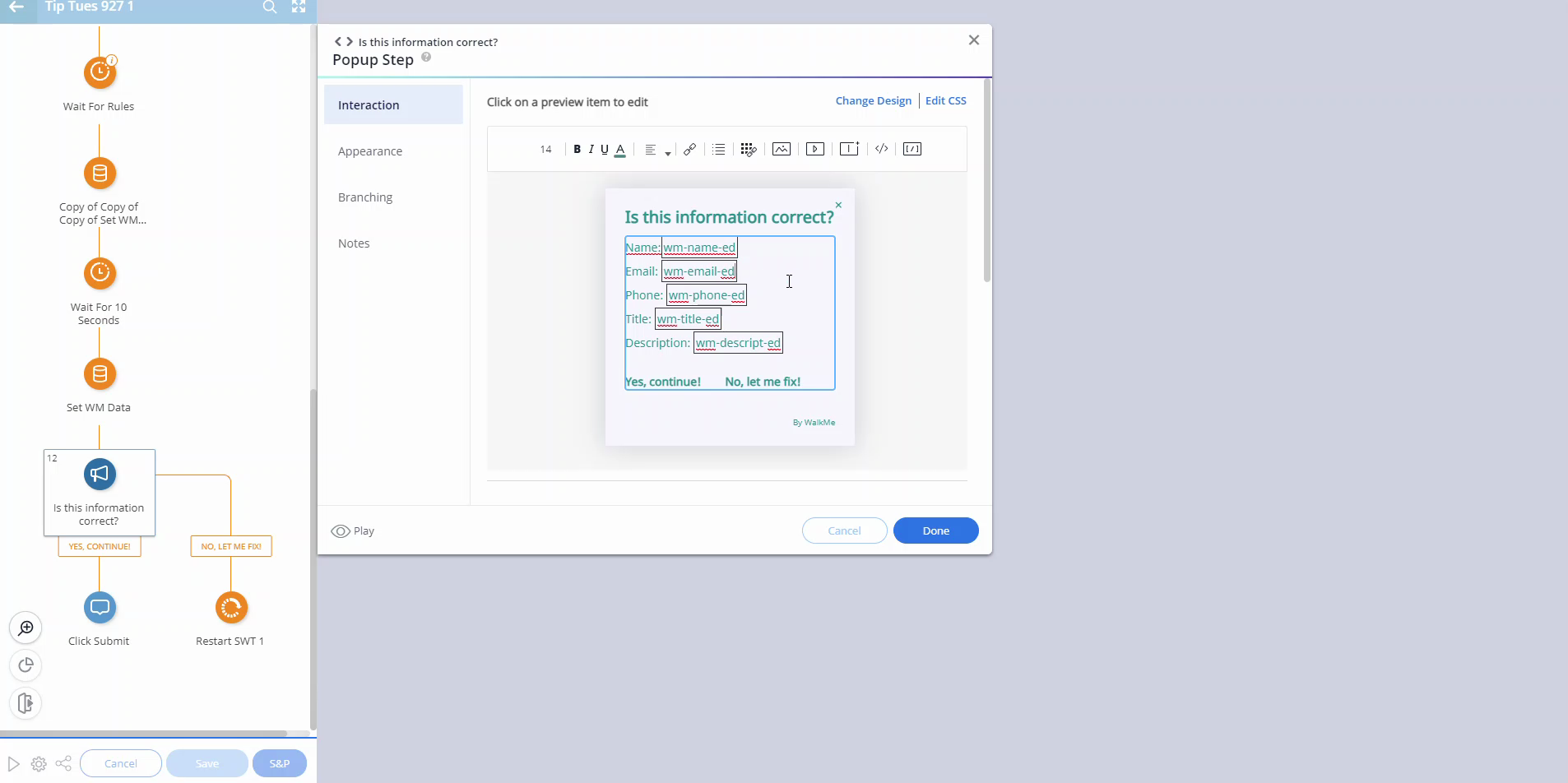
Use WalkMe Data to Gather User Inputs in Fields
Use WalkMe data to create a confirmation popup when a user fills out a form
Dados e Análises
Confirm data is being sent to WalkMe Insights
Here's a useful tip to check if Insights is collecting the data you want
Personalização
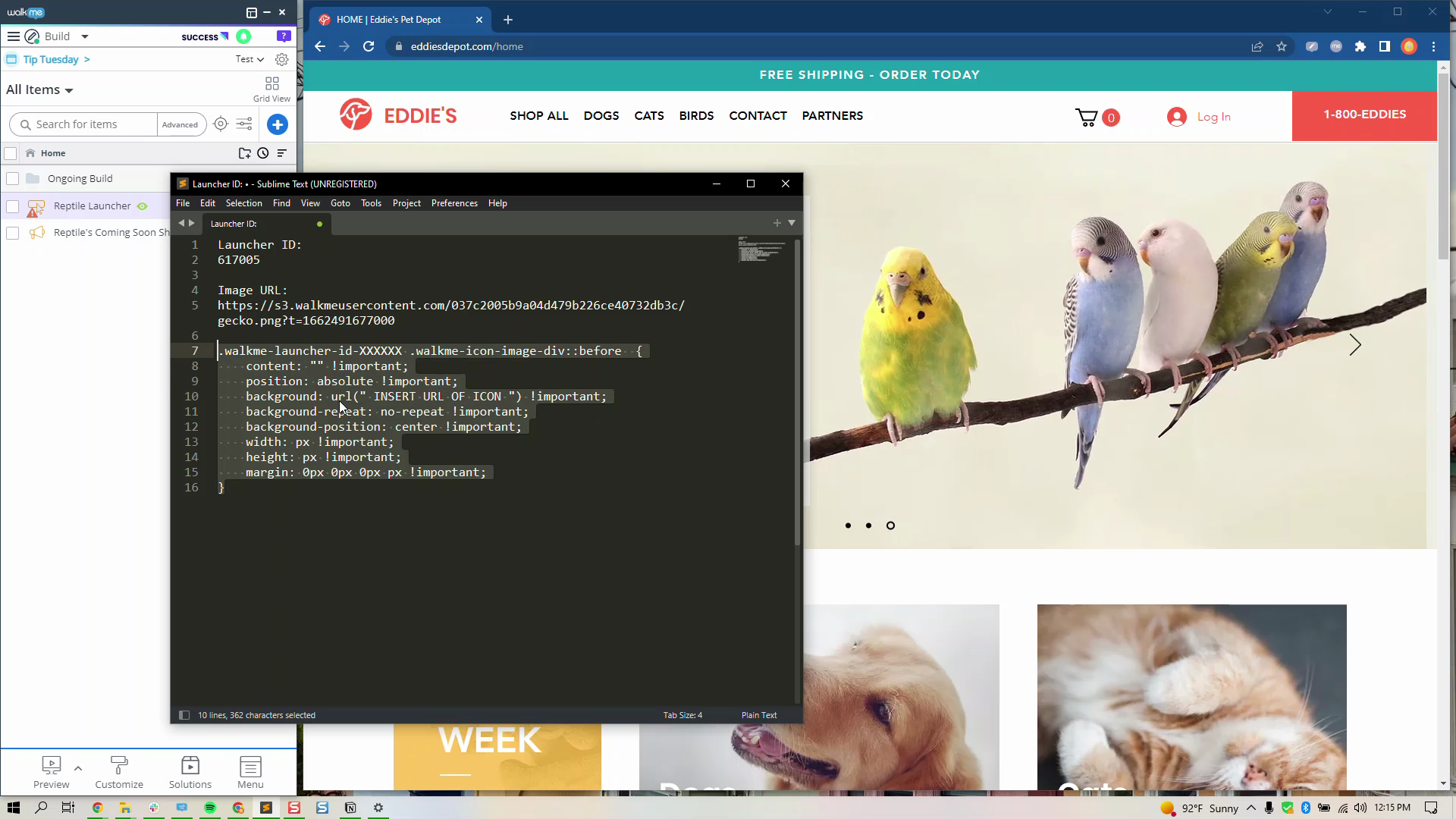
Add an icon to a Launcher
Add icons to a Launcher with the asset library and CSS
Dicas Avançadas
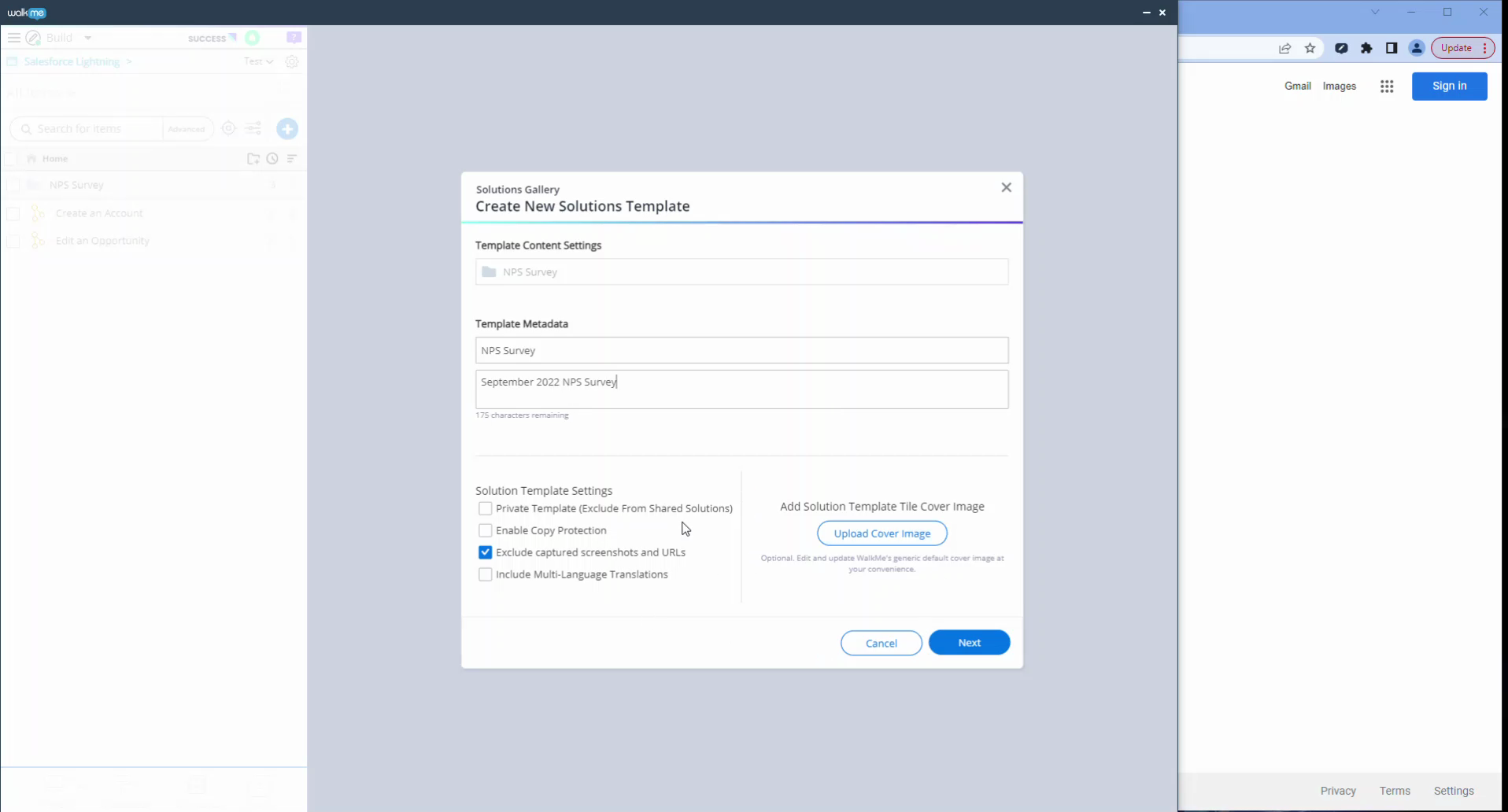
Transfer Content between Systems with Solutions Gallery
Use My Solutions to copy content from one system to another
QA e Manutenção
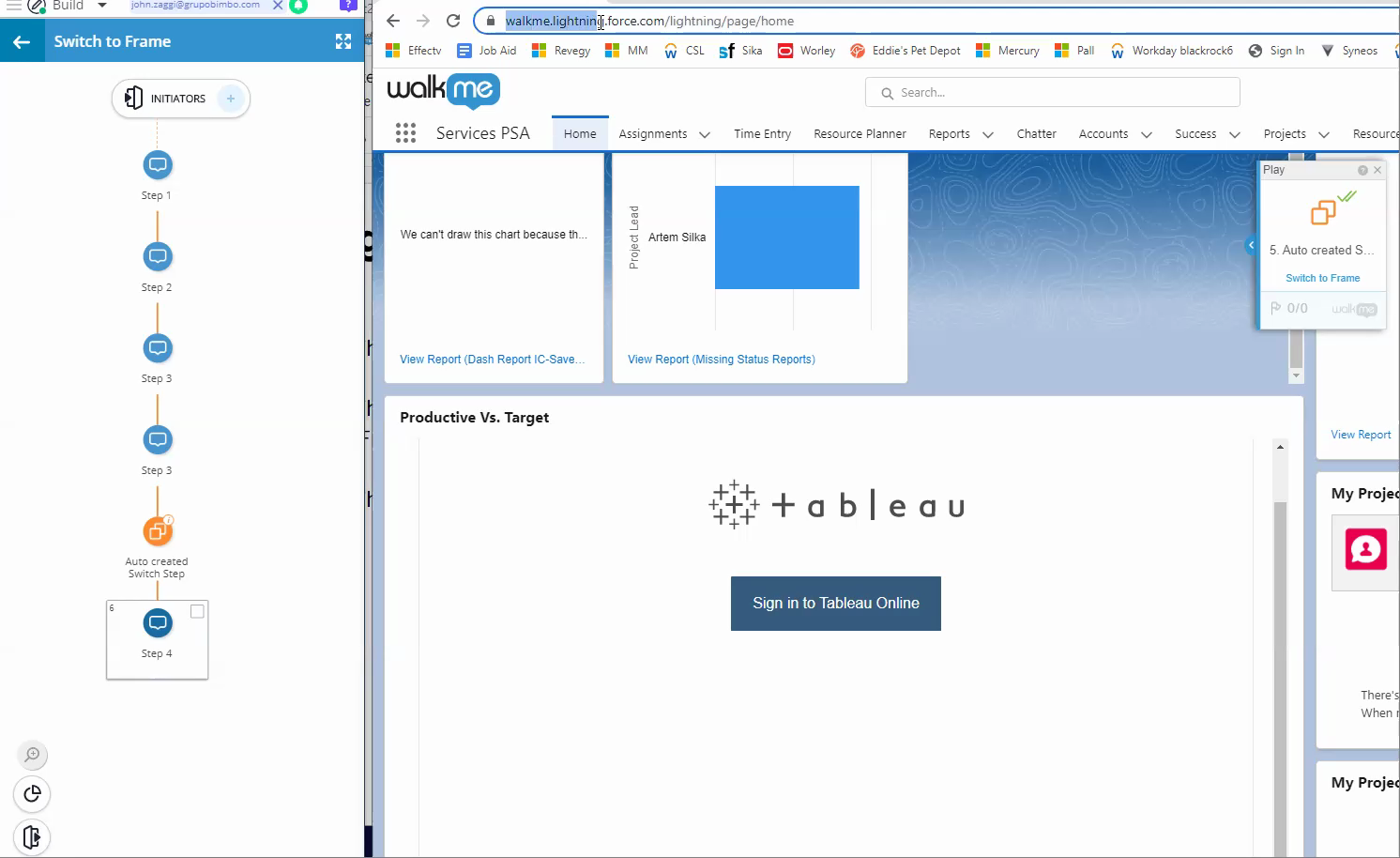
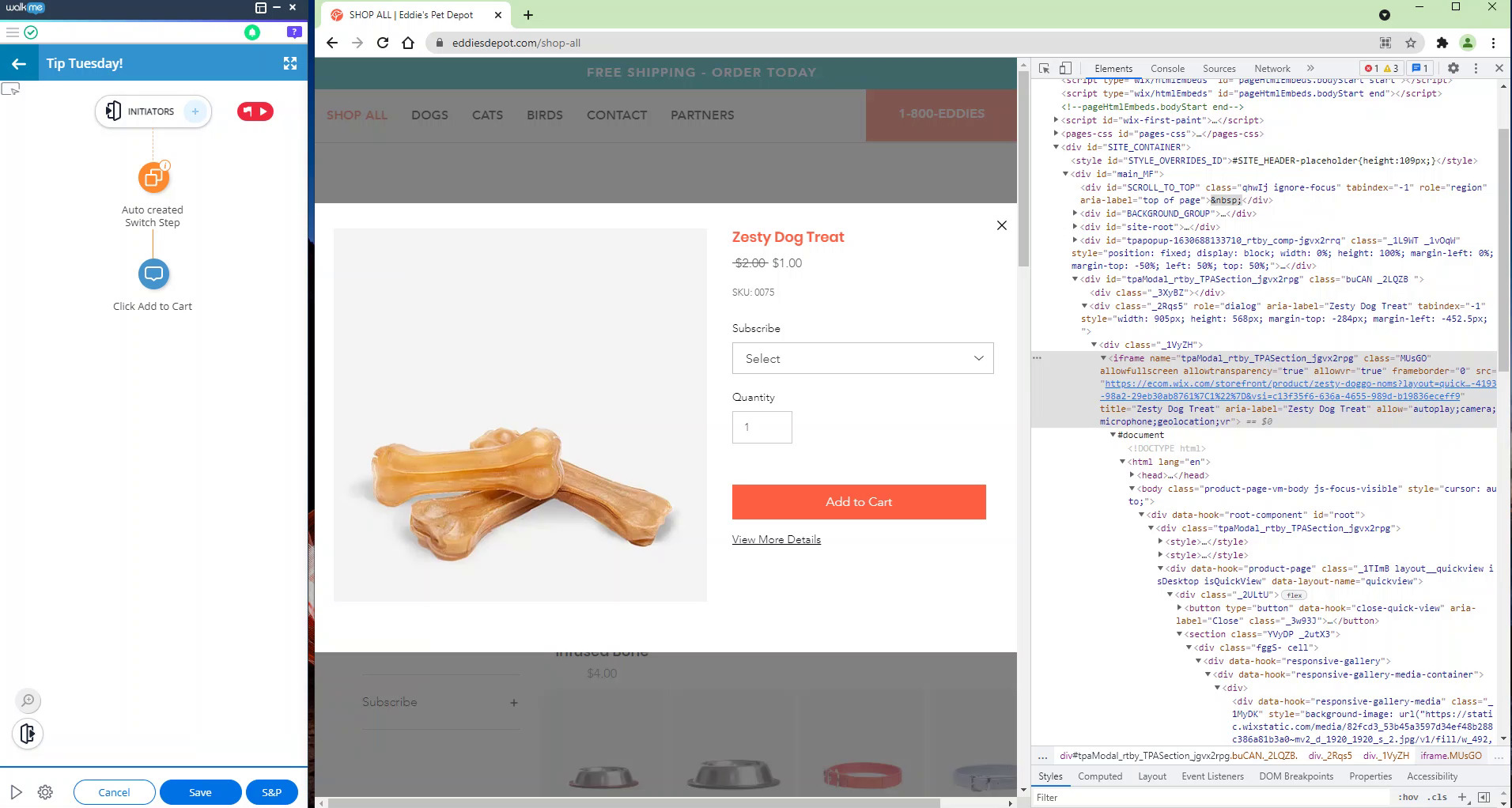
How to troubleshoot Switch to Frame steps
Never struggle to build a switch to frame again! Here are tips to troubleshoot Switch to Frame steps.
Dicas Avançadas
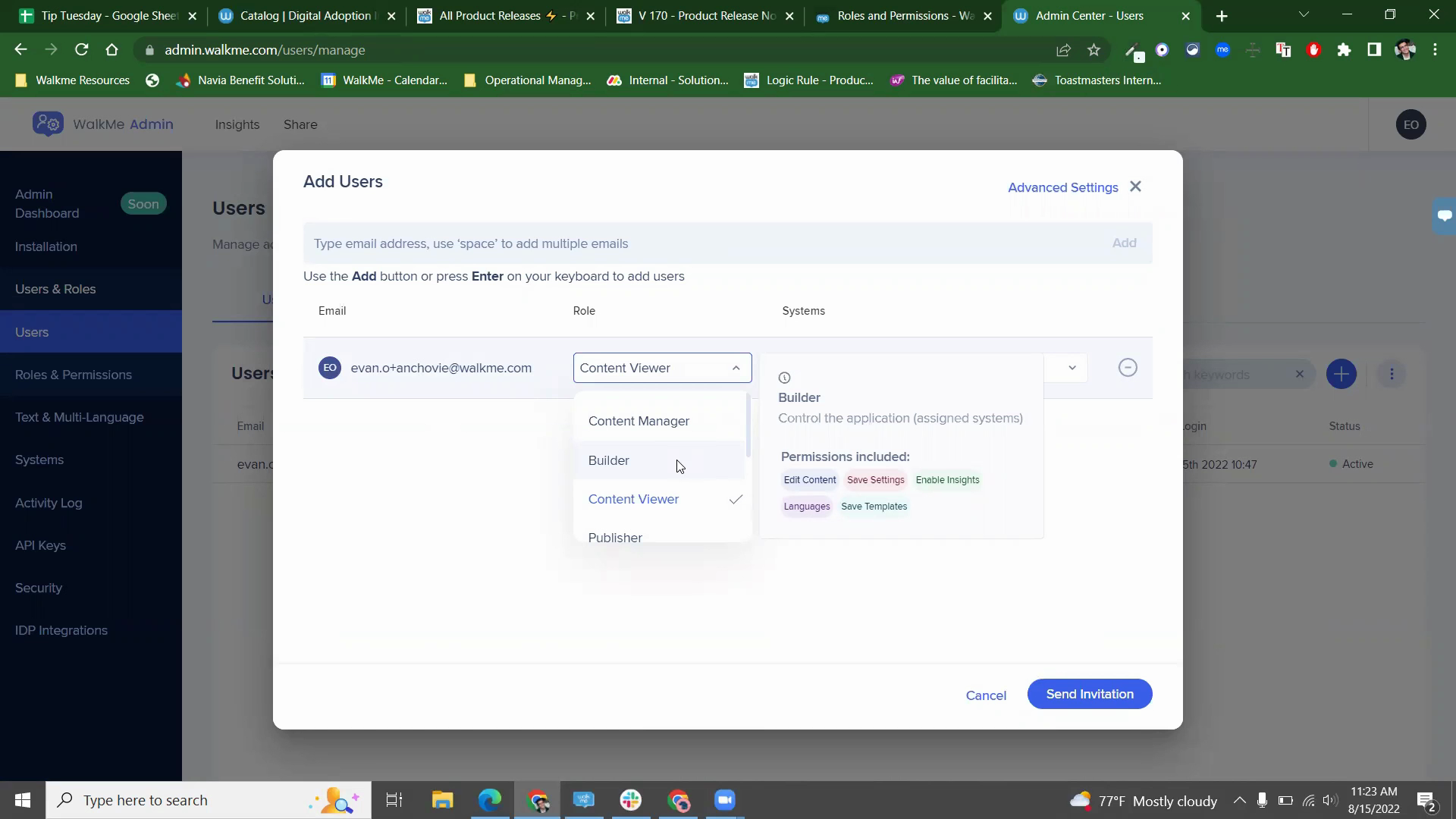
Roles and Permissions
Learn about the updated roles in the Admin Center and how to make custom roles
Personalização
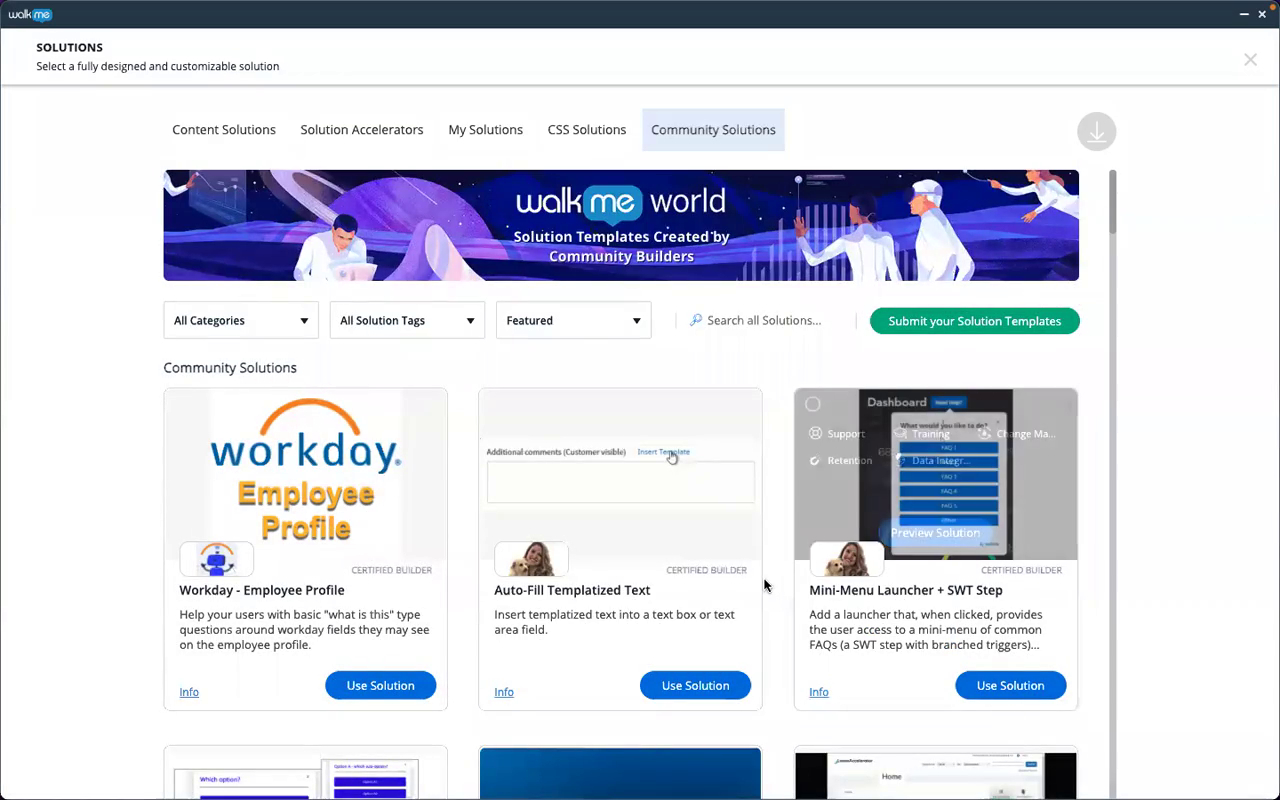
Community Solutions within the Solutions Gallery
Learn how to download and customize a community solution
Lançamento de Produto
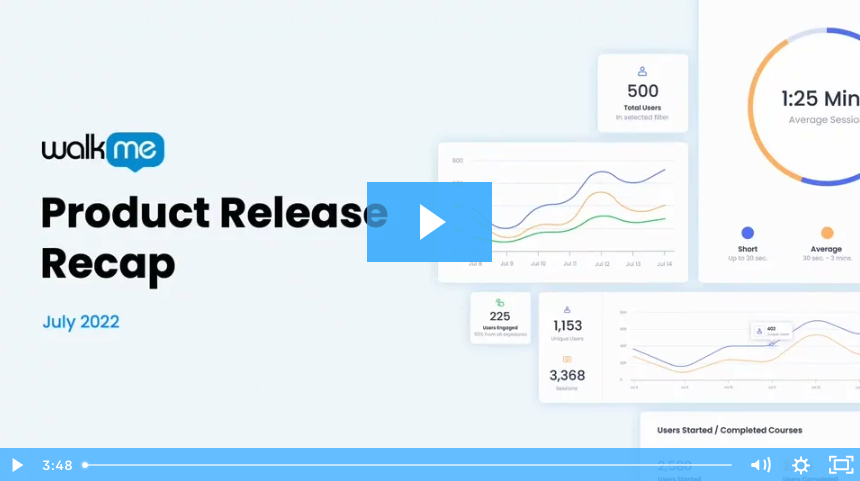
July 2022 Product Release Recap
See all of the WalkMe product updates that happened in July 2022
Dicas Avançadas
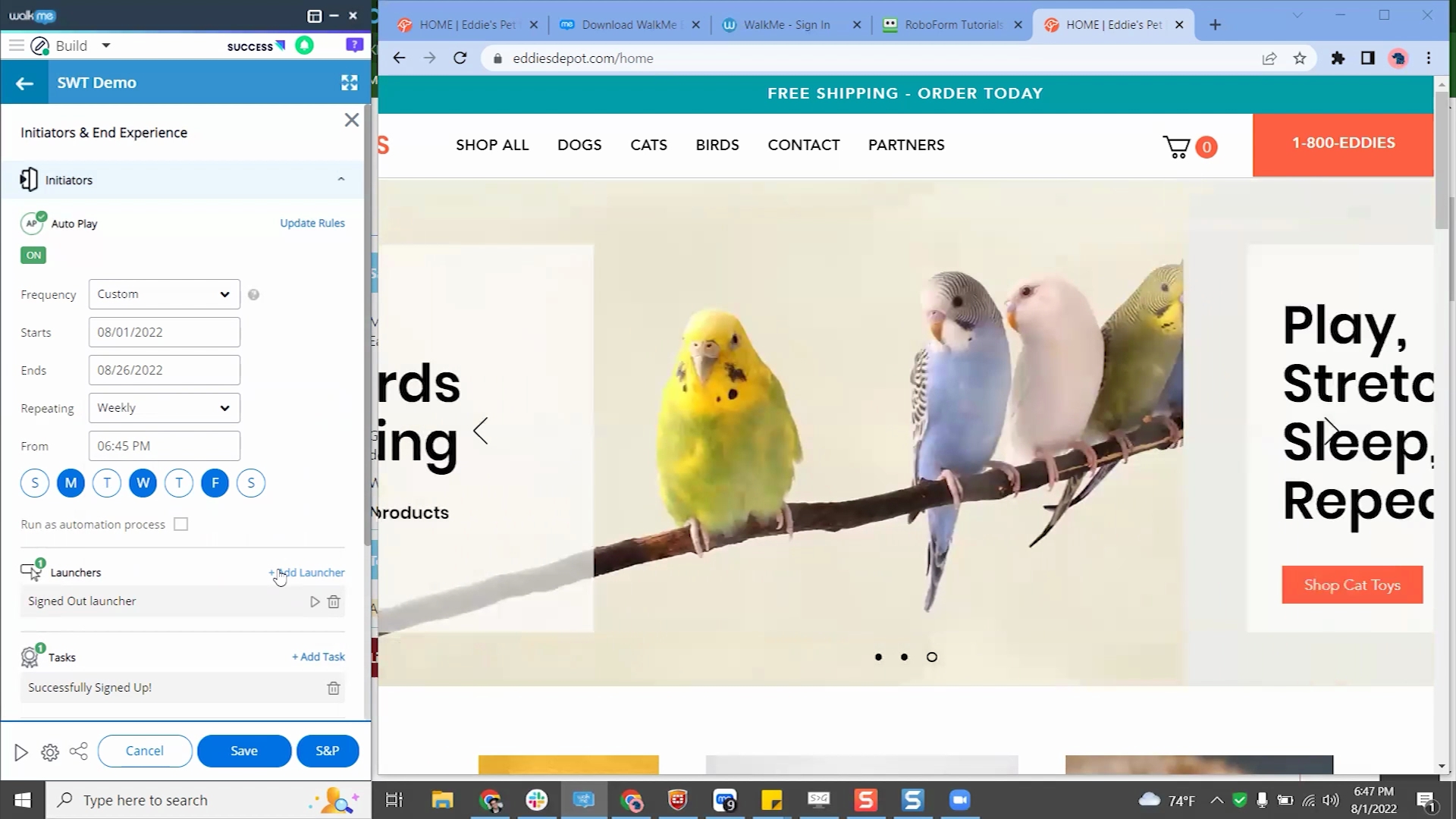
Auto Play frequency tool
Learn how to use the auto play frequency scheduler
Personalização
Custom CSS buttons
Learn how to customize buttons on a mini menu using CSS
Melhores Práticas
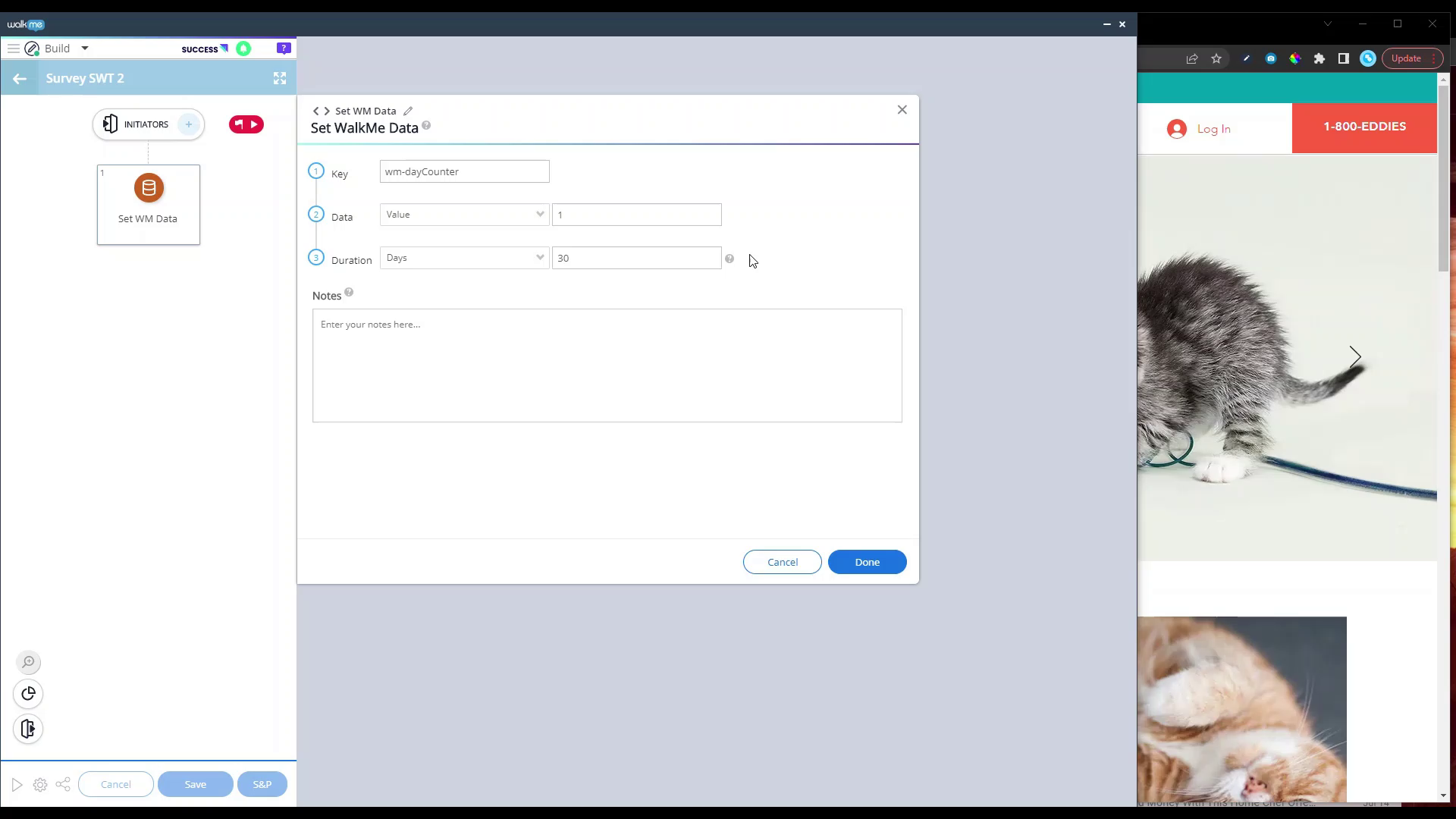
Time based survey
Learn how to use WalkMe data to control how often a survey popups
Melhores Práticas
Show or hide WalkMe content with Launchers
Learn how to use launchers to toggle content visibility
Lançamento de Produto
June 2022 Product Release Recap
See all of the WalkMe product updates that happened in June 2022
Dicas Avançadas
Automating a positive number to negative number
Learn how to use WalkMe Data to change a positive number to a negative one
Dados e Análises
Insight events to analyze content effectiveness
Learn how to use tracked events to measure Smart Walk-Thru engagement
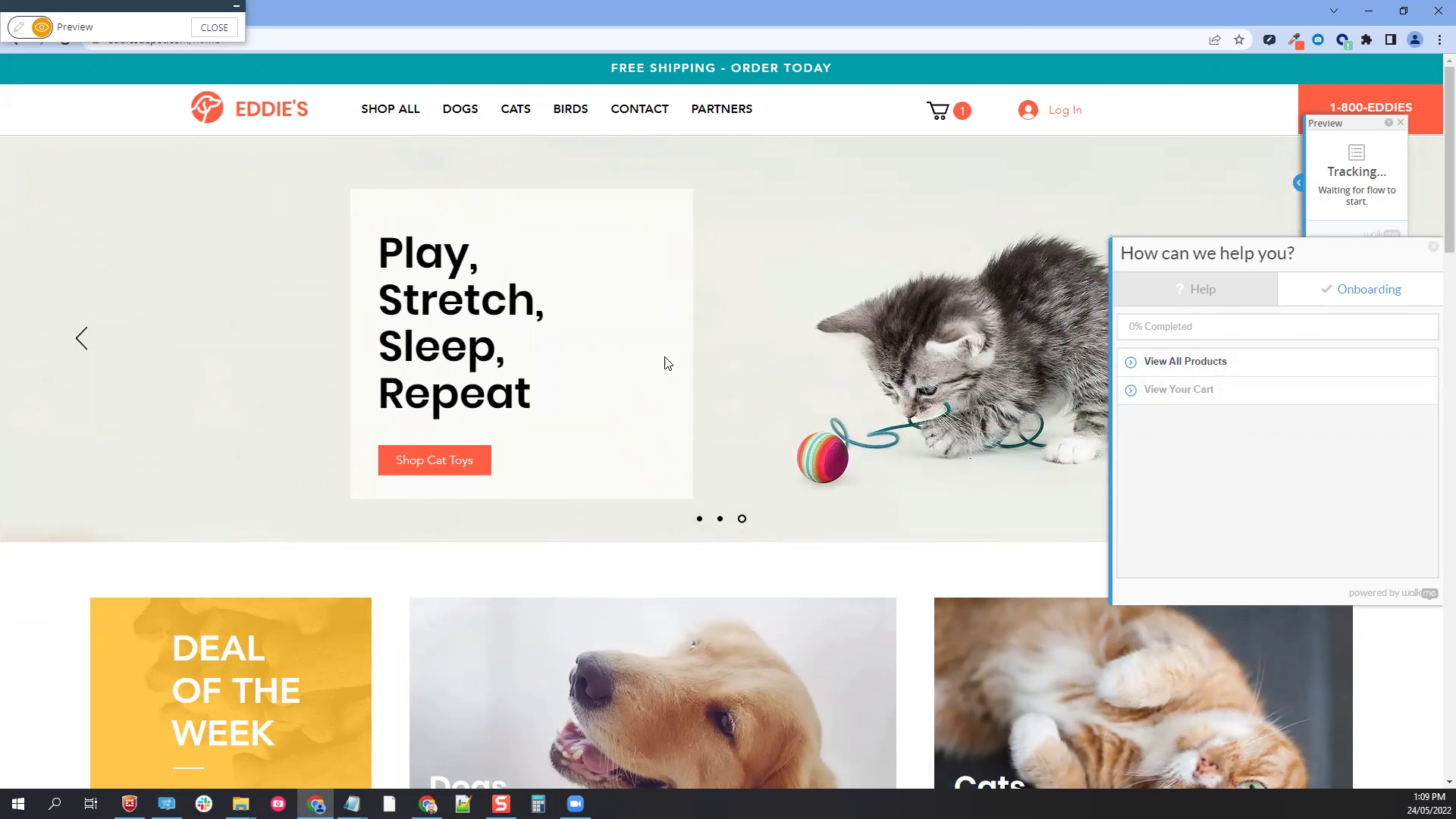
Melhores Práticas
Onboarding Activation Rules
Learn how to ensure tasks are played in a specific order
Lançamento de Produto
May 2022 Product Release Recap
See all of the WalkMe product updates that happened in May 2022
Melhores Práticas
How to add multiple NPS questions
Learn how to add multiple questions to your Net Promoter Score Survey
Personalização
Disabling search from WalkMe Menu using CSS
Learn how to remove the search bar in the Menu Player using CSS
Melhores Práticas
Add or Remove Elements
Learn how to use Auto-Fill Steps to add or removed elements from a page
Personalização
The new Visual Editor
Learn how to maximize your ShoutOut design capabilities on the Visual Editor
Lançamento de Produto
April 2022 Product Release Recap
See all of the WalkMe product updates that happened in April 2022
Melhores Práticas
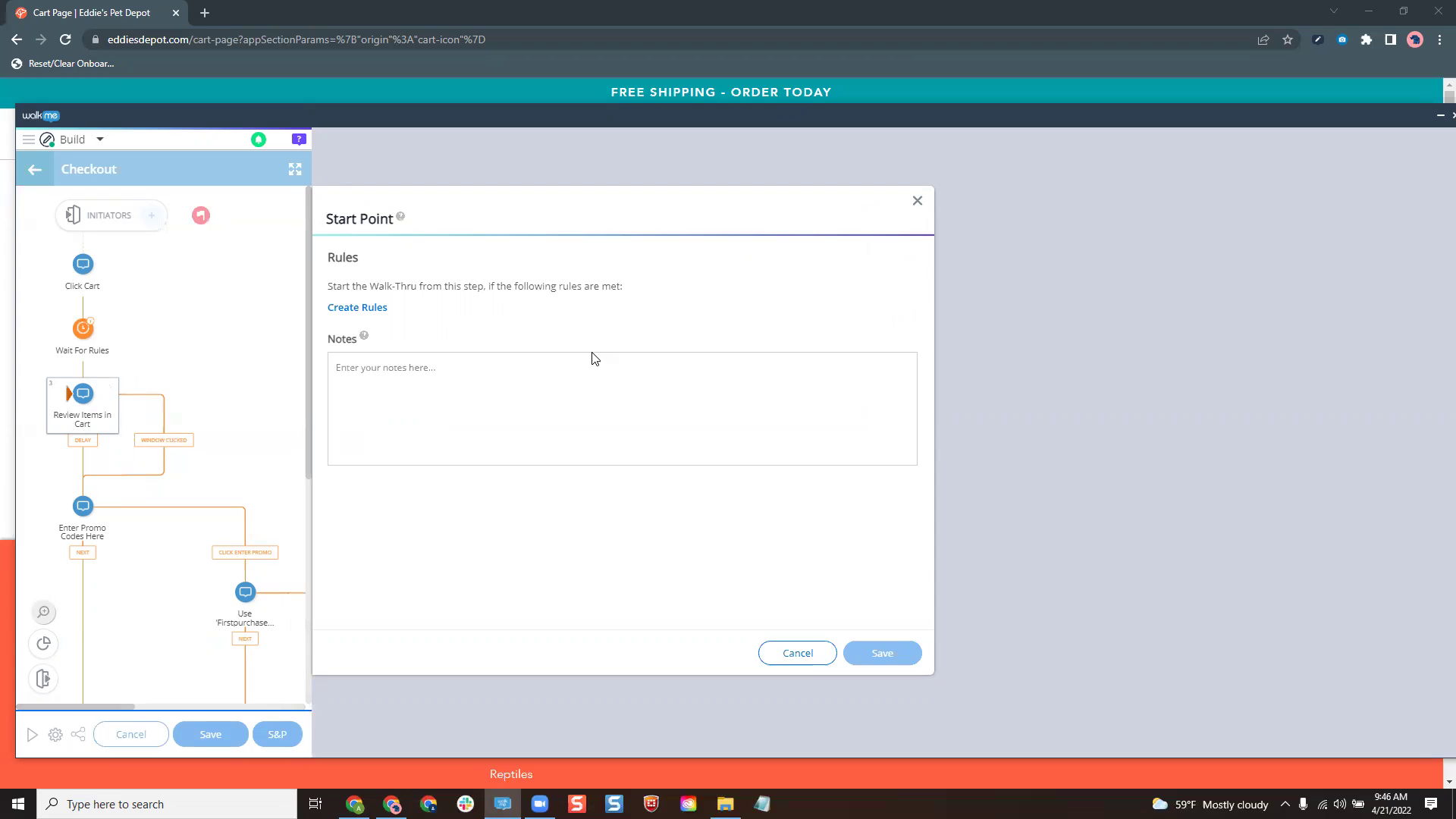
Start Points
Learn how to use Start Points in your Smart Walk-Thrus
Lançamento de Produto
March 2022 Product Release Recap
See all of the WalkMe product updates that happened in March 2022
Melhores Práticas
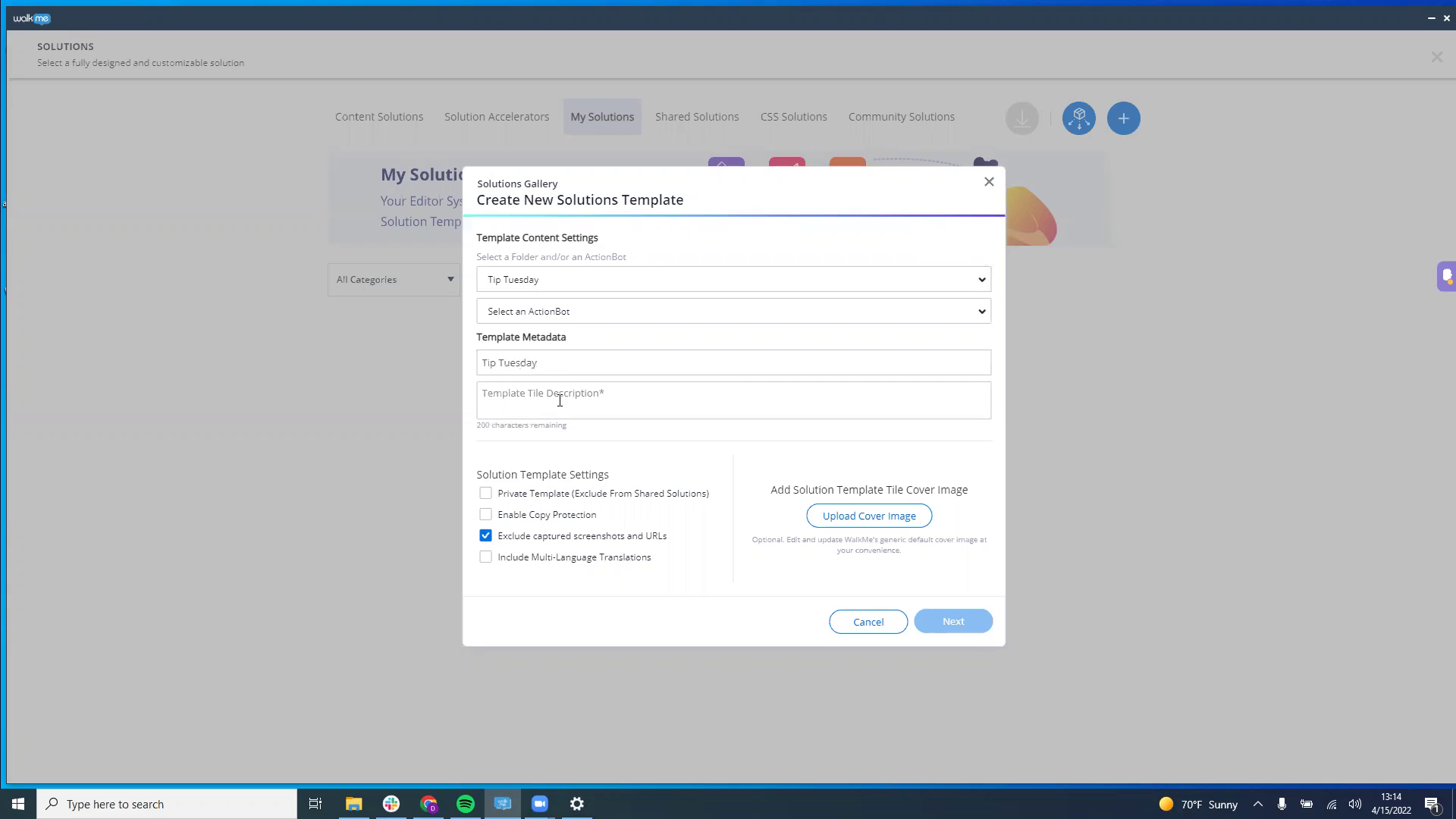
Solution Distribution
Learn how to copy WalkMe content between Editors via the Solutions Gallery
Dicas Avançadas
Create field dependencies with WalkMe
Learn how to create a pick-list for a field using SmartTips
Personalização
Add CSS arrows on Pop-Up steps
Learn how to add an arrow to a pop-up step
Dicas Avançadas
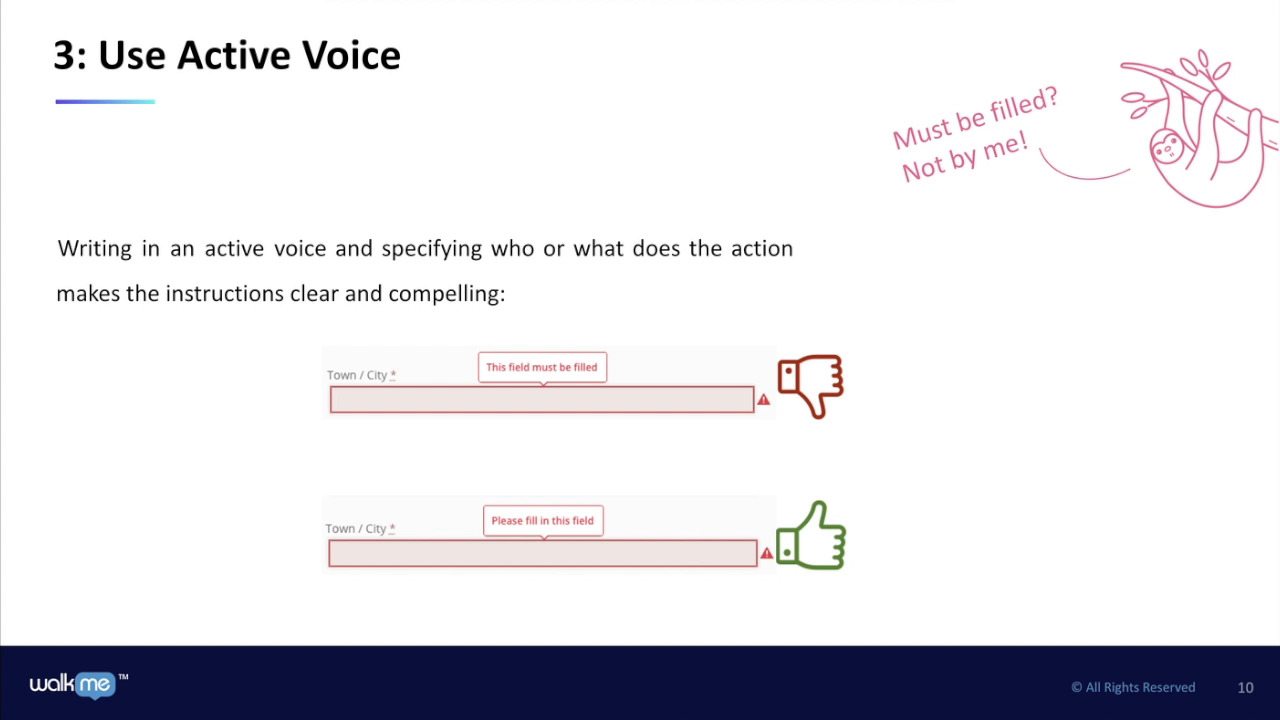
Microcopy Best Practices for WalkMe
Learn how to style WalkMe content text to engage your users
Dicas Avançadas
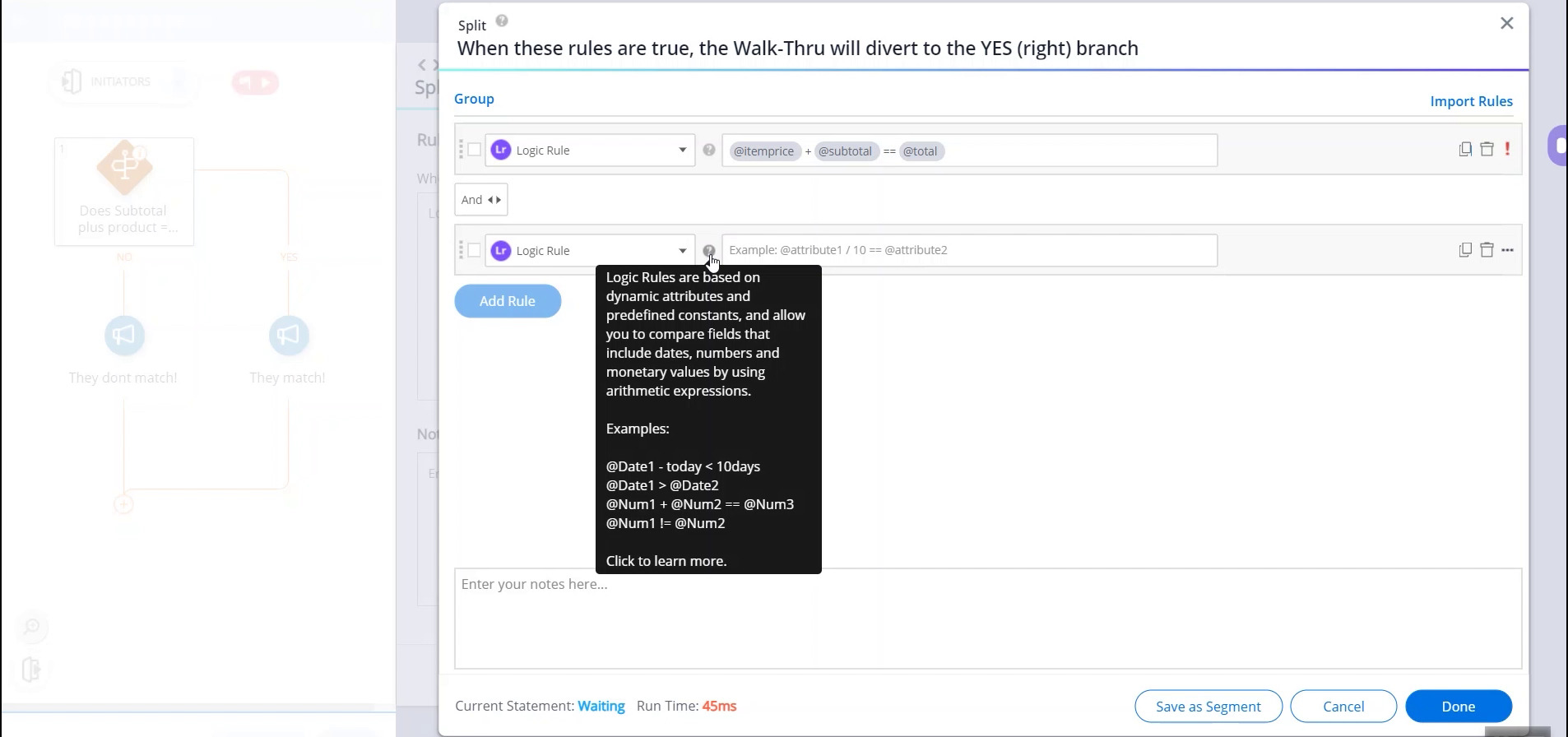
Logic Rules
Use Logic Rules to compare fields on screen
Dicas Avançadas
Intro to Mobile Web
See how to best build WalkMe content for a website viewed on a mobile device
Dicas Avançadas
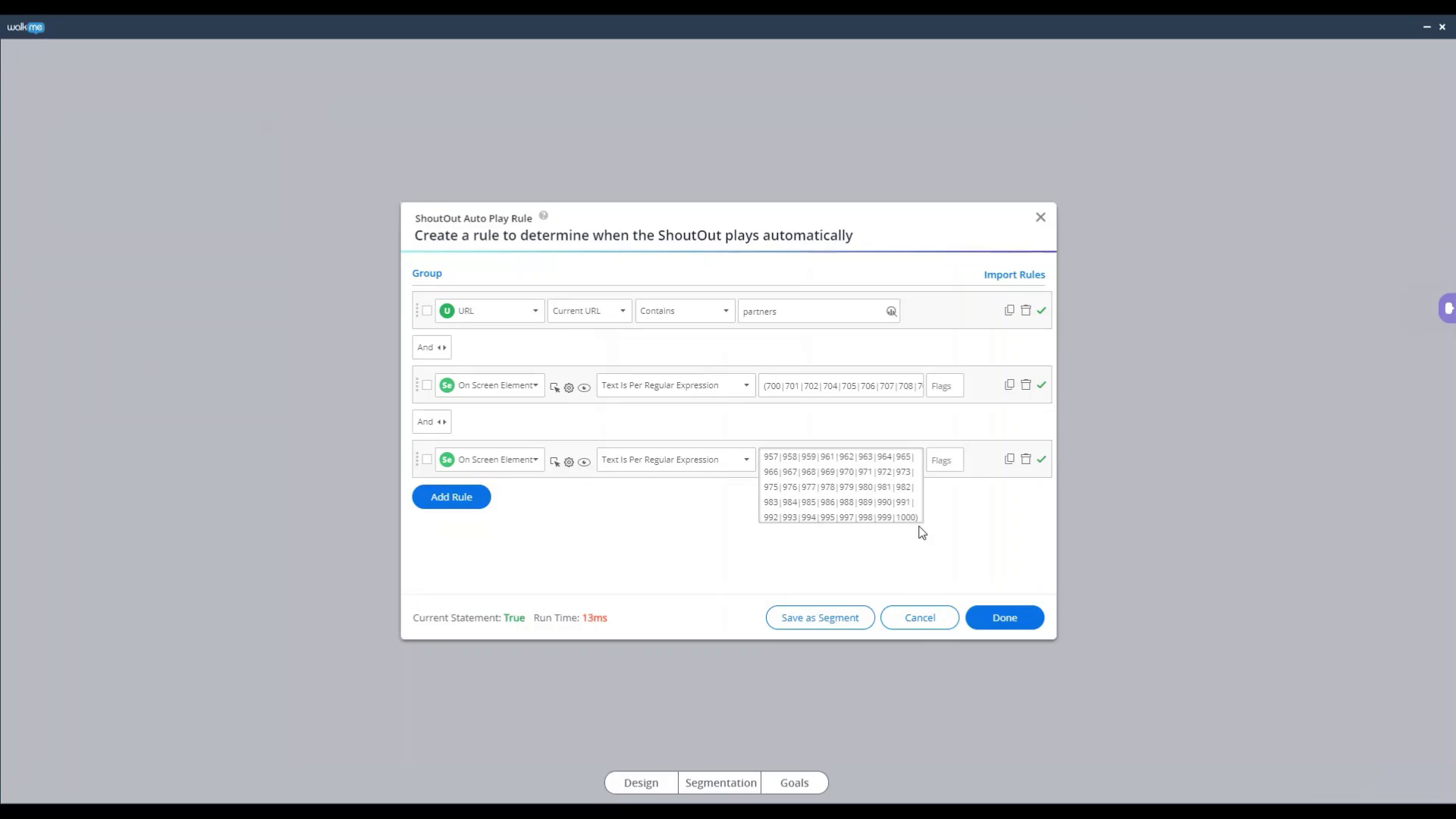
Using Regex in the Rule Engine
Use Regex to validate a form
Dicas Avançadas
Display pop up during automation
Let users know an automation process is taking place by showing a Popup
Dicas Avançadas
How to Use WalkMe Data within a jQuery Selector
Use WalkMe data within a jQuery selector
Melhores Práticas
Impactful Solution Design
Use WalkMe's 4 learning styles to engage users
Dicas Avançadas
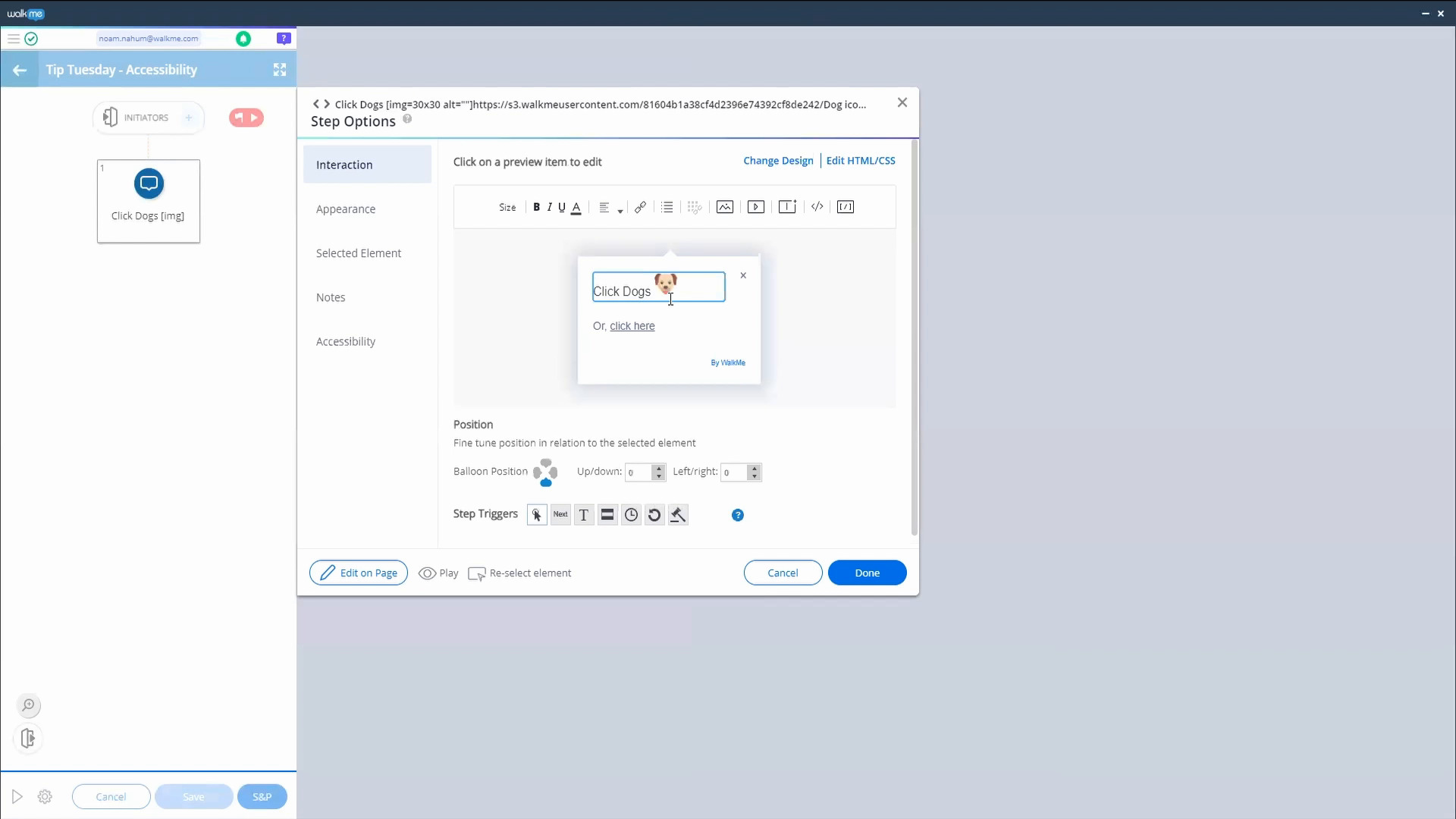
Building with Accessibility Settings
Learn how to make your site and WalkMe content is accessible to all users
Dicas Avançadas
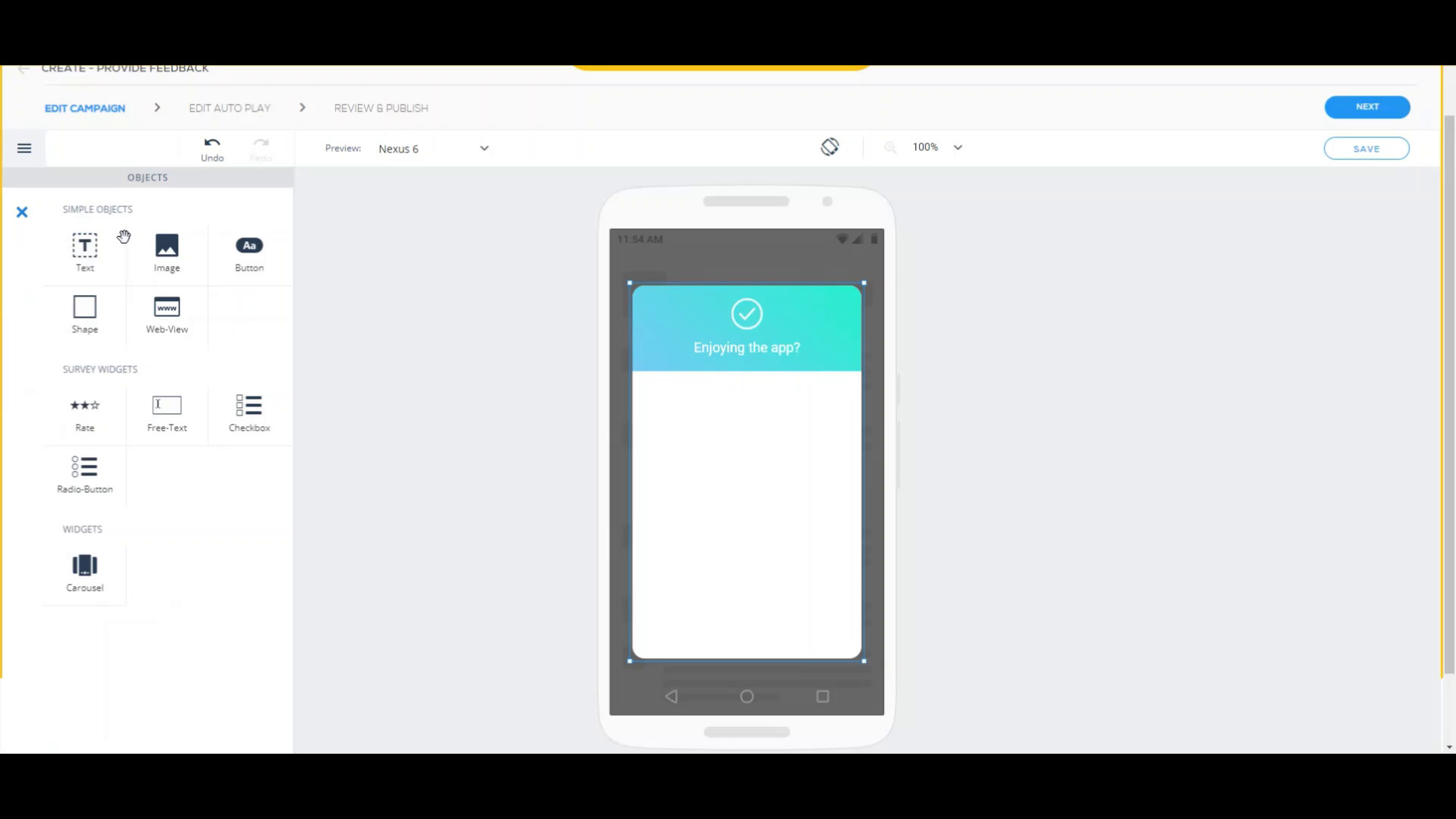
Create a carousel Survey with Mobile Native
How to create a Mobile survey with questions presented one by one
Dicas Avançadas
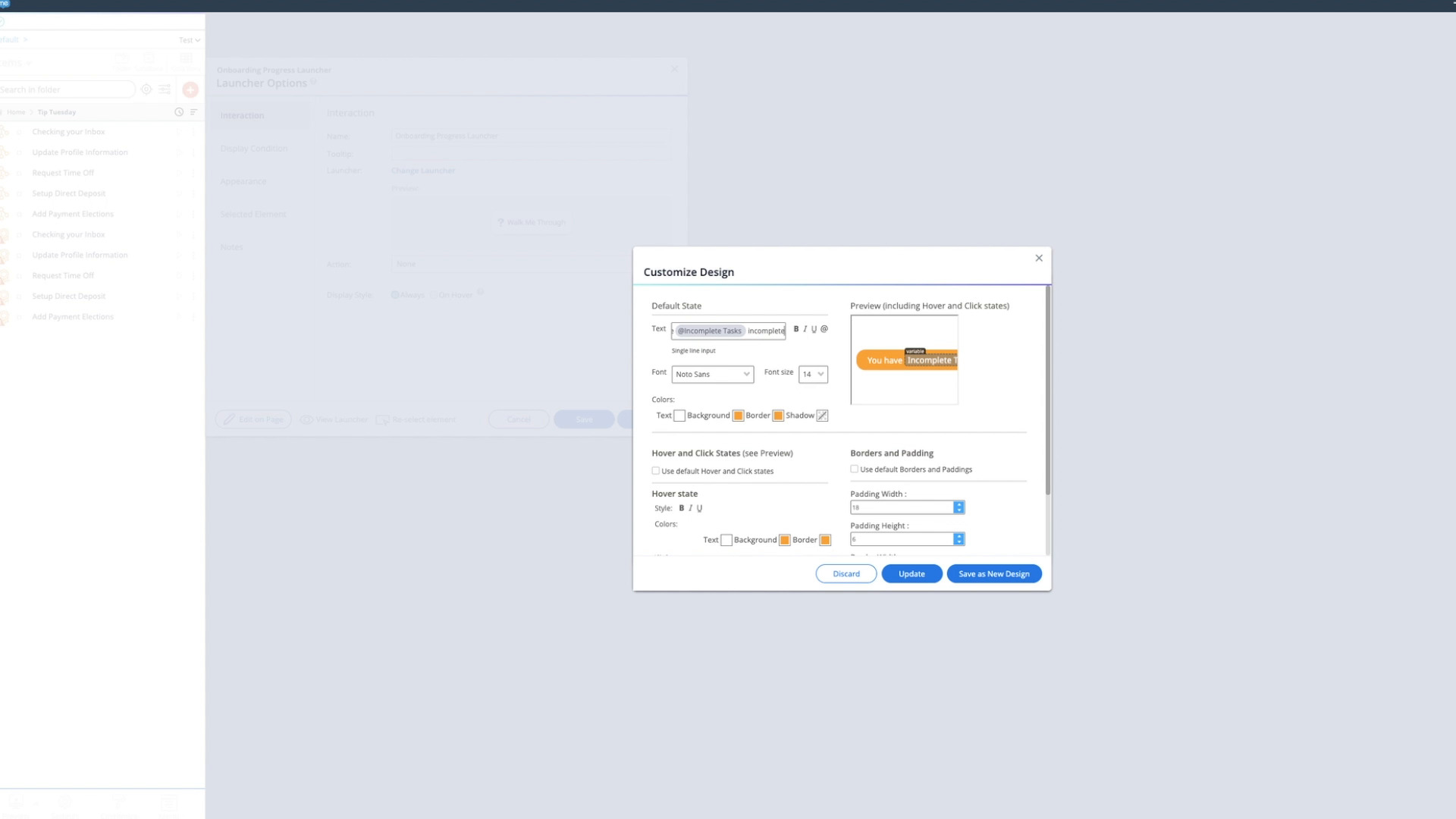
How to create a Onboarding progress bar
Create an Onboarding progress bar inside a Launcher using dynamic attributes
Dicas Avançadas
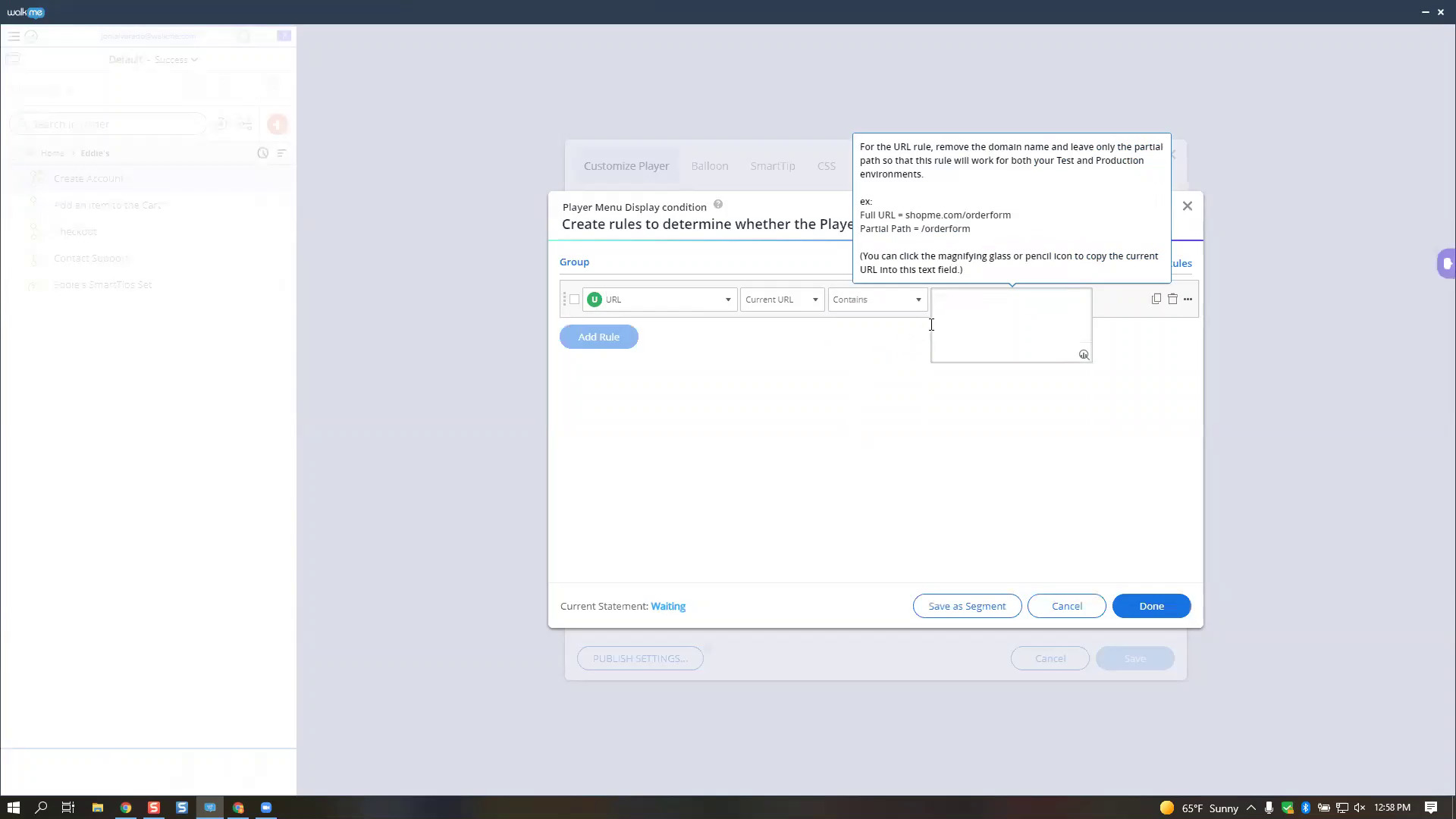
How to use the “URL Matches” rule
Define which site content should play on using the "URL Matches" condition
Dicas Avançadas
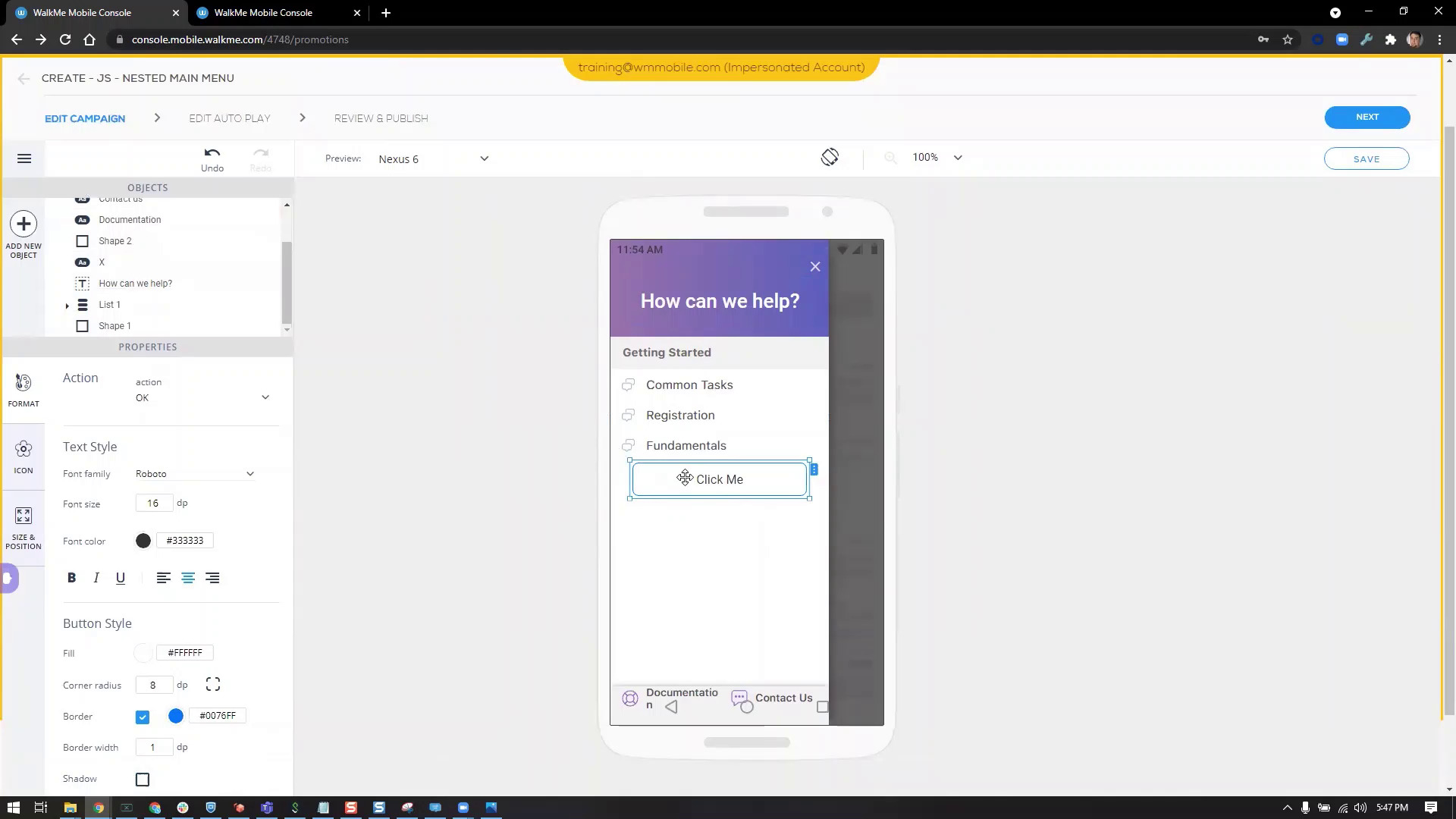
Create a nested Menu with WalkMe Mobile
Organize Mobile content using a nested Menu
QA e Manutenção
How to QA ActionBot
After building an ActionBot, learn how to perform quality assurance testing
Dicas Avançadas
Identify an iFrame URL
How to build WalkMe content within Iframes
Personalização
Add a SmartTip icon to a Balloon, Popup, and ShoutOut
Save space by adding SmartTips to your WalkMe content
Personalização
Create Launchers with a dynamic width
Change the size of a Launcher depending on the size of an element on screen
Personalização
How to Create a Placeholder Text Launcher
Create a placeholder text Launcher that will appear depending on whether a text box is empty or not
QA e Manutenção
How to QA Invisible Launchers
After building an Invisible Launcher, learn how to perform quality assurance testing
Dicas Avançadas
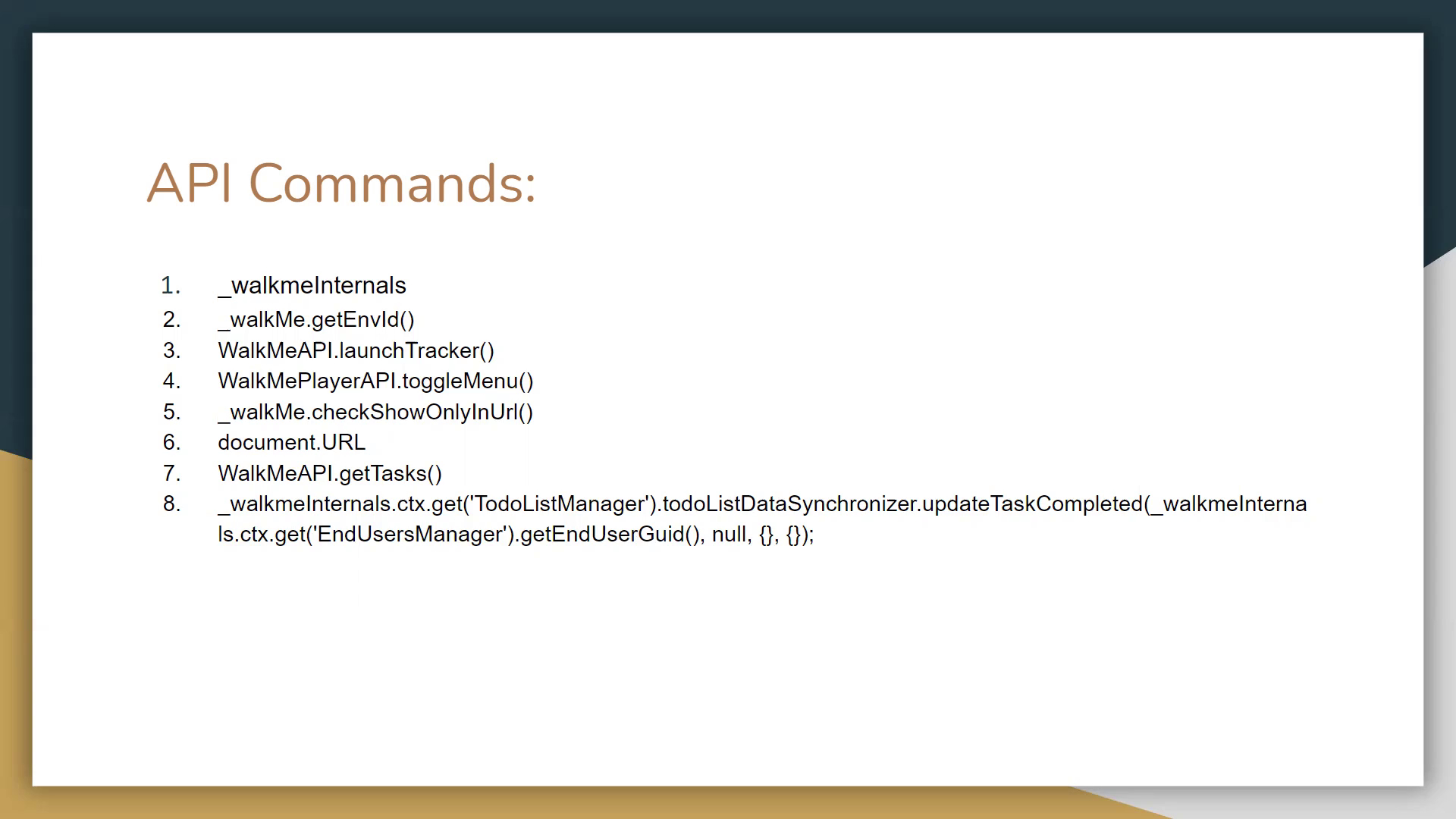
How to Use API Commands
Receive specific information from an application using API commands
Dicas Avançadas
How to Separate Multiple jQuery Selectors with a Comma
Use multiple jQuery selectors to ensure you point to the correct element
Dicas Avançadas
How to Remove the Widget from iFrames
Change display conditions to only show Widget in main window
Dicas Avançadas
How to Create a Session Counter
Create a session counter to perform custom replay and Auto Play rules for Smart Walk-Thrus and ShoutOuts
Dicas Avançadas
How to Personalize Dynamic Text using Regex
How to use Regex to personalize content
Personalização
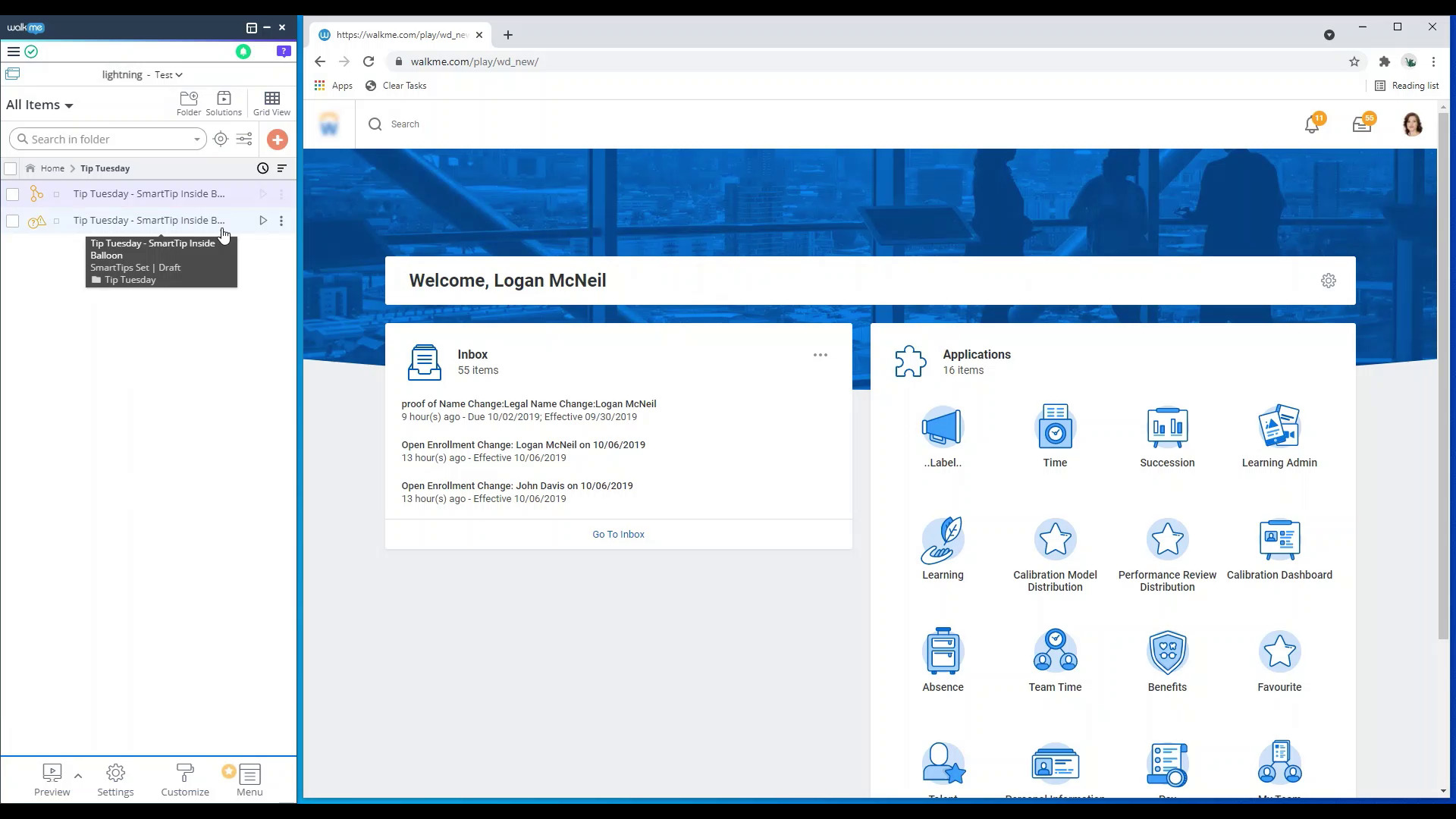
Add a SmartTip Inside a Smart Walk-Thru Balloon
Save text space by adding SmartTips inside your balloons
Dicas Avançadas
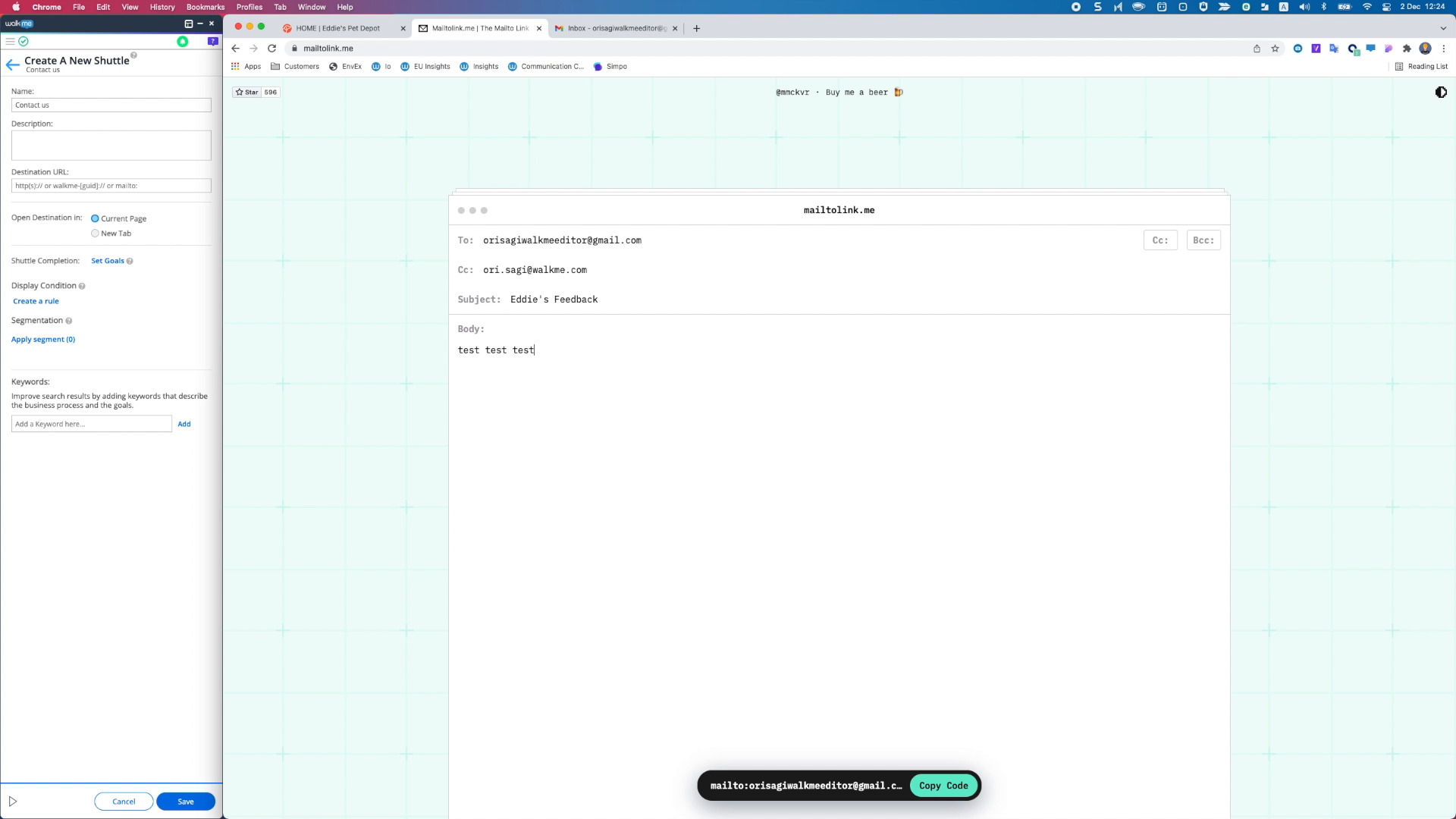
Use a Shuttle to Send an Email
Learn how to add Shuttles to your WalkMe content that will send an email
QA e Manutenção
How to QA the Widget and Player Menu
After building a Menu, learn how to perform quality assurance testing
Melhores Práticas
Use Solution Accelerators
Learn to quickly create content using pre-built templates
QA e Manutenção
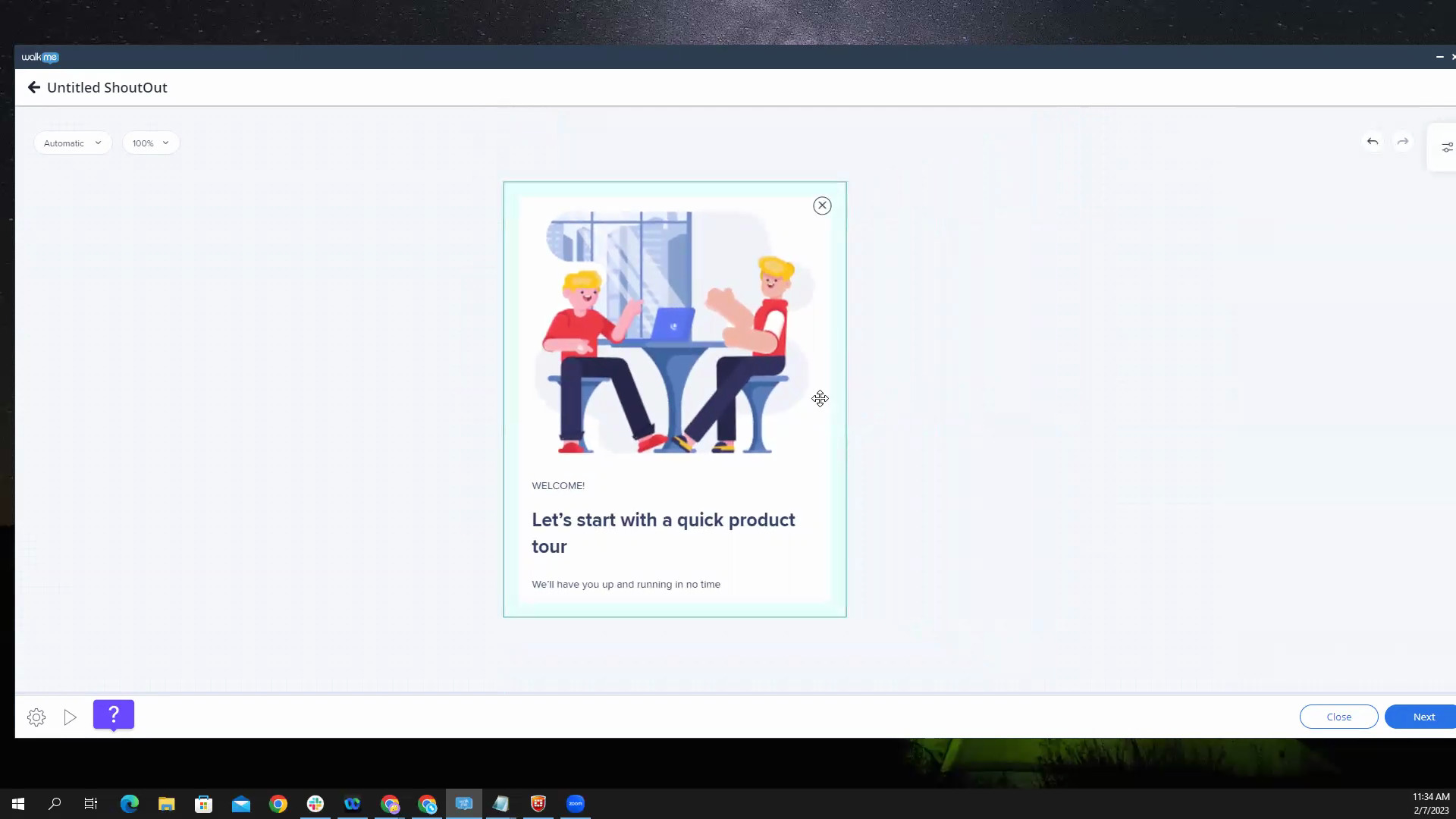
How to QA a ShoutOut
After building a ShoutOut, learn to perform quality assurance testing
Dados e Análises
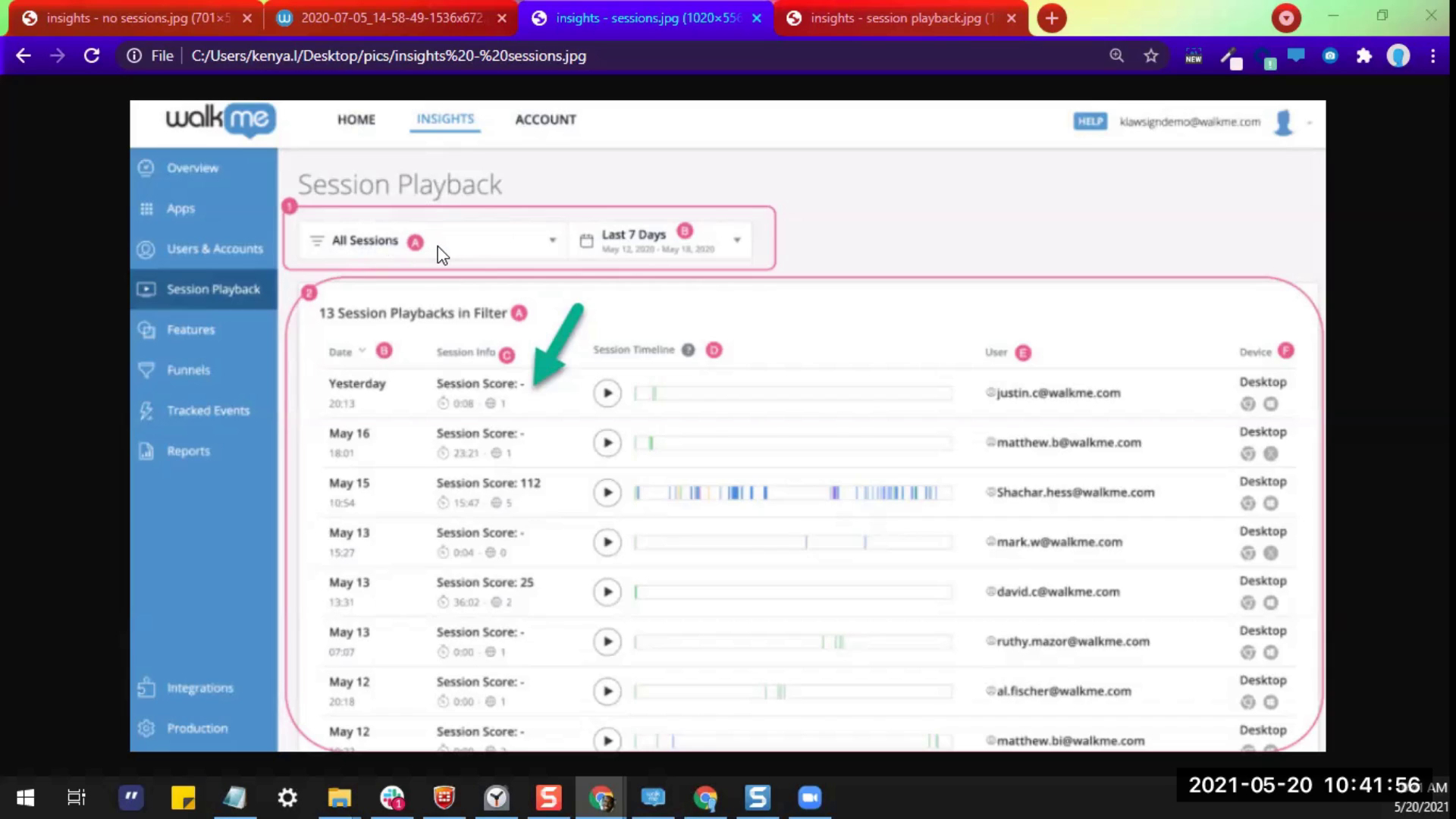
Session Playback
Learn how to see a video recreation of how users are interacting with your website
QA e Manutenção
Troubleshoot Content Not Appearing in the Menu
See how to troubleshoot when your items are not appearing in the Menu
QA e Manutenção
How to QA a Smart Walk-Thru
After building a Smart Walk-Thru, learn how to perform quality assurance testing
Melhores Práticas
Building Stable Smart Walk-Thrus for Unstable Websites
Learn how to build guidance on parts of a website that are in development
Dados e Análises
Use Insights to Improve Your WalkMe Content
Learn how to best utilize Insights to improve your WalkMe content
Personalização
Create a Custom SmartTip Icon
Learn how to create a custom icon for your SmartTips
Dados e Análises
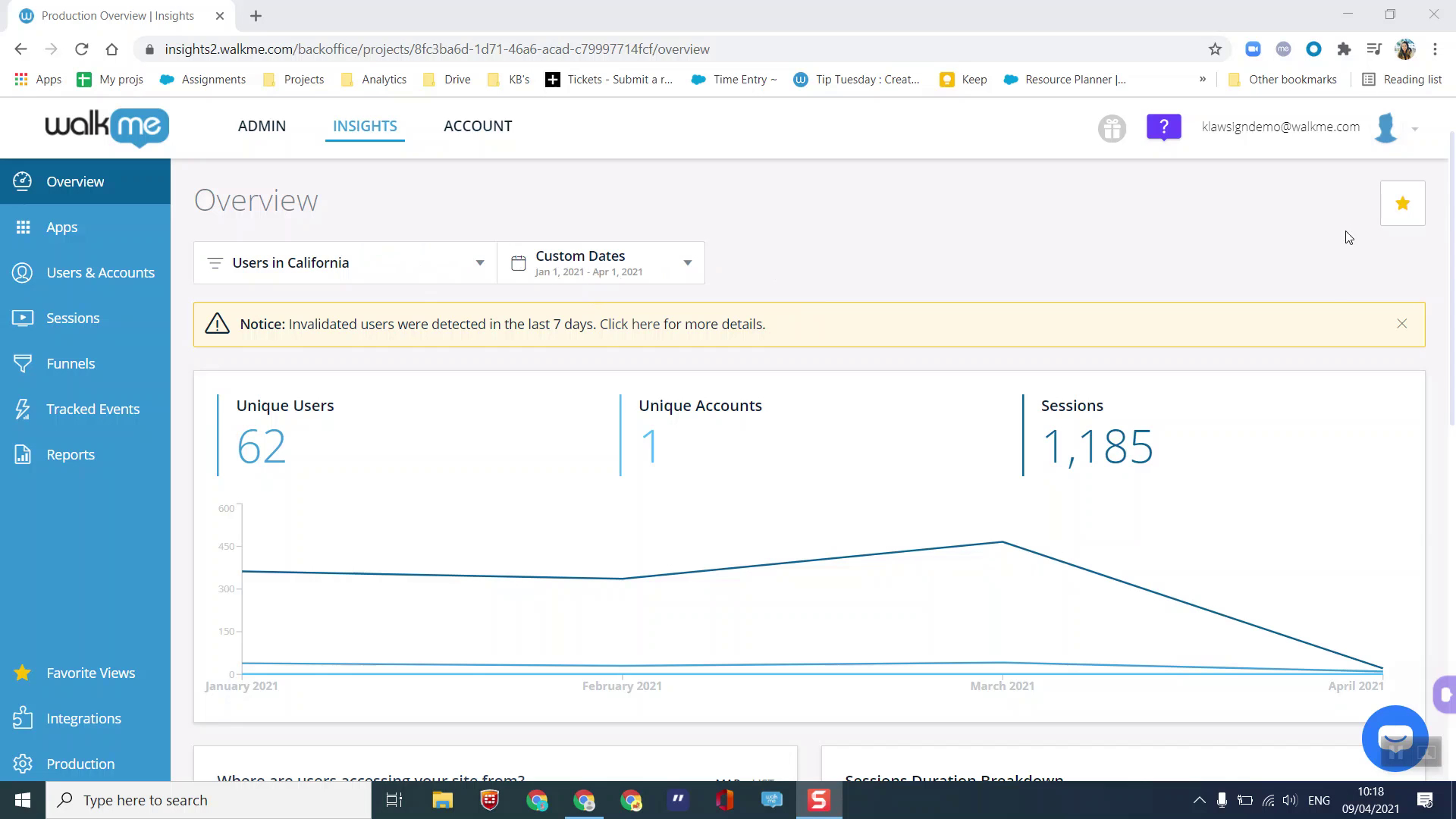
Use Insights Favorite Views
See how to set a favorite view for your Insights pages
Dados e Análises
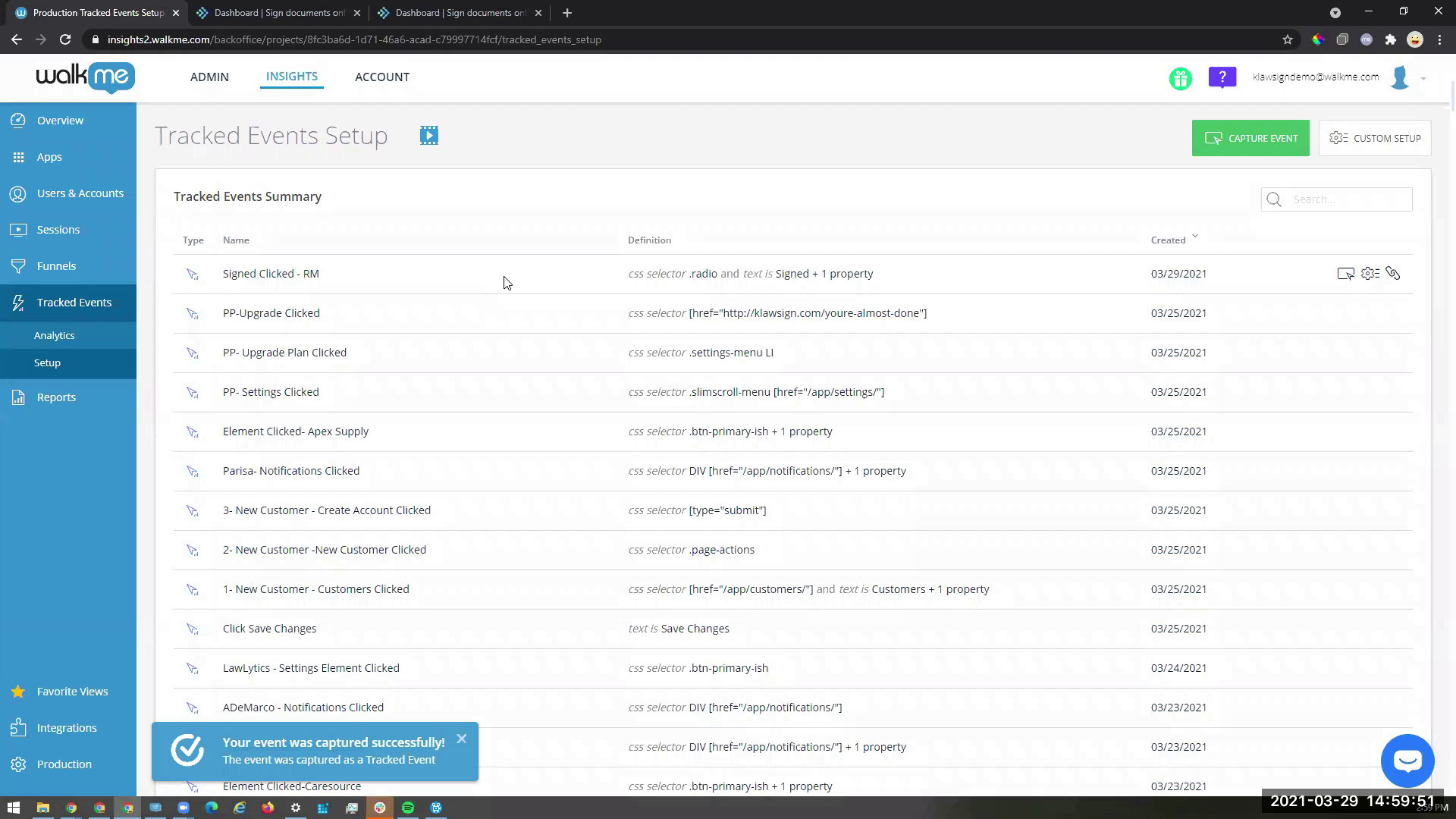
How to Capture a Tracked Event
Learn how to capture a Tracked Event in Insights
Dicas Avançadas
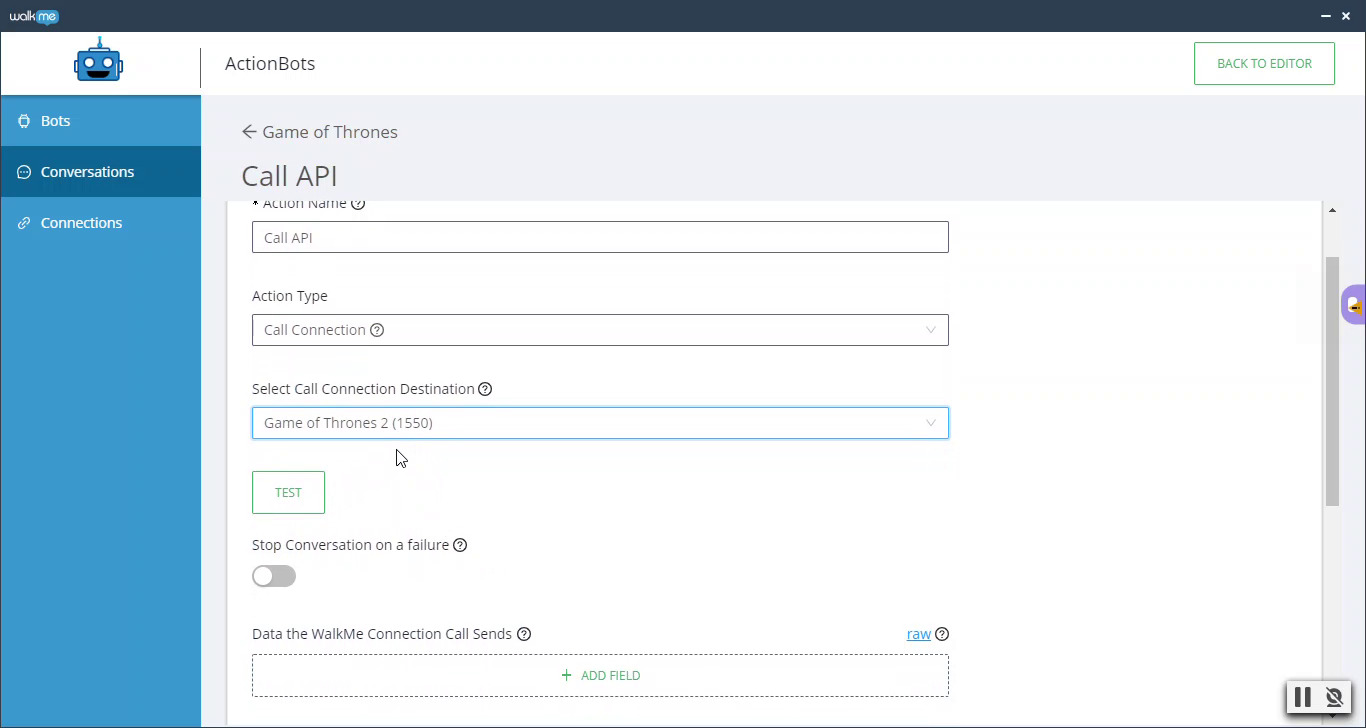
ActionBot API Call Connections
Learn how to set up Call Connections within ActionBot
QA e Manutenção
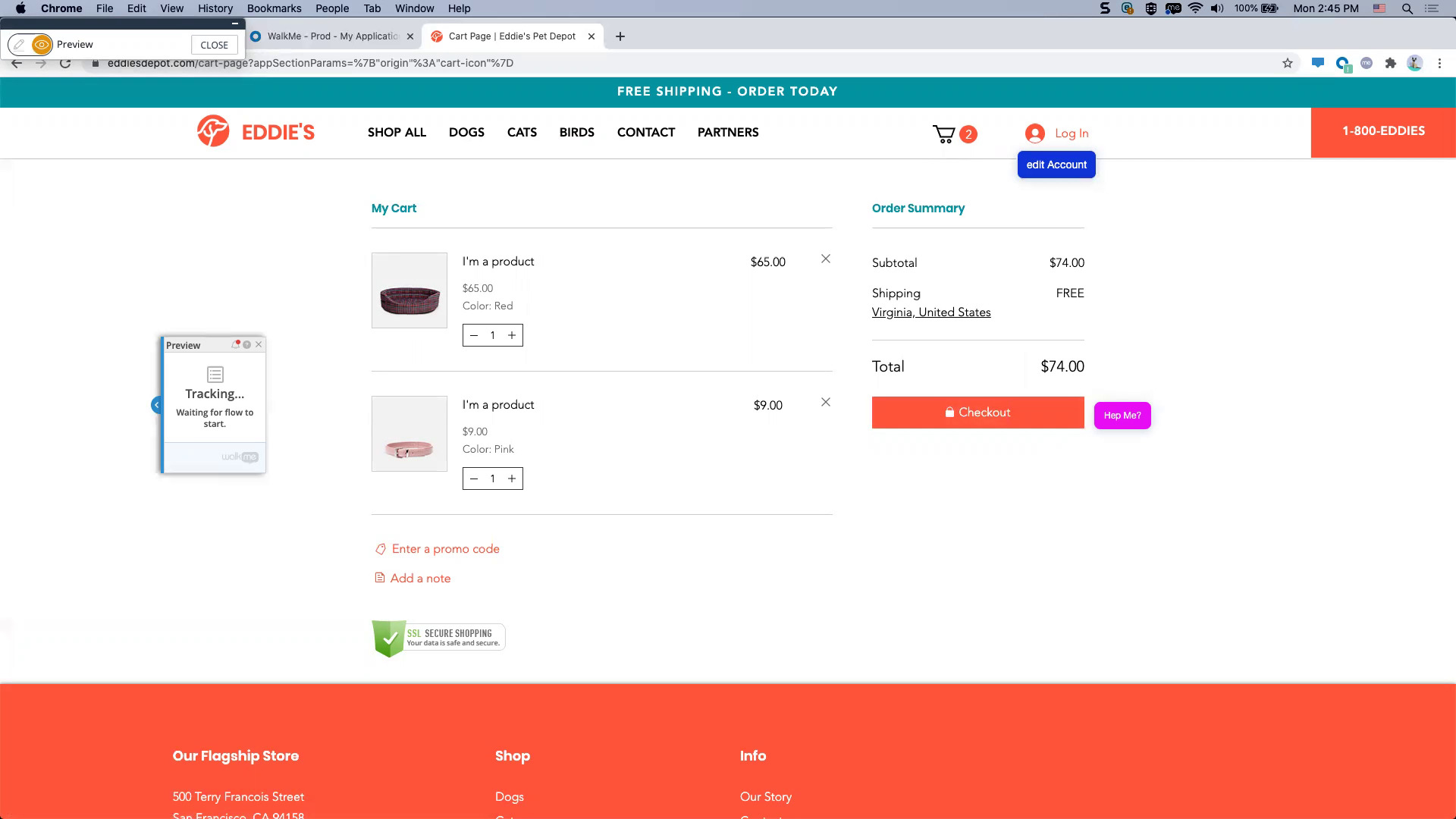
How to QA a Launcher
After building a Launcher, learn how to perform quality assurance testing
QA e Manutenção
How to QA a SmartTip
After building a SmartTip, learn how to perform quality assurance testing
Dicas Avançadas
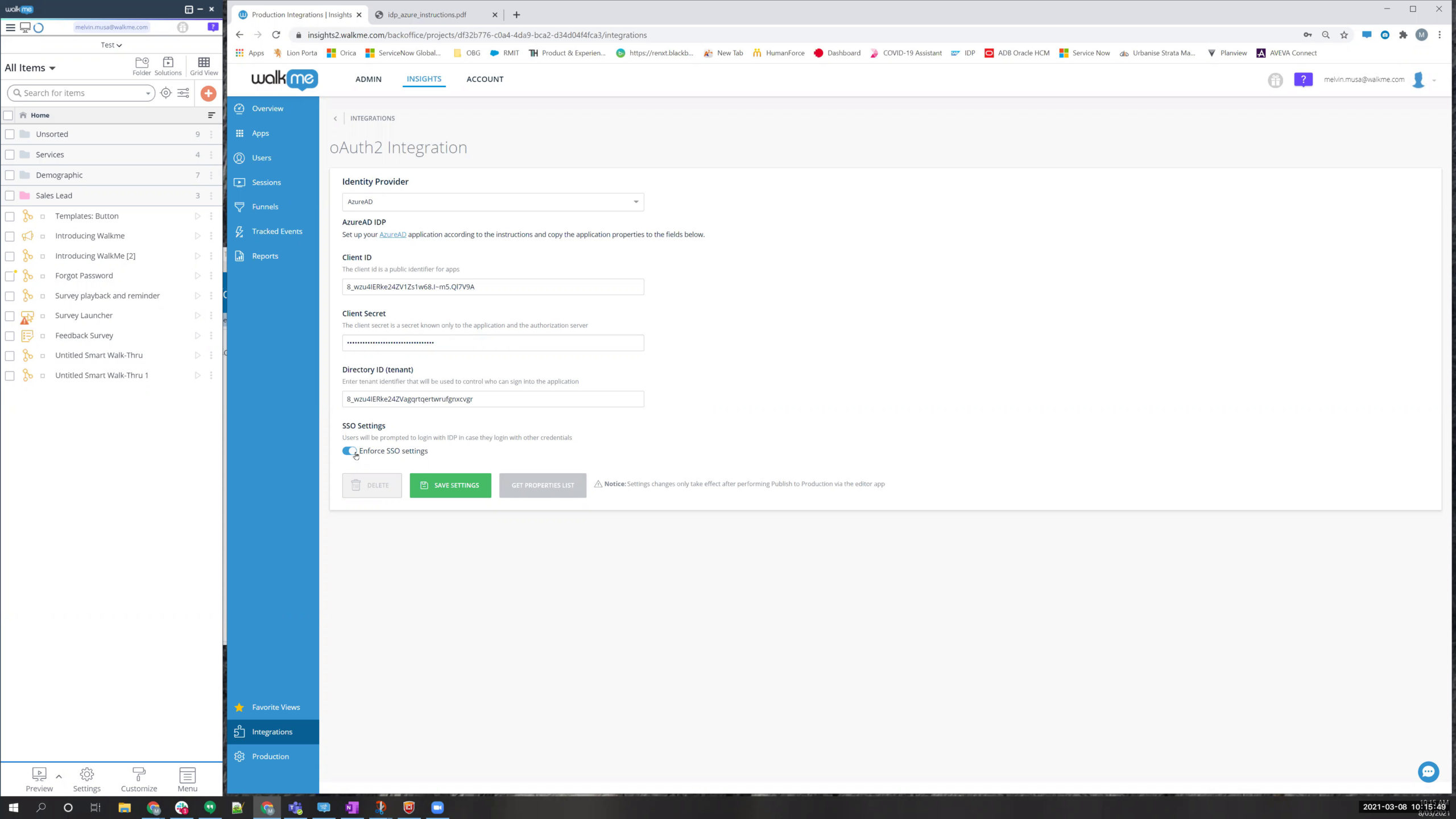
IDP Integration
Learn how to integrate an Identity Provider for authentication
Dados e Análises
Why You See 0 in DXA Tracked Event Data
Once you have DXA turned on, learn why you may see 0 in Tracked Events data
Melhores Práticas
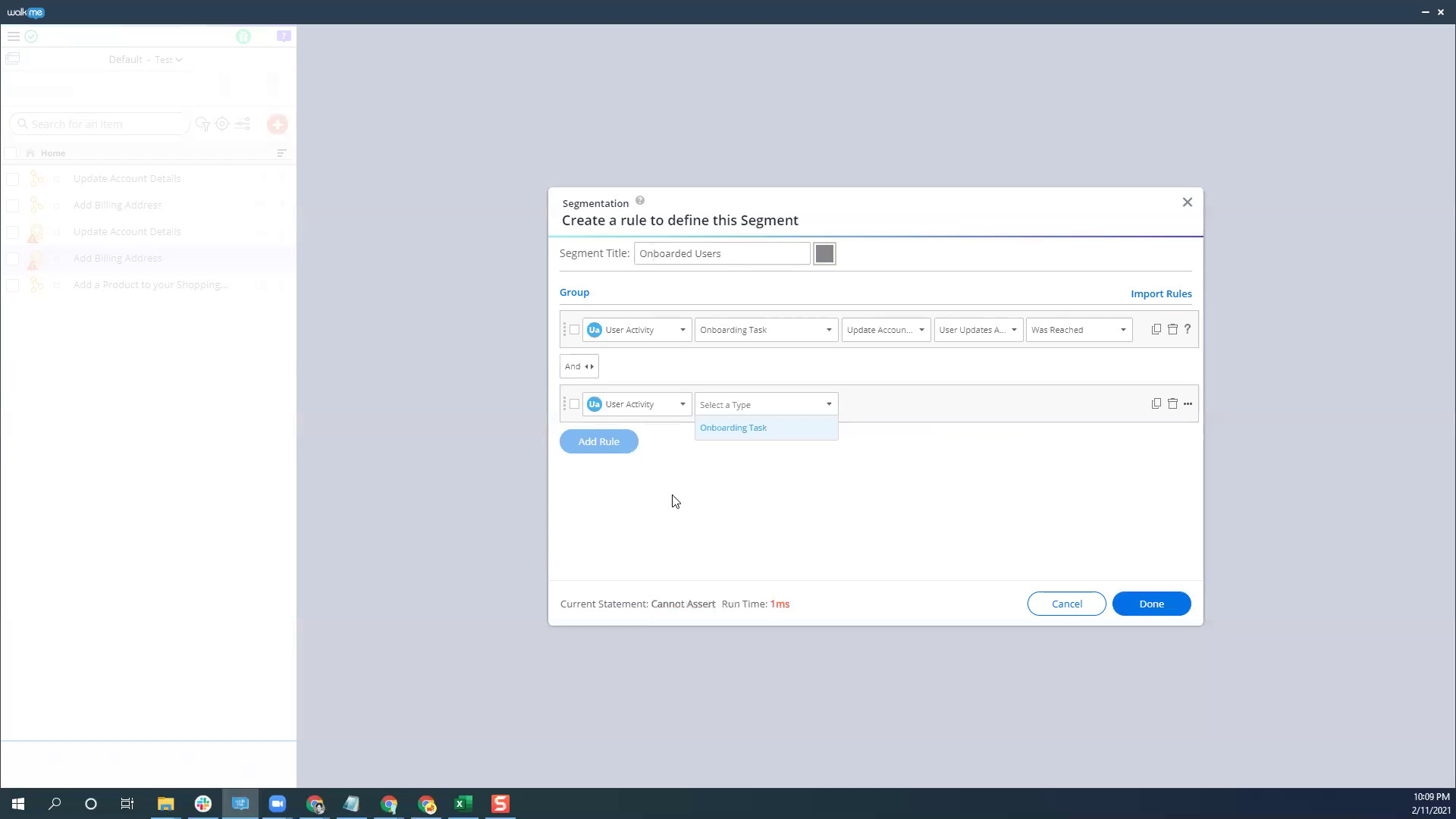
Use Onboarding Tasks to Segment WalkMe Content
Learn how to show content only to users who have completed Onboarding Tasks
Dados e Análises
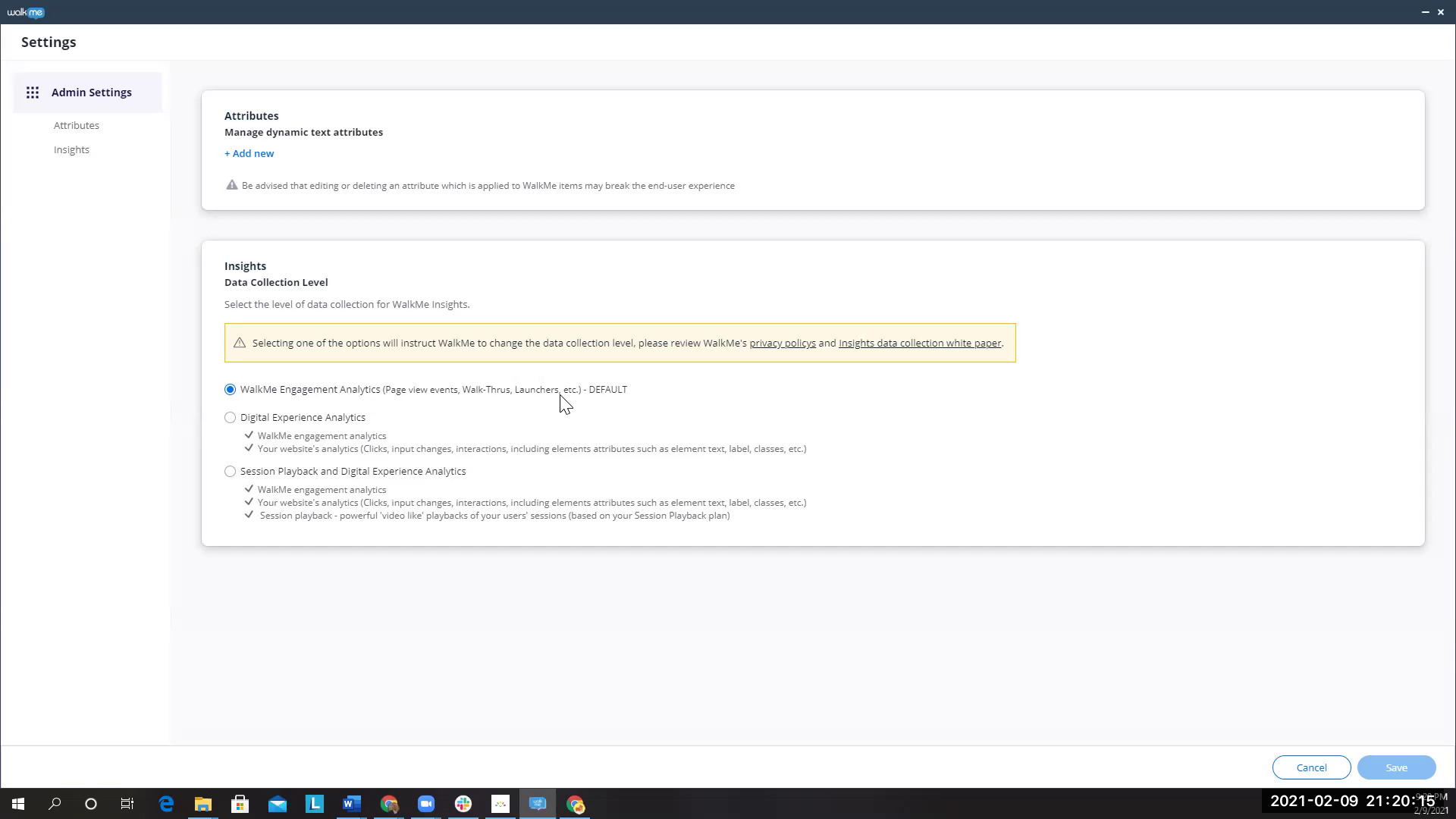
How to Enable DXA
Learn how to enable Digital Experience Analytics in Insights
Dicas Avançadas
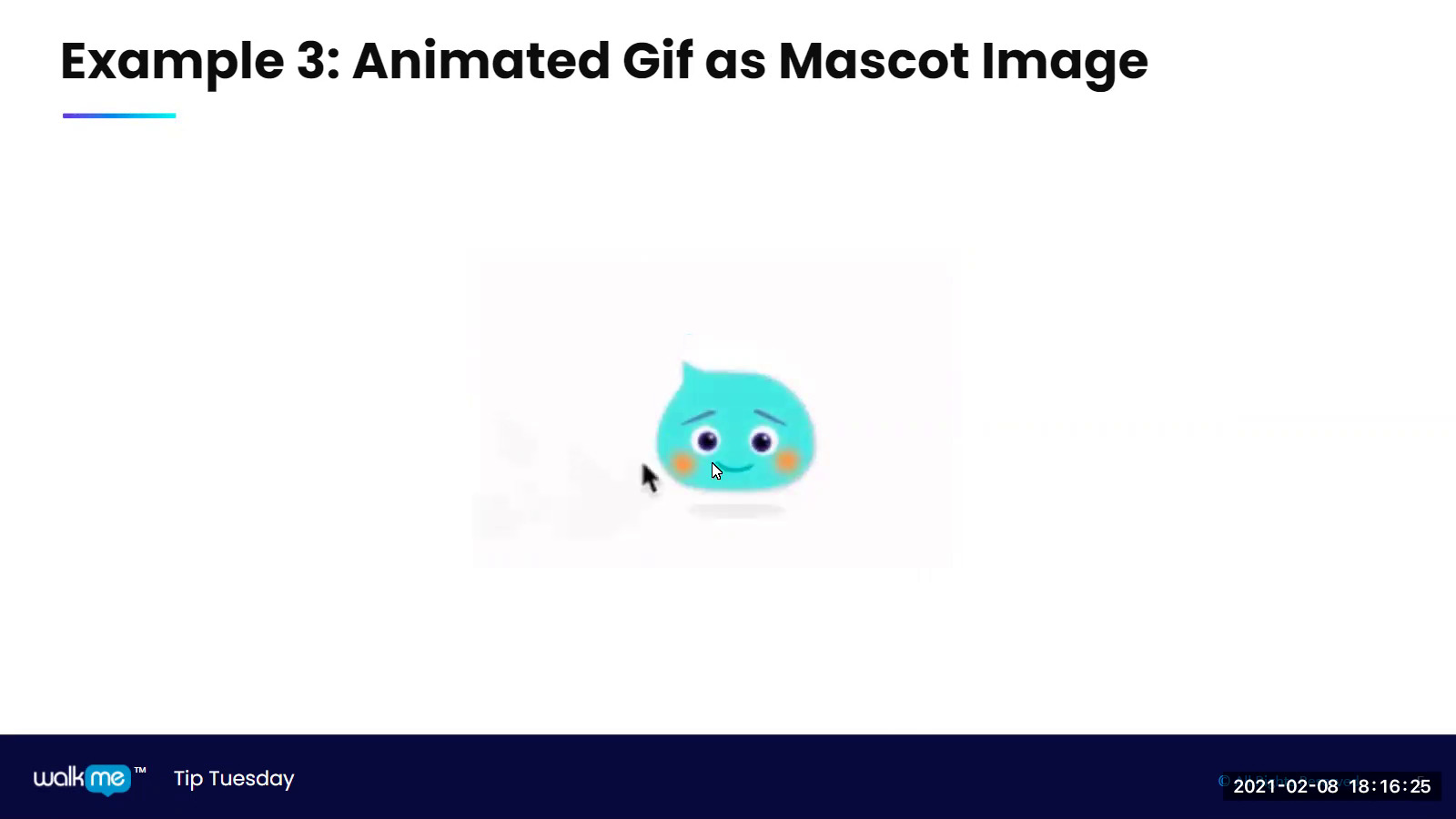
Create a WalkMe Mascot
Learn how to add fun to your builds with a custom WalkMe mascot
QA e Manutenção
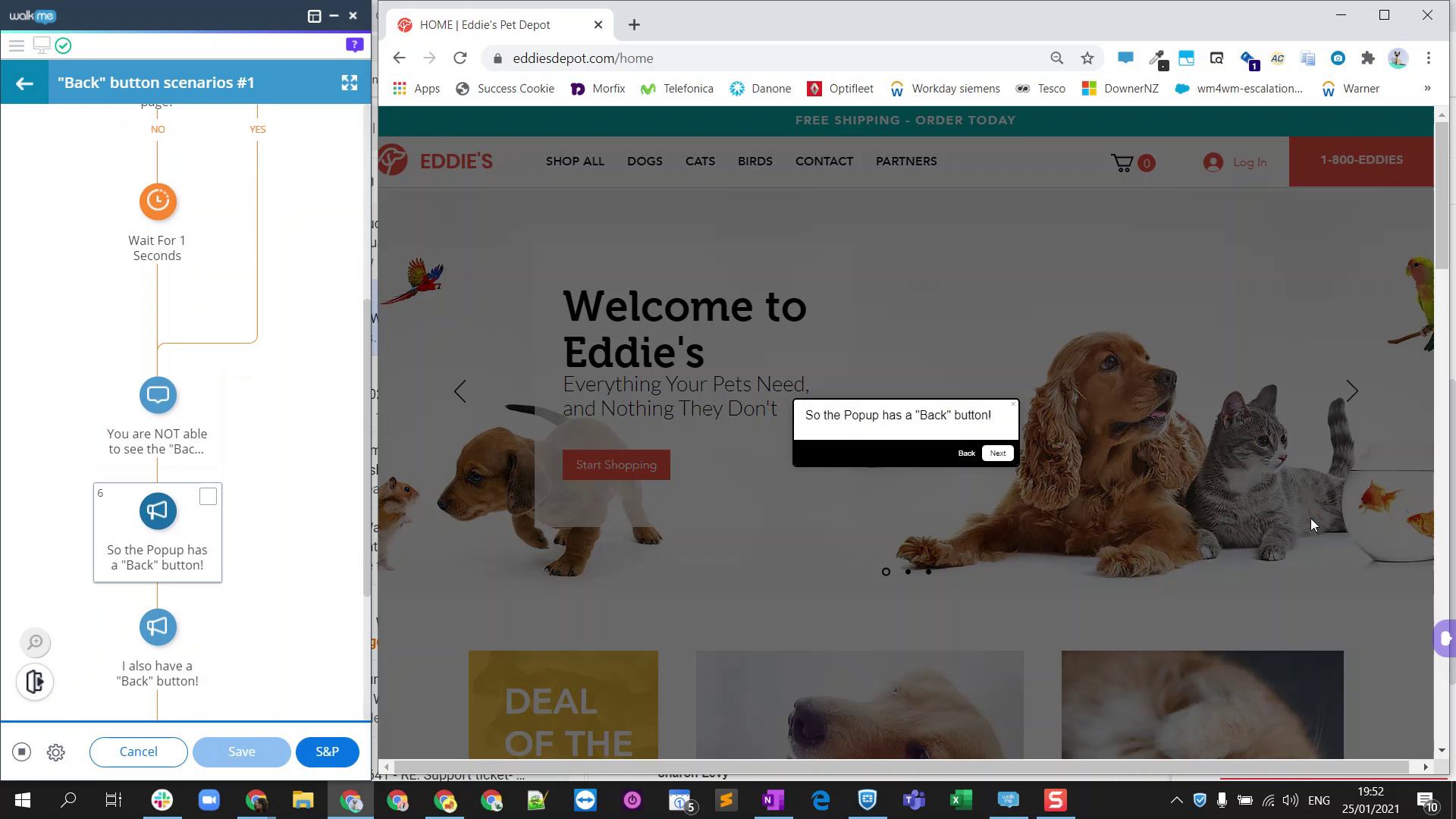
Why Do Only Some Steps Have a Back Button?
Learn why some Smart Walk-Thrus have a Back button and others do not
Dicas Avançadas
Compare Values of Elements
Learn how to compare the value of a site element against a predefined value
Melhores Práticas
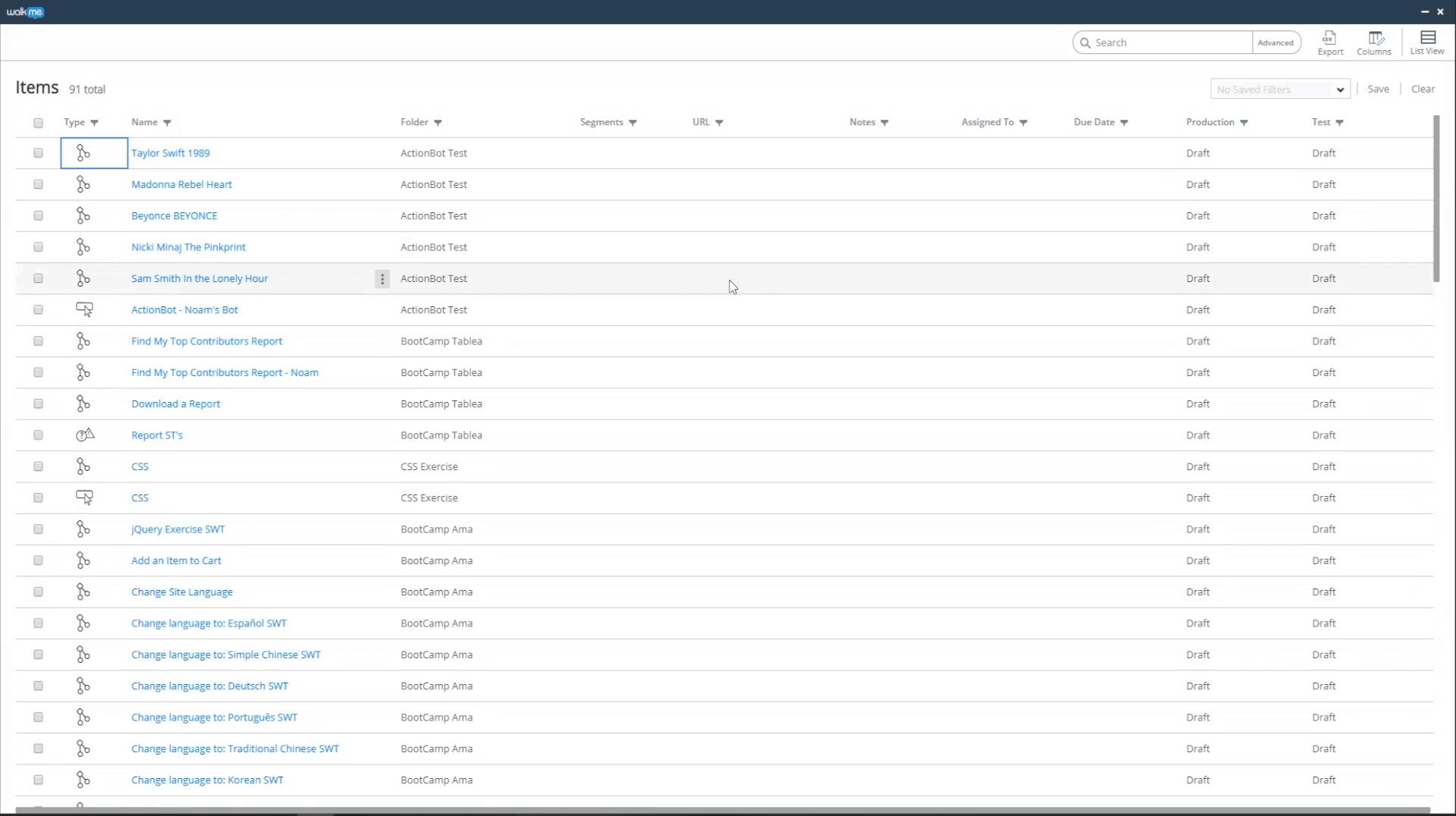
Use Grid View and Advanced Search
See how to manage content in the Editor using Grid View and Advanced Search
Dicas Avançadas
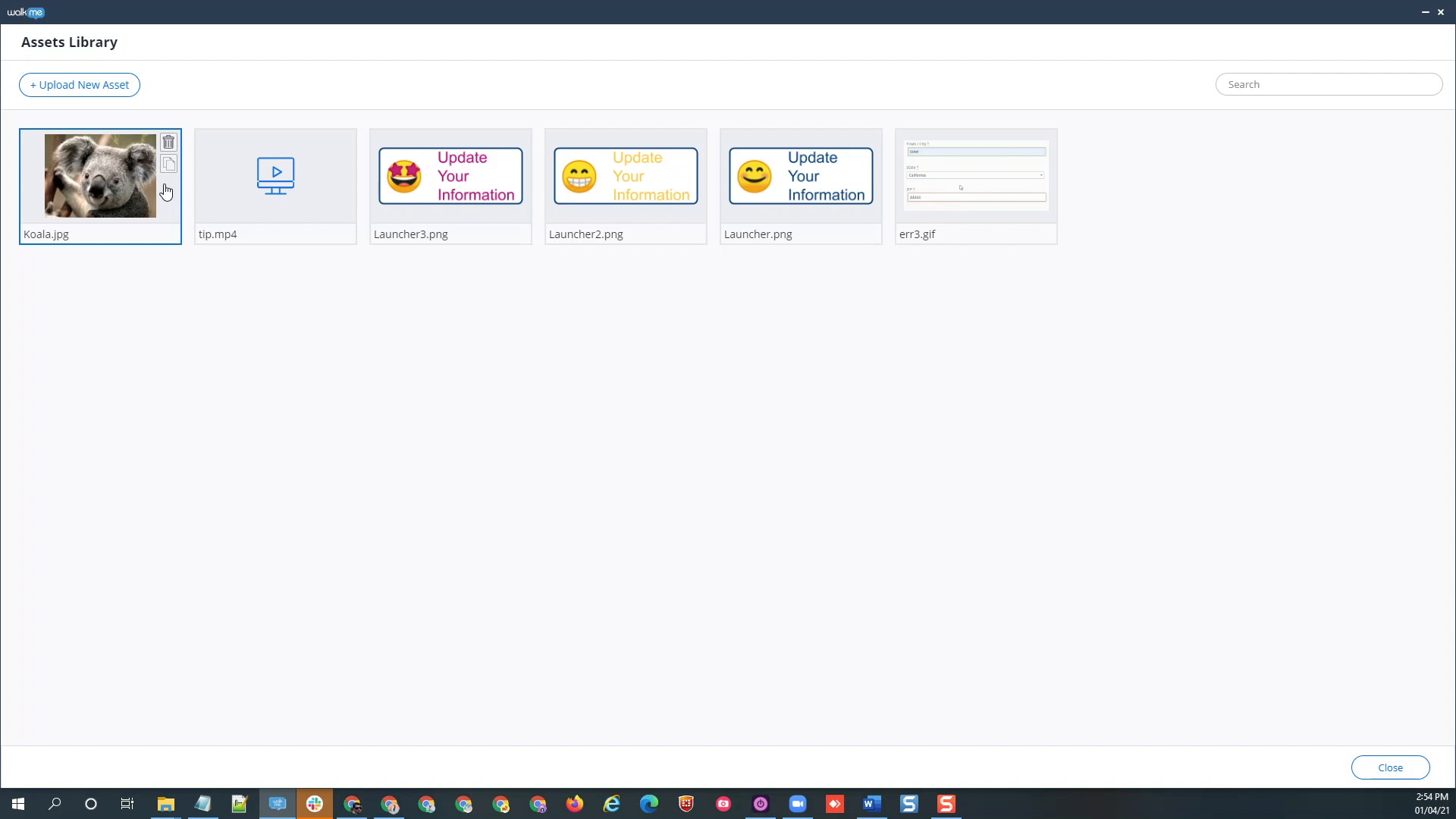
How to Use the Assets Library
Learn how to upload and manage your own images and gifs to the Assets Library
Personalização
Create ShoutOuts without Borders
Learn how to create "out of the box" ShoutOuts
Dicas Avançadas
BB Code
See how to use BB Code to format and customize your WalkMe implementations
Melhores Práticas
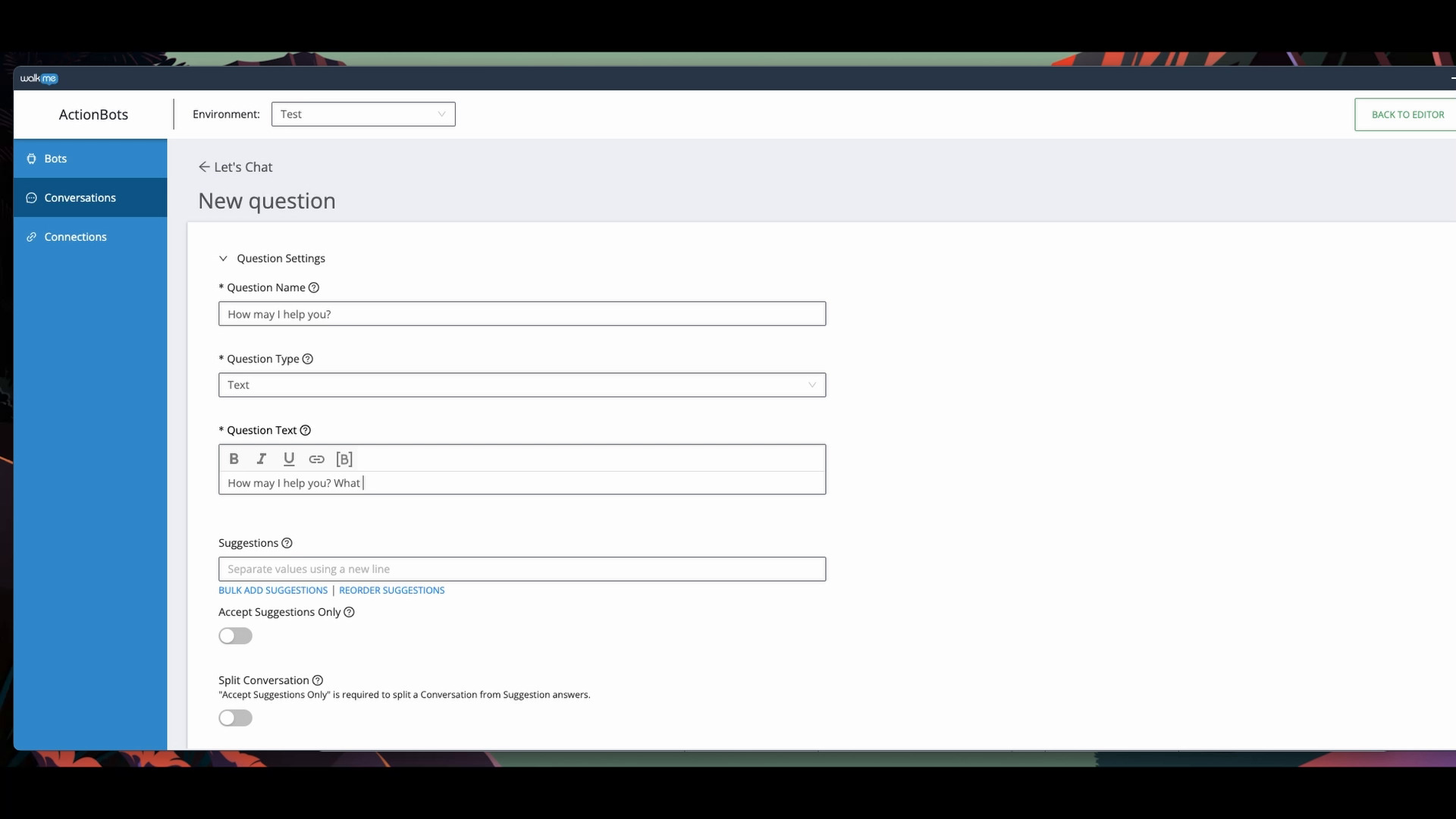
Build an ActionBot Conversation
Learn how to create a conversation in ActionBot
Dicas Avançadas
Bulk Fixes with Ease
How to make adjustments to multiple WalkMe elements
Personalização
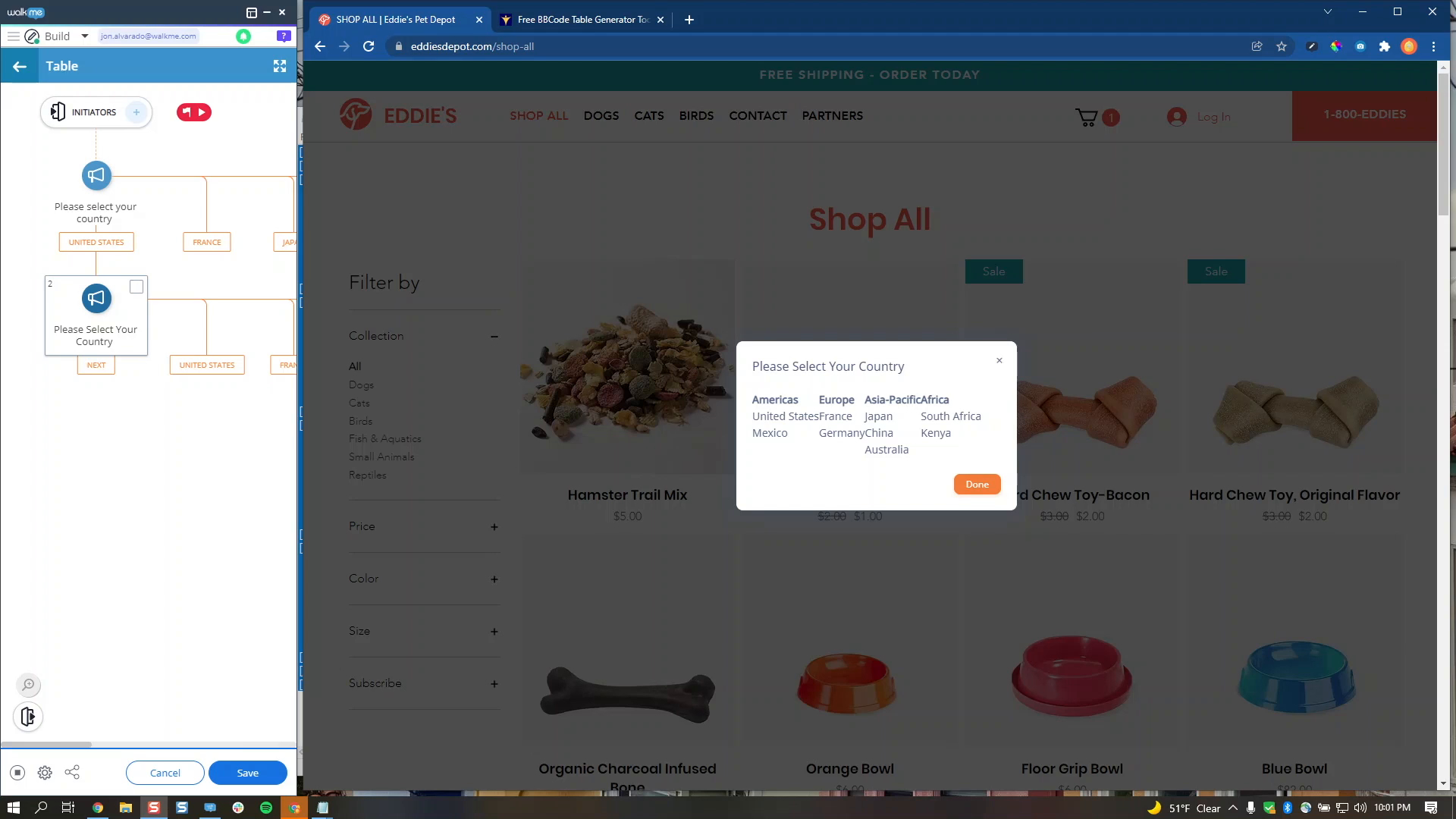
Building a Table in a Balloon
How to use BBCode to create tables in your WalkMe content
Dicas Avançadas
Locate and Use Variables
Learn how to locate and use variables in your WalkMe build
Dicas Avançadas
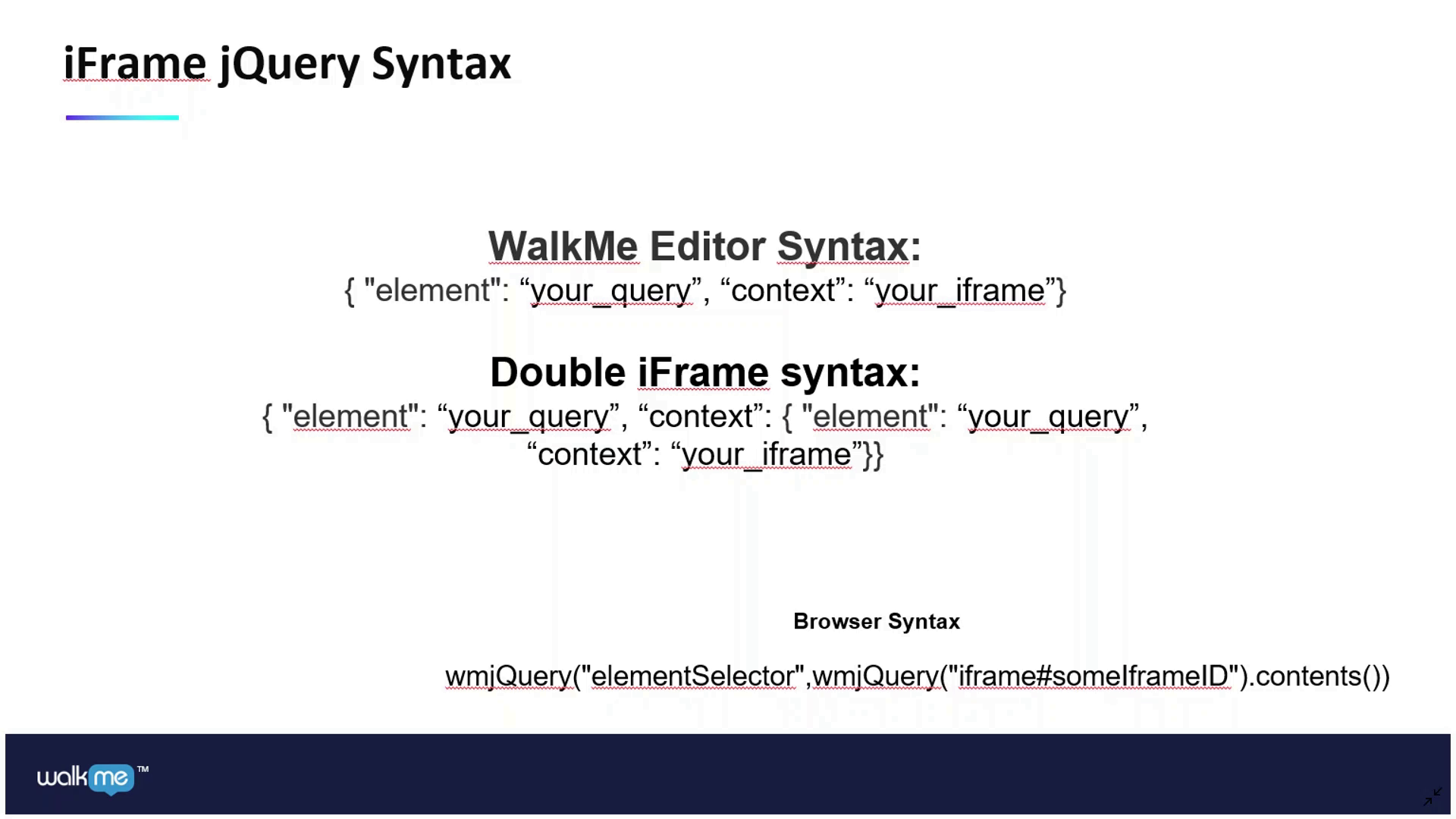
iFrame jQuery Masterclass
How to use jQuery within an iFrame
Melhores Práticas
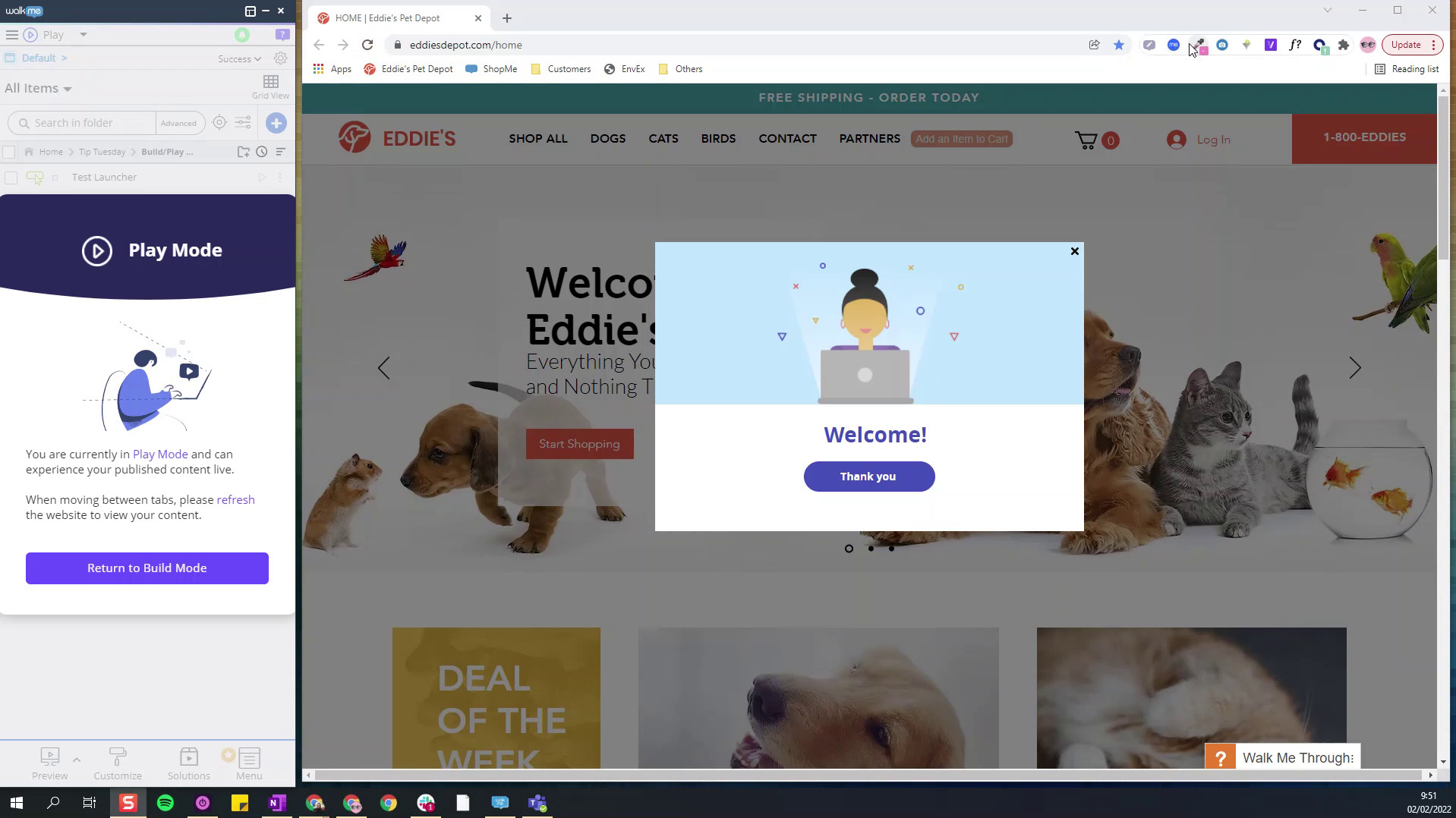
Build and Play Mode Selector
View and test published content without switching browsers
Dados e Análises
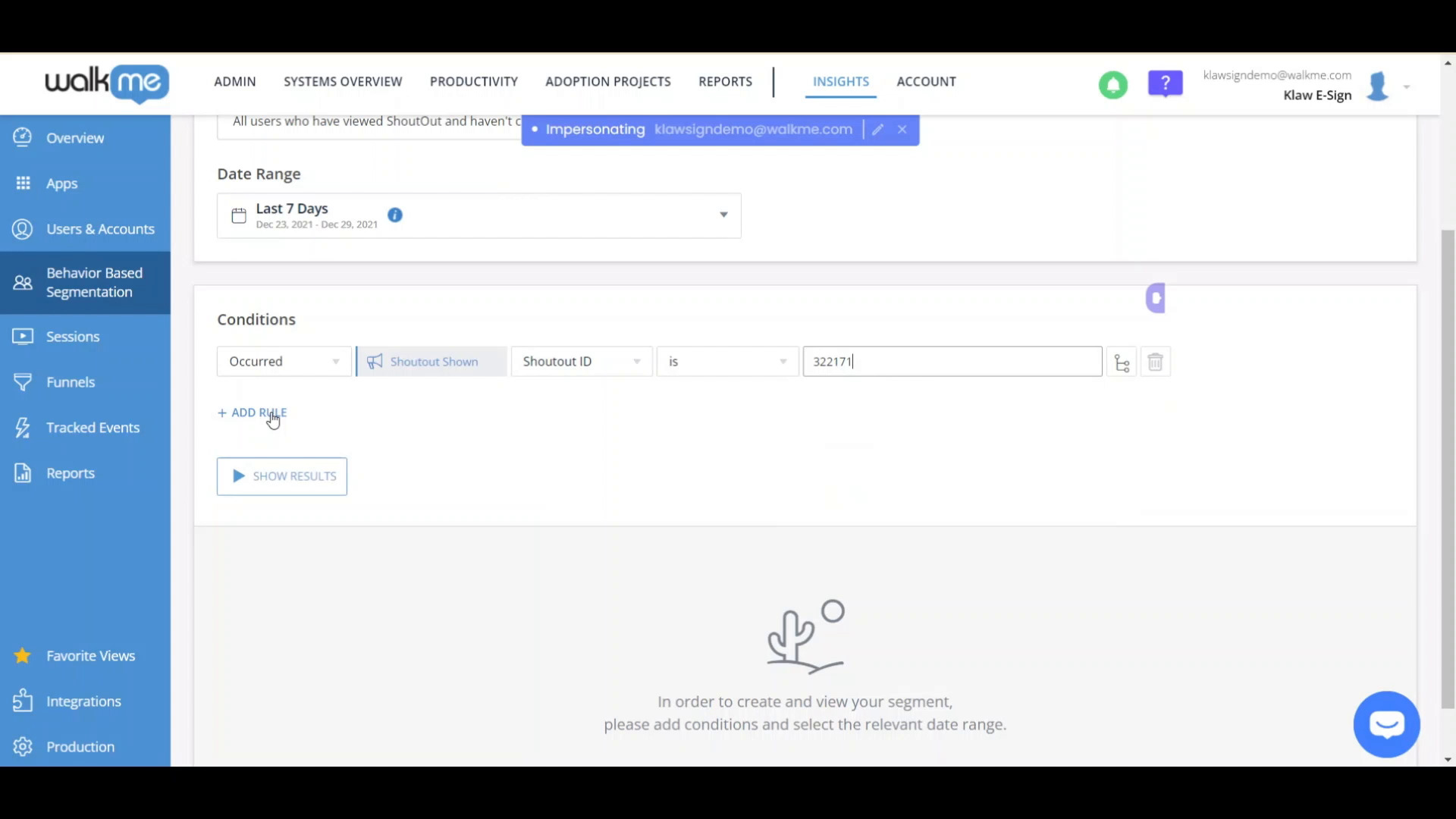
Behavior Based Segmentation
Target users using real WalkMe analytics data
Personalização
Text Styling for WalkMe Surveys using BBCode
Become a pro at styling Survey text using BBCode
Dados e Análises
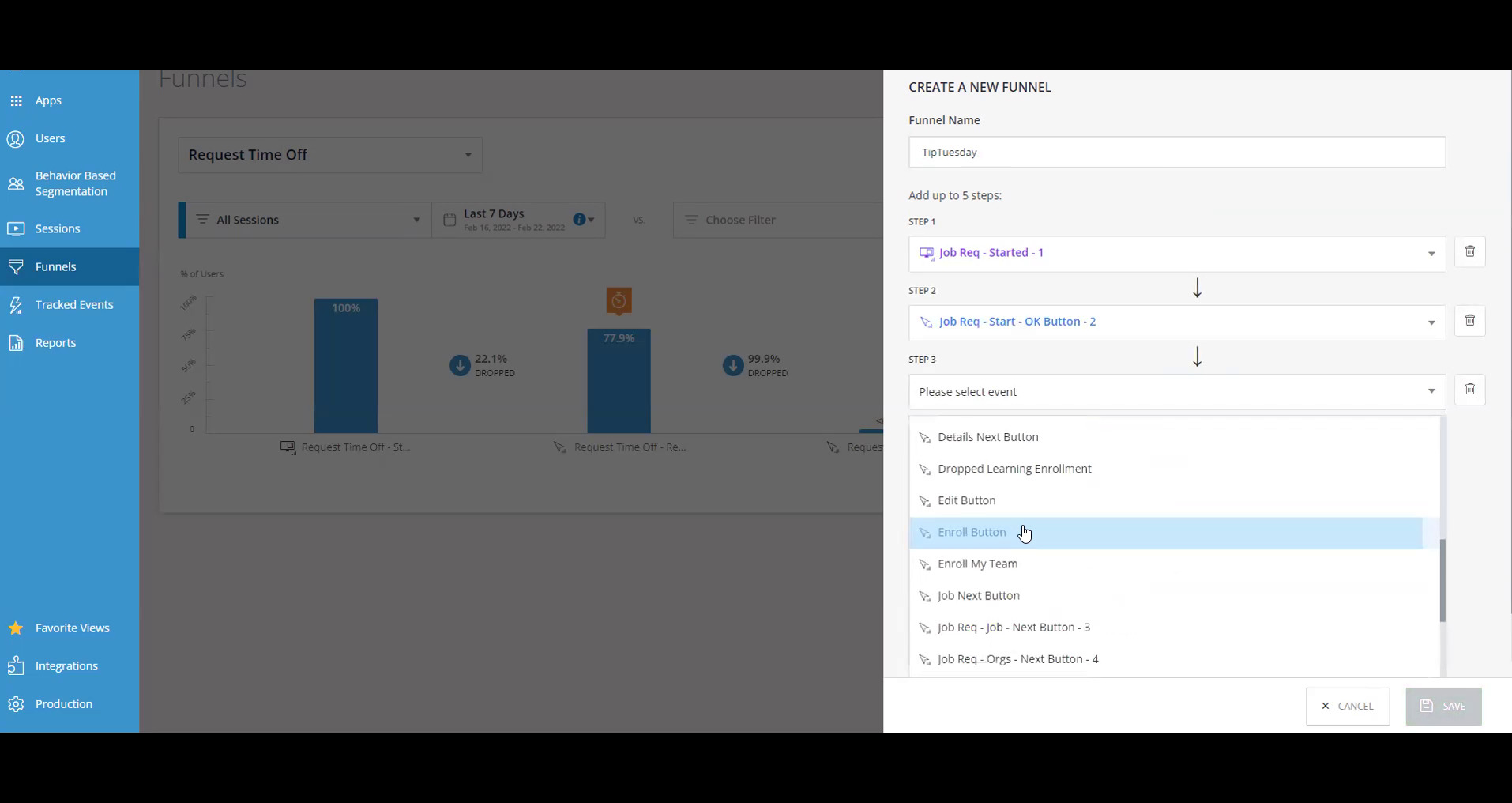
Create Funnels in Insights
Create Funnels to track how users progress through a sequence of events
Dados e Análises
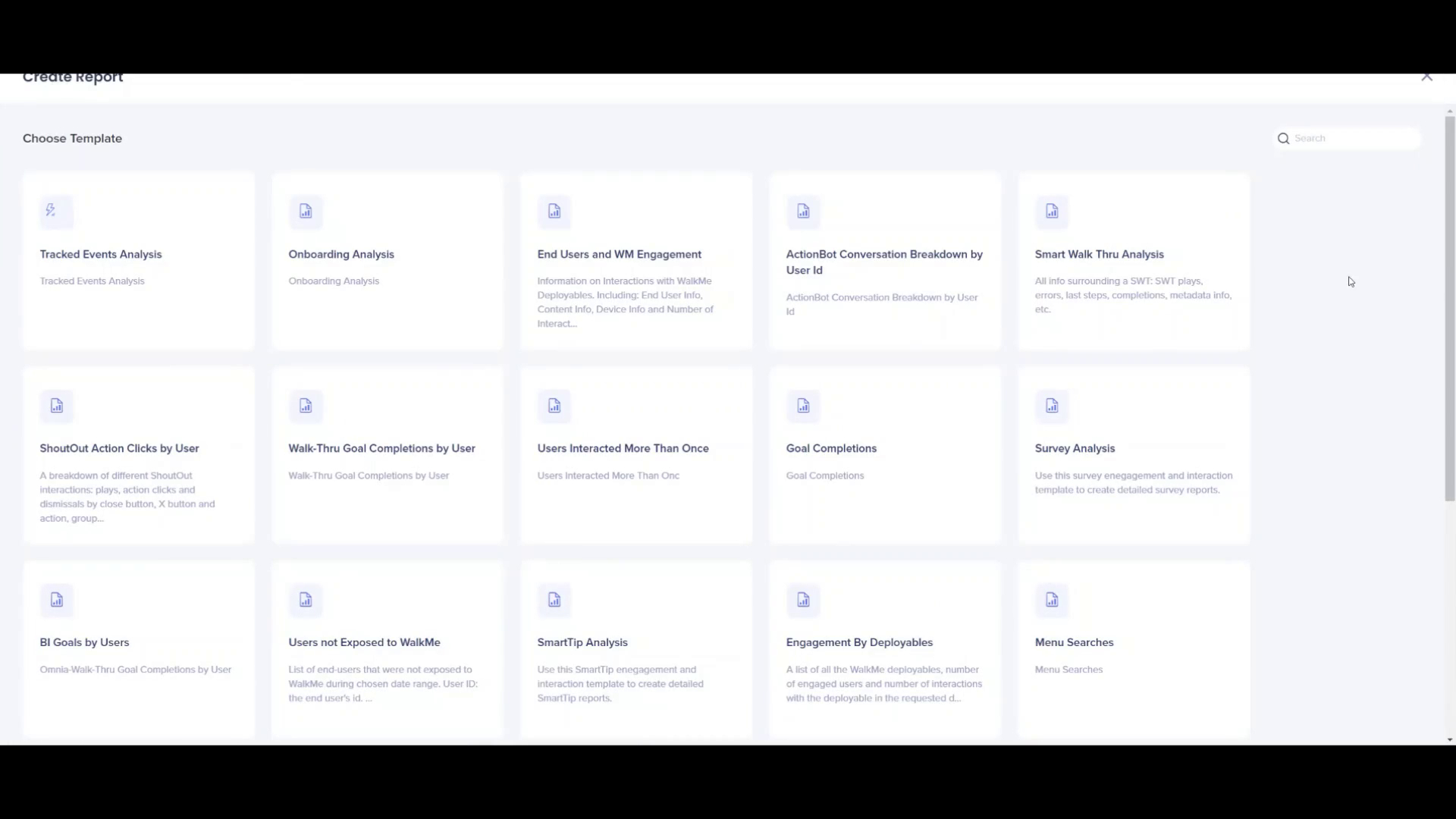
Getting to Know the Report Builder
Learn how to create customized reports with the Report Builder
Melhores Práticas
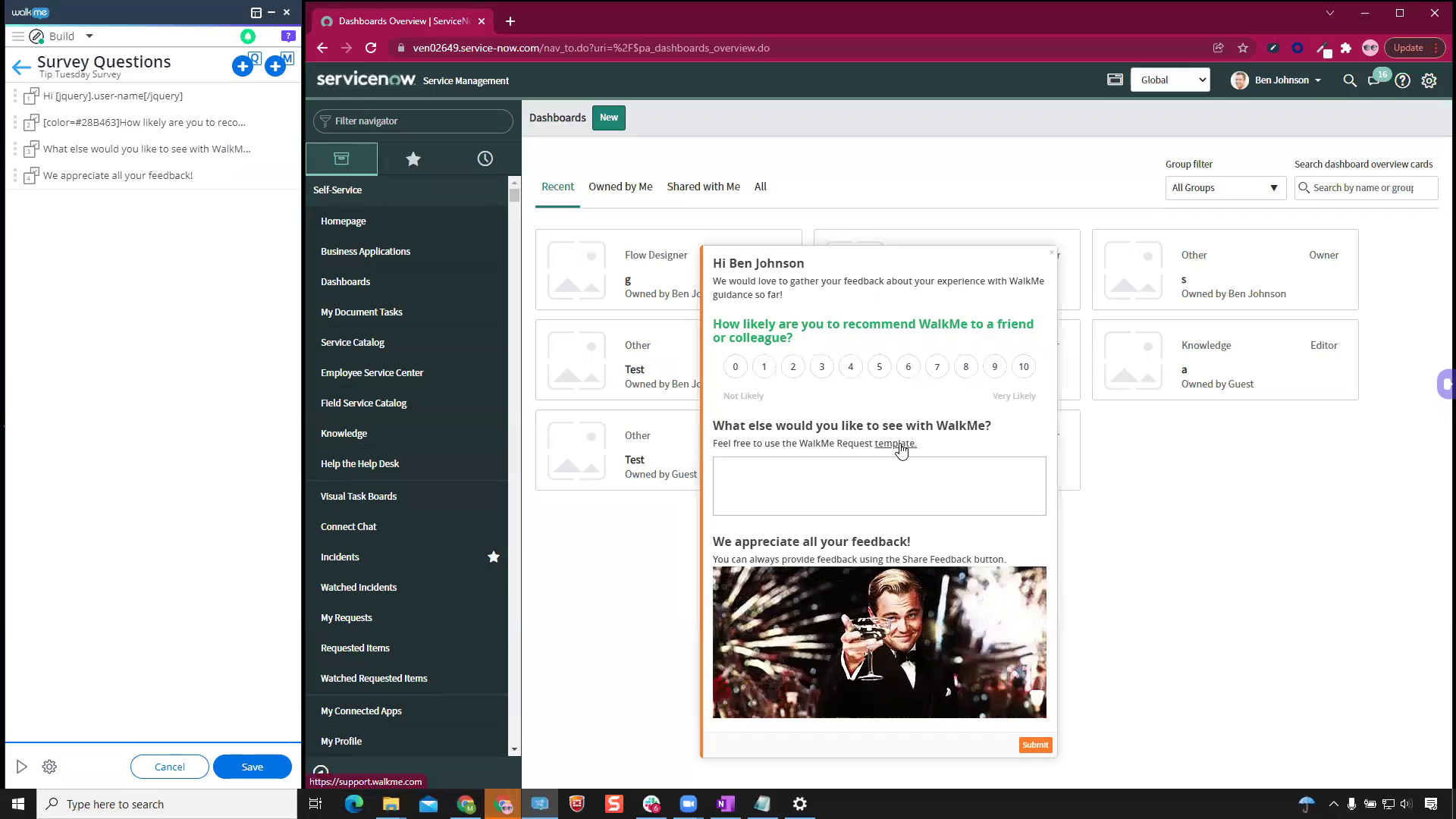
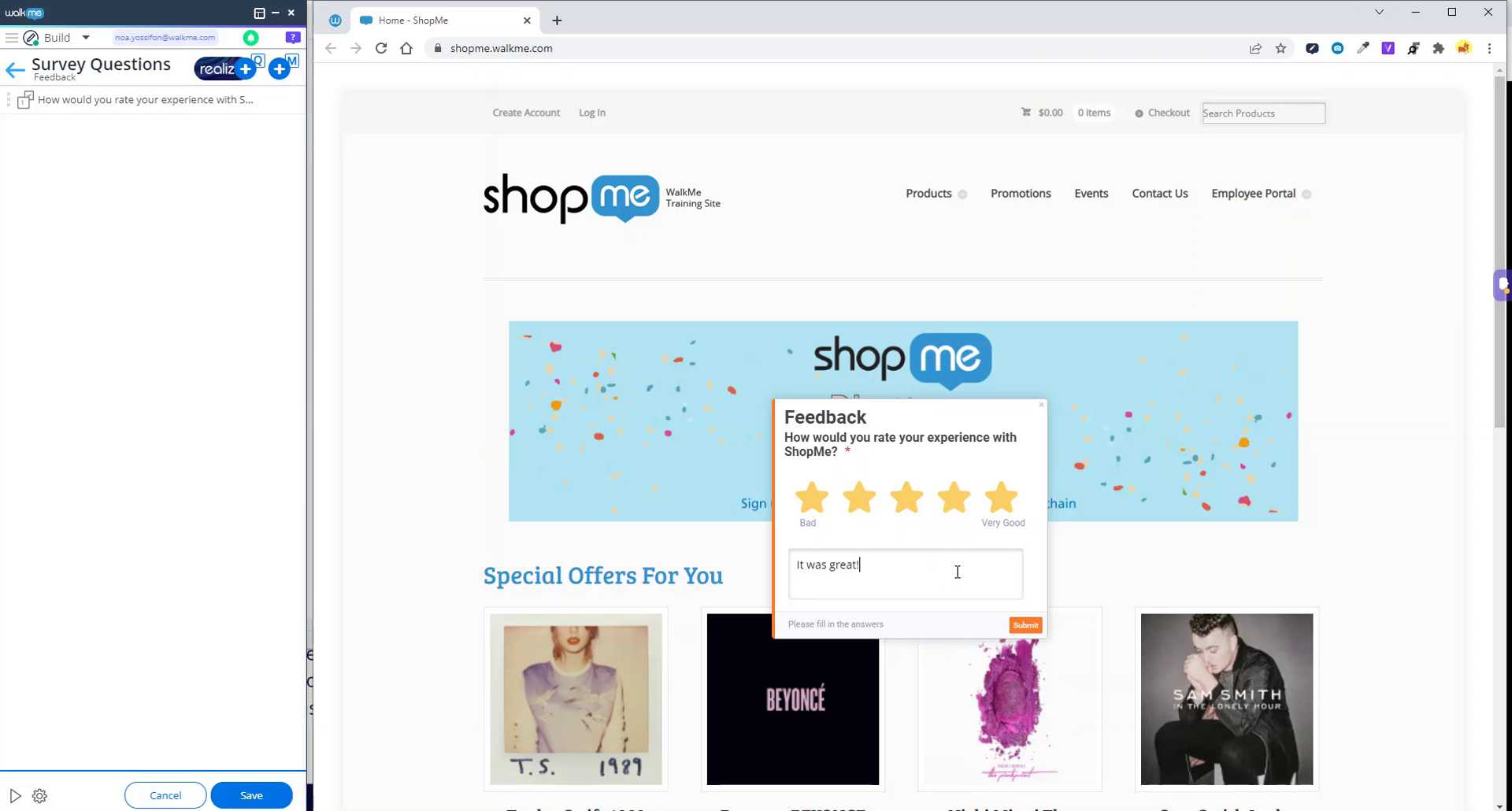
Rating Surveys
Learn how to add ratings to your Question type Surveys for users
Melhores Práticas
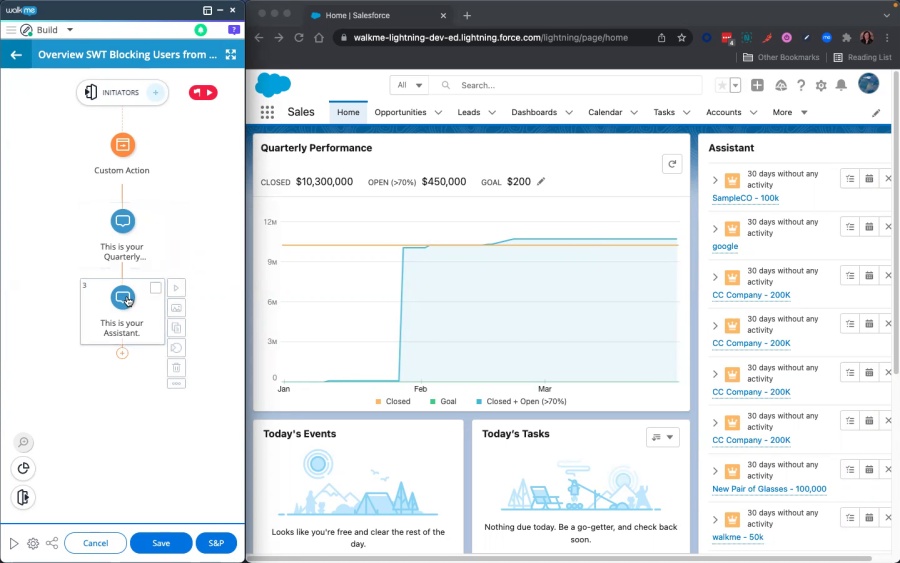
Block Site Functionality with Spotlight for Overview Flows
Continue an Overview Smart Walk-Thru without needing to accommodate for when users click out of the intended path