Brief Overview
A Learning Arc system connects your Learning Arc application to your WalkMe account, so you can build and deploy learning content for it. You create Learning Arc systems in the Admin Center and the WalkMe Console.
Creating a Contract-Based System
Use Cases
- Manage access by role: Add users to a system and assign roles to control who can build, review, or access learning content in that system
- Support multiple applications from one account: Create multiple Learning Arc systems in your organization so content, users, and groups stay organized by context
Access
Access Systems in the console:
- Open the WalkMe Console:
console_dc]
- Go to the Admin category
- Select Systems Management
Access Systems in the Admin Center
- Open the Admin Center:
- Select Systems
Create System in Admin Center
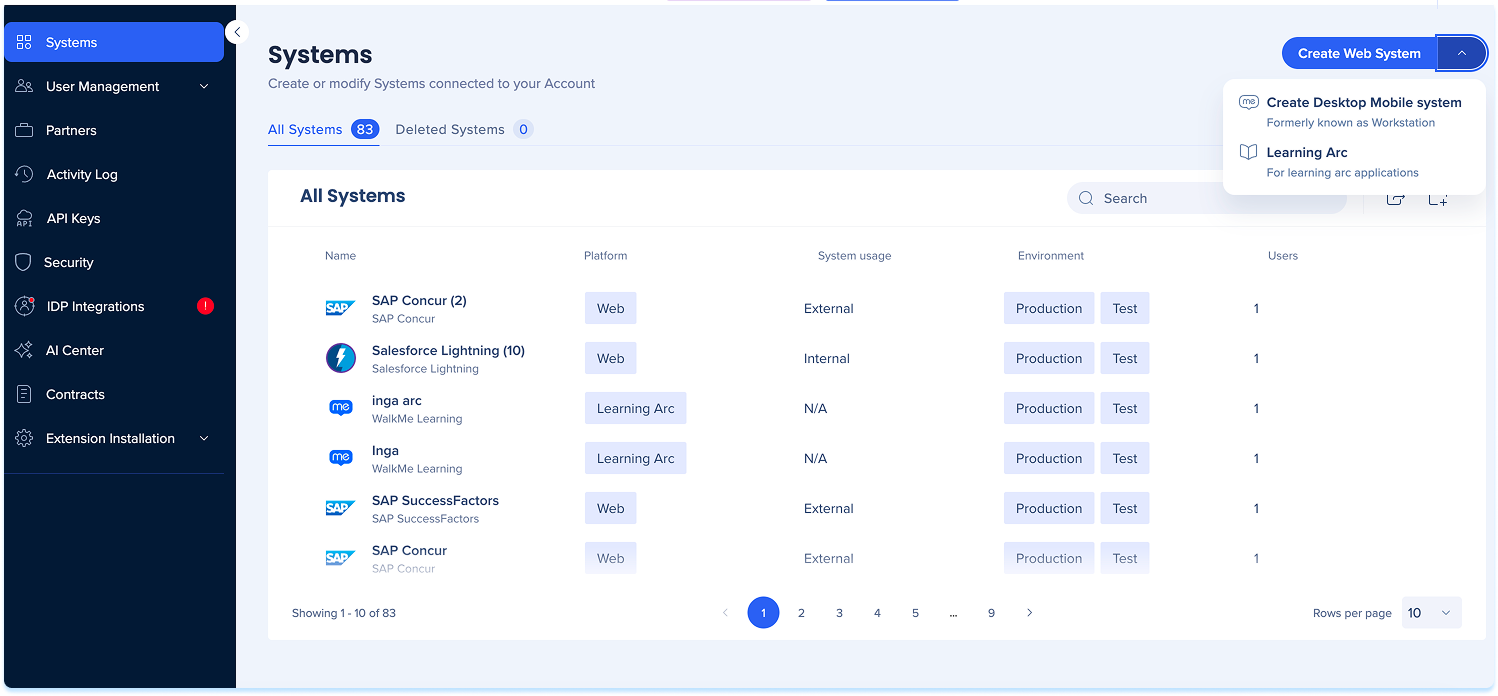
- Go to the WalkMe Admin Center and select Systems in the left navigation
- Select the Create Web System dropdown in the top-right corner
- Choose Learning Arc
-
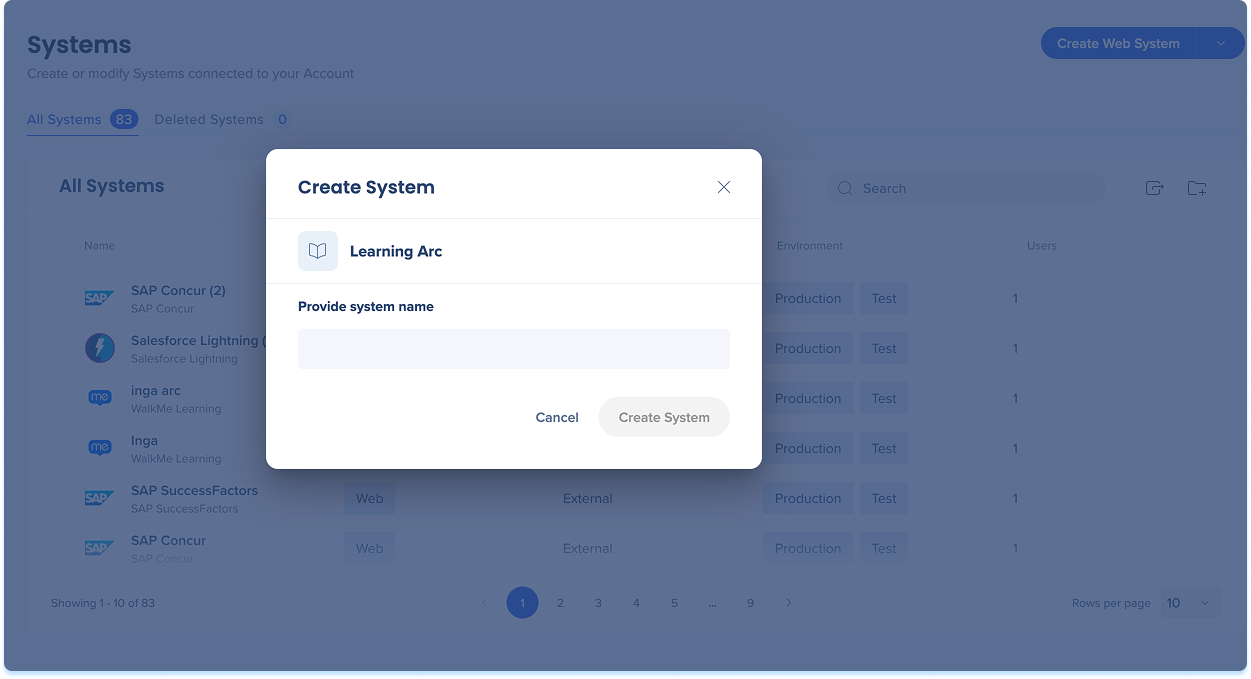
In the Create System popup, fill in the Provide system name field
-
Select Create System
Your new system opens automatically to the User Management page.
Create System in Console
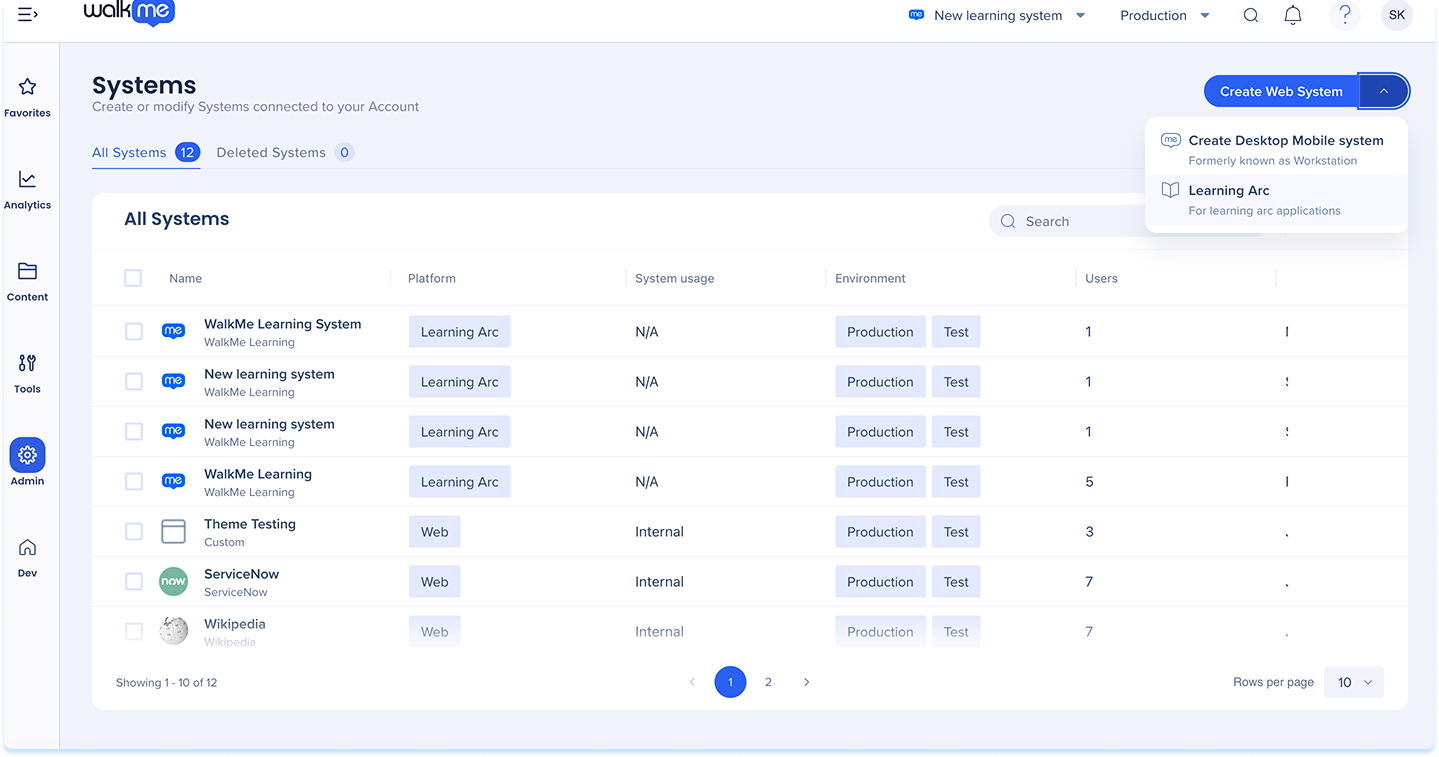
- Navigate to the WalkMe Console and select Systems Management in the left navigation
- Select the dropdown from the Create Web System button and select Learning Arc
-
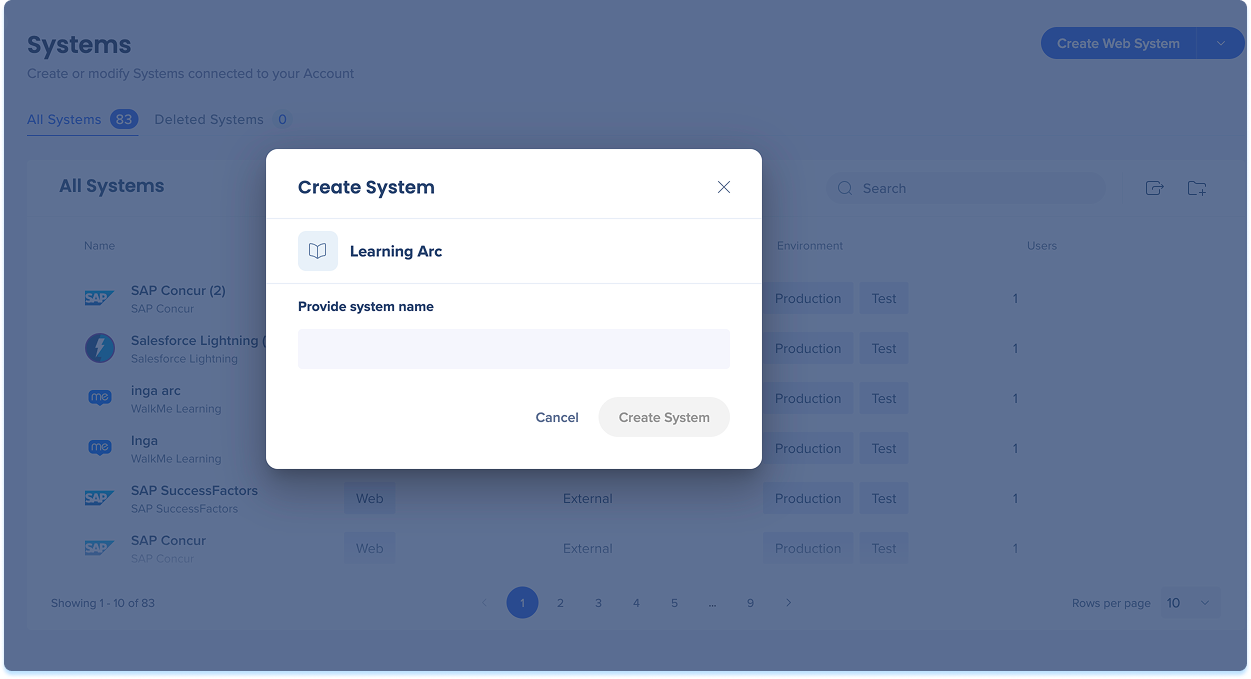
In the Create System popup, fill in the Provide system name field
-
Select Create System
Manage Users
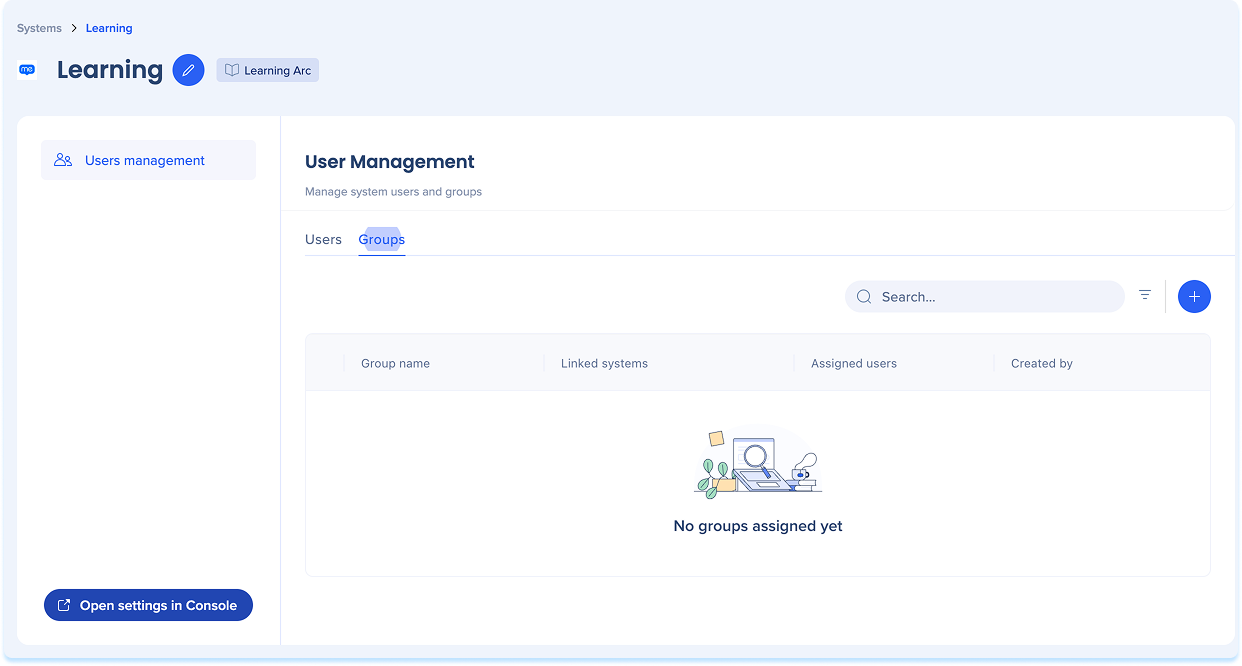
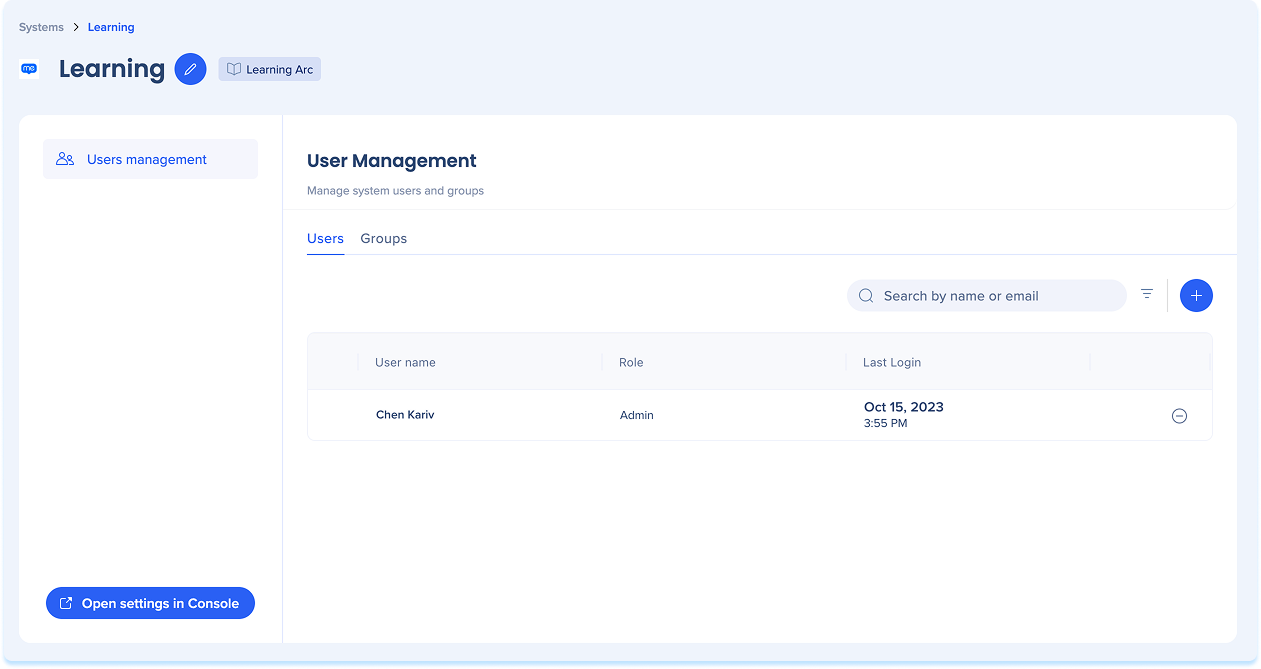
Select the Learning Arc system to open the User Management page. The User Management page has two tabs:
The User Management page has two tabs:
- Users
- Groups
Users tab
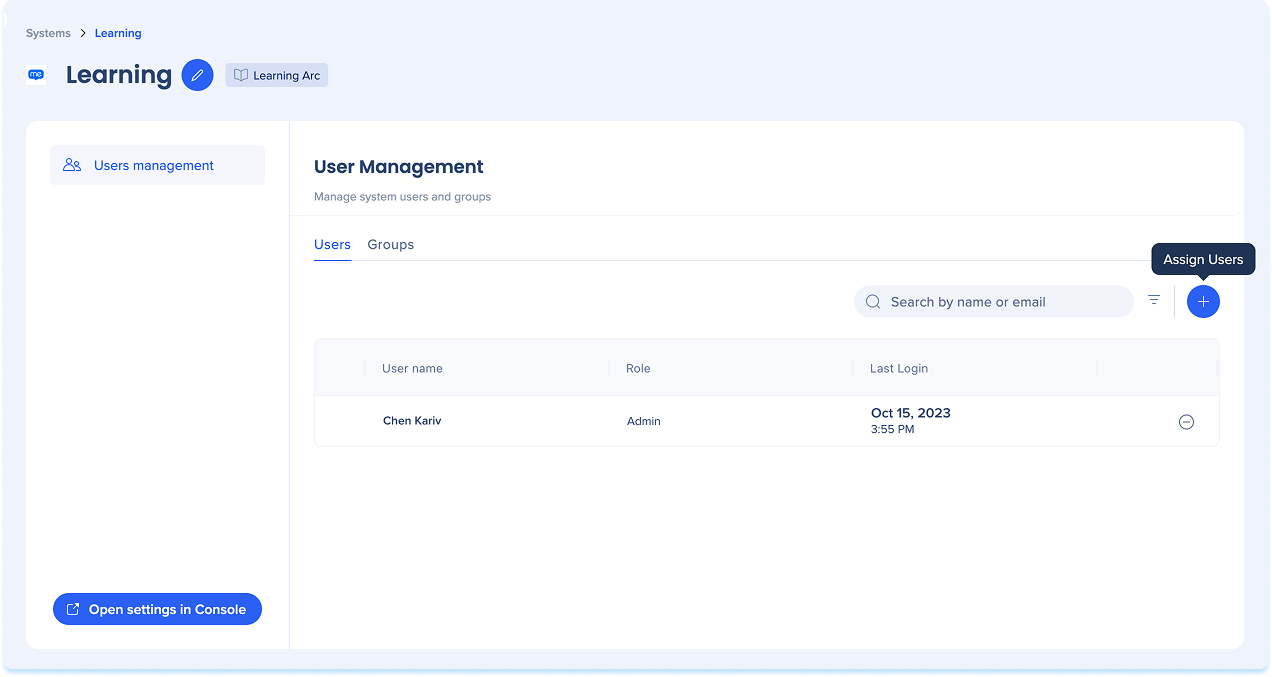
The Users tab lists everyone assigned to the system. For each user, you can see their name, role, and last login.
To add a user:
- Select the + button in the top-right corner of the tab.
To find a specific user:
- Fill in the Search by name or email field
Groups tab
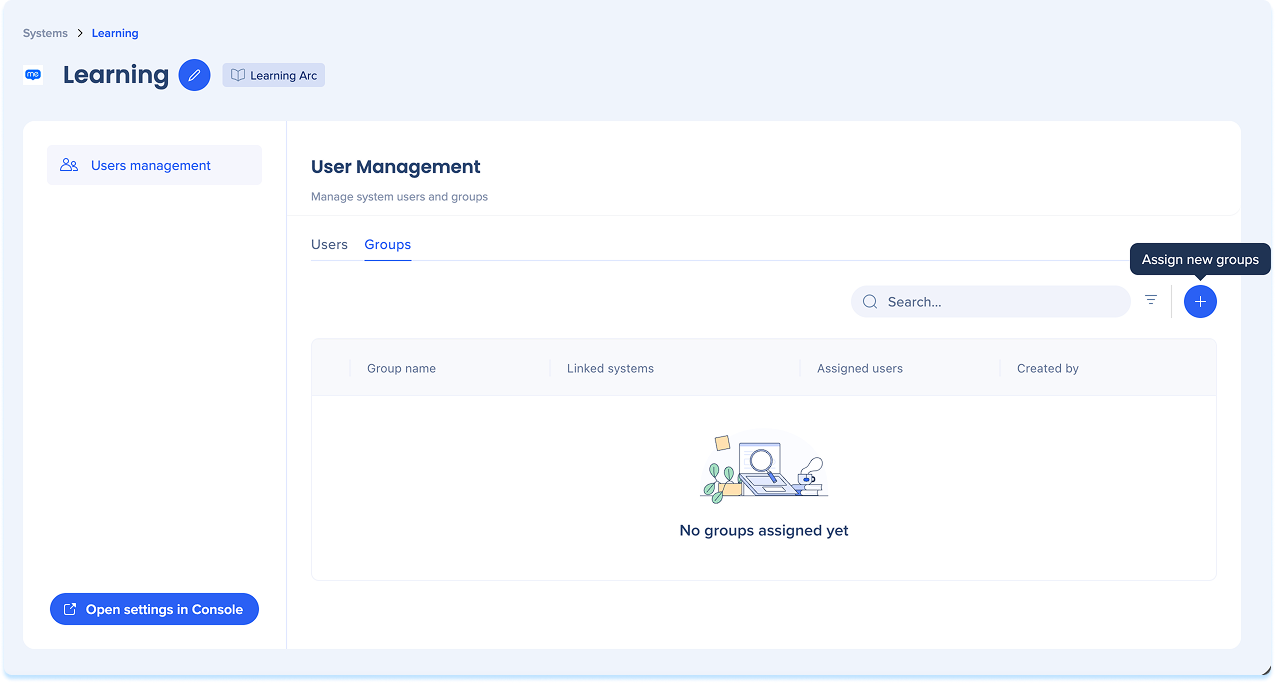
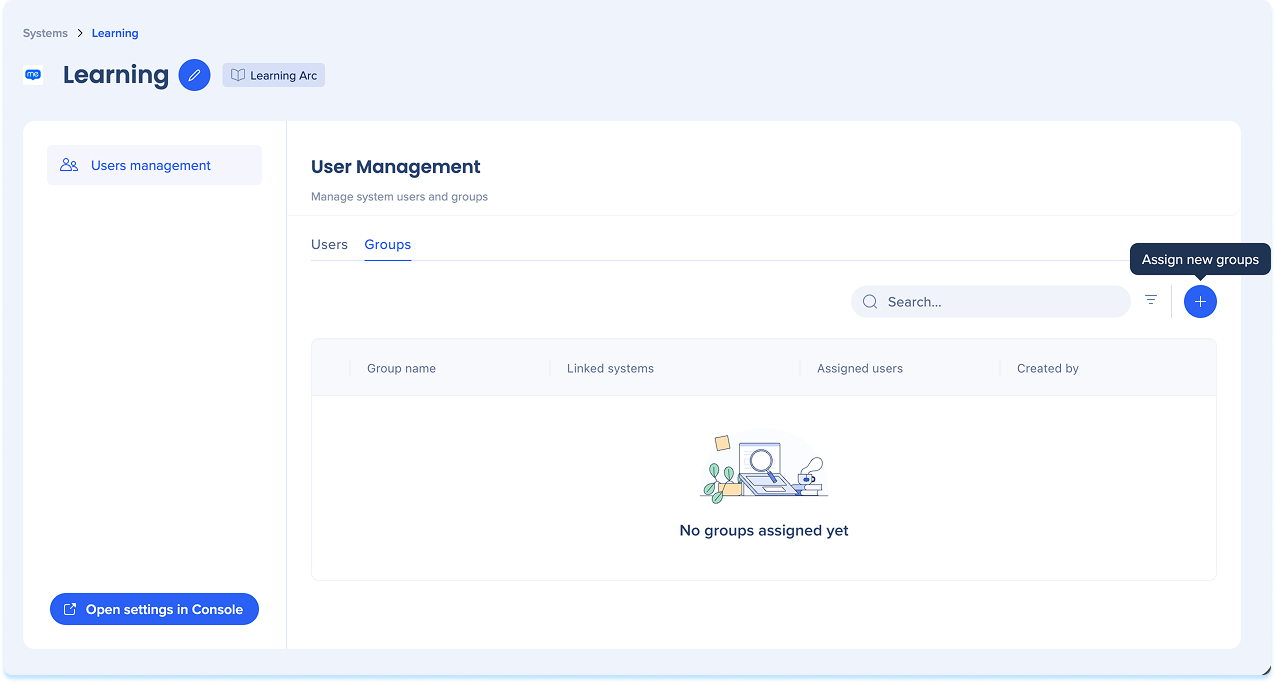
The Groups tab lets you organize users into groups. Use groups to manage access and target learning content to specific audiences.
To add a group:
- Select the Groups tab
- Select the + Assign new group button in the top-right corner of the tab
Rename a system
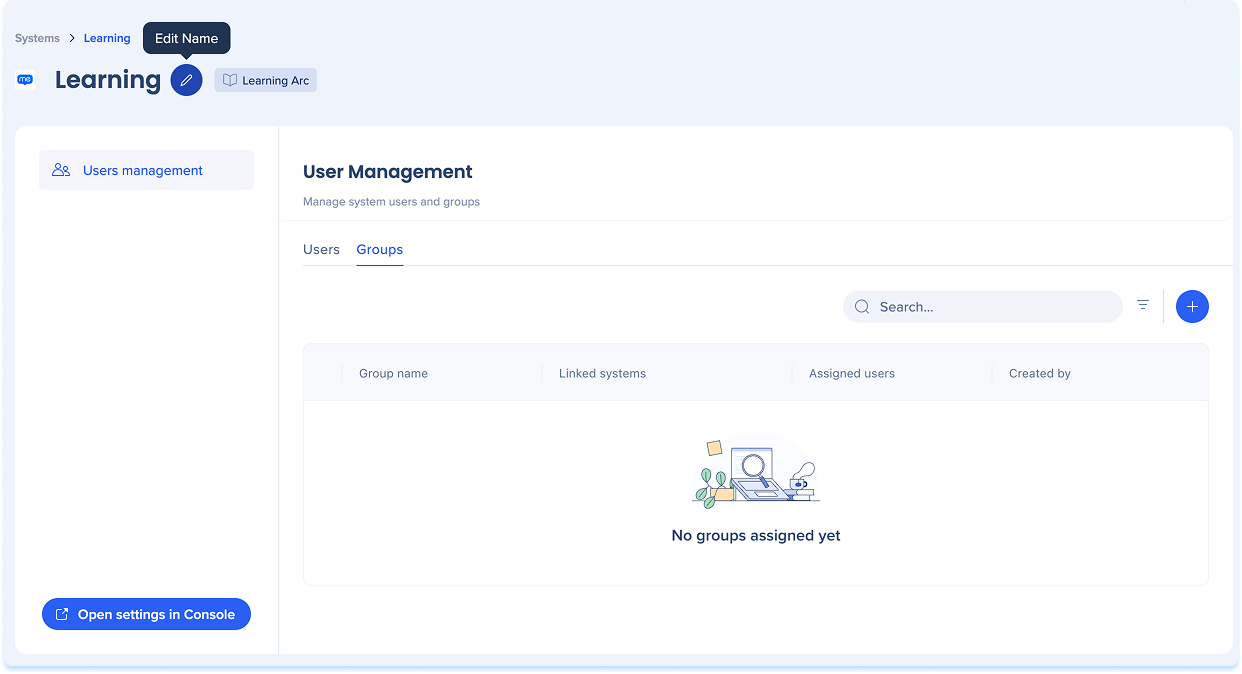
- Select the Edit icon next to the system name at the top of the page
- Type the new name and press Enter
Settings
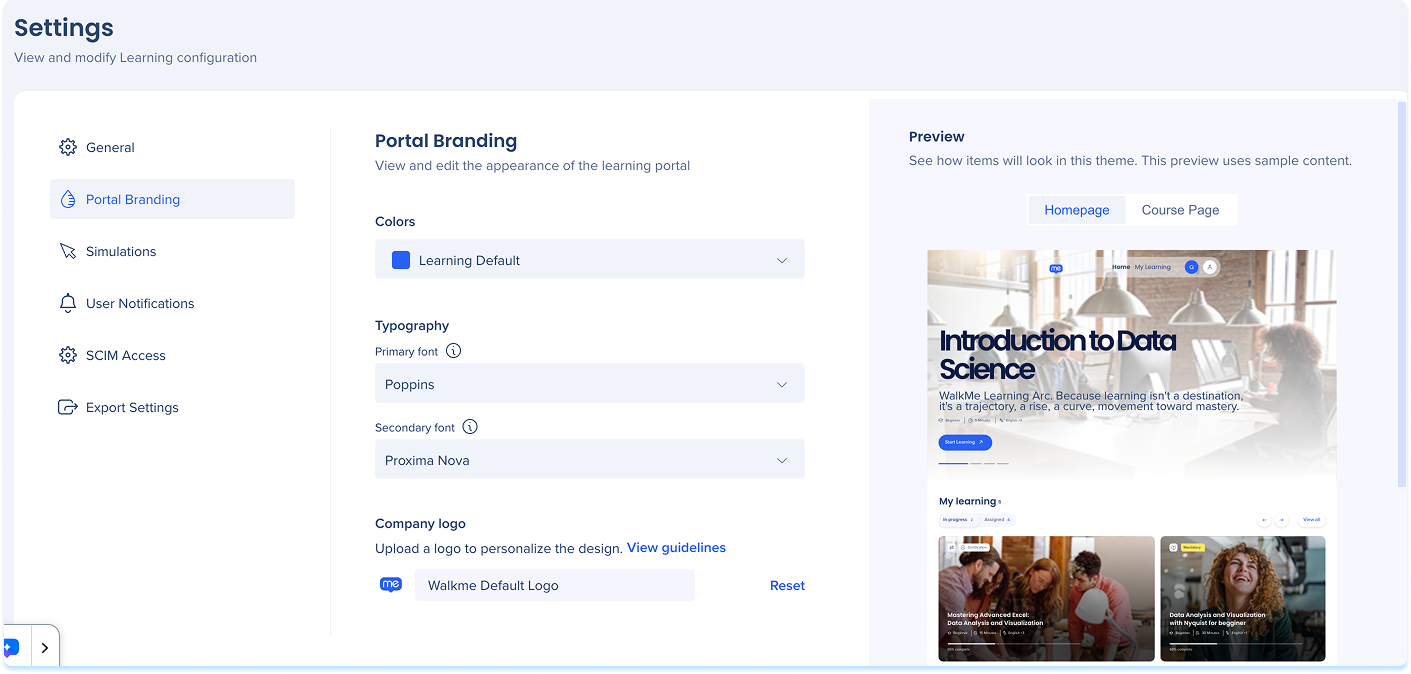
The Settings page is where you manage the global configuration for your WalkMe Learning Arc system. It's organized into tabs, each controlling a different area of your setup.
- Select Open settings in Console to be redirected to the Settings page