Brief Overview
WalkMe Learning Arc supports SAP Enable Now (SEN) customers who are ready to move from on-premise to the cloud. Depending on your current setup, two transition methods are available:
- Private server: Content is transitioned by connecting the private server directly to WalkMe
- DKP file upload: Content is packaged in a DKP file and uploaded manually via SAP Enable Now Producer
Method 1: Private Server to WalkMe Server
For users whose SAP Enable Now server is on a private domain with internet connectivity.
1. Ensure network accessibility
The SAP Enable Now Manager must be accessible from outside the corporate network. Coordinate with your IT team if needed to allow outbound connectivity from the private server to WalkMe servers.
2. Follow the standard transition flow
Once network access is confirmed, follow the same steps as the cloud transition, starting from Step 1.
Transition SAP Enable Now Content
Method 2: DKP File Upload
For users whose SAP Enable Now server has no internet access. Content is packaged and uploaded manually using the DKP format.
What is a DKP file?
A DKP file is a compressed package of SAP Enable Now content exported directly from the Producer.
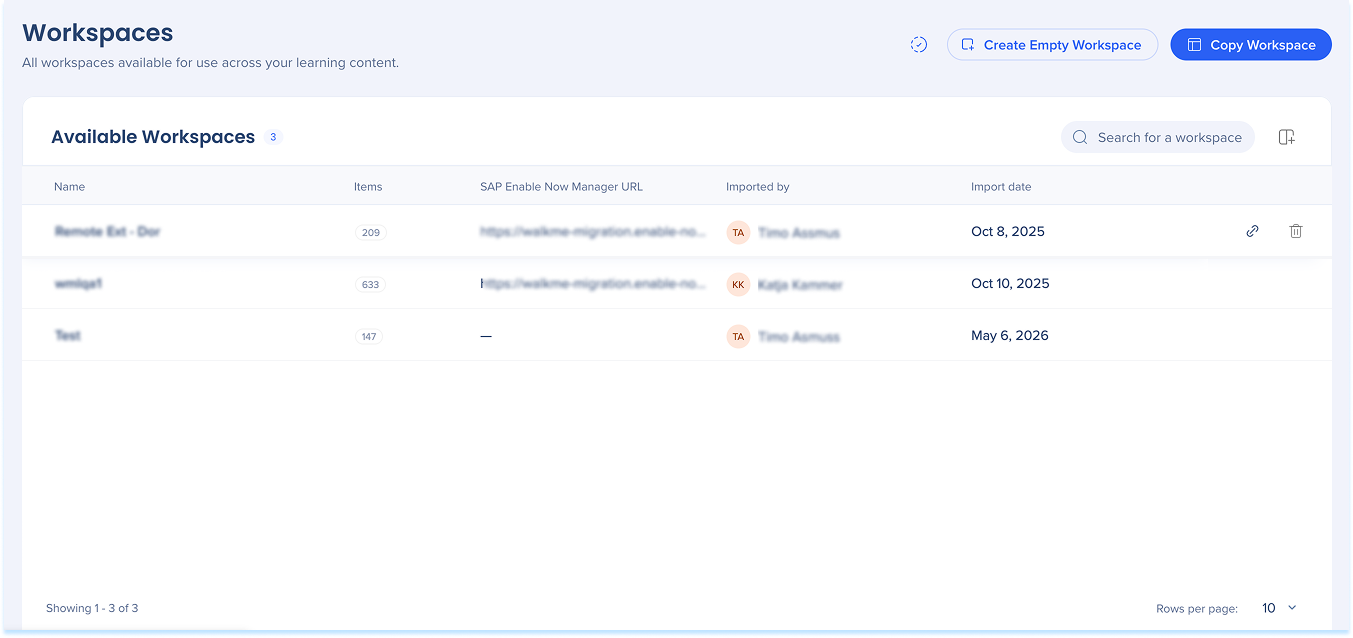
1. Create an empty workspace in WalkMe Learning Arc
-
In WalkMe Learning Arc Console, go to the Transition Content tab
-
Select Empty Workspace to create a blank workspace
- Enter a name for the workspace and select Add
2. Connect Producer with an API Key
-
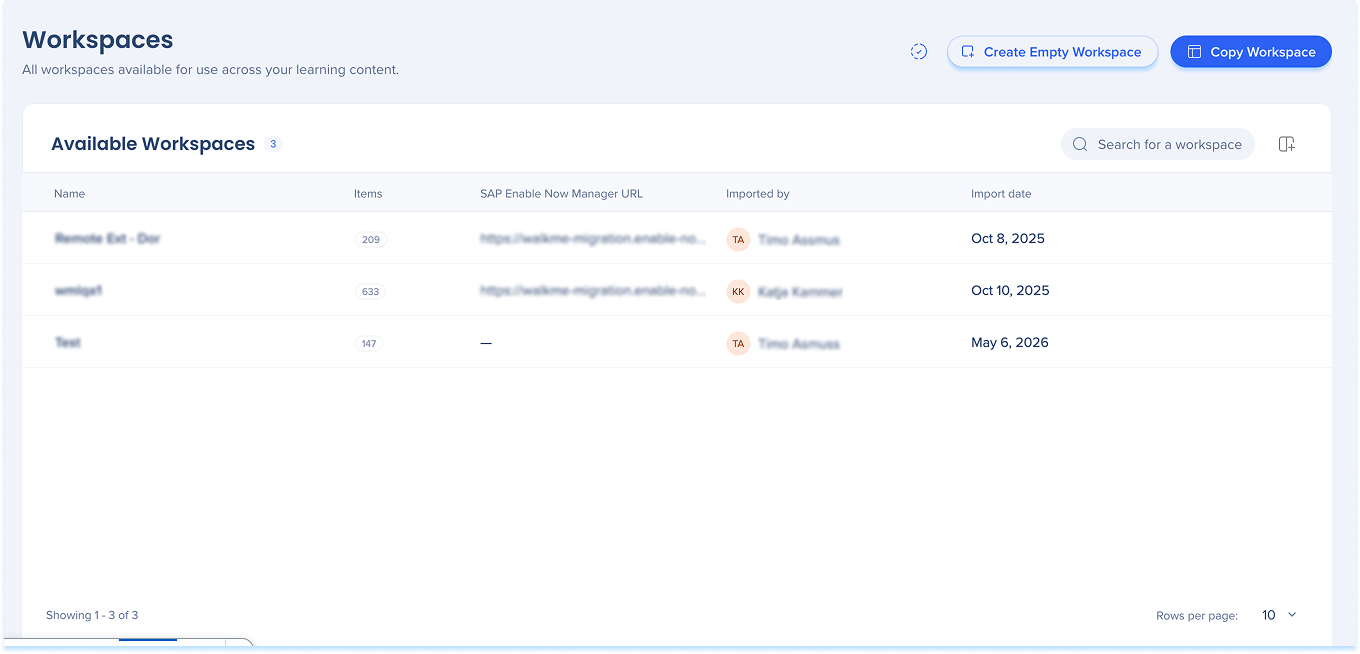
In the Admin Center, go to the API Keys page
-
Click Create Key
-
Enter a name for the key and define its duration
-
Under API Permissions, enable Learning Arc – Producer Integration
-
Click Create Key
-
Copy and securely save the Client Secret and Client ID- it will not be displayed again
API Keys
-
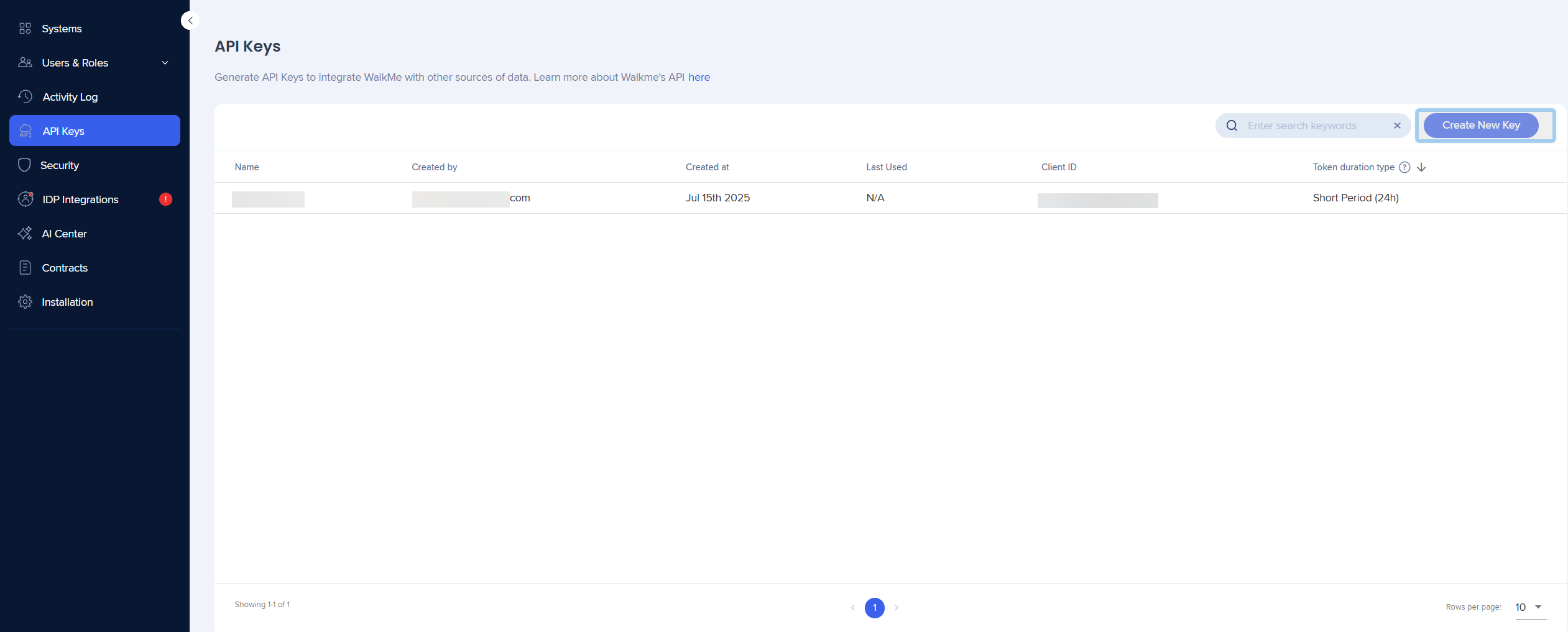
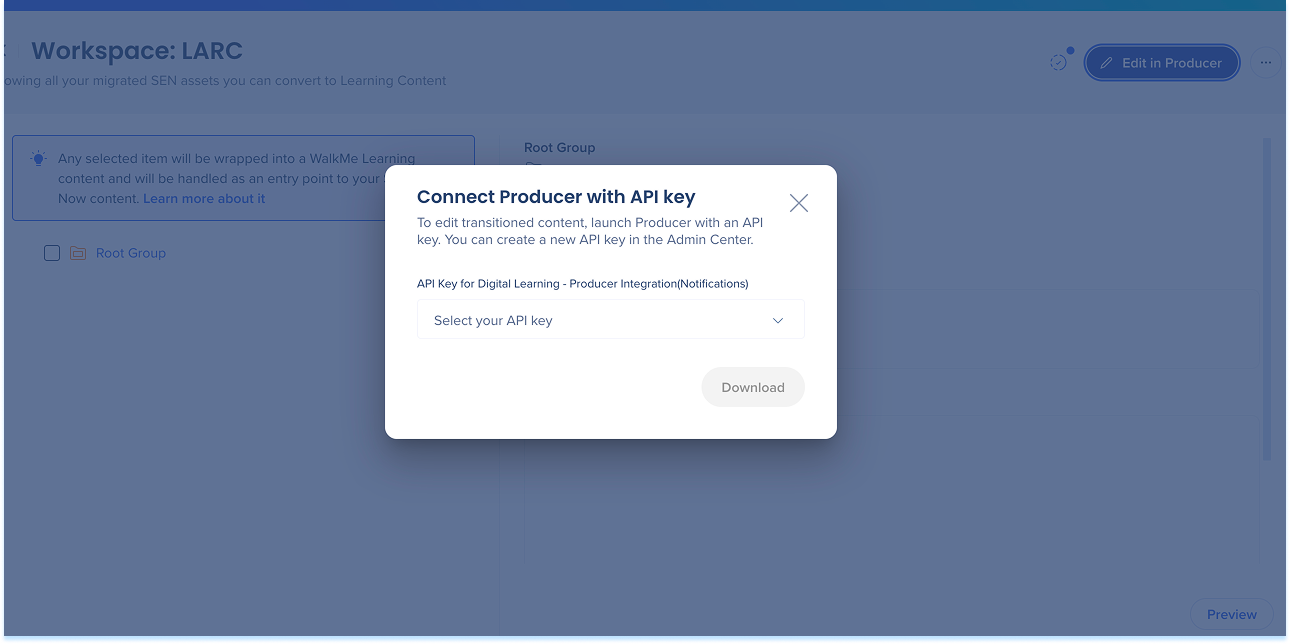
From your new workspace, select Edit in Producer
-
In the Connect Producer with API Key popup, Select your API key
-
Select Download
3. Import DKP file
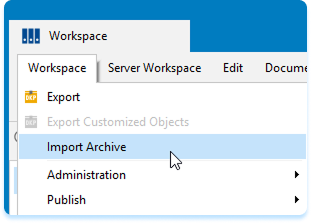
- Import the DKP into the Producer
- Move the imported content to the "root" group
- Select Sync to Server to sync your changes back to WalkMe Learning Arc
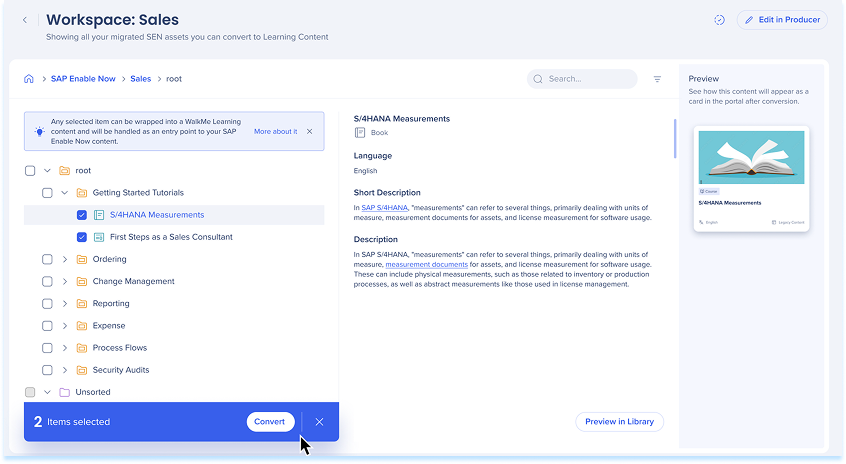
4. Convert content
After uploading, convert the content so learners can access it in the portal or in-app.
Transition SAP Enable Now Content