Brief Overview
Use the Data Integration Center in the Console to export WalkMe data from Insights into an AWS S3 (Amazon S3) bucket. Once exported, the data can be used in your data warehouse, BI tools, or shared across your organization to increase visibility into WalkMe engagement.
How It Works
How to set up an AWS S3 integration
-
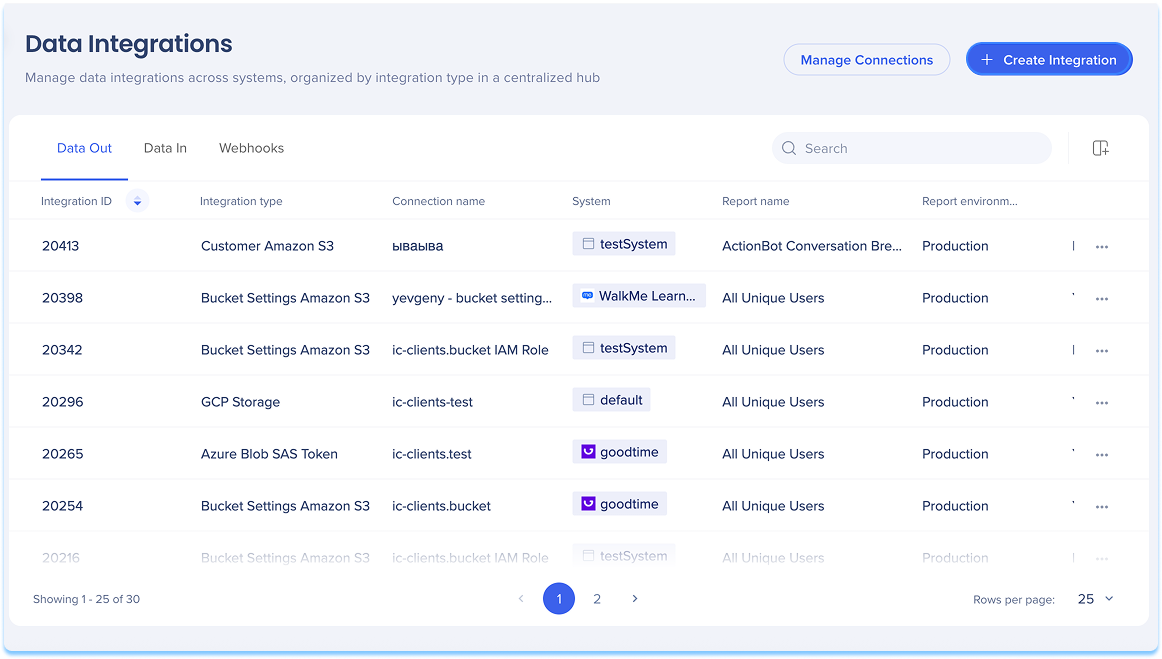
Navigate to the Data Integrations page in the console
-
Click Create Integration in the top-right corner
-
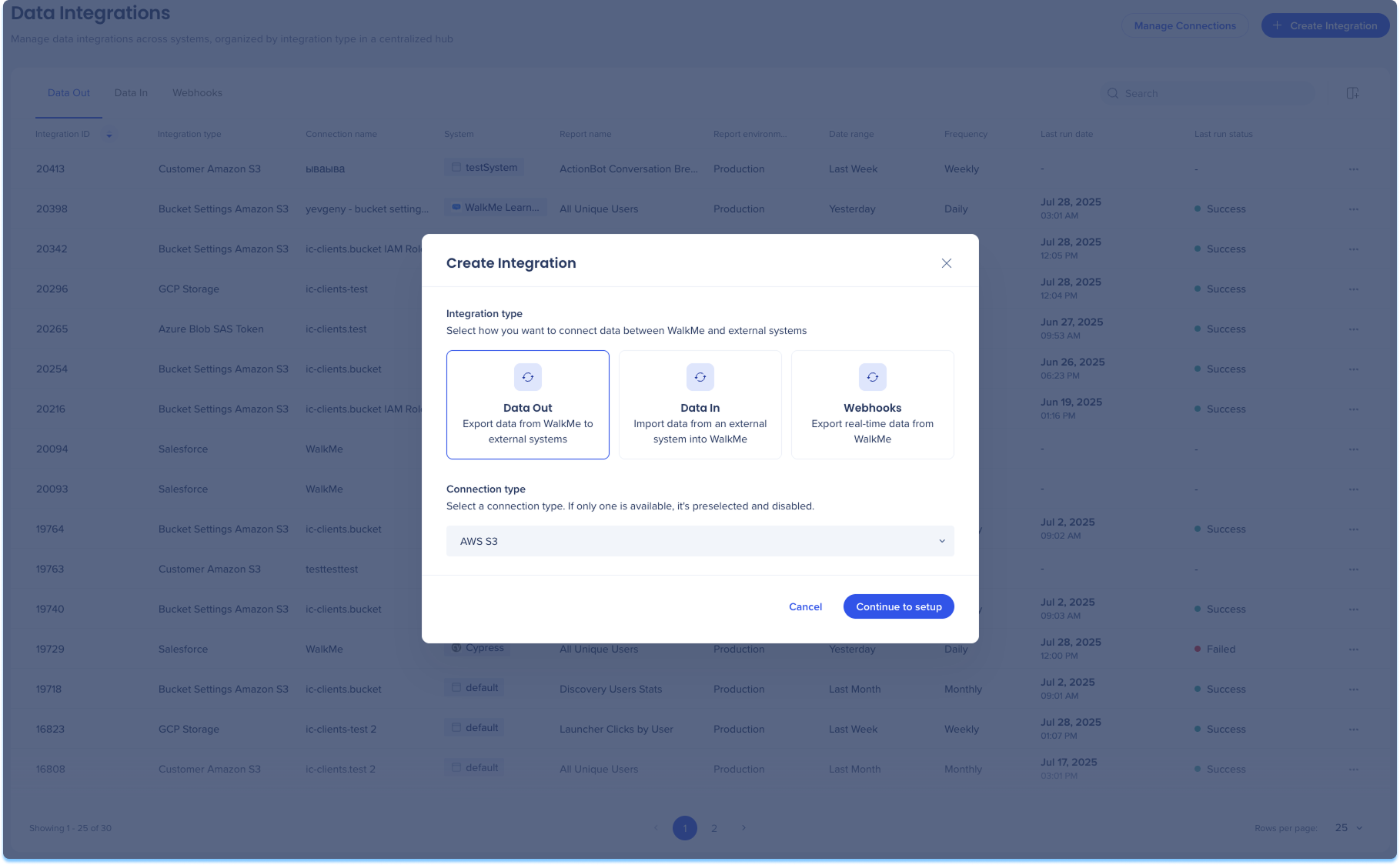
A modal will open with the option to choose the integration type
-
Click the Data Out tile
-
Select AWS S3 from the Connection type from the dropdown menu
-
Click Continue to Setup
-
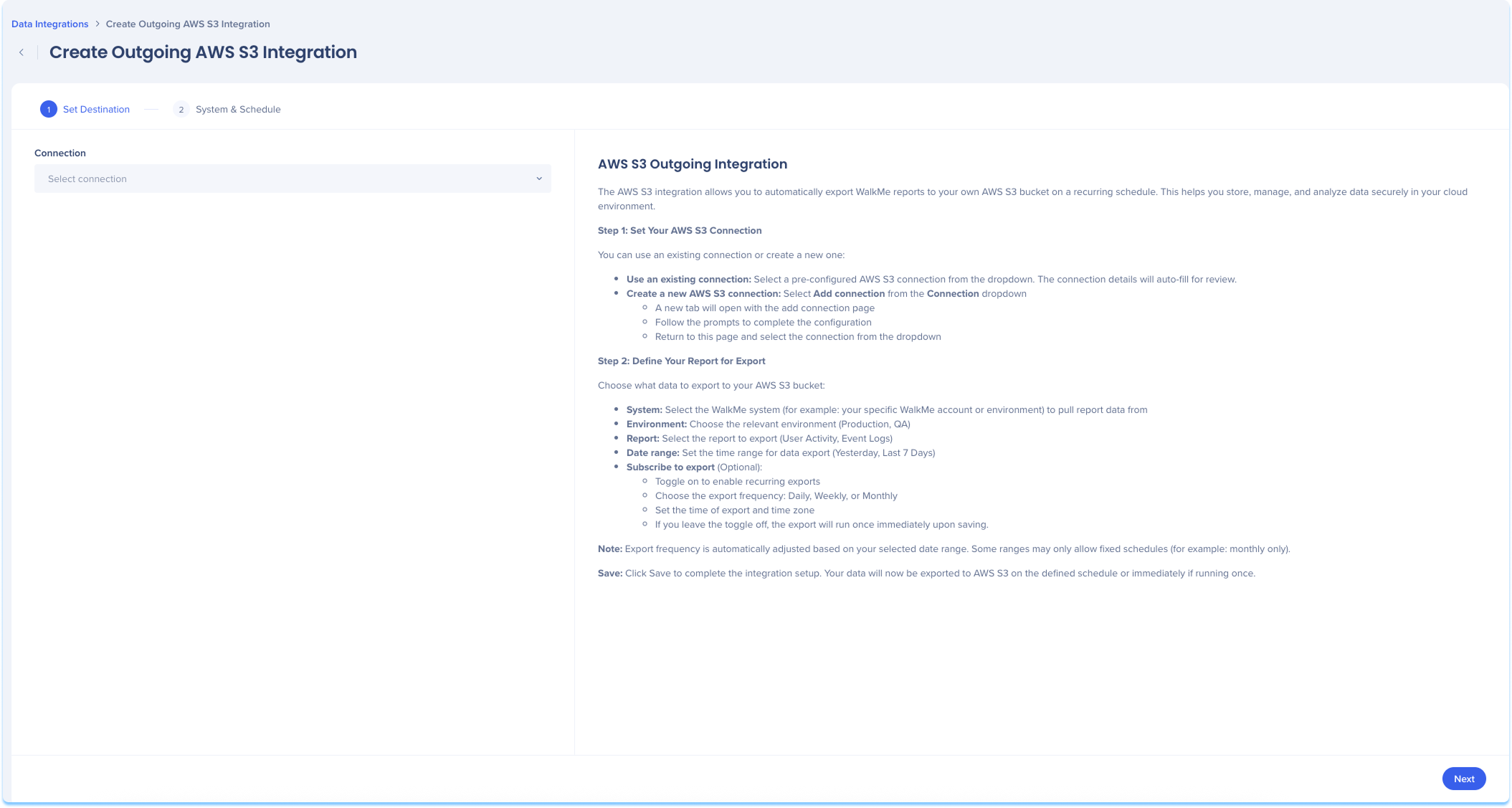
You'll be taken to the Create Outgoing Amazon S3 Integration page, which includes two steps:
-
Set Destination
-
System & Schedule
On the right side of the page, you can view helpful setup instructions that explain each field.
Set Destination
Set up your AWS S3 connection. You can use an existing connection or create a new one:
-
Use an existing connection:
-
Select a pre-configured AWS S3 connection from the dropdown
-
Click Next
-
Create a new AWS S3 connection:
-
Select Add connection from the Connection dropdown
-
A new tab will open with the add connection page
-
Follow the prompts to complete the configuration
-
Return to this page and select the connection from the dropdown
Learn more: Connections Page
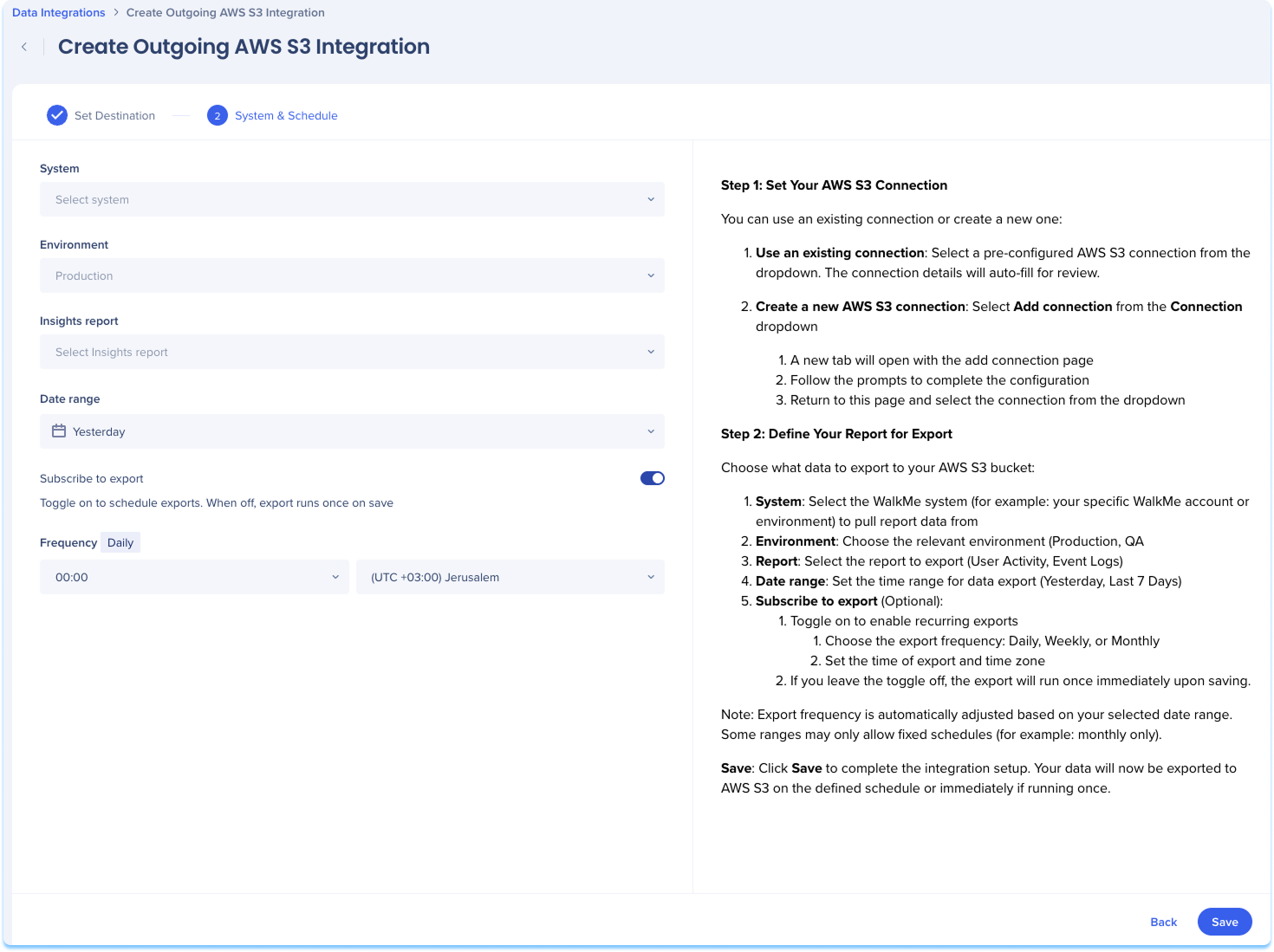
System & Schedule
Choose what data to export to your AWS S3 bucket.
-
Select the WalkMe system to pull report data from
-
For example: Your specific WalkMe account or environment
- Choose the relevant environment (Production, Test, QA)
- Select the Insights report to export
- Set the date range for data export
- Optional: Subscribe to export
- Toggle on to enable recurring exports
- Choose the export frequency: Daily, Weekly, or Monthly
- Set the time of export and time zone
If you leave the toggle off, the export will run once immediately upon saving.
Note
Note: Export frequency is automatically adjusted based on your selected date range. Some ranges may only allow fixed schedules (for example: monthly only).
-
Click Save