The WalkMe iOS SDK is compatible with React Native for iOS. This article explains how to integrate the WalkMe iOS SDK with a React Native app.
Automatic Installation
npm install react-native-walkme-sdk --save
cd ${PROJECT_DIR}/ios
pod install
Manual Installation
In XCode, in the project navigator, right-click Libraries ➜ Add Files to [your project's name]
Go to node_modules ➜ react-native-walkme-sdk and add RNWalkMeSdk.xcodeproj
In XCode, in the project navigator, select your project. Add libRNWalkMeSdk.a to your project's Build Phases ➜ Link Binary With Libraries
Add this line to your pod file: pod 'RNWalkMe', :path => '../node_modules/react-native-walkme/ios'
Complete the integration by entering Power Mode in the app:
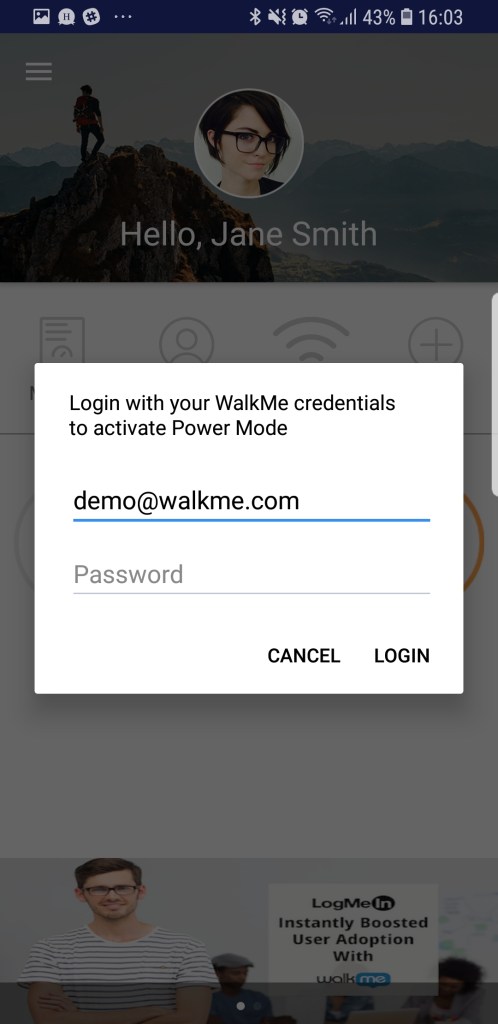
Launch the app with WalkMe SDK integrated and press and hold 5 fingers on the screen for 5 seconds until the login popup displays. This is the default setting and can be configured at any time in the console.
Log in to Power Mode with your mobile console credentials to complete the sync.