Brief Overview
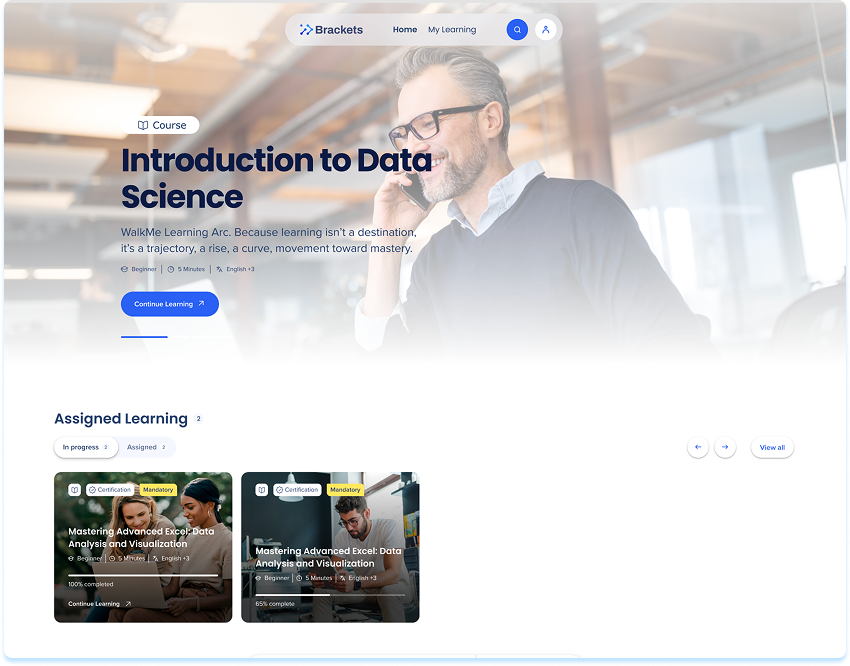
The portal is the central hub where users can discover, access, and continue their learning journey. From here, learners can:
- Browse a library of learning content curated for their role, skill level, or interests
- Resume in-progress items with one click
- Explore new content powered by AI-based recommendations
Whether it's a microlearning or a full course, the portal displays all published learning content users are eligible to see—filtered through segment rules and permissions. Built-in search and filter tools help you quickly find content that matches your goals.
Access
Access Learning Arc in the portal:
- Open the WalkMe Portal
Note
If your organization uses a custom domain, the URL follows this format: customer1.<data-center-domain> (for example, customer1.us.wmlearningarc.com for the US data center).
WalkMe Learning Arc free trial
How the Portal is Structured
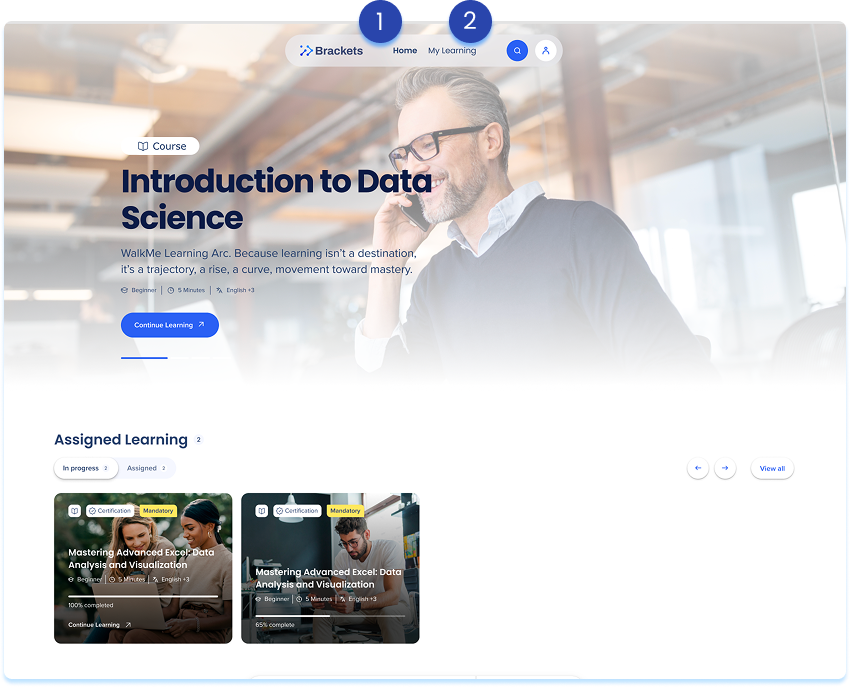
The WalkMe Learning Arc Portal includes two primary pages:
- Home
- My Learning
These pages serve different purposes.
Explore the key areas of the app to build, organize, and analyze learning experiences.
🎓 Digital Adoption Institute
Home
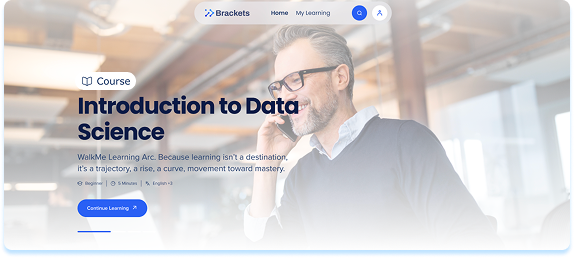
The Home page is where users discover learning content.
From Home, users can:
- Browse recommended and available learning
- Search for specific topics
- Apply filters to narrow results
- Open content cards to view details
- Start, save, or share learning items
Home is focused on exploration and discovery.
My Learning
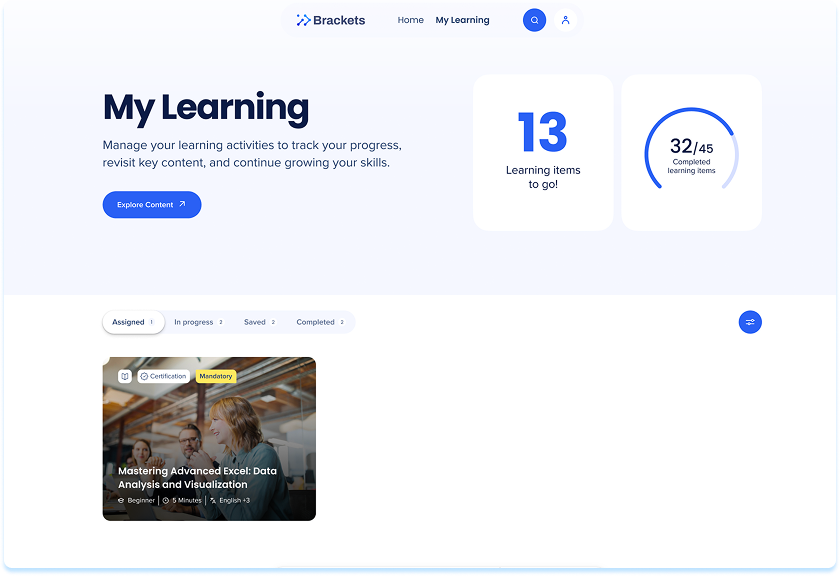
The My Learning page is where users manage their learning activity.
My Learning includes four tabs:
- Assigned
- In progress
- Saved
- Completed
This page provides a centralized view of learning status and progress.
Technical Notes
- Learners sign in to the portal through your organization's identity provider (IdP) using Single Sign-On (SSO), with their existing organization credentials. SSO with an IdP must be set up before learners can access the portal.
- Supported languages:
-
Audio mode:
-
Courses must contain a minimum of 120 words or more than five sentences to be eligible for audio mode
-
Audio mode is only available on English portals
-
An admin must approve the audio before it's available to learners
- Accessing the portal on mobile
- Trouble logging in on mobile is caused by a browser cookie setting, not the portal itself. Most mobile browsers (including Safari by default) block third-party cookies, which can prevent authentication from completing.
- To fix this, enable third-party cookies in your browser's settings, then try logging in again.
- If you're still having trouble, contact your organization's support team for further help.
- Opening content from the WalkMe Menu
- When a learner opens a WalkMe Learning Arc item from the WalkMe Menu, the portal and the course open in the learner's active menu language, even when the account default portal language is different
- If the menu language isn't supported by the portal interface, the content still uses the menu language, and the portal interface uses the learner's saved language (or the account default if none is saved)


