How to Create Learning Content

Last Updated May 17, 2026

Brief Overview

WalkMe Learning Arc lets you build and deliver structured learning content directly inside the applications where work happens. Whether you're creating a short focused lesson, a full course, or a guided learning path, you have full control over the structure, content, and learner experience.

Get Started

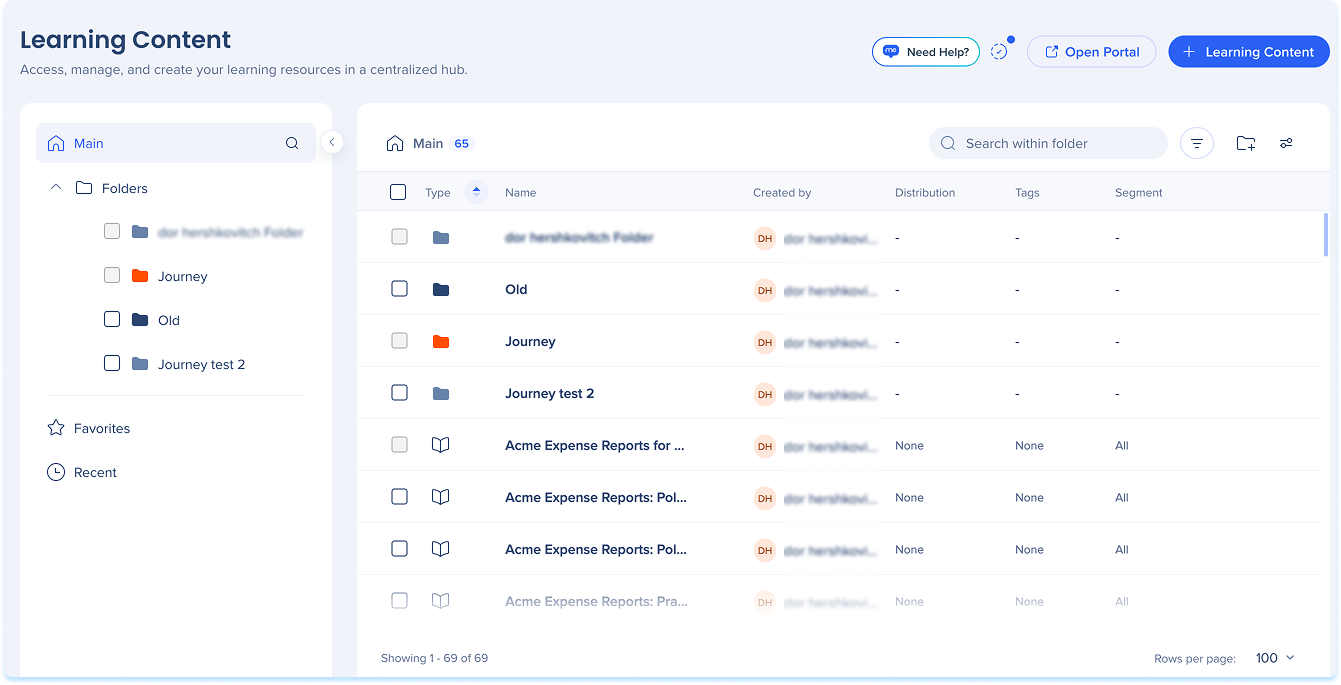
  1. Go to the Learning Content page
  2. Select + Learning Content
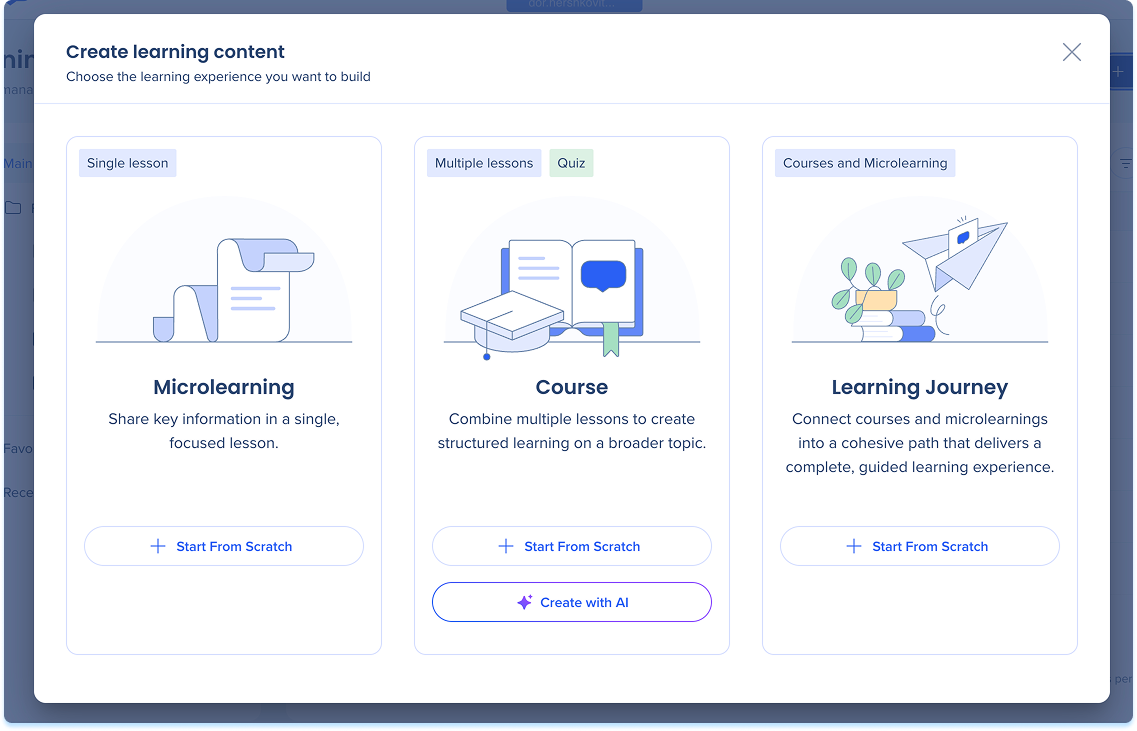
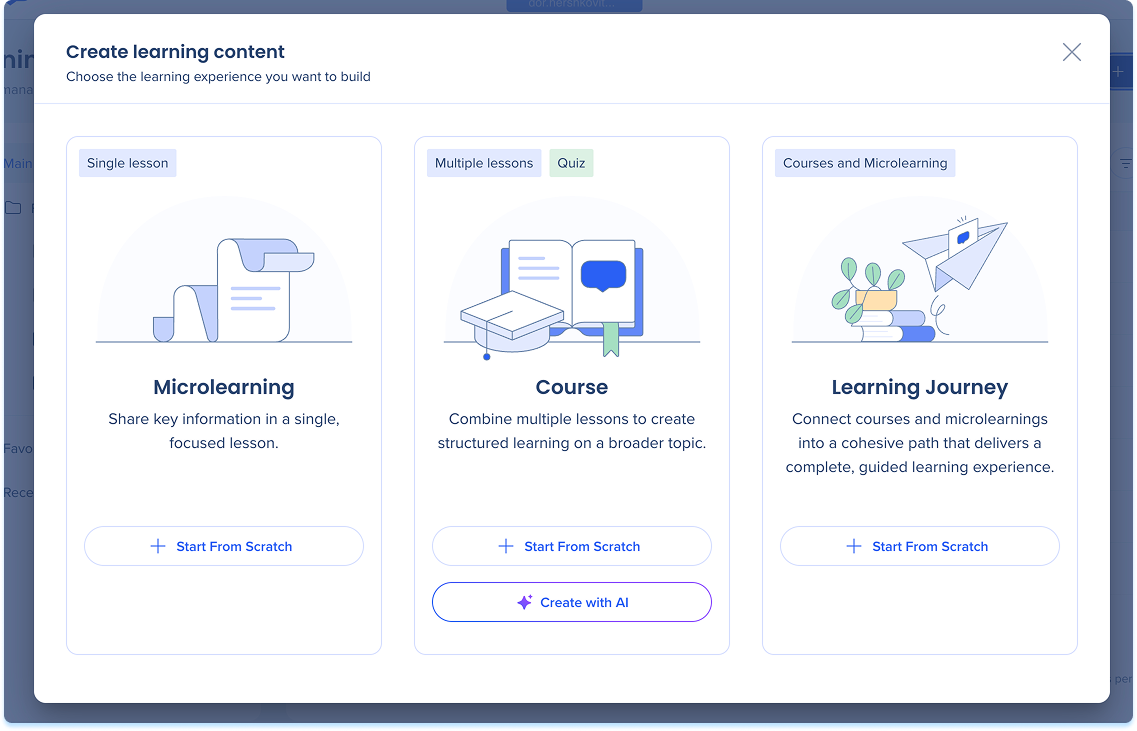
  3. Choose a content type

Content Types

Choose the content type that fits your learning goal:

  • Course: A structured collection of lessons that guides learners through a broader topic. Courses can include quizzes and can be created with AI.
  • Microlearning: A short, focused lesson designed for quick learning moments
  • Learning journey: A guided path that connects multiple courses or microlearning items

Tip Tuesday Video

Authoring Content in Learning Arc

Was this article helpful?

Thanks for your feedback!

Be part of something bigger.

Engage with peers, ask questions, share ideas

Ask the Community
×