Brief Overview
Context is a display condition that can be used to identify when an element should appear. Context uses smart element recognition to filter when an element that appears on many pages should have a WalkMe item attached to it.
In some software, there are repeating elements throughout every page, which can often lead to false-positives, playing WalkMe content where none was designed to be played. In this case, an item is displaying where it shouldn't be, the builder uses Context to remove the item from this page, similar to a rule with an on-screen element.
Get to Know
Example Use Case
You are adding a launcher at the top of the Home tab within the Services PSA Salesforce App.
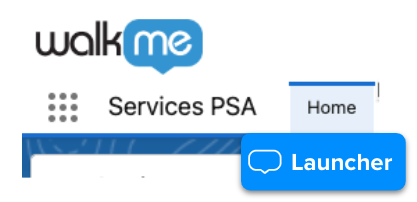
But you notice that when you go to a different Salesforce app, you're still seeing the launcher under the home button.
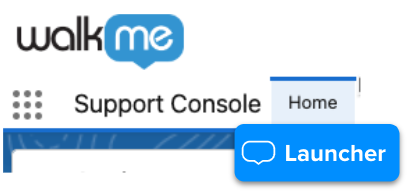
With Context, you can define the context that you want this item to appear in.
After selecting the Home element on the Support Console application, Context will recognize that the launcher was originally designated to the Home element in Services PSA.
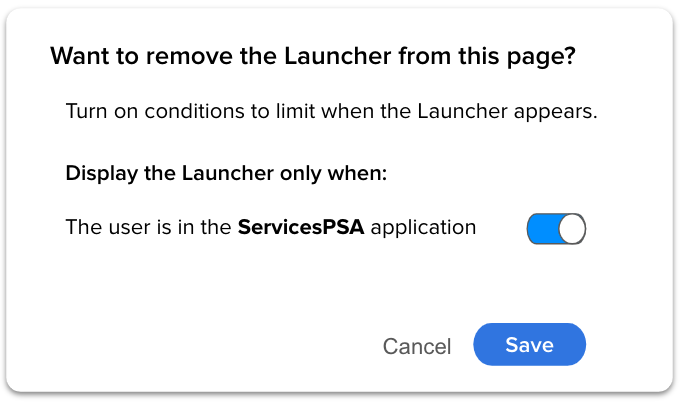
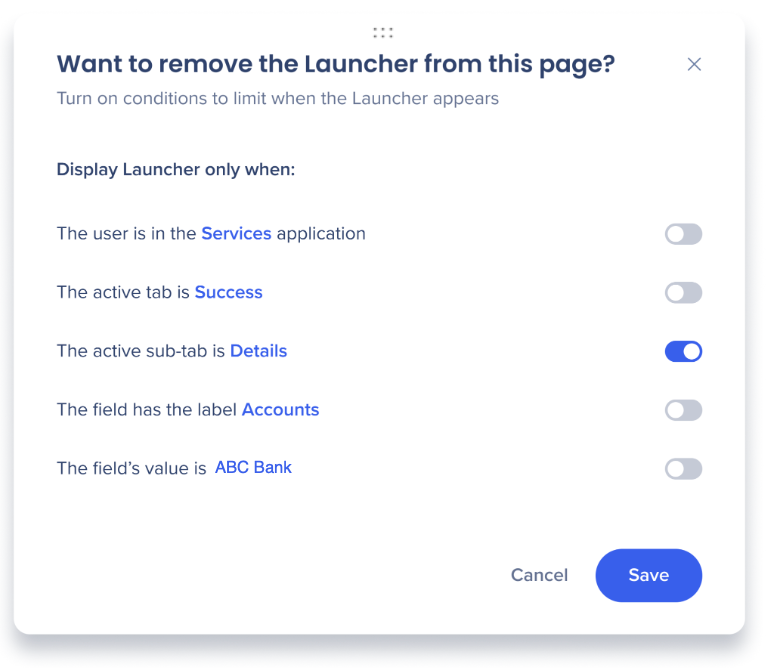
It will prompt you to narrow down when the item should appear:
-
Turn off - Context will not filter the elements and the item may appear in all locations where the repeating element is.
-
Turn on - Context will filter every location to determine whether or not the element is within the correct location and only then display the item.
How to Use Context
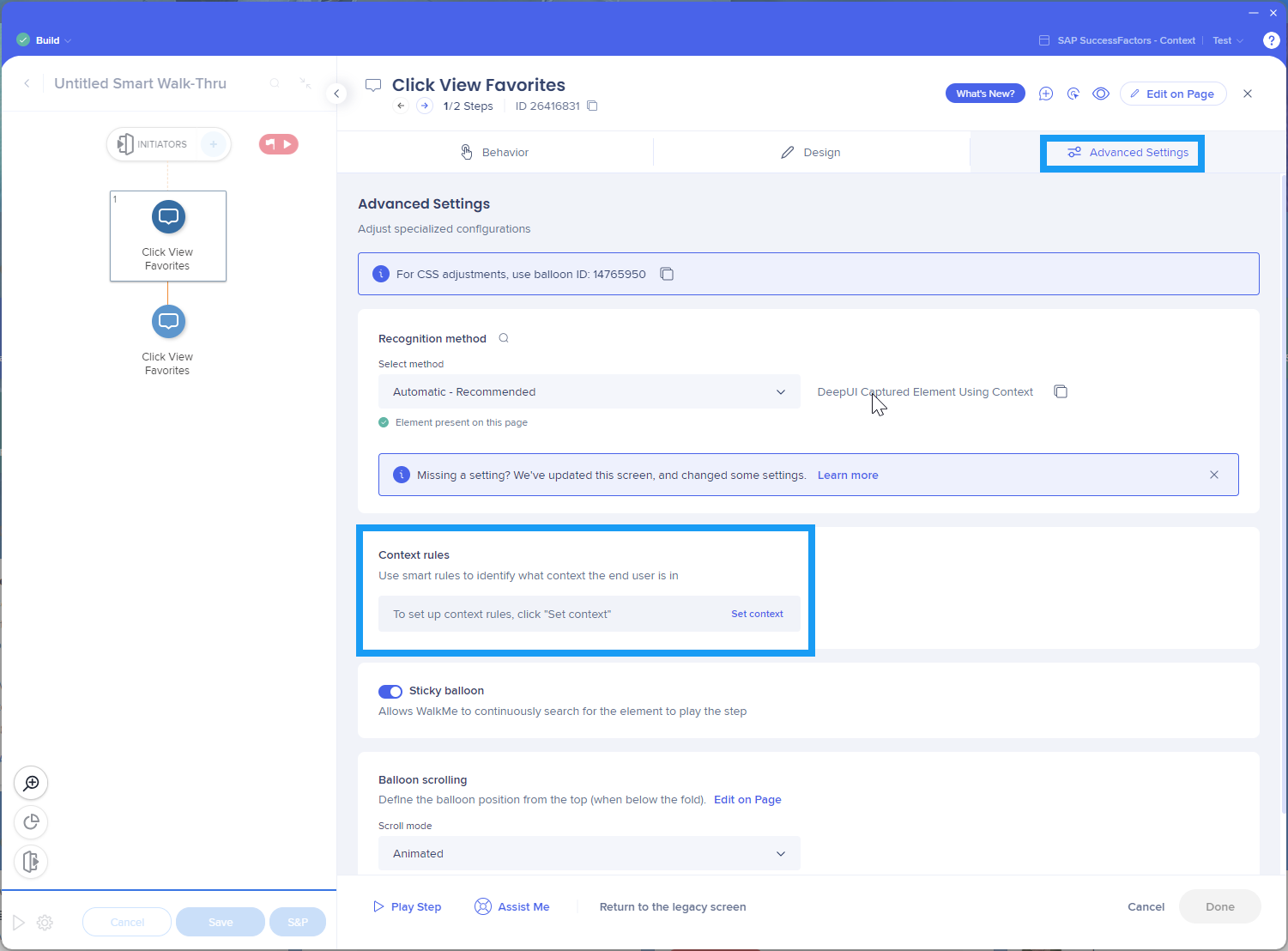
To activate Context:
Note
Before playing the Context, make sure it is active. To do this, open the editor and click on the desired element to activate the Context for it.
Technical Notes


