Brief Overview
The action bar can integrate with the SAP CX AI Toolkit, bringing customer experience–focused AI skills directly into the user's flow of work. With this integration enabled, employees gain context-aware AI assistance for tasks like summarizing customer data, generating product descriptions, or engaging in intelligent Q&A—without leaving their application.
Access
- Go to the WalkMe Console:
- SAP US Database
- SAP EU Database
-
WalkMe US Database
-
WalkMe EU Database
- From the left navigation, select the AI Chat page
- Under the Independent Assistants section, select Create AI Assistant
- In the Create AI Assistant popup, select CX from the AI Assistant Type dropdown
- Enter an AI Assistant Name, this name will appear to your users
- Click Save and Publish
How It Works
End-user runtime experience:
- Access to the CX AI Toolkit web app from the action bar settings
- A suggestion to log into the toolkit will appear, if not currently logged in
Once logged in:
- Users receive proactive next-best-action suggestions powered by CX AI
- Intelligent Q&A becomes available across applications
Available Actions
Actions available for Commerce Cloud
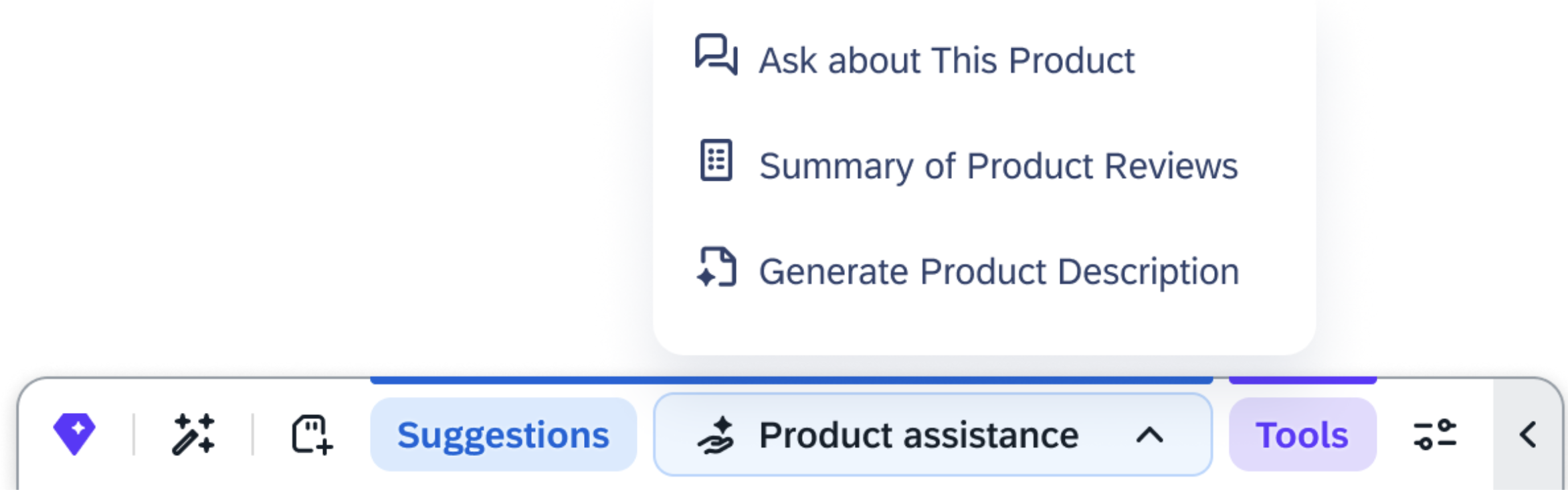
When users are on a product details page in the Commerce Cloud, the Product assistance menu will appear in the Joule action bar with the following actions:
Product assistance
- Ask about this Product:
- This tool provides accurate answers to product-related queries using natural language processing and document scanning technology. It empowers you with self-service options, improving conversions, lowering support costs, and increasing product knowledge
- By offering instant, precise answers, this tool speeds up decision-making, builds trust, and reduces return rates
- Personalized responses are provided by sifting through product descriptions, attributes, manuals, warranties, spec sheets and product reviews
- For more information, see Ask About This Product
- Summarize Product Reviews:
- This tool provides a quick summary of all the available reviews for a product
- The tool sifts through numerous reviews across timescales to generate an easy-to-consume summary
- For more information, see Summary of Product Reviews
- Generate Product Description:
- This tool crafts compelling descriptions that are tailored to specific products
- By quickly producing professional, attention-grabbing descriptions, businesses can streamline their marketing efforts and ensure brand consistency across their eCommerce site
- For more information, see Generate Product Banner Text
Actions available for Outlook web and Gmail
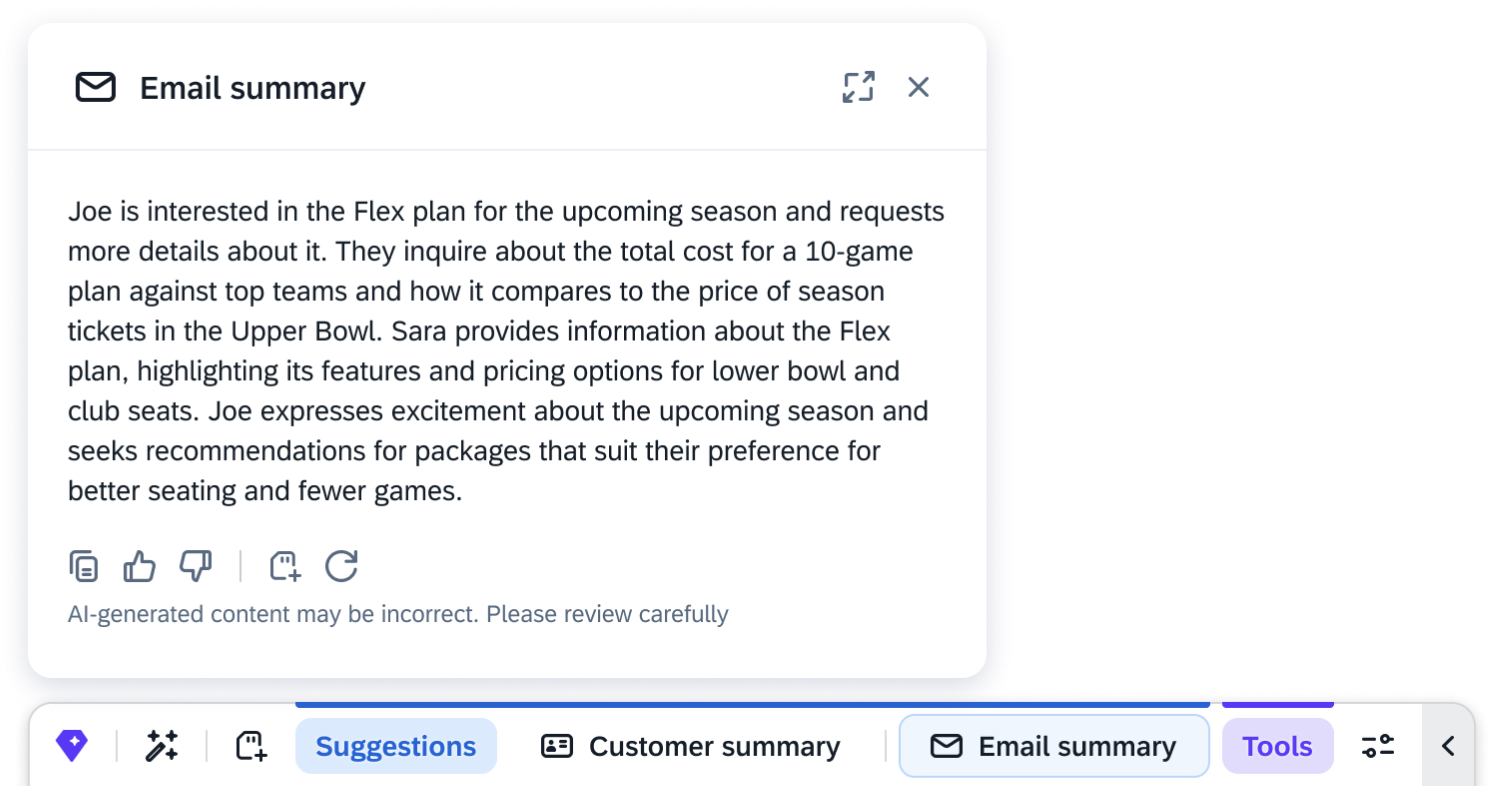
When users are reviewing an email in Outlook web and Gmail, the following actions will appear in the Joule action bar:
- Email Summary: Provides a summary of an email or email thread
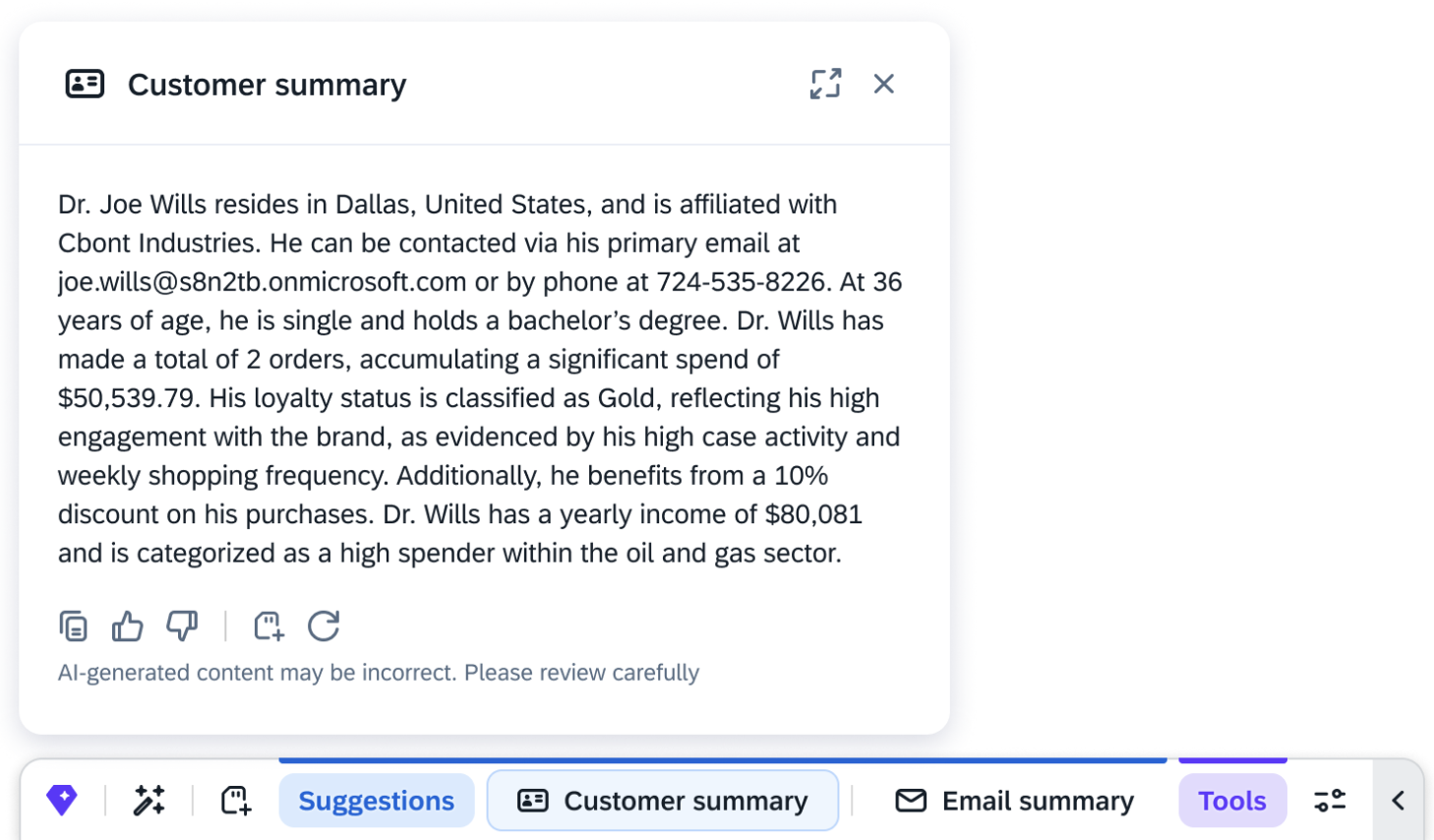
- Customer Summary: Provides a customer profile summary based on the email address that is detected
For more information, see Smart Actions.
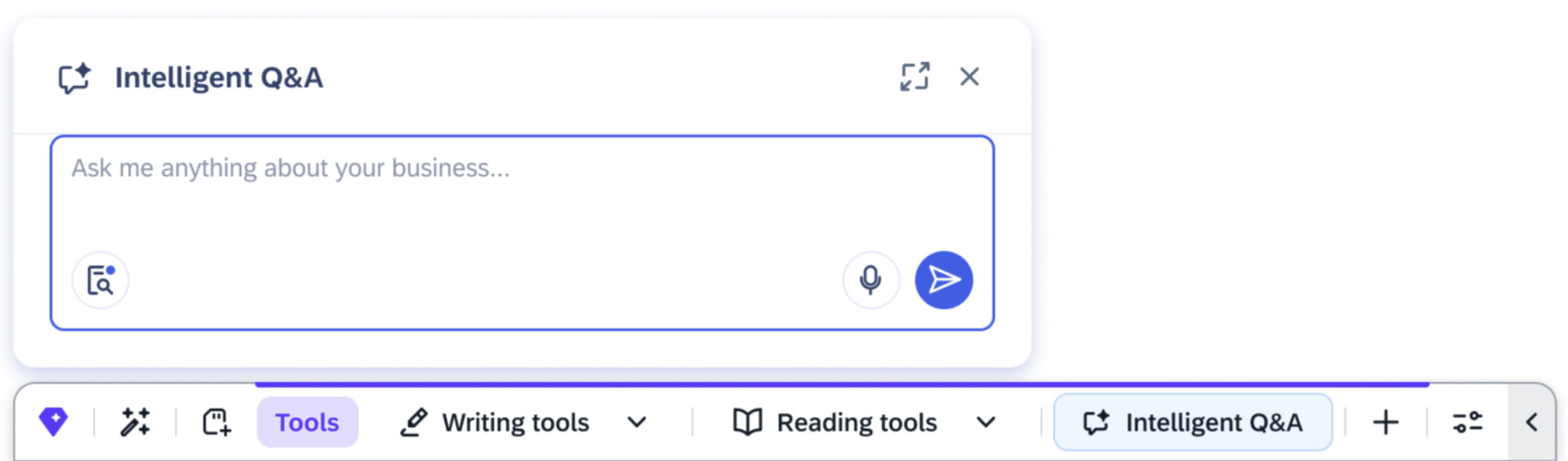
Intelligent Q&A
Find answers to questions about products, customers, meetings, or service tickets, through an AI-generated response. The tool is available in any app once you are logged into the SAP CX AI Toolkit.
Sources
The AI-generated responses are sourced from the following:
- The e-mails and attachments in your inbox
- Your recorded meeting transcripts
- The documents in your OneDrive folder, Azure blob storage, or SharePoint folders that are shared with you. The following document types are supported with a maximum file size of 100 MB:
-
- .docx
- .pptx
- .xlsx
- .csv
- .pdf
- .txt and .text
- SAP Cloud for Customer service tickets or SAP Sales and Service Cloud Version 2 service cases
- SAP Cloud for Customer and SAP Sales and Service Cloud Version 2 sales opportunities
- SAP Commerce Cloud product specifications
For more information, see Intelligent Q&A.


