Multi Language

Brief Overview

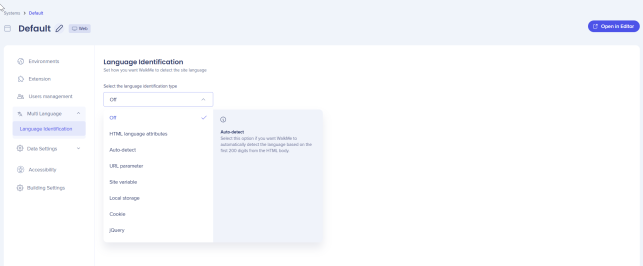
Select how WalkMe identifies the language of your site. Available options include HTML language attributes, auto-detect, URL parameter, site variable, local storage, cookie, and jQuery. All settings apply to both web and mobile web platforms.

Access

To access Multi Language settings in the Admin Center:

  1. Open the Systems page in the WalkMe Admin Center:
  2. Select a system
  3. Go to the Multi Language  

How It Works

From the Multi-Language tab, you can select how WalkMe detects the language of your site and displays the correct content to your users.

Set the site language detection method:

  1. Choose the method that matches your site setup
  2. Select Save
Supported detection methods

  • HTML language attributes
  • Auto-detect
  • URL parameter
  • Site variable
  • Local storage
  • Cookie
  • jQuery

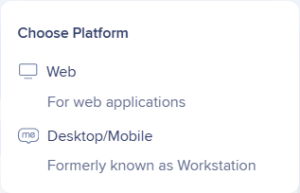
All settings under the Multi Langauge apply to both Web and Desktop/Mobile platforms

Was this article helpful?

Thanks for your feedback!
×