Brief Overview
If a customer is intending to switch IDP providers or has an expired IDP, they can connect a new IDP to the menu via the WalkMe Admin Center.
Users must logout and login again via the new IDP or the menu will still leverage information coming from the old IDP. This may cause the following issues:
- Integration data would still work (Search / Homepage Widgets etc.)
- New IDP based segmentation / rules coming from the Editor will not be evaluated correctly
- Communication Center audiences targeting and tracking will not work correctly
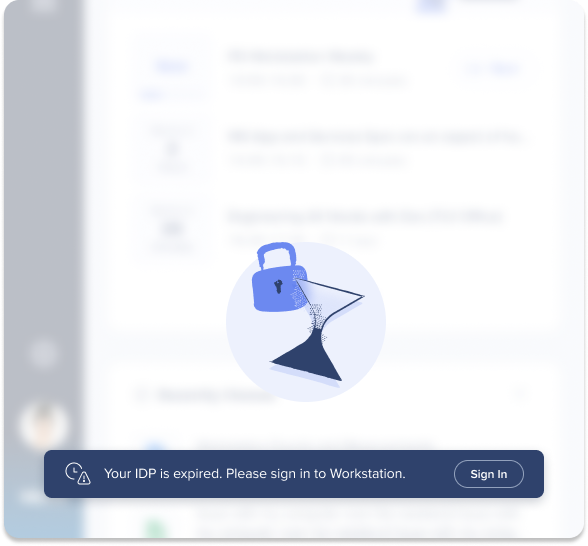
To ensure that users logout and login again via the new IDP, a re-login CTA will appear in case a new IDP provider is recognized and will lead users to the sign-in screen.
Create a New IDP
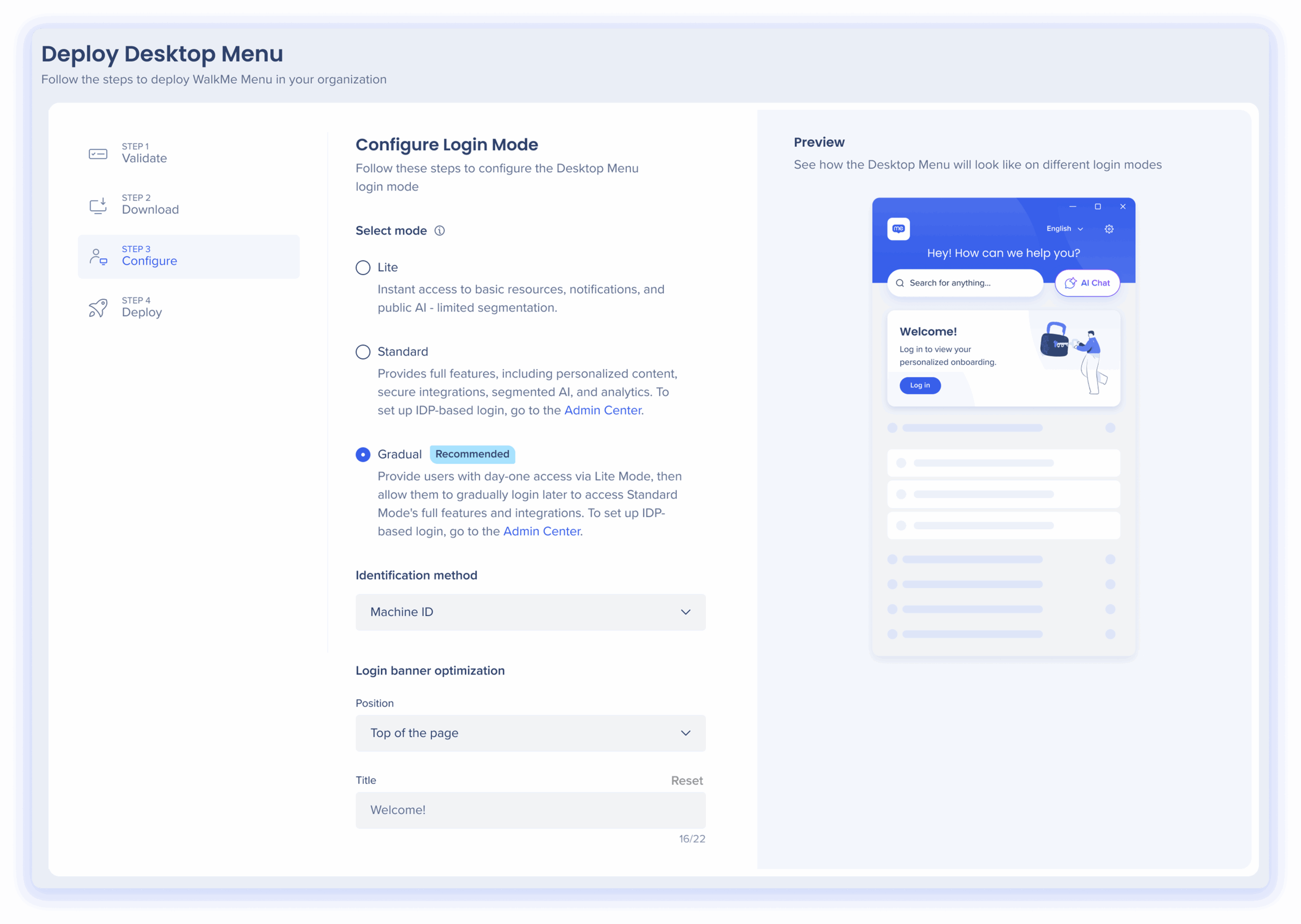
Organizations are able to configure their IDP in the Deploy Desktop or Deploy Mobile pages in the console's Menu app.
Login Mode

If a customer would like to replace their IDP, it means that users will need to re-login to the menu. To ensure customers re-login, a CTA will appear indicating to customers that they must sign in to the menu again, and a button will take them to the Sign-In screen.


