Brief Overview
The Connections page in the Integration Center provides a centralized hub for viewing and managing all the connection types your organization connects to. From here, you can open detailed views, add new connections, and manage existing ones with ease. It simplifies connection management by giving you quick access and full control over how your integrations are set up and maintained.
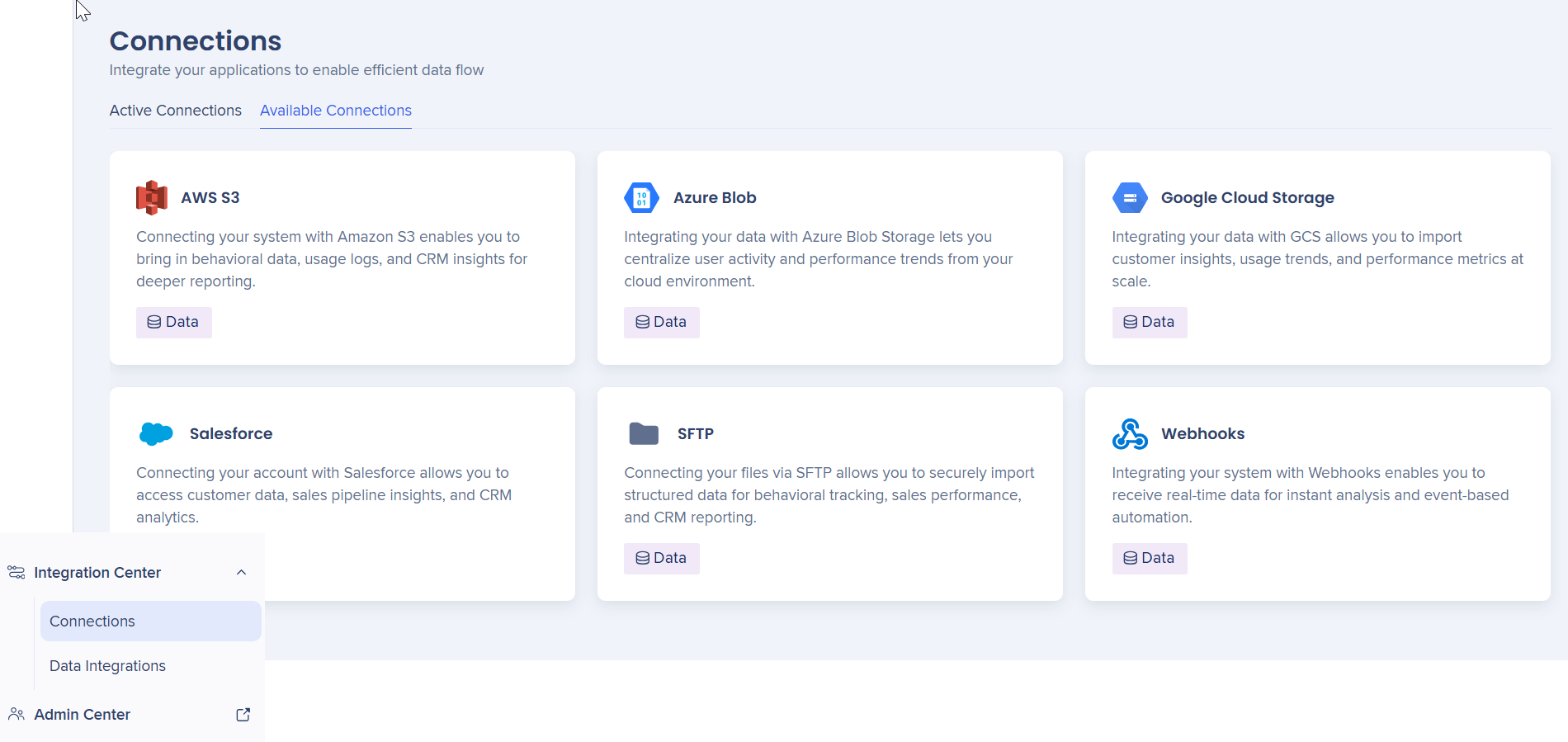
Access
Navigate to Data Integrations Center in the console for your data center.
Access
How It Works
Connections page overview
The connections page shows all available connection types for sending and receiving data. Each one is displayed as an interactive tile you can click to view details or manage connections.
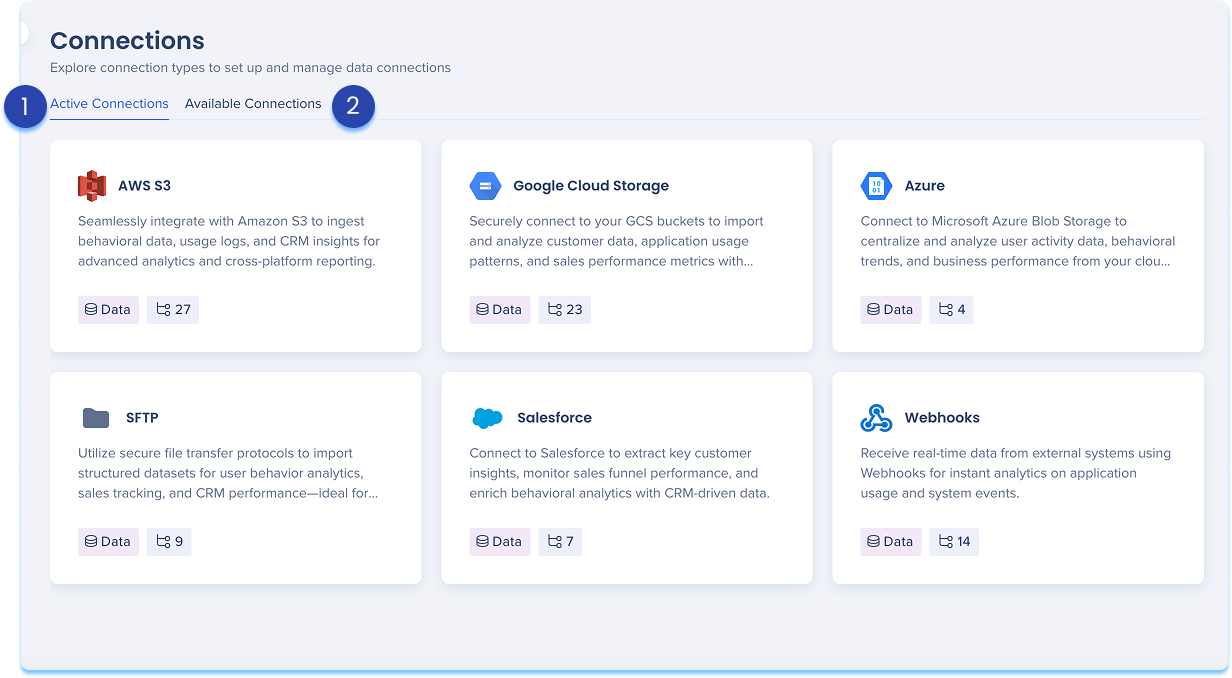
1. Active connections tab
This tab shows all available connection types. Each type is displayed as a tile that includes:
Manage connections
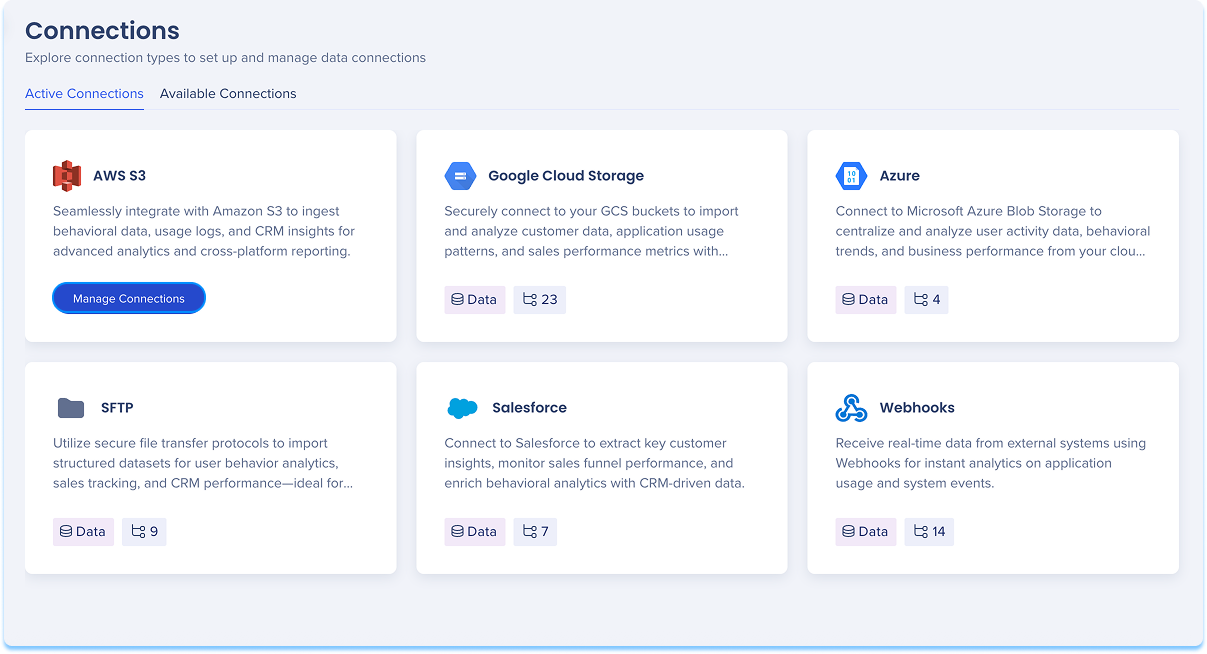
Manage all existing connections for a specific connection type across all systems directly from the Active Connections tab
To view and manage connections:
-
Hover over the connection type tile
-
Select Manage Connections
-
A table will open showing all configured connections for that type
-
Follow the step-by-step instructions provided in the relevant connection type articles
Note
Each connection type has its own detailed article explaining setup, configuration, and supported features.
2. Available connections tab
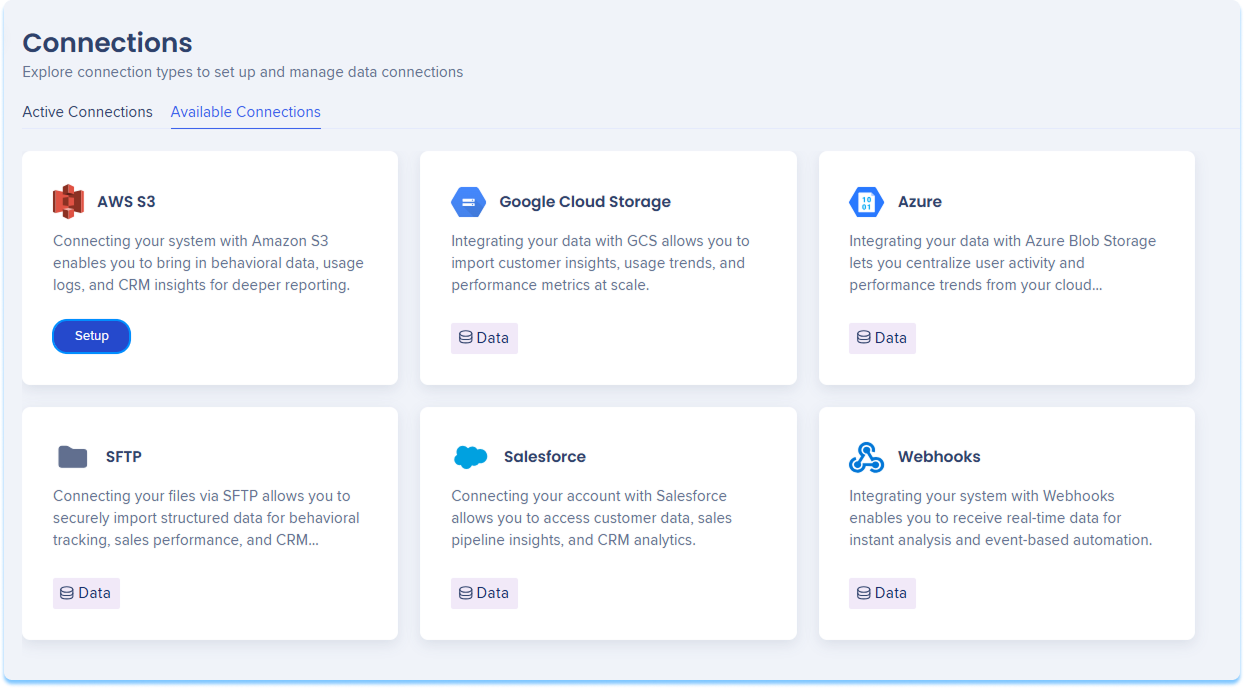
This tab displays all supported connection types you can use to integrate with WalkMe, including:
Setup connections
To setup a new connection:
-
Hover over the connection type tile
-
Click Setup
-
You'll be taken to the relevant connection setup page
-
Follow the step-by-step instructions provided in the relevant connection type article
Activity Logs
The activity log will display these connection actions:
Integration partner
Now available for SAP


