Brief Overview
Modifying Digital Experience Analytics (DXA) settings lets admins manage data collection for DXA.
You can use the available censorship and privacy controls to prevent the collection of sensitive information, define which user interactions are tracked, and censor elements before data is sent to WalkMe's servers. Collection enablement settings let you control the scope of user interaction data collected and how it's processed.
Digital Experience Analytics (DXA)
Access
You can access and modify these settings from the Data Collection Level page in the WalkMe Admin Center.
WalkMe Admin Center
How It Works
- Follow the steps to set Digital Experience Analytics as your data collection level
- Select Digital Experience Analytics
- Select Save or Save and Publish
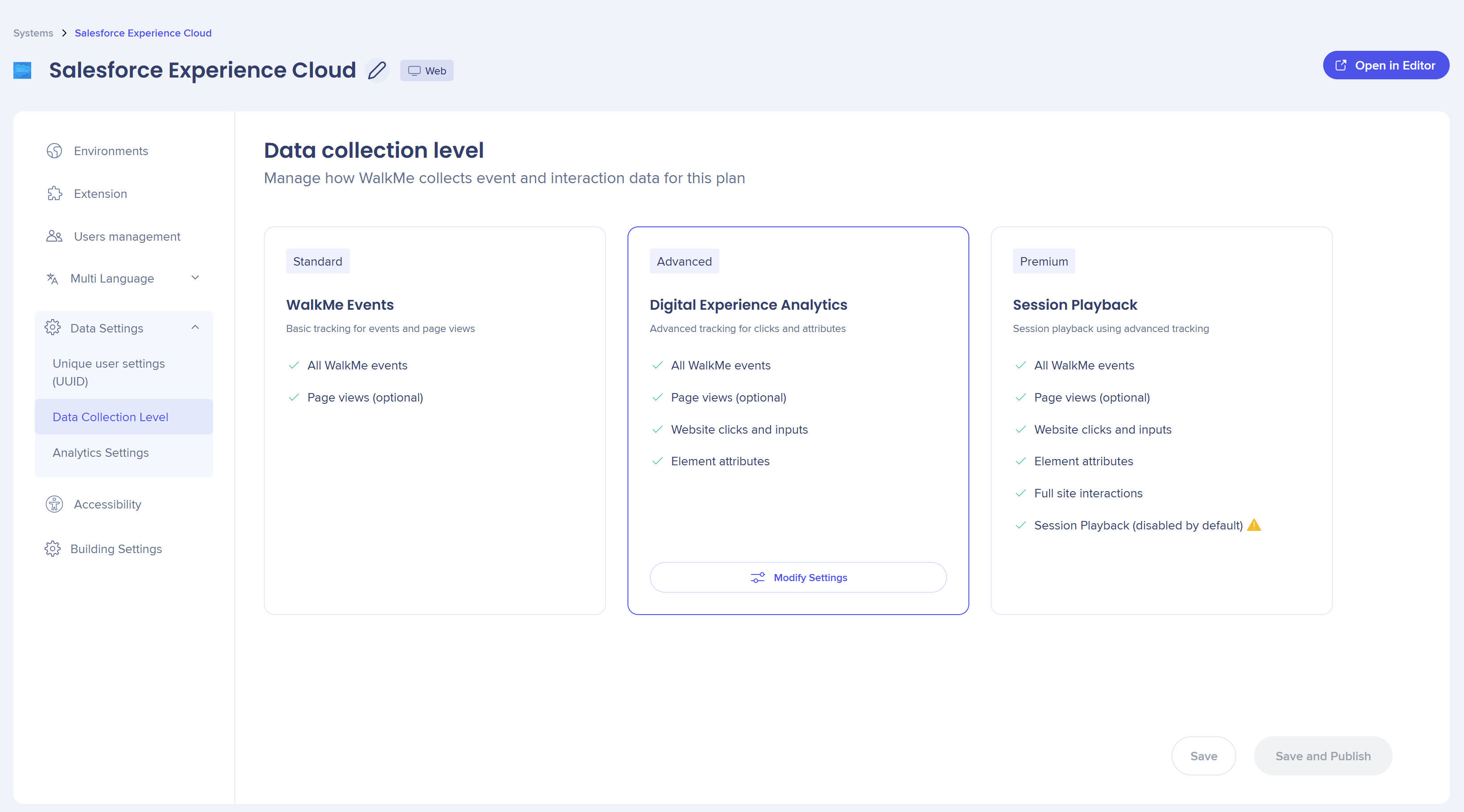
- Select Save Changes
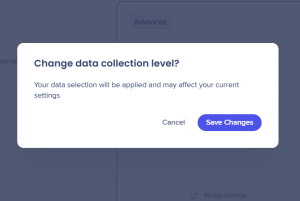
- Select Modify Settings
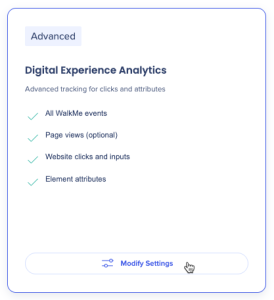
- Choose the environment you want to modify
- Choose the settings you want to update:
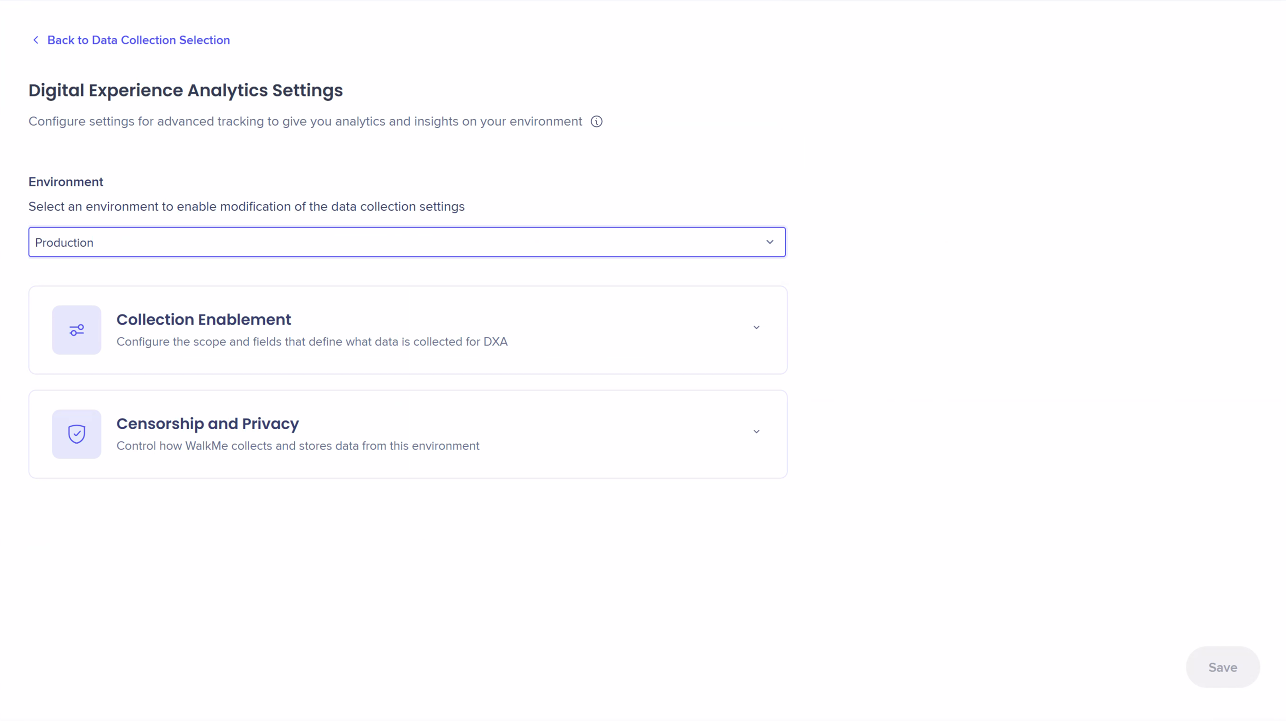 Collection enablement
Use Collection Enablement settings to define the scope of interaction data collected for Digital Experience Analytics (DXA) and how it's processed.
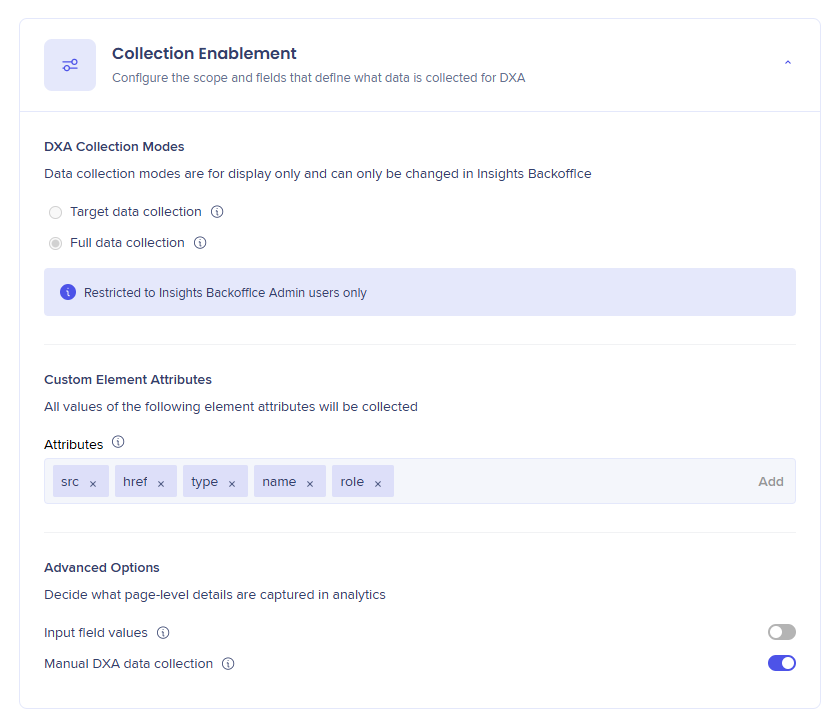
DXA Collection Modes
Custom Element Attributes
Define which additional HTML attributes should be captured and appended to an event's XPath.
By default, the following HTML attributes are collected: class, id, href, name, role, src, and type. To collect additional attributes, you can add them manually.
- Attributes: Enter specific HTML attributes (for example, alt, aria-label, placeholder, or title) to include them in DXA event data
Note
After publishing, the selected attributes will be collected and appear in Insights from that point onward (not retroactively)
Censorship and Privacy
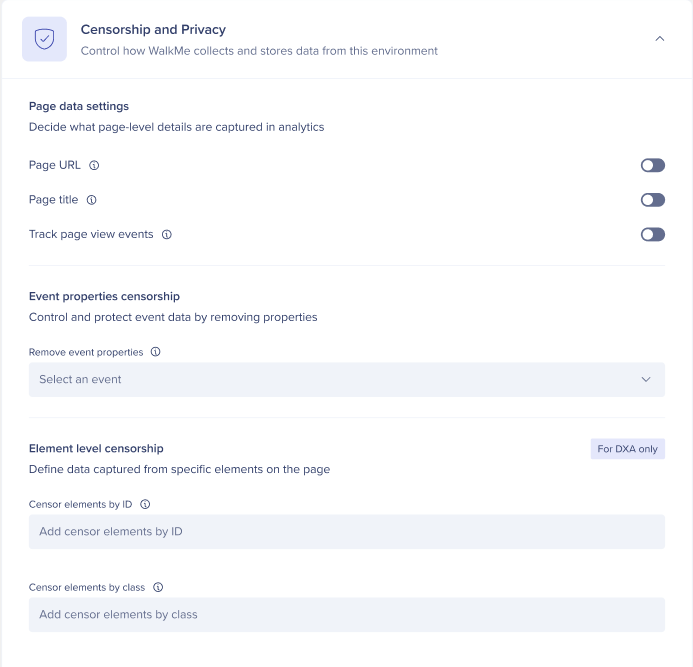
Use Censorship and Privacy settings to disable the collection of data that may include Personally Identifiable Information (PII) and censor specific elements on your site.
Page data settings
Control whether page URL, page title, and page view events are collected.
- Page URL: Collects the full URL where the event occurred (including protocol, query parameters, and hash)
- When disabled, only the URL hash and query are excluded from collection
- Page title: Collects the title of the page where the event occurred
- Track page view events: Controls whether navigation (page view) events are tracked
Note
When both Page URL and Page title are turned off, Track page view events is automatically disabled and can't be manually enabled
Event properties censorship
Control and protect event data by removing specific properties from collection.
- Remove event properties: Exclude individual event properties (for example, timezone or OS version)
Element level censorship
Define which on-page elements are excluded from analytics before data reaches WalkMe's servers.
- Censor elements by ID: Enter element IDs to remove sensitive text, labels, or attributes from matching elements - Each entry is added as a tag
- Censor elements by class: Enter full class names to remove sensitive text, labels, or attributes from all elements with matching classes - Each entry is added as a tag
Enabled feature
Event properties censorship is disabled by default. Please request access from your Customer Success Manager or WalkMe contact.
Advanced Options
Control how additional DXA interaction data is collected and managed.
- Input field values: Manage whether user-entered values in supported form fields (text, search, number, tel, email, URL, and contenteditable) are collected. Password fields are never collected, and credit card numbers are automatically filtered.
- Manual DXA data collection: When enabled, DXA does not start automatically and must be triggered programmatically through the API
Note
This option is disabled by default. It can be enabled when there is a valid business justification. You can reach out to us, and we will enable it for you as needed.
Warning
- When Collect all input fields values is enabled, all input field text is collected
- If specific fields or elements in a site or application contain sensitive information, make sure they are censored in the Element Censorship section or by applying the wm-hide class to the relevant elements
Tip
Refresh the editor and publish settings to apply changes.
Technical Notes
- After publishing, any entered custom element attributes will be collected and appear in Insights from that point onward - they aren't available retroactively
PII Fields
WalkMe collects two fields that may contain PII:
- Page URL: The URL where the event occurred
- Page title: The title of the page where the event occurred
Disabling either field prevents its collection across all events sent to Insights. Some reports that rely on these values may be affected.
If a customer is concerned that one of the fields contains sensitive user information, we suggest they censor elements. When an element is censored, the fields aren't sent; however, events are still collected.


