Brief Overview
The WalkMe Products tab allows admins to view product entitlements and manage the enablement of WalkMe products per environment for the specific system.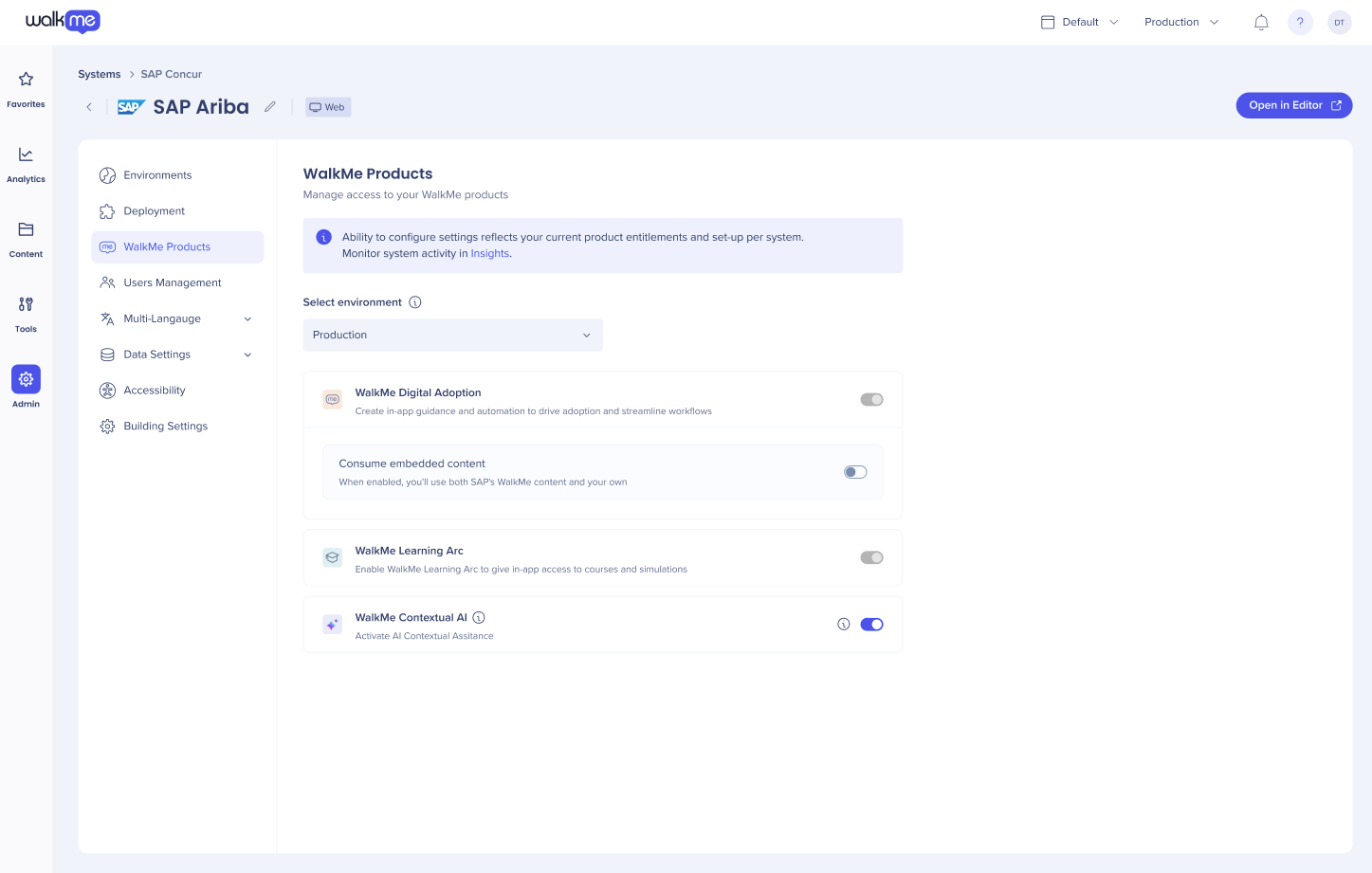
Use Cases
Allows you to see and manage your products according to your purchase entitlements.
Access
To access WalkMe Products in the console:
- Open the WalkMe Console:
- Select Admin the Systems Management page displays
- Select a system
- Go to WalkMe Products
How It Works
This page shows what products are enabled from your product options for the selected system. Each product area has it's own status and scope (per system or per environment).
For example; Embedded Content, is editable and is hosted on environment level (production, test or any other custom environment) and is only available for SAP systems who implement the WalkMe snippet: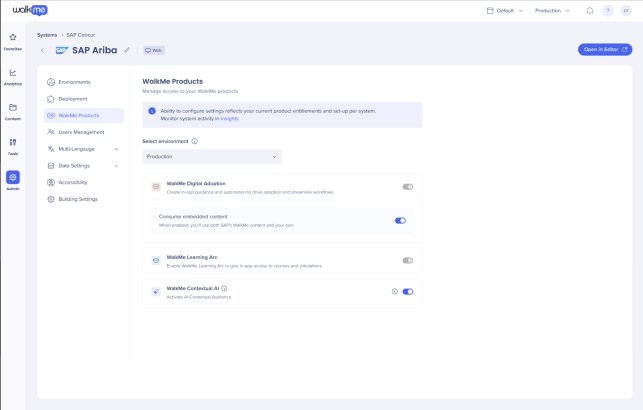
WalkMe Digital Adoption
A system is considered enabled when it has any of the following entitlements: DAP, Premium, WalkMe Access, or WalkMe Access by System. It is disabled when none of these are present. For example, customers who purchased WalkMe Learning Arc will see this turned off.
The status is sourced from system-level product entitlement and is scoped per system, not per environment.
Embedded Content:
- This is only shown in for SAP customers who implemented the WalkMe snippet
- The status is scoped per environment
WalkMe Learning Arc
Provides in-app, contextual guidance giving embedded training directly in SaaS workflows, triggered by role, behavior, or task. This ensures learners see the most relevant content in the right place at the right time making it easier for them to find the information they need, right where they work.
- The status is scoped per environment
- The toggle is only editable if the account has a product entitlement of WalkMe Learning Arc
- If the account does not have this entitlement, the toggle is switched off and is placed in read mode
- If the toggle is off WalkMe Learning Arc is hidden from the create system flow
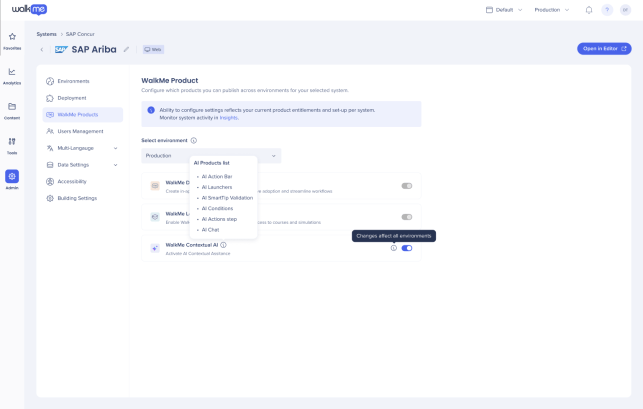
WalkMe Contextual AI
When enabled this gives access to an advanced set of WalkMe AI services - Pinned, Proactive, and On-Demand - to help inject workflows with AI-powered guidance and automation that improve end-users productivity and compliance across tasks, apps, and user workflows.
By embedding Contextual AI Assistance into real-time user journeys, WalkMe helps organizations bridge the gap between data, software, and human decision-making - making the impact of AI immediately actionable across systems.
- The status is available per system, not per environment.