概要
ユーザー管理設定では、システムにアクセスできるユーザーとグループを管理できます。 1つの場所から、ユーザーの追加と削除、グループの割り当て、グループメンバーの表示ができます。
Systems Management
アクセス
コンソールでユーザー管理設定にアクセスするには:
- WalkMeコンソールでシステムページを開きます:
- システムを選択します
- 「ユーザー管理」タブに移動します
使用方法
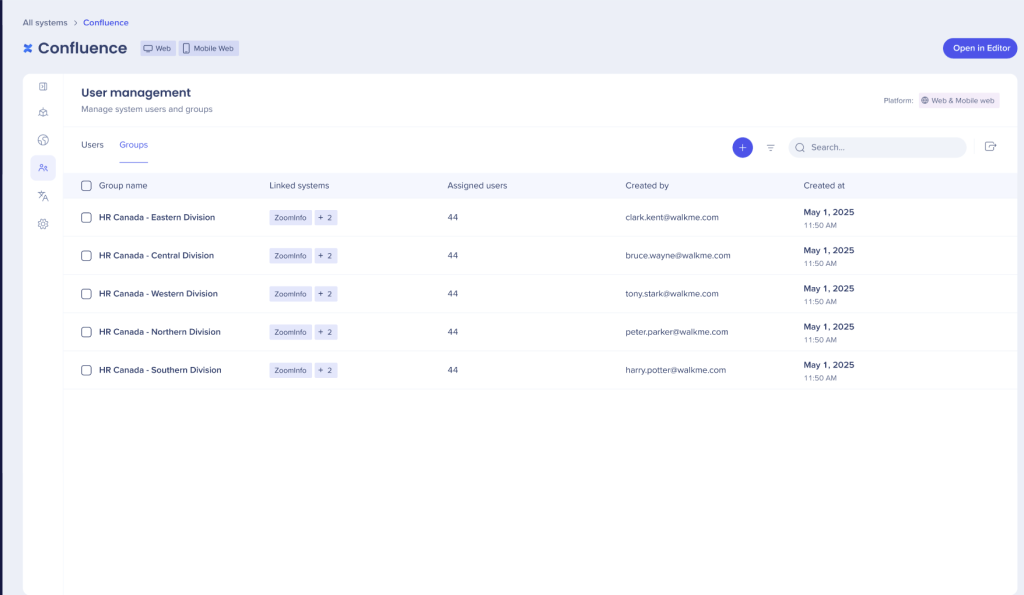
ユーザー管理は、ユーザーとグループの2つのタブに分かれています。
ユーザーは、グループタブからグループに割り当てることができます。
このタブには、そのシステムの作業に割り当てられたすべてのユーザーのリストが表示されます。
Info(情報)
- All settings under the User management tab apply to both and Desktop/Mobile platforms.
- Users cannot have different roles for different systems
- The role is granted once and applied to all systems to which the user has been added
- Select the + button to remove or add additional users to the system
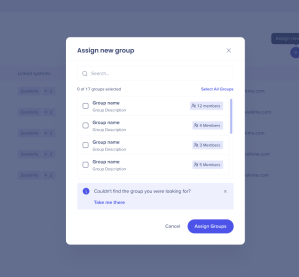
- Select Assign new group either search for the group or click your selection
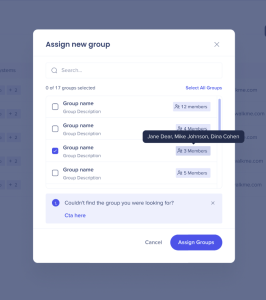
- Members of the group display when hovered over
 A pop up displays when a group is added
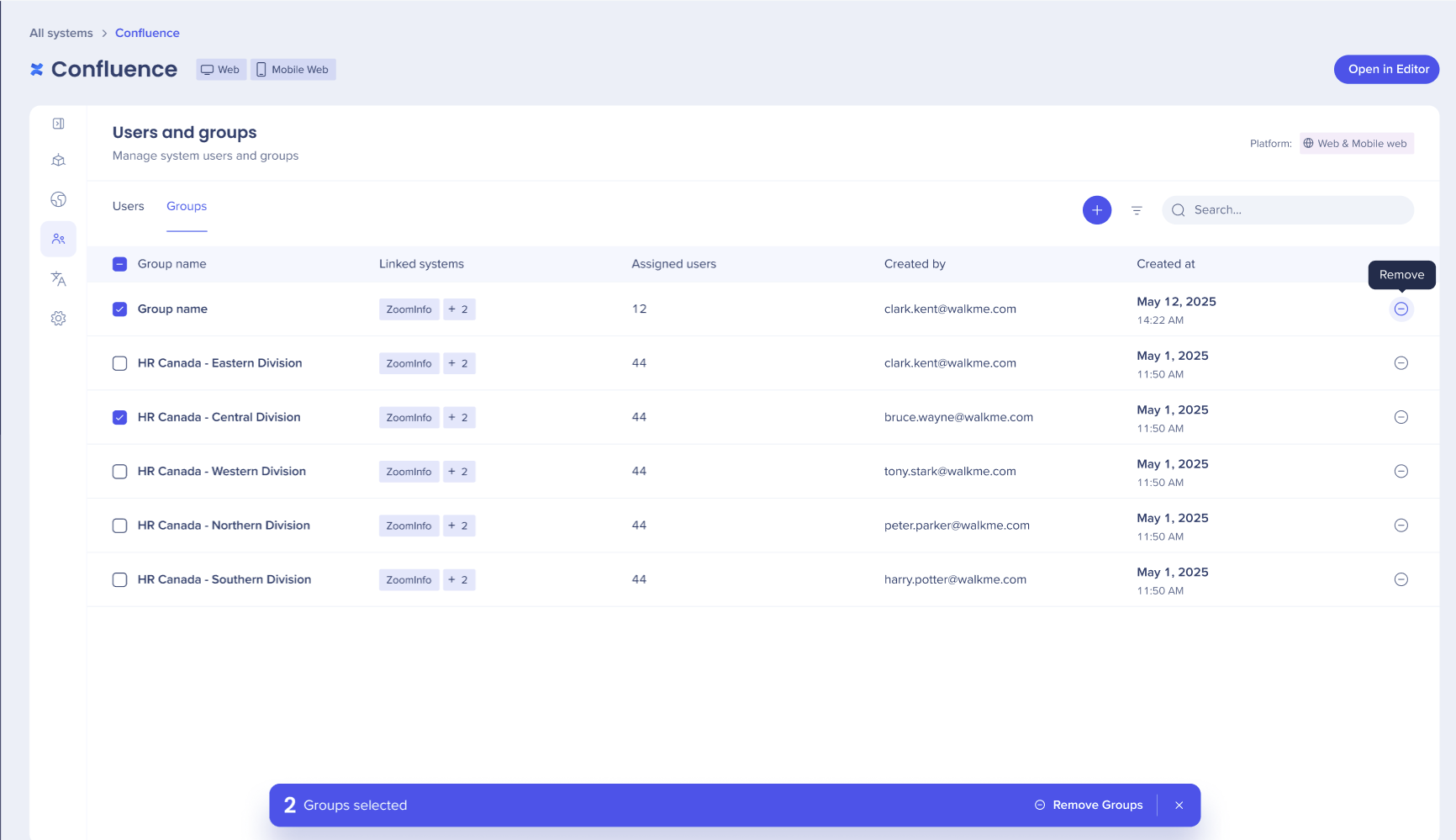
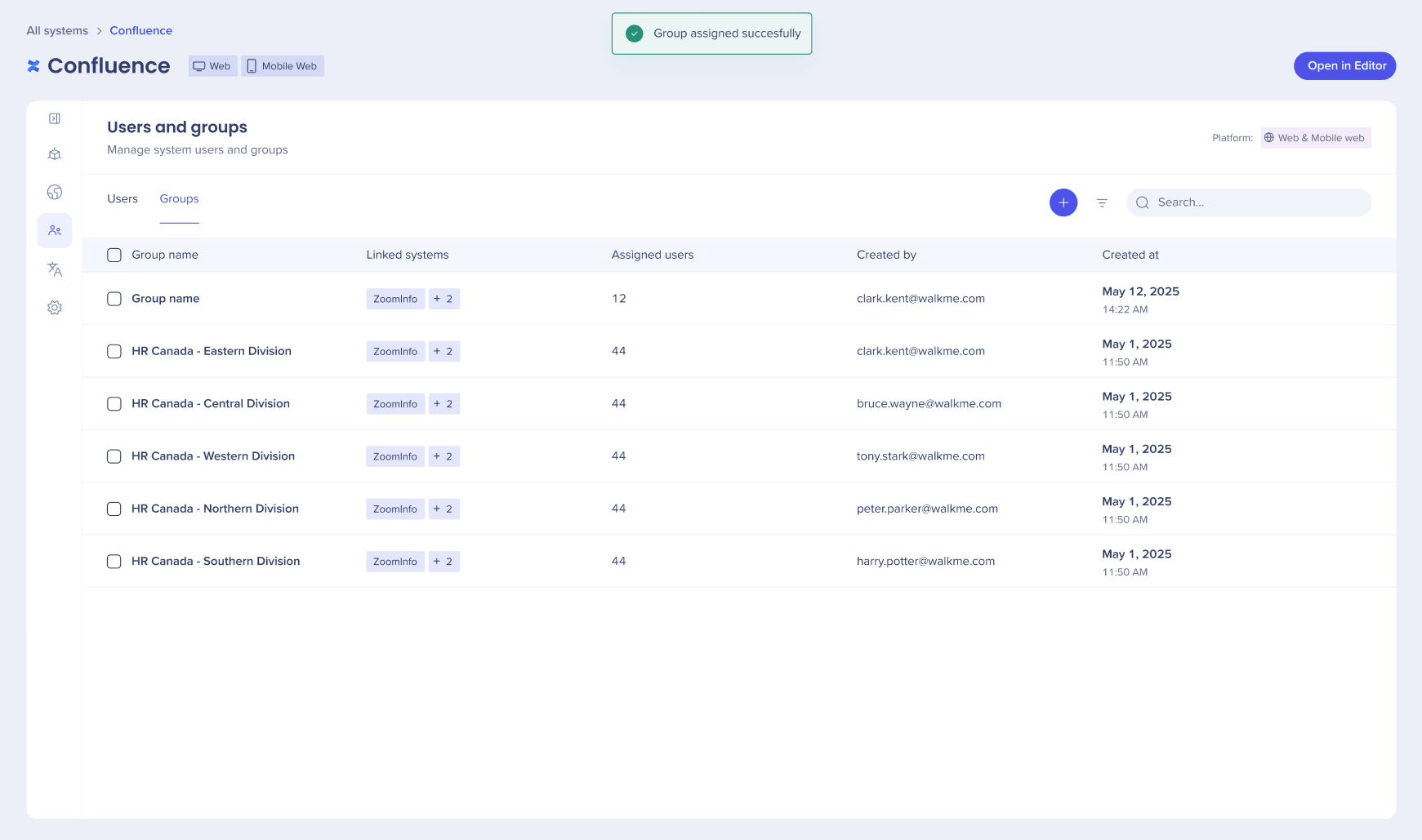 4. Select the icon to remove a group
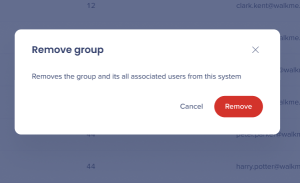
 5. A confirmation popup displays, confirm decision to remove group
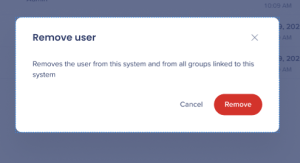
 6. Select the icon to remove a user
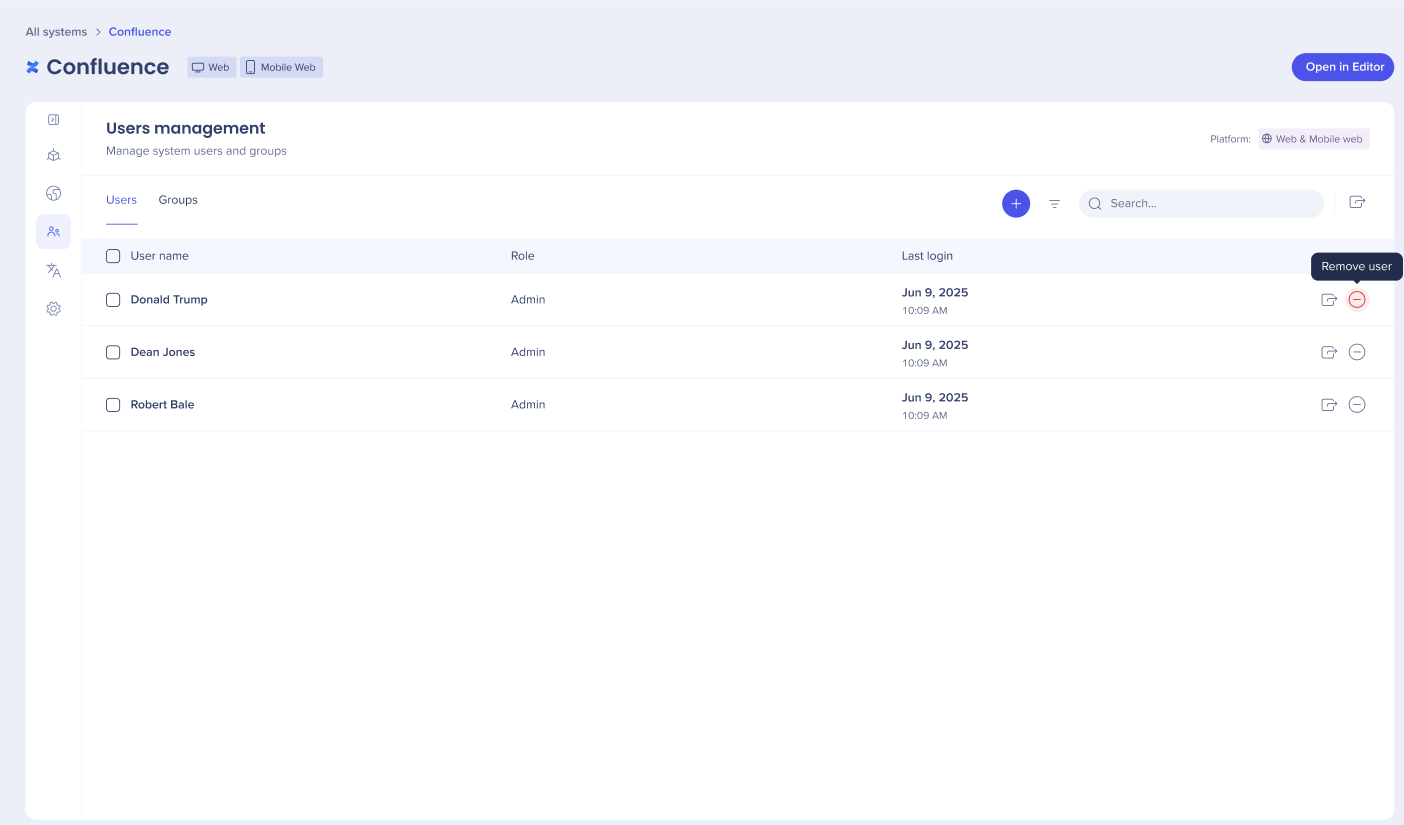
7. A confirmation popup displays, confirm decision to remove a user