Brief Overview
Modifying analytics settings lets admins manage how WalkMe Insights associates user data with account-level analytics.
By enabling Account-Level Analytics, Insights connects user activity to account identifiers, allowing analytics and reports to display engagement, adoption, and performance metrics by account in addition to user-level data.
Account-Level Analytics
Access
You can access and modify these settings from the Systems page in the WalkMe Admin Center.
WalkMe Admin Center
How It Works
Analytics settings are configured per environment (for example, production or test) and determine how data is collected, when it's collected, and which systems it applies to.
Access Analytics Settings
- Log in to the Admin Center
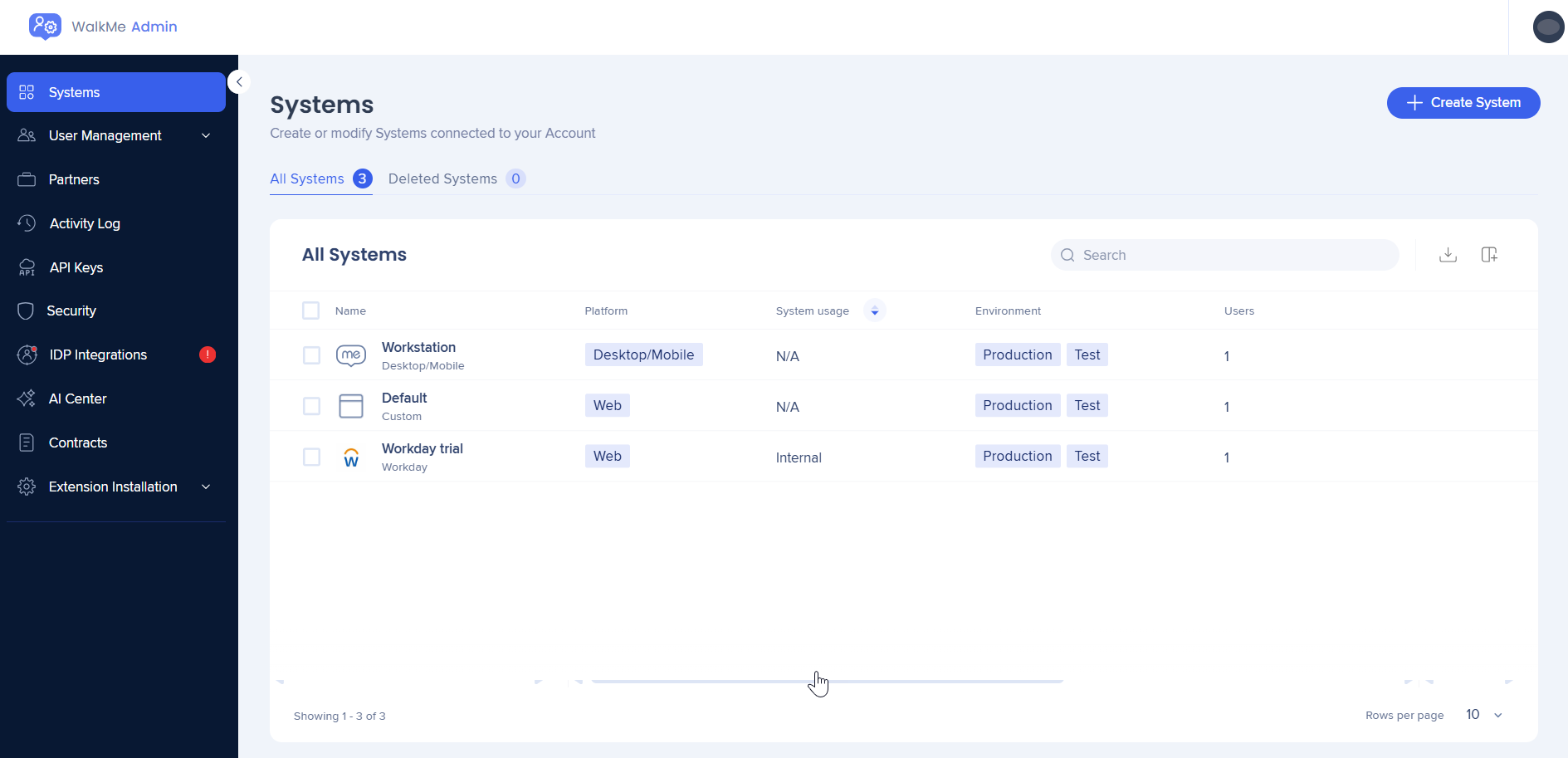
- Go to the Systems page in the Admin Center
- Select a System
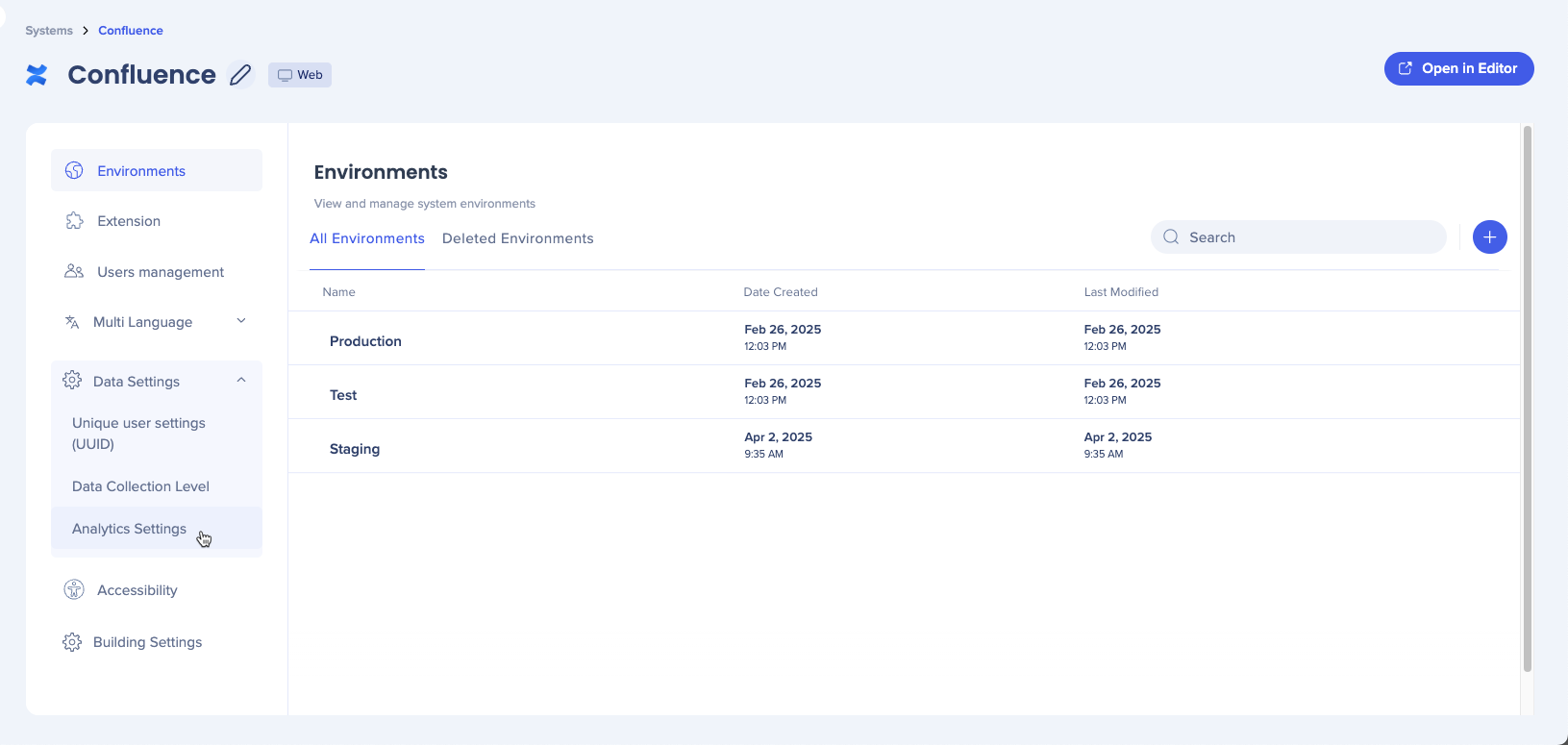
- The Environments page will open
- Select Analytics Setting
Enable account-level analytics
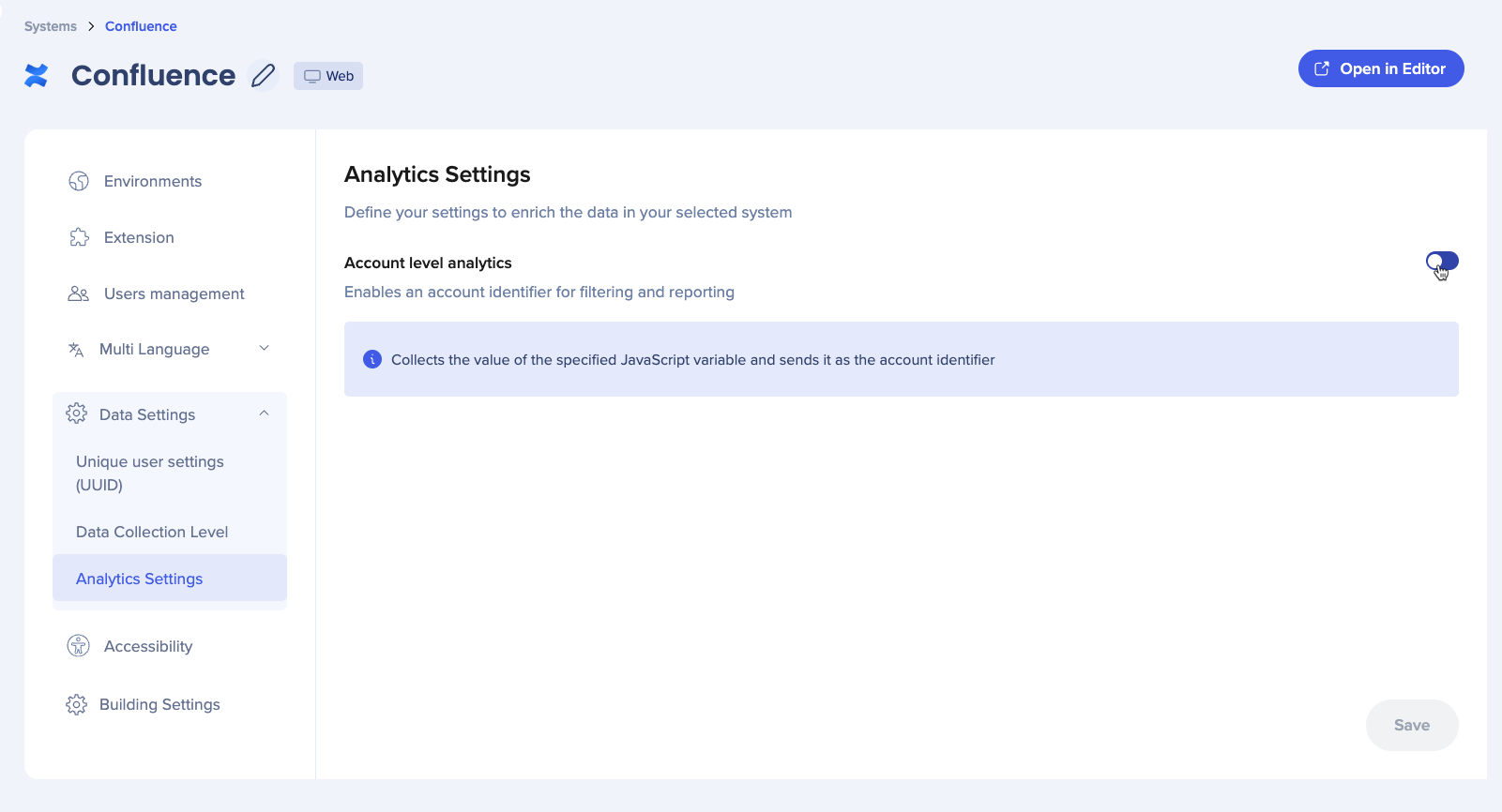
Turn on the Account level analytics toggle to activate account-based data collection.
Account level analytics
When enabled, user events and activity associated with corresponding accounts are aggregated, allowing account-based views across filters, dashboards, and reports in Insights.
Set account identifier
Define how Insights identifies and groups users under accounts.
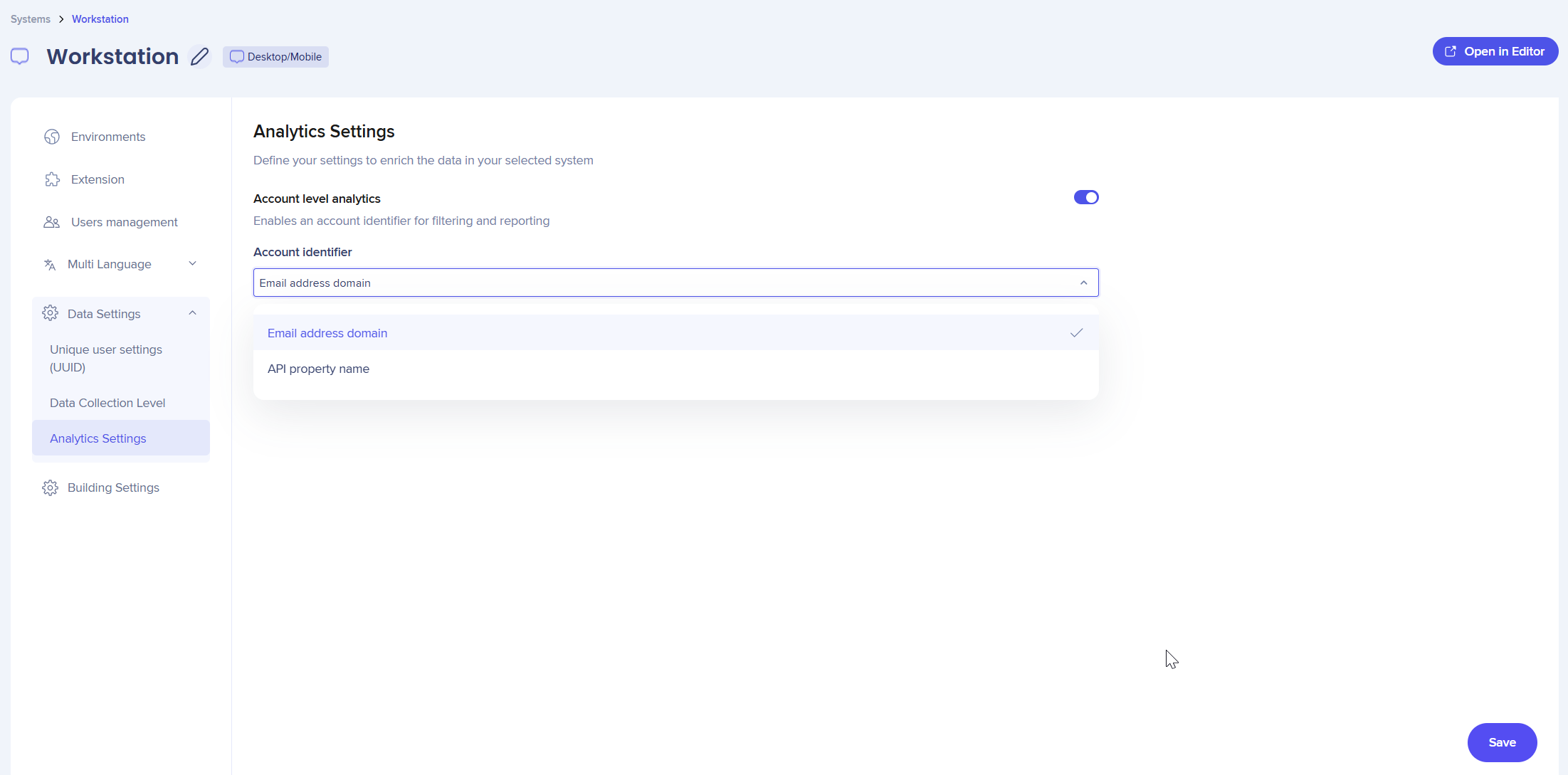
In the Account identifier dropdown, select how to link users to their accounts:
- Email address domain: Uses the user identifier defined in the WalkMe Editor, typically a standard email address
- API property name: Uses a JavaScript variable accessible from the window object that holds the account name (not the email)
Note
Accurate account identifiers are required for account-level analytics to populate correctly in Insights.
After configuring the account identifier:
- Select Save
- When the confirmation message appears, select Save again to confirm
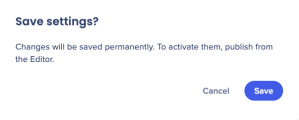
- Once changes are applied, a success message appears at the top of the page
Refresh the editor and publish settings to apply changes.


