Brief Overview
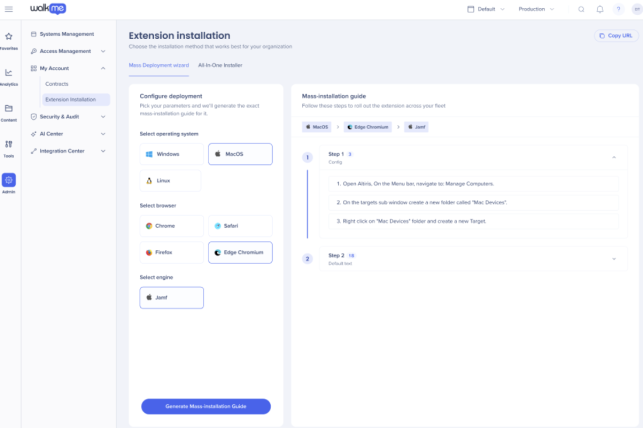
The Mass Deployment Wizard is now customer-facing and the default tab on the Extension Installation page, alongside the All-In-One Installer. It gives customers a self-served way to deploy the WalkMe extension to their end users, no customer support hand-off required.
The wizard also makes deployment more consistent across customers and lets them share the extension with IT or other stakeholders who don't have WalkMe Console access.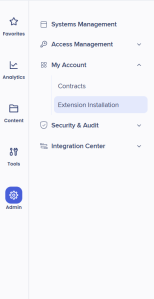
Use Cases
- Users that already deploy extensions through a managed mass-deployment method
Access
To access the Admin Center in the console:
- Open the WalkMe Console:
- Select Admin
- Select My Account
- Go to Extension Installatioin
How It Works
This page gives easy and self-served way for customers to deploy WalkMe content to their end-users using an extension.
The preferred method for the user to deploy the extenstion is through the Mass Deployment Wizard, however the AIO is still available.
Mass Deployment Wizard
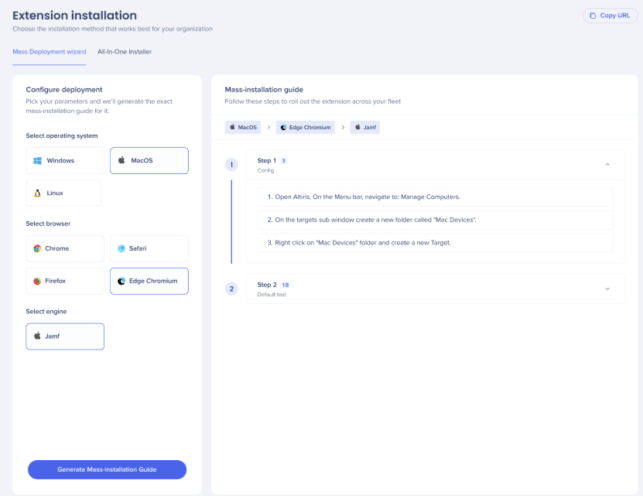
This area gives easy and self-served way for customers to mass deploy WalkMe content to their end-users using an extension.
Deploy WalkMe Using an Extension
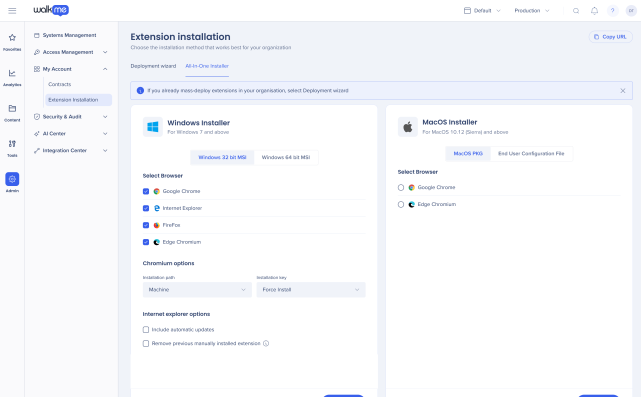
All-In-One Installer (AIO)
WalkMe's All-in-One Installer (AIO) makes it easy for users to widely deploy the WalkMe user extension across all browser types with a single installer file.
All-In-One Installer (AIO)