Brief Overview
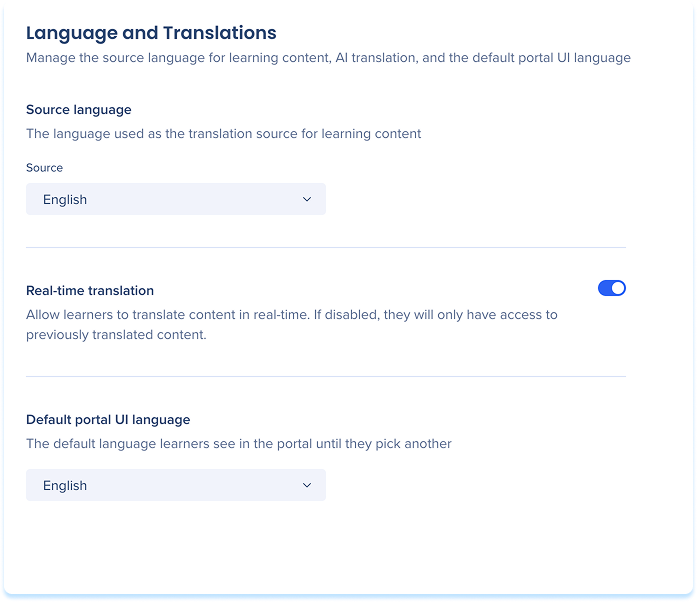
The Language and Translations page lets you manage the source language for your learning content, control whether learners can translate content in real time, and set the default language the portal interface appears in.
Access
Access Language and Translations in the console:
- Open the WalkMe Console:
- Go to the Content category
- Select Learning Arc and select the Settings tab
Source Language
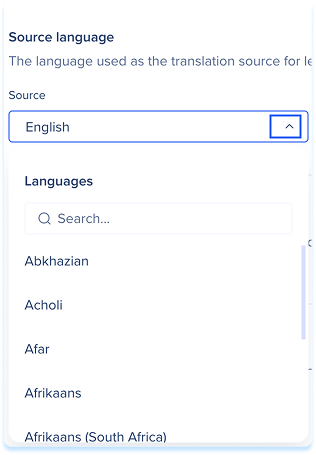
Set the language used as the translation source for all learning content in the portal.
- Choose a language from the Source dropdown
Notes
- Changing the source language sets the base used for translations and content created with AI. It doesn't change or re-translate your existing course content.
- Changing the default affects new content only. Existing content keeps its source language.
- You can change a single course's source language from the Translations drawer or from Content details.
- When you choose a source language, a message appears if that language supports real-time translation for a limited number of languages or doesn't support it at all.
Real-Time Translation
- Turn on Real-time translation to let learners translate content into their preferred language in the portal
- Turn it off so learners see only previously translated content

Default Portal UI Language
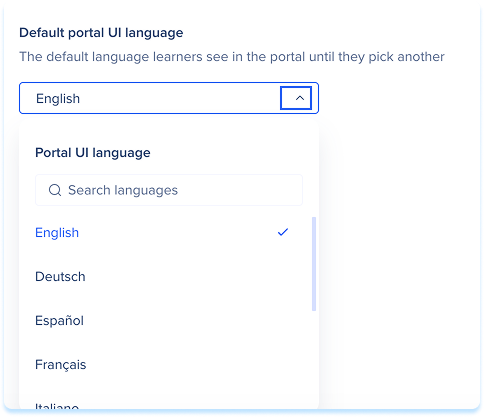
Set the language the portal interface appears in for learners who haven't selected a language themselves.
- Choose a language from the Select language dropdown
Technical Notes
- Real-time translation is not available for Canada or FedRAMP environments


