Brief Overview
You can set a WalkMe Learning Arc course as the action of a launcher. When learners select the launcher, the course opens in WalkMe Learning Arc, so you can bring training into the flow of work without pulling learners out of their application.
Note
This feature is only available to customers with both WalkMe Digital Adoption and WalkMe Learning Arc.
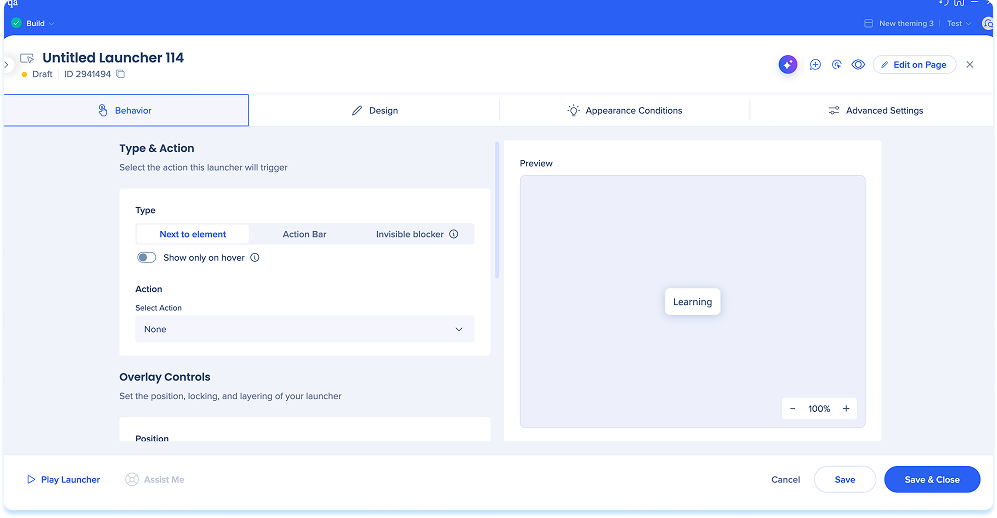
Set the Launcher Action
- Open the WalkMe Editor and select an existing launcher or create a new one
Launchers: Getting Started Guide
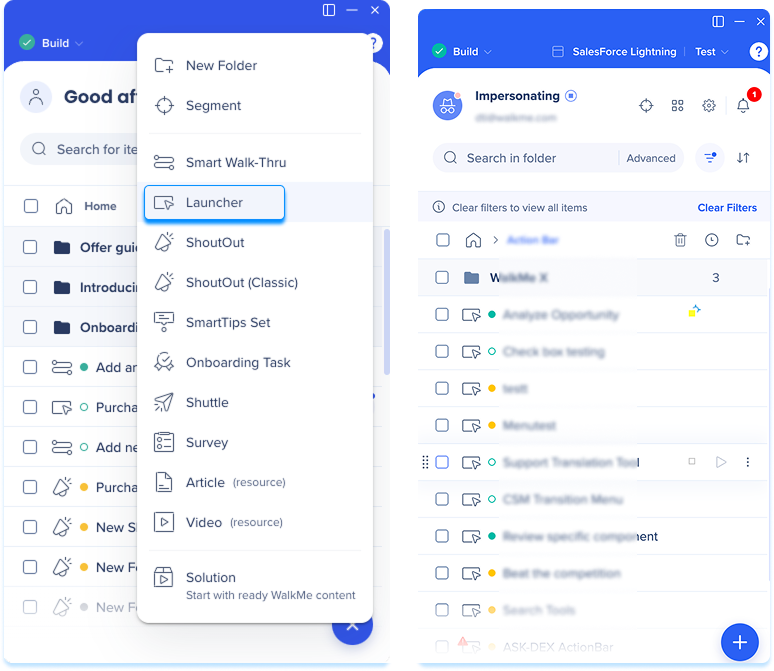
-
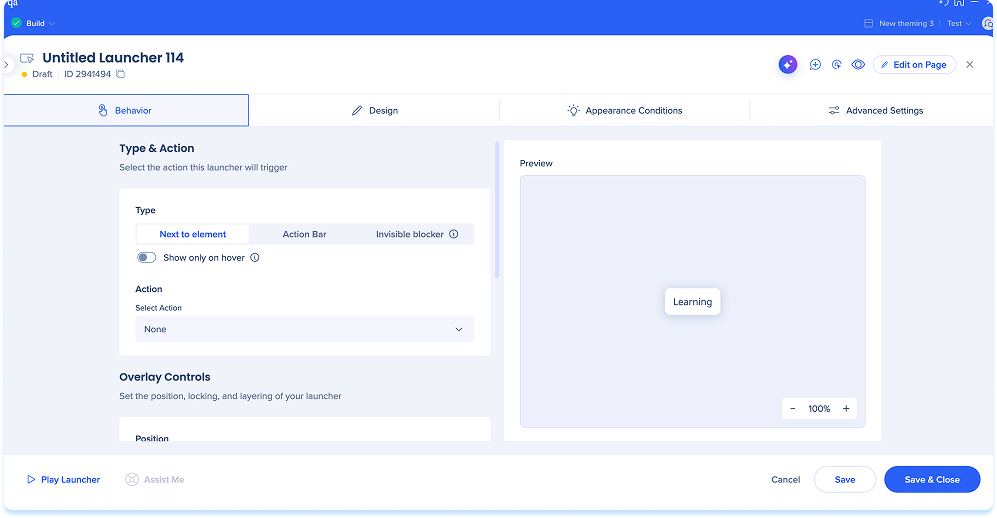
Open the Behavior tab
-
Select a launcher type:
-
Next to element: Anchors the launcher to a specific element on the page
-
Invisible blocker: Invisibly covers a UI element to prevent clicks
-
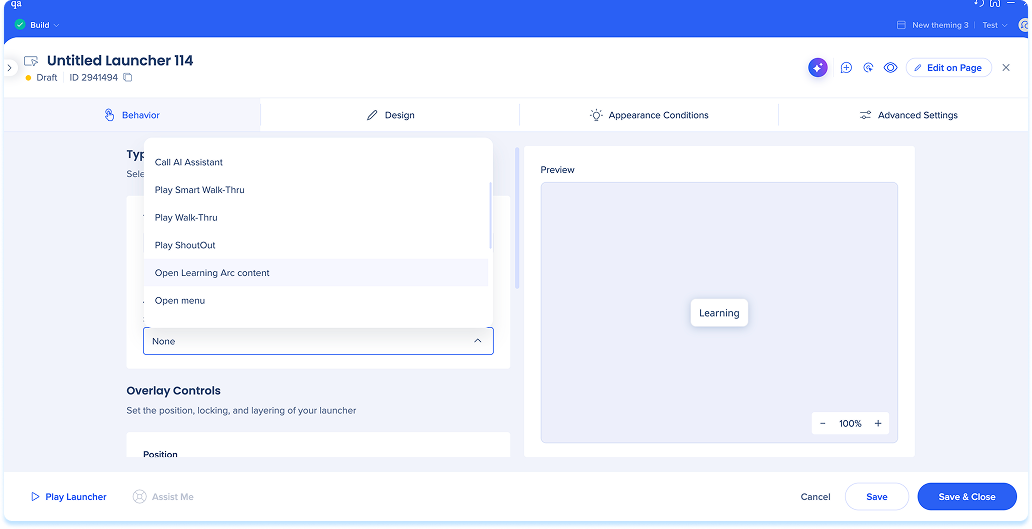
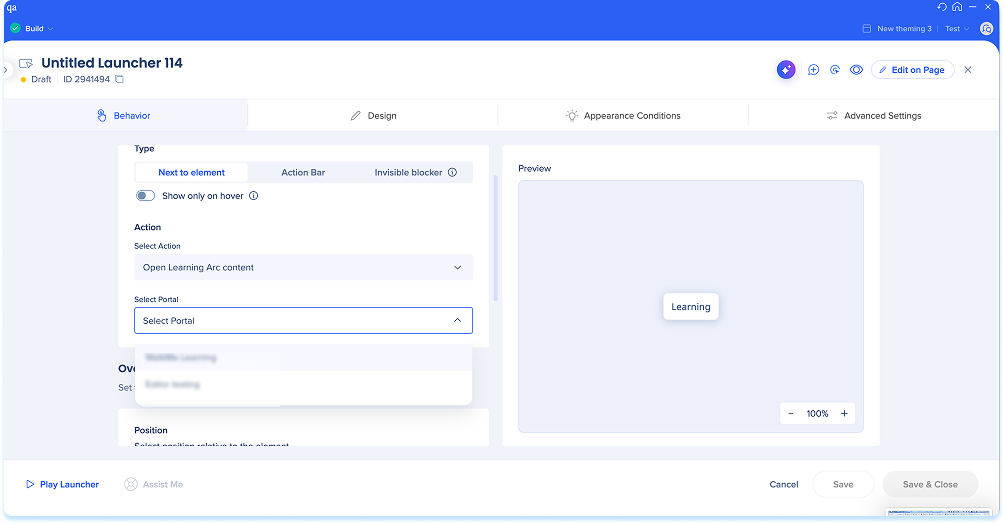
In the Action dropdown menu, select Open learning arc content
-
In the Select Portal dropdown menu, choose the target portal
-
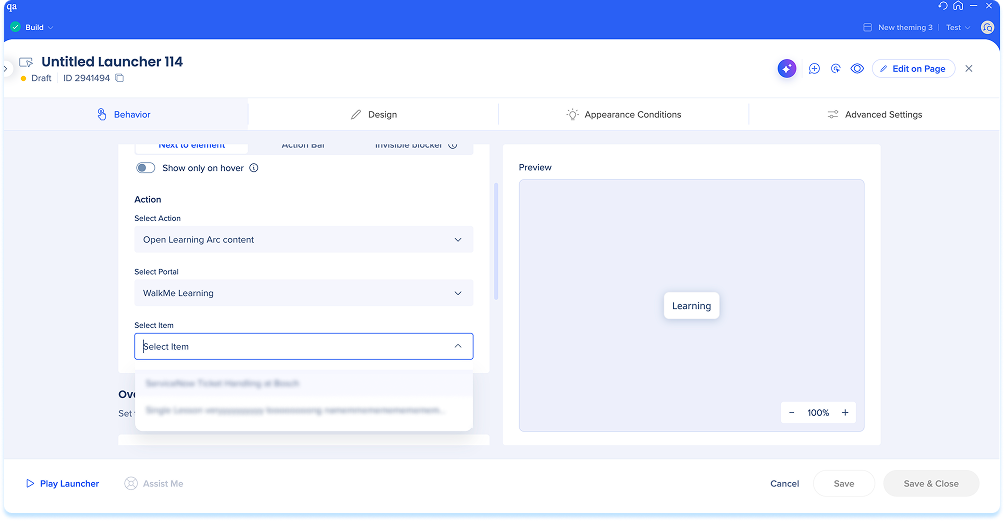
In the Select Item dropdown menu, choose the desired learning content
-
Select Save & Close
Technical Notes
- Segmentation doesn't affect launcher visibility, however users must have access permissions for the selected portal to view course content


