Brief Overview
WalkMe Surveys in the console enhance WalkMe's existing survey functionality by providing advanced, AI-driven survey creation along with improved tools for survey distribution and analytics. With the Surveys app, organizations can create NPS-style, multiple-choice, and open-ended question surveys that are delivered within digital workflows or shared as standalone experiences.
The app supports customizable templates and branding options to help deliver a consistent user experience while collecting meaningful feedback at key moments across the user journey.
Use Cases
- Employee Feedback Collection: HR leaders quickly create and deploy surveys to gather employee sentiment regarding onboarding, benefits, or engagement, - no prior WalkMe experience needed.
- Customer Satisfaction Surveys: Customer Success Managers easily publish in-app surveys or send email surveys after support interactions to measure customer satisfaction and NPS, tracking trends over time.
- Training Effectiveness: Training Managers collect feedback within digital training sessions to evaluate content effectiveness and identify areas for improvement, ensuring feedback is captured at the most relevant moments.
- Feature Adoption Insights: Product Managers deploy targeted surveys directly within new product or feature flows to understand user adoption and gather feedback without requiring technical expertise.
- Operational Efficiency Reviews: Business Operations teams embed surveys within key processes to collect feedback on workflows and identify bottlenecks, enabling continuous process improvements.
- Compliance and Policy Feedback: Legal and Compliance teams send full-page surveys to employees for feedback on internal policies, helping to ensure alignment and understanding at key milestones.
Access
Access Surveys in the console:
- Open the WalkMe Console
- Go to the Content category
- Select Surveys
How It Works
The Surveys app is managed in the WalkMe Console and includes the following key areas:
Surveys Builder page
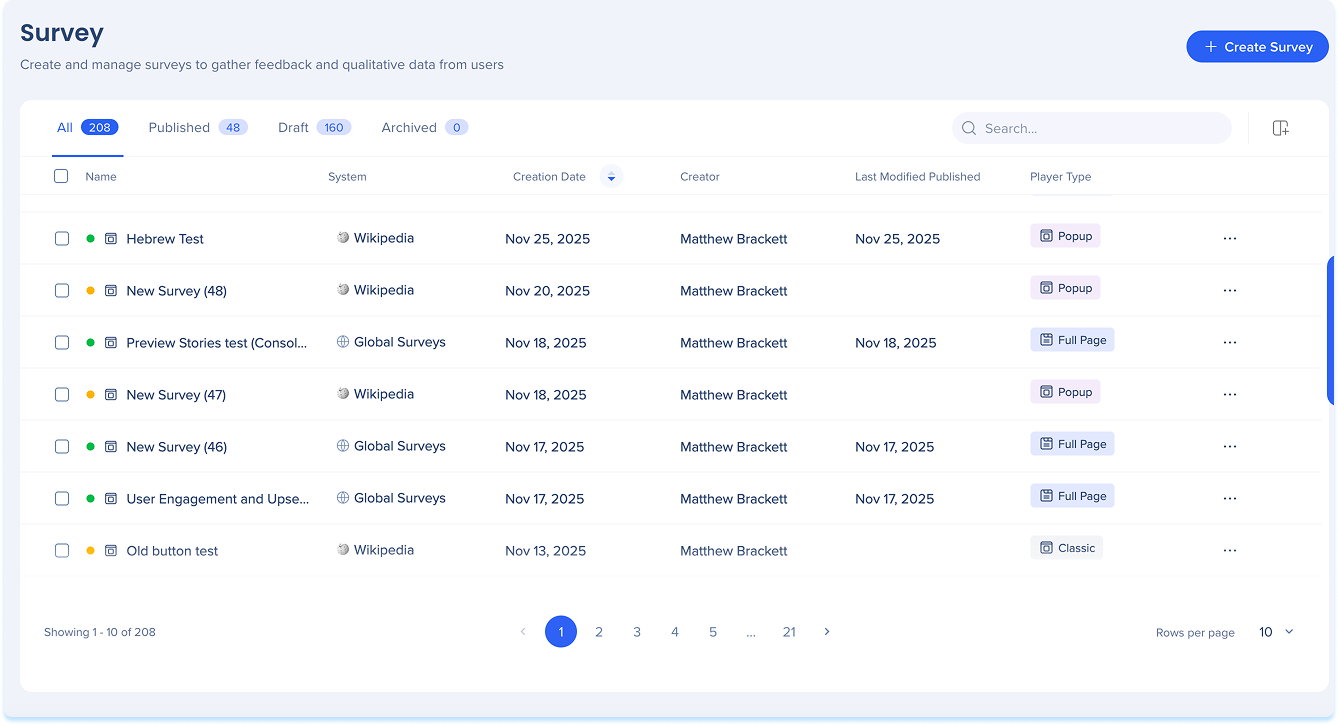
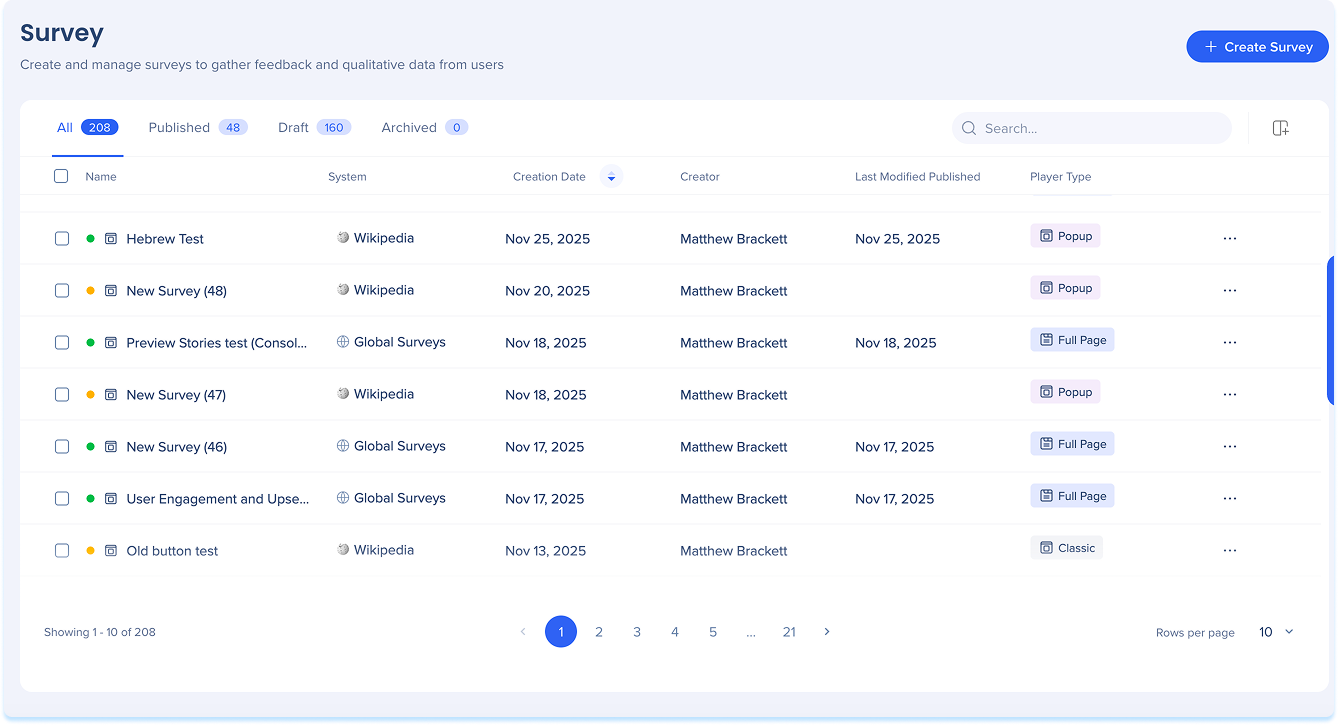
The Surveys Builder is where surveys are created and managed. Surveys can be prepared for delivery as popup surveys or full-page surveys, depending on how feedback is collected.
Surveys Builder Page Overview
Surveys Overview page
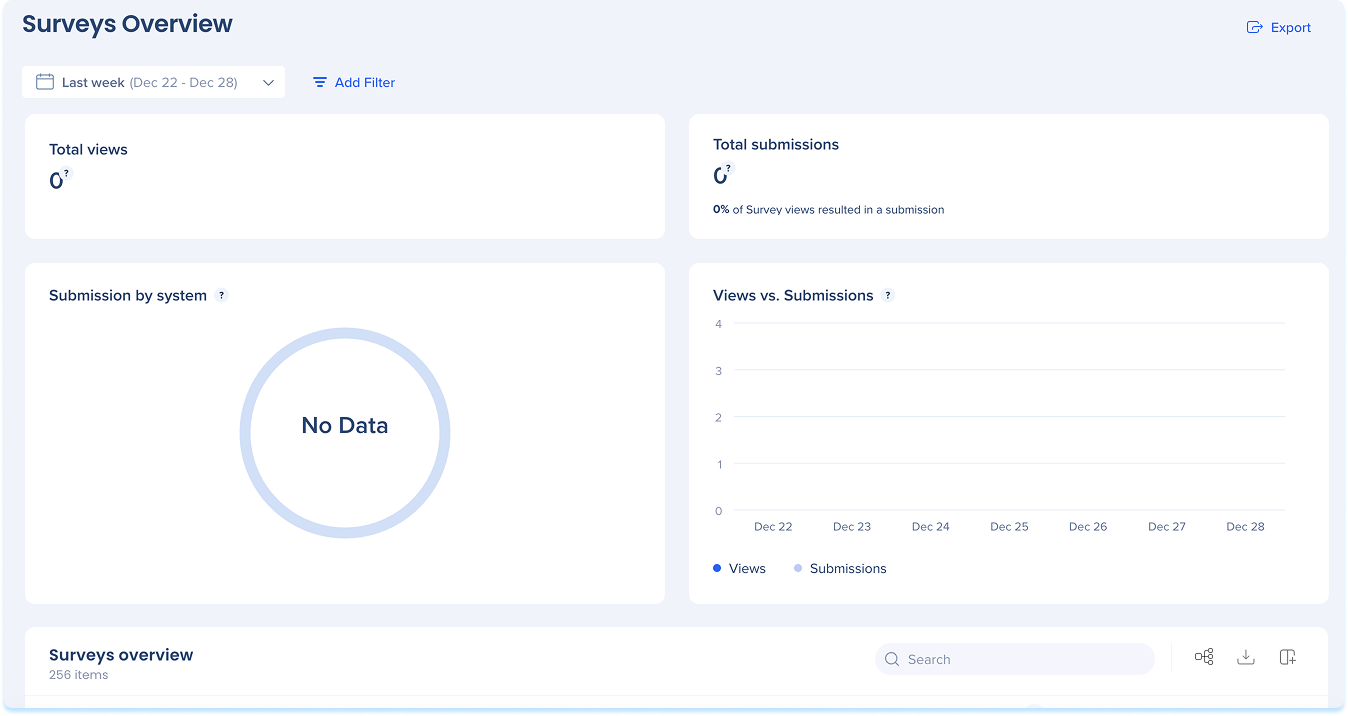
The Surveys Overview page provides a centralized view of survey performance across your account, including high-level engagement metrics and survey-specific insights. It helps teams understand how users interact with surveys across systems and standalone experiences.
Surveys Overview
Technical Notes
-
Customization
-
Classic Surveys: You can use CSS to customize, but you might need some advanced skills to make it match the look of your app
-
Full page surveys: No BBcode, richtext, or custom CSS
-
Theming app integration: Is supported
-
Popup surveys must have Theming enabled on the editor system that hosts the survey. Theming applied to the editor system will be inherited by the survey.
-
Full page surveys must have Theming enabled on the “Global Survey” system
-
Mobile/Desktop
-
Desktop isn't supported
- Native mobile systems are supported
-
Theming
-
Custom Theming for popup surveys is automatic and based on the selected editor system.
-
Custom theming for full page surveys requires manual setup in the Theming app using the Global Surveys Shadow System.
-
Rich text editor
-
Rich text formatting is supported only for List View answer formats in Single Choice and Multiple Choice question types
-
Dropdown format answers do not support rich text
-
Spellcheck is active by default for all tich text editor fields, including question titles and descriptions
-
The dropdown modal for Single/Multiple Choice options is not a rich text editor, so spellcheck is not available there
-
Customizable Thank You page
-
Only available for surveys created after February 23, 2026
-
Surveys created before February 23, 2026 do not support this feature
-
This page does not currently support translations


