Brief Overview
Sharing workflows with colleagues lets them review the details, even if they don't have WalkMe credentials. Recipients get access through an emailed link, with an optional personalized message that gives them context for the invitation.
Use Cases
- Share workflows with specific stakeholders: Send access to the people who need it, without opening unrelated workflows to everyone
- Add context to an invitation: Include a personalized message so recipients understand what they're being asked to review
- Control access to sensitive workflows: Keep sensitive workflows restricted to the recipients you authorize
How It Works
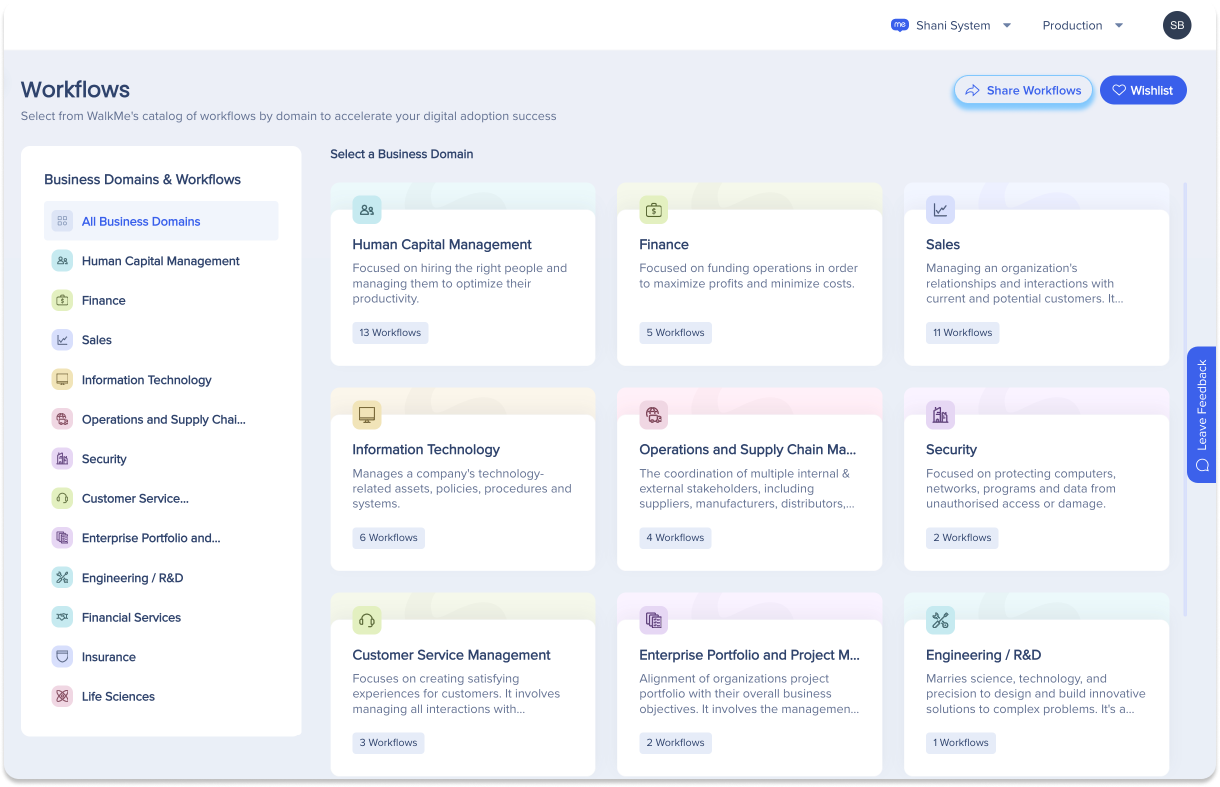
If you have WalkMe credentials, you can send invitations straight from Workflows in the WalkMe Console — select Share Workflows to get started.
Colleagues without credentials get the same access through an external console, using the link from their invitation.
Workflows
Inviting recipients
Select Share Workflows in the header to open the invitation popup. Enter one or more recipient email addresses, and optionally add a personalized message with context or instructions about the shared workflows.
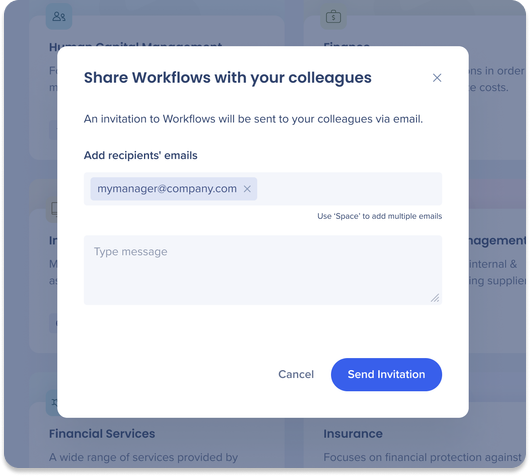
Select Send Invitation once you've entered the recipient details and message. WalkMe generates a customized email invitation for each recipient.
Recipient interaction
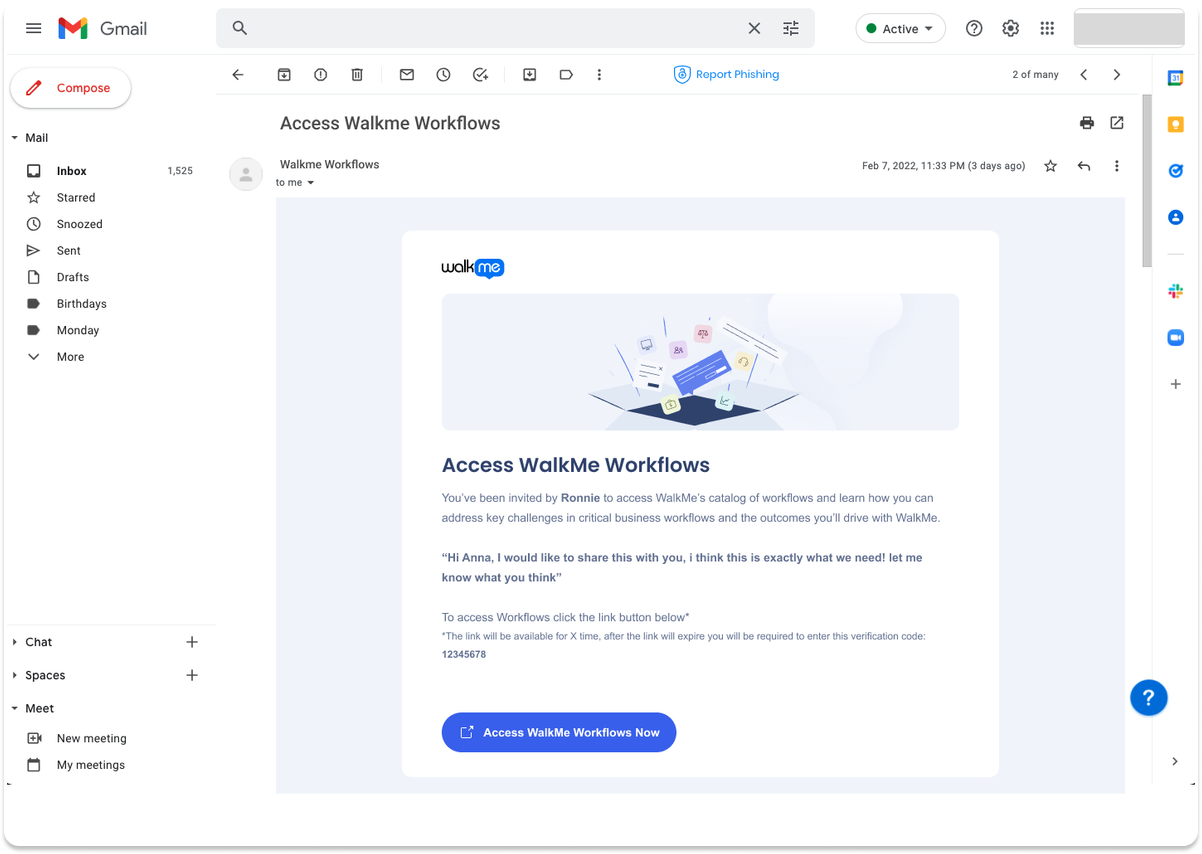
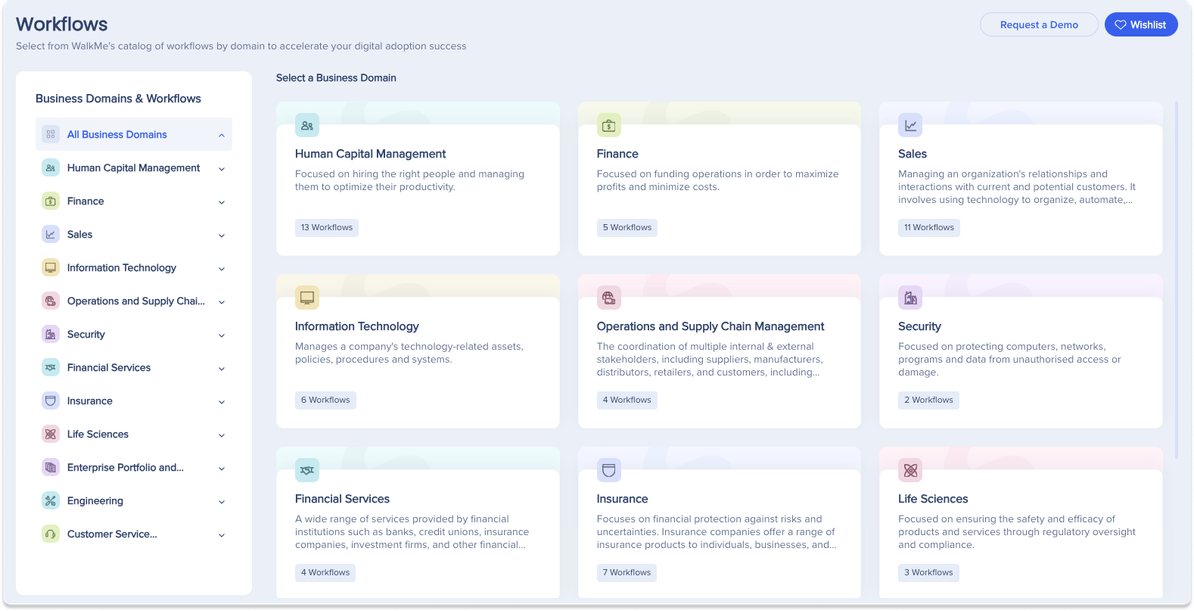
Recipients get an email with an Access WalkMe Workflows Now button. Selecting it opens the Workflows external site in a new browser tab.
Verification code
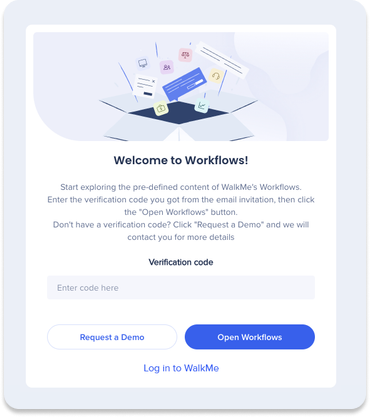
Recipients who reach the external site without using their invitation link need a verification code, included in their invite email, to gain access.
Technical Notes
- External task sharing isn't supported: if a user shares workflows, the email includes links to the workflows, but not to individual tasks
- Invitations remain valid for 14 days from when they're issued
- Verification codes remain valid for 14 days from when they're issued
- The verification code requirement helps ensure only authorized recipients can access the external site
- Recipients should use their invitation and verification code within the 14-day validity window


