Kurzübersicht
Mit Umgebungen können Sie verwalten, wo und wie WalkMe auf Ihrem System bereitgestellt wird. Jedes System enthält zwei Standardumgebungen – Produktion und Test –, und Sie können benutzerdefinierte Umgebungen erstellen, um sie an den Bereitstellungsworkflow Ihrer Organisation anzupassen.
Systems Management
Zugriff
So greifen Sie auf die Umgebungseinstellungen in der Konsole zu:
- Öffnen Sie die WalkMe-Konsole
- Admin auswählen
- Wählen Sie in der Systemverwaltung ein System.
- Gehen Sie zur Registerkarte Umgebungen
Funktionsweise
Verwalten Sie auf der Registerkarte Umgebungen alle umgebungsbezogenen Konfigurationen:
- Die Standardumgebungen „Produktion“ und „Test“ werden automatisch erstellt
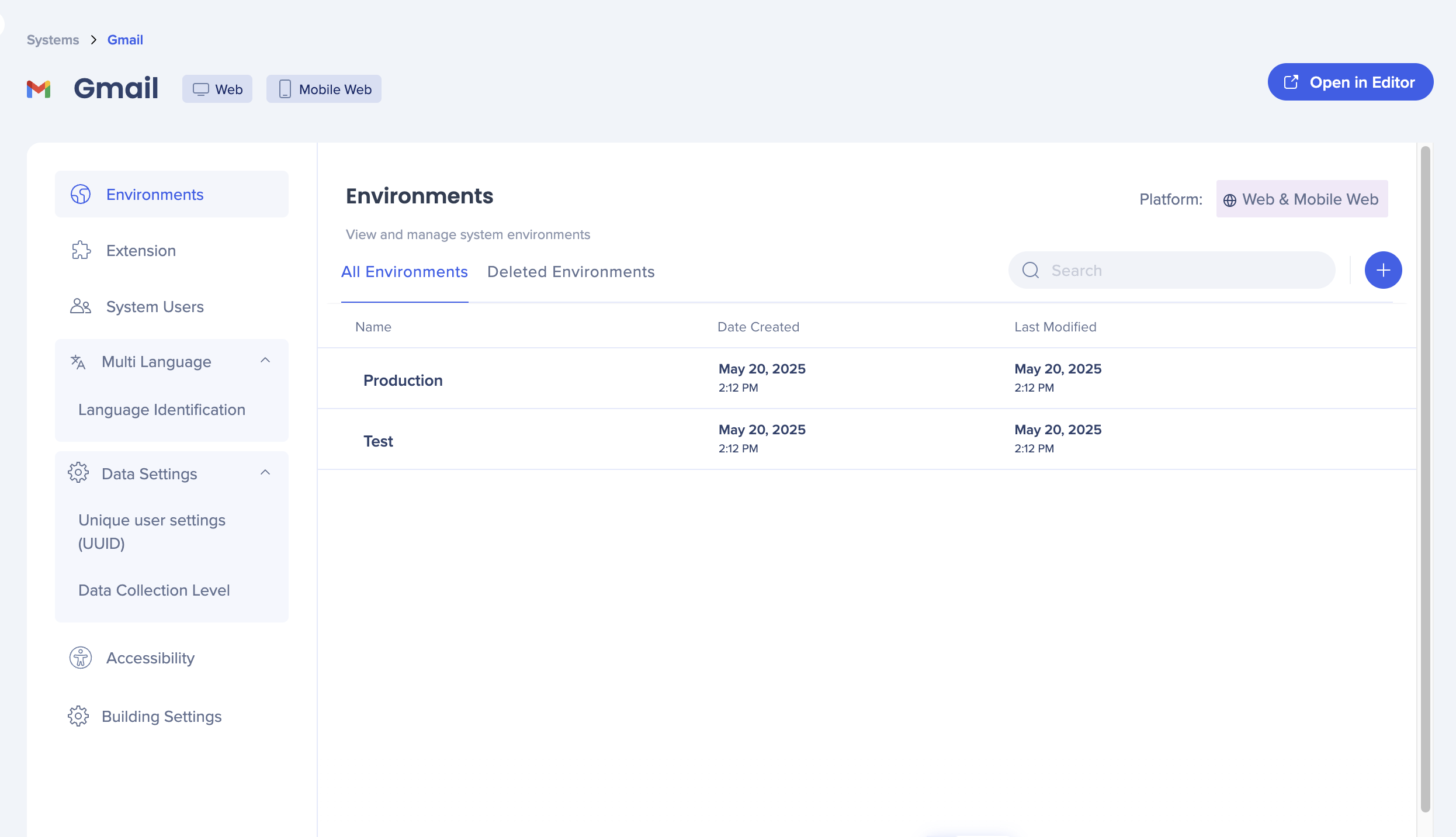 Diese Standardumgebungen können nicht umbenannt oder gelöscht werden
- Wählen Sie das blaue + aus, um eine neue benutzerdefinierte Umgebung zu erstellen
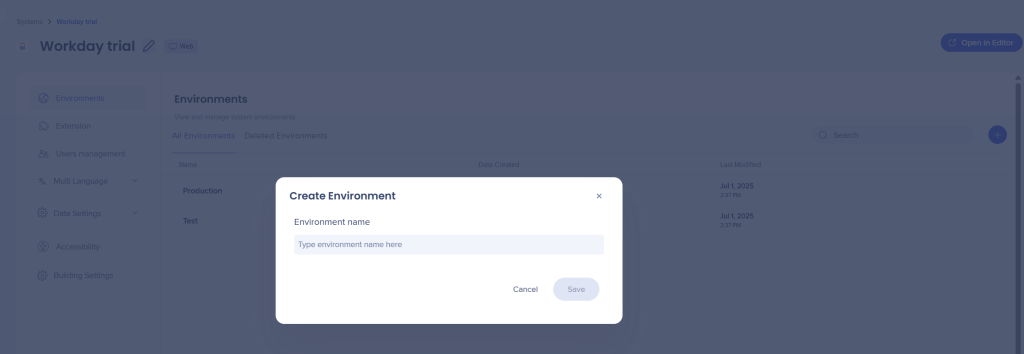
3. Geben Sie einen Namen für die Umgebung ein
4. Wählen Sie Speichern aus
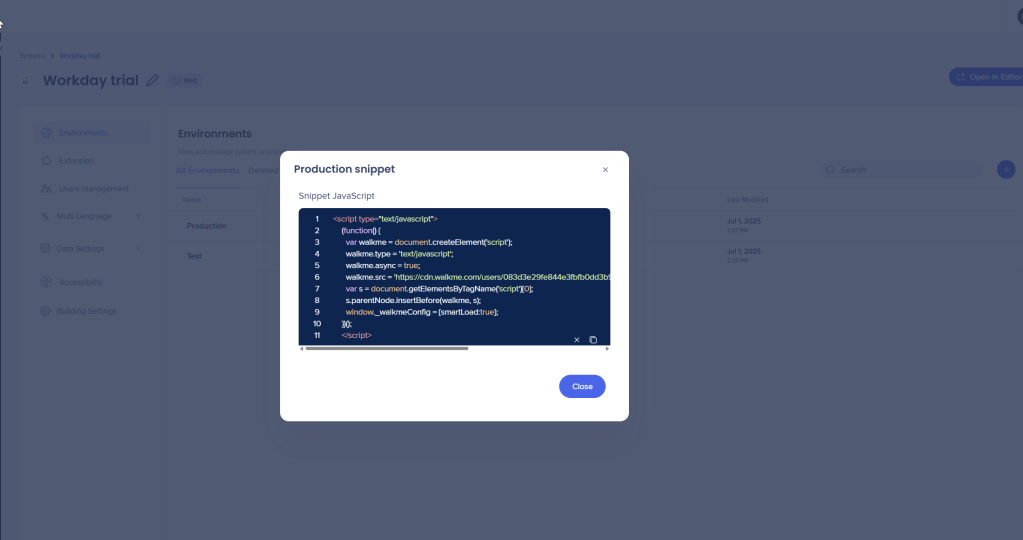
Nach der Erstellung können Sie das entsprechende Snippet für die Bereitstellung kopieren.
Wenn Ihre Bereitstellungsmethode eine Erweiterung verwendet, konfigurieren Sie die URLs in Erweiterungen.
Umbenennen und Löschen von Umgebungen
Sie können benutzerdefinierte Umgebungen umbenennen und löschen, aber nicht „Produktion“ und „Test“.
-
- Bewegen Sie den Mauszeiger über die benutzerdefinierte Umgebung
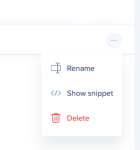
- Wählen Sie das Menü Optionen (drei Punkte)
- Klicken Sie auf Umbenennen oder Löschen
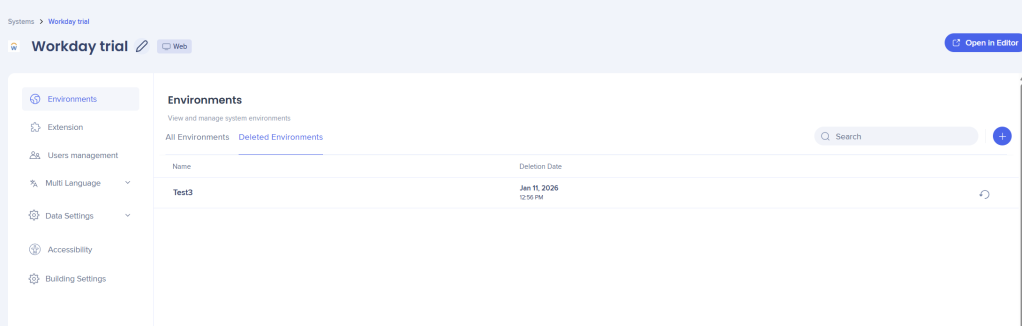
Gelöschte Umgebungen wiederherstellen
- Gehen Sie zur Registerkarte Gelöschte Umgebungen
- Bewegen Sie den Mauszeiger über die Umgebung
- Wählen Sie die Schaltfläche Wiederherstellen aus.