Welcome to the
WalkMe Help Center
Please log in to continue
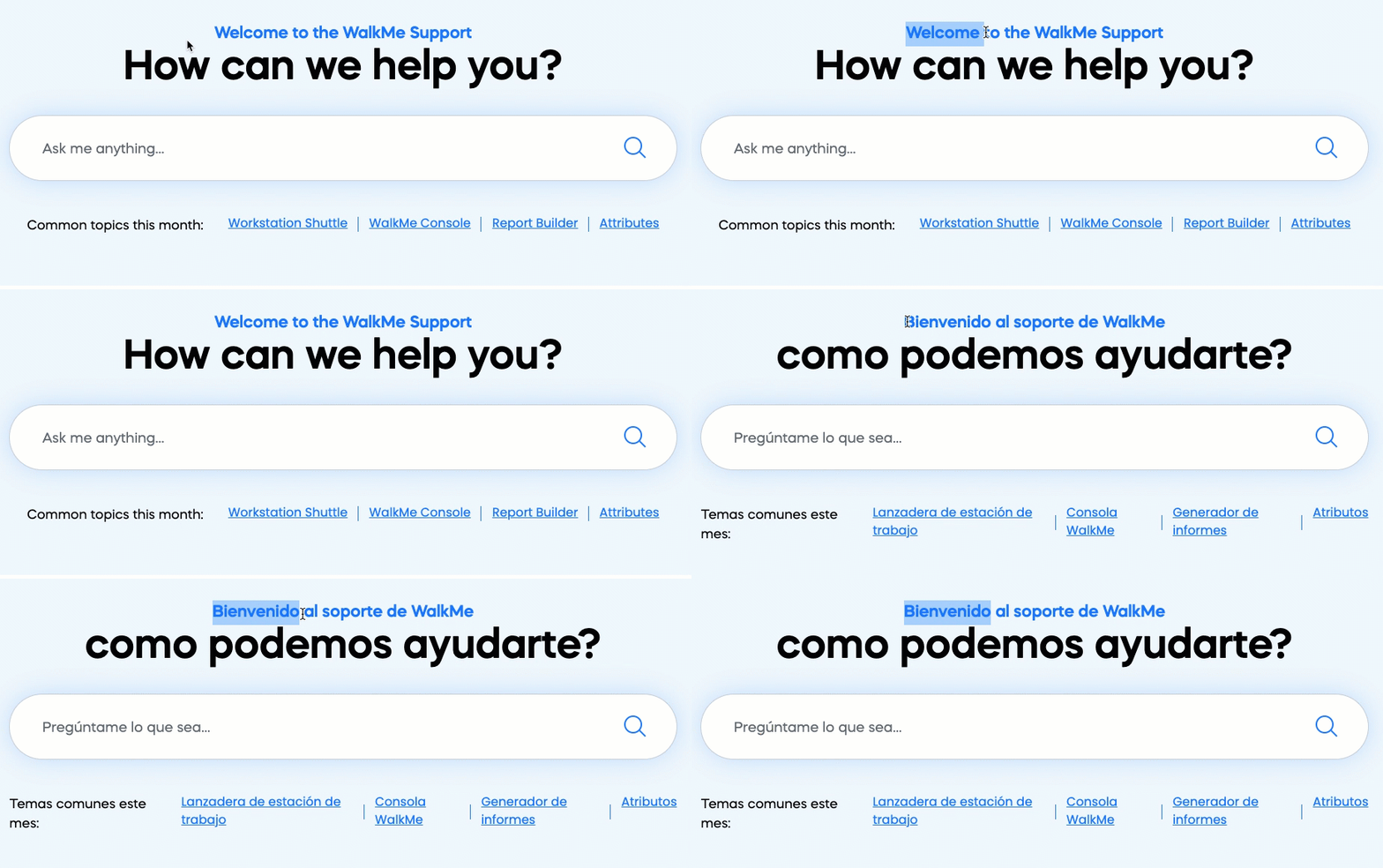
WalkMe offers full support for multi-language sites, allowing DAP professionals to engage a global audience and support end-users in their native language.
With the WalkMe Lexicon active, a builder can create WalkMe content on a site that displays their native language and site users will still see the content if they choose to browse in a different language.
Lexicon uses WalkMe's patented Element Recognition system to identify a website's elements and UI components when users access the site in different languages. Using Natural Language Processing (NLP), our system learns the site's translations and automatically maps phrases in different languages to contextualize the elements and UI components. Since there are countless ways to translate text, WalkMe requires full exposure to the site in all its translated versions in order to recognize elements and UI components consistently across languages.

Afrikaans, Albanian, Amharic, Arabic, Armenian, Azerbaijani, Bengali, Bosnian, Bulgarian, Catalan, Chinese (Simplified), Chinese (Traditional), Croatian, Czech, Danish, Dari, Dutch, English, Estonian, Farsi (Persian), Filipino, Tagalog, Finnish, French, French (Canada), Georgian, German, Greek, Gujarati, Haitian, Creole, Hausa, Hebrew, Hindi, Hungarian, Icelandic, Indonesian, Irish, Italian, Japanese, Kannada, Kazakh, Korean, Latvian, Lithuanian, Macedonian, Malay, Malayalam, Maltese, Marathi, Mongolian, Norwegian, Pashto, Polish, Portuguese (Brazil), Portuguese (Portugal), Punjabi, Romanian, Russian, Serbian, Sinhala, Slovak, Slovenian, Somali, Spanish, Spanish (Mexico), Swahili, Swedish, Tamil, Telugu, Thai, Turkish, Ukrainian, Urdu, Uzbek, Vietnamese, Welsh
Reach out to your WalkMe contact if you need to support a language that is not listed here.
The Lexicon automatically activates under the following conditions:
The Lexicon has 3 main components:

Find this video helpful? Join the conversation on the WalkMe Community!