Brief Overview
Environments let you manage where and how WalkMe is deployed on your system. Each system includes two default environments — Production and Test — and you can create custom environments to match your organization's deployment workflow.
Systems Management
Access
Access Environments settings in the console:
- Open the WalkMe Console:
- Go to the Admin category
- Choose a system in the Systems page
- Go to the Environments tab
How It Works
In the Environments tab, manage all environment related configurations:
- The default "Production" and "Test" environments are automatically created
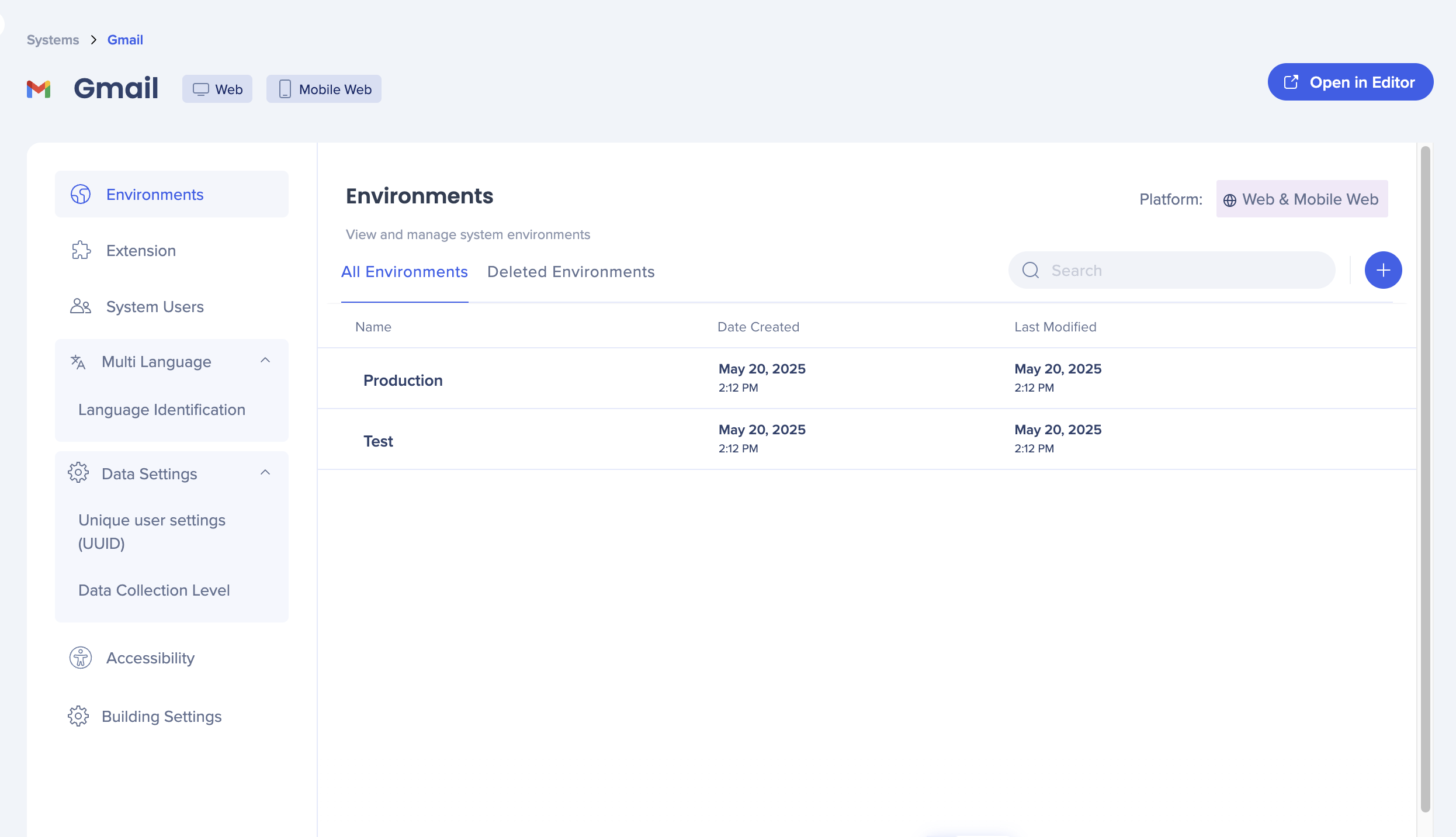 These default environments cannot be renamed or deleted
- Select the blue + to create a new custom environment
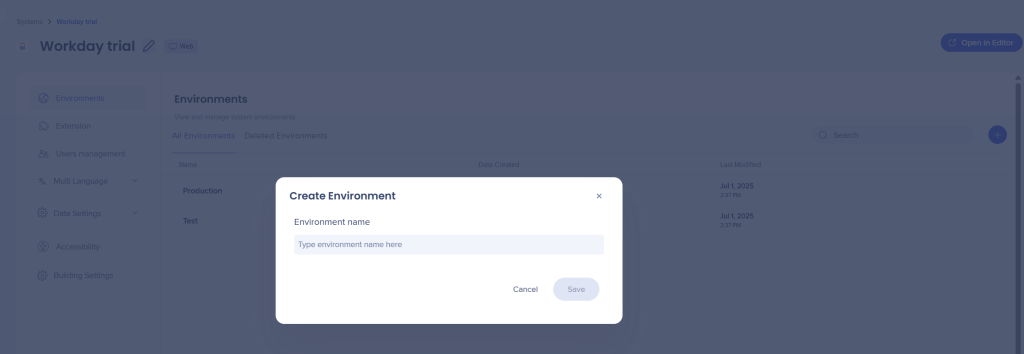
3. Enter a name for the environment
4. Select Save
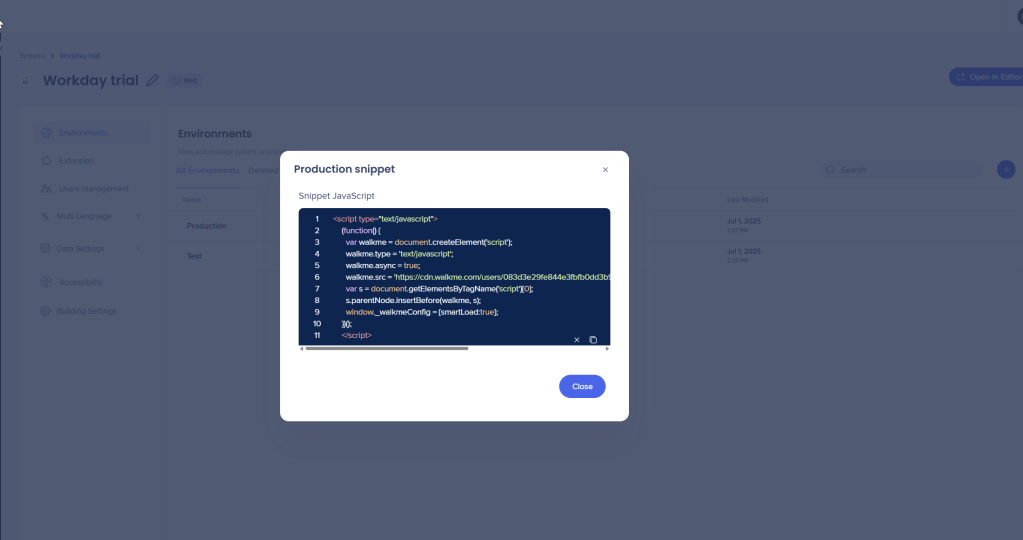
Once created, you can copy the corresponding snippet for deployment.
If your deployment method uses an extension, configure URLs in Extensions.
Renaming and deleting environments
You can rename and delete custom environments but not "Production" and "Test".
-
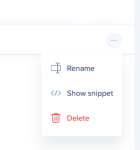
- Hover over the custom environment
- Select the Options (three dots) menu
- Click Rename or Delete
Restoring deleted environments
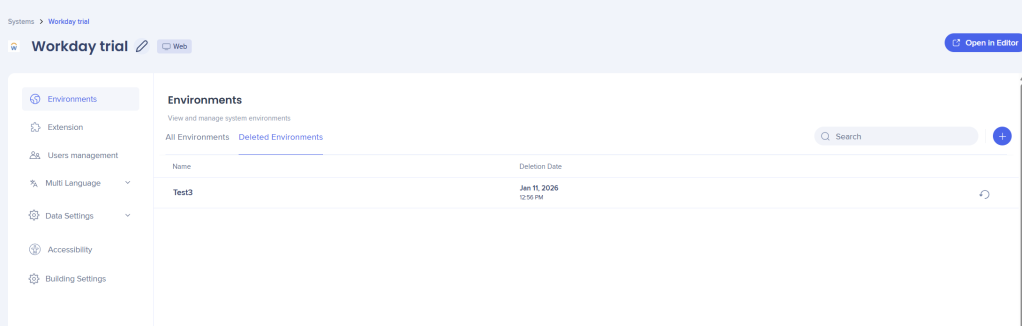
- Go to the Deleted Environments tab
- Hover over the environment
- Select the Restore button