Issue
A ShoutOut is playing for users when it shouldn't be — either more often than the designated frequency settings allow, or despite segmentation or Auto Play rules that have been applied.
Solution
Start by checking the ShoutOut's frequency settings in the Engagement tab, then work through the checks below.
Replay settings
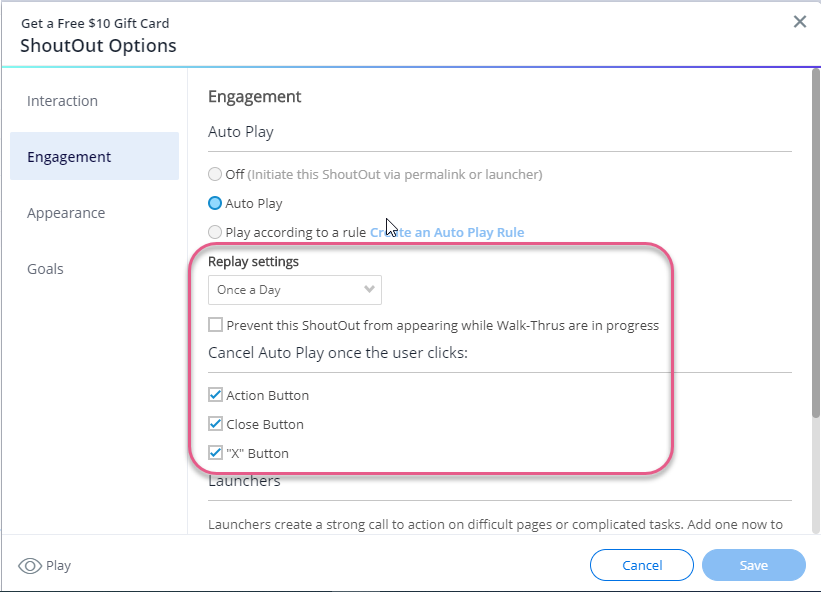
Check whether the ShoutOut is set to play Once, Once a Day, or Always, and compare it to what the user is reporting.
Note
If the ShoutOut is set to play Once a day but the selected action is Remind me next time, it will play every time the user refreshes the page. To play once a day, change the action to Remind me next day.
Cancel Auto Play once user clicks
Check which actions are selected under Cancel Auto Play once user clicks. If none are selected, the ShoutOut will keep playing regardless of what the user clicks.
If only some actions are selected, the ShoutOut will only stop when those specific actions are clicked. For example, if Action button and Close button are selected but X button is not, the ShoutOut will keep appearing for users who only select the X button.
Auto Play settings
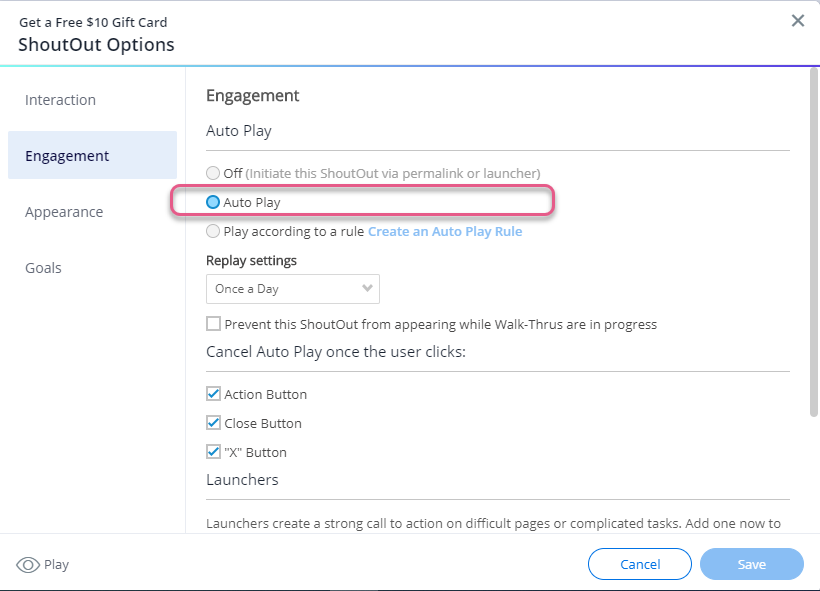
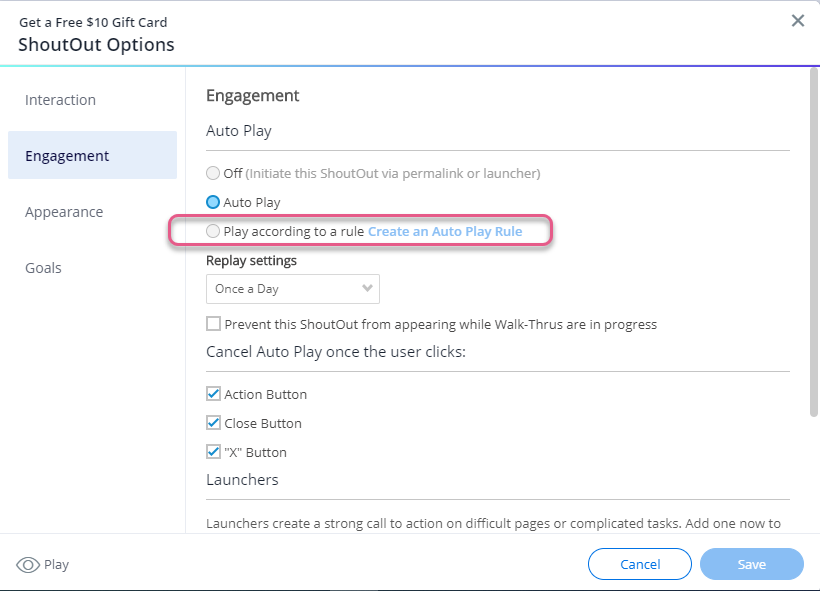
Check the Auto Play rules in the Engagement tab. If Auto Play is selected instead of Play according to a rule, the ShoutOut will play as soon as the user accesses the environment and will continue to play on other pages based on its frequency setting.
Check whether segment tags are being used to control when the ShoutOut appears instead of Auto Play rules. Segment tags use "or" logic — if any one tag is true, the ShoutOut will play.
If you want the ShoutOut to appear only under specific conditions (like a certain URL), add those conditions to the ShoutOut's Auto Play rules rather than relying on segment tags.
Cache and cookies
Check whether the issue is caused by clearing cache and cookies. ShoutOut data resets whenever a browser's cache or cookies are cleared, depending on the storage manager being used.
To test this, access the environment where the ShoutOut appears and confirm whether it plays more than once after verifying the frequency settings shouldn't allow it.
Note
If clearing cache and cookies is the cause, reach out to your Customer Success Manager or WalkMe contact to confirm your storage method is set up correctly and to ask whether enabling server storage is right for you.


